https://github.com/redis-developer/basic-redis-rate-limiting-demo-ruby
A basic Redis rate limiting demo written in Ruby
https://github.com/redis-developer/basic-redis-rate-limiting-demo-ruby
Last synced: 10 months ago
JSON representation
A basic Redis rate limiting demo written in Ruby
- Host: GitHub
- URL: https://github.com/redis-developer/basic-redis-rate-limiting-demo-ruby
- Owner: redis-developer
- License: mit
- Created: 2021-02-27T04:25:26.000Z (about 5 years ago)
- Default Branch: main
- Last Pushed: 2023-06-27T07:45:15.000Z (over 2 years ago)
- Last Synced: 2025-03-31T18:41:12.128Z (11 months ago)
- Language: Ruby
- Size: 1.84 MB
- Stars: 2
- Watchers: 6
- Forks: 2
- Open Issues: 2
-
Metadata Files:
- Readme: README.md
- License: LICENSE
Awesome Lists containing this project
README
# Rate limiting app using Ruby on Rails and Redis
The server lets you send a particular number of requests (`permitted_requests_count` stored in Redis) within a 10 second window. If you send more than that, all additional requests will be blocked.
## Technical Stack
- Frontend: Ruby on Rails
- Backend: Redis
## How it works
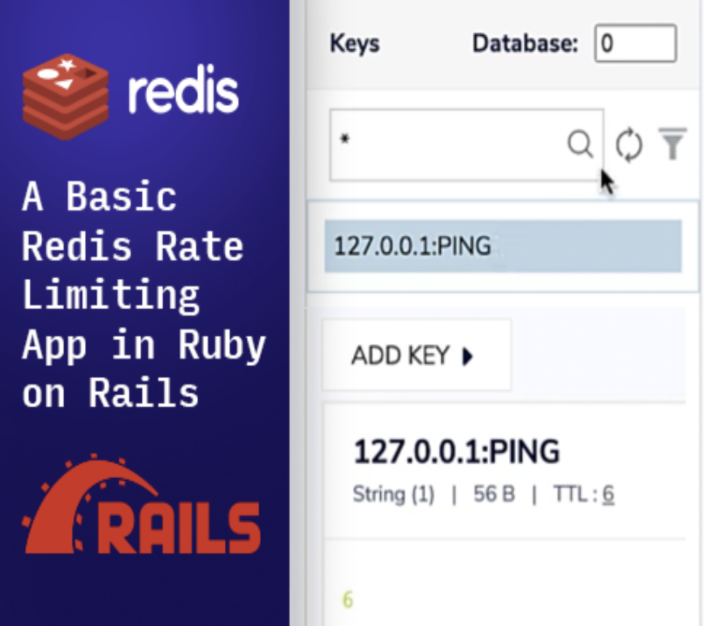
This app was built using the `rack-defense` gem, which blocks connections from a client after surpassing certain number of requests (`permitted_requests_count`, default: 10) per time window (10 seconds).
The `rack-defense` gem uses Redis as a back end.
##### Code to configure rack-defence
```Ruby
Rack::Defense.setup do |config|
config.store = ENV['REDIS_URL']
permitted_requests_count = config.store.get('permitted_requests_count')
if permitted_requests_count.present?
permitted_requests_count = permitted_requests_count.to_i
else
config.store.set('permitted_requests_count', 10)
end
# 10000 - time, ms
# || 10 - to avoid ArgumentError on first run
config.throttle('ping', permitted_requests_count || 10, 10000) do |req|
req.ip if req.path == '/ping' && req.get?
end
end
```
The application returns response headers after each successful request:
```sh
# example
X-RateLimit-Limit: 10
X-RateLimit-Remaining: 9
```
The application also returns a request header after each request (including blocking requests) showing the number of remaining requests:
```sh
# Example response header
RateLimit-Remaining: 1
```
### How the data is stored:
The `permitted_requests_count` is stored in a Redis string format. By default, the value is `10`. You can set a different value with these commands:
```sh
SET permitted_requests_count VALUE
INCR permitted_requests_count
DECR permitted_requests_count
```
#### IMPORTANT! For the new `permitted_requests_count` value to take effect you need to restart an app (rails) server after these commands.
### How the data is accessed:
You can get `permitted_requests_count` with this command:
```sh
GET permitted_requests_count
```
## How to run it locally?
### Prerequisites
- Ruby - v2.7.0
- Rails - v5.2.4.5
- NPM - v7.6.0
### Local installation:
#### Run commands:
```sh
# copy files and set proper data inside
cp config/application.yml.example config/application.yml
- REDIS_URL: Redis server URI
```
```sh
bundle install
```
#### Run the app
```sh
bin/rails server
```
#### Go to the browser with this link (localhost example)
```sh
http://localhost:3000
```
## Deployment
To make deploys work, you need to create free account in https://redislabs.com/try-free/ and get Redis instance information - `REDIS_URL`. You must pass it as environmental variable (in `application.yml` file or by server config, like `Heroku Config Variables`).
### Heroku
[](https://heroku.com/deploy)
[](https://deploy.cloud.run?git_repo=https://github.com/redis-developer/basic-redis-rate-limiting-demo-ruby)