https://github.com/retrixe/imprint
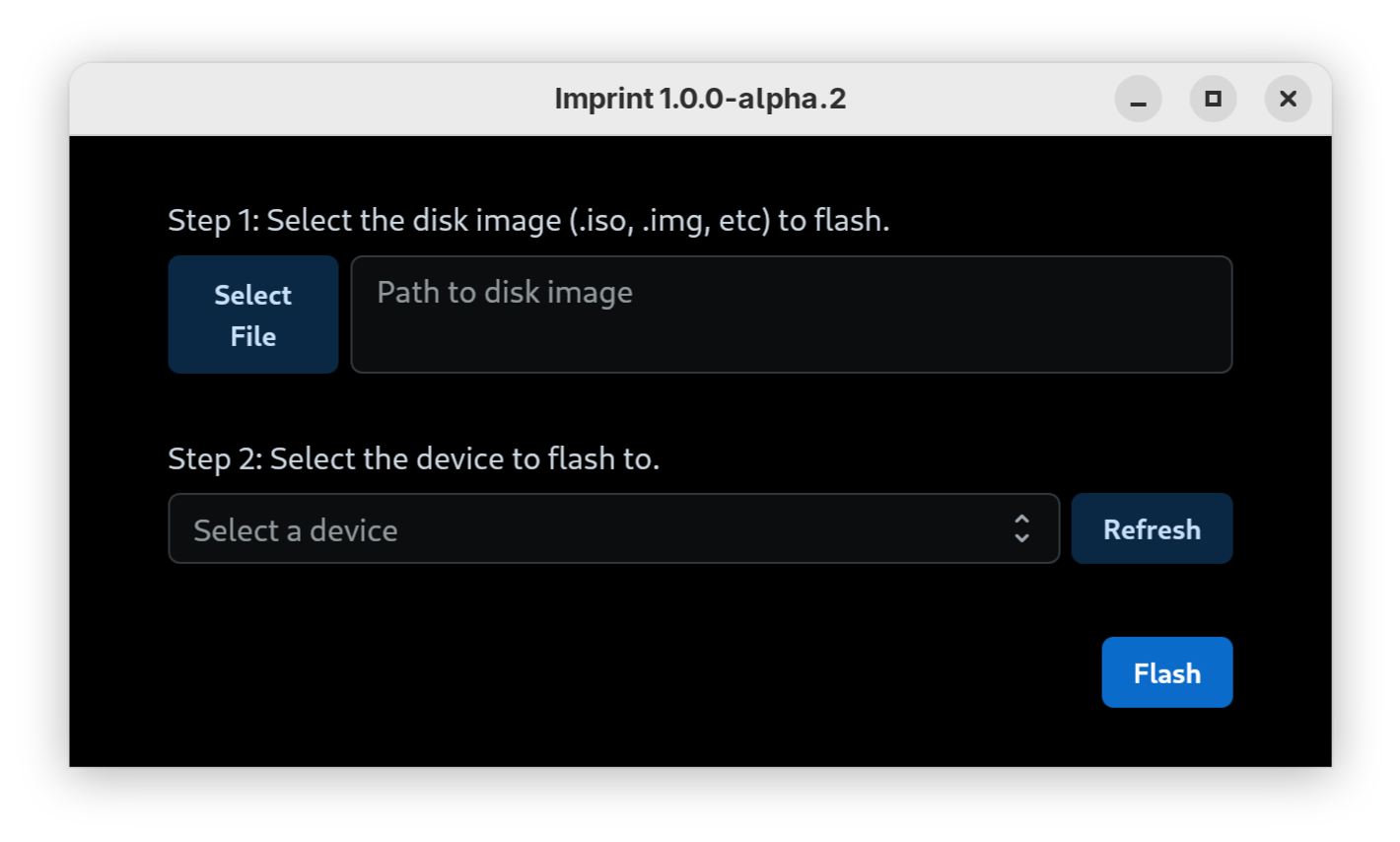
A small, intuitive app to flash ISOs and disk images to external drives e.g. USB drives.
https://github.com/retrixe/imprint
gui
Last synced: about 1 year ago
JSON representation
A small, intuitive app to flash ISOs and disk images to external drives e.g. USB drives.
- Host: GitHub
- URL: https://github.com/retrixe/imprint
- Owner: retrixe
- License: apache-2.0
- Created: 2021-02-03T08:42:19.000Z (over 5 years ago)
- Default Branch: main
- Last Pushed: 2025-04-25T16:16:36.000Z (about 1 year ago)
- Last Synced: 2025-06-06T13:05:41.945Z (about 1 year ago)
- Topics: gui
- Language: Go
- Homepage:
- Size: 3.17 MB
- Stars: 2
- Watchers: 1
- Forks: 0
- Open Issues: 4
-
Metadata Files:
- Readme: README.md
- License: LICENSE
Awesome Lists containing this project
README
# imprint
A small, intuitive app to flash ISOs and disk images to external drives e.g. USB drives.
## Quick Start
1. Download the latest version of imprint from the [releases page](https://github.com/retrixe/imprint/releases).
2. Run imprint:
- ~~On Windows, double-click the `imprint.exe` file.~~ Windows is currently not supported. Support is being tracked in [issue #3](https://github.com/retrixe/imprint/issues/3).
- On macOS, extract the archive and double-click the `imprint` app.
- On Linux, extract the archive and double-click the `imprint` app.\
You may need to run right-click the app and mark it as executable, depending on your desktop environment.
3. Proceed to flash your drive by following the steps in the app 🎉
## Supported Images / Hardware
This app is tested with a variety of ISOs from various Linux distributions e.g. Ubuntu, Fedora, openSUSE, Raspbian, etc. It should work with all disk images which can be flashed directly through `dd`.
Hardware regularly tested against include SD cards, USB flash drives and external USB hard drives.
⚠️ Windows ISOs are currently not supported, since they require special handling. Support is being tracked in [issue #2](https://github.com/retrixe/imprint/issues/2).