https://github.com/rexops/rex-jobcontrol
Simple Webinterface to control Rex
https://github.com/rexops/rex-jobcontrol
Last synced: about 1 year ago
JSON representation
Simple Webinterface to control Rex
- Host: GitHub
- URL: https://github.com/rexops/rex-jobcontrol
- Owner: RexOps
- Created: 2014-08-30T08:34:37.000Z (almost 12 years ago)
- Default Branch: master
- Last Pushed: 2019-07-27T19:54:13.000Z (almost 7 years ago)
- Last Synced: 2024-05-09T19:36:20.748Z (about 2 years ago)
- Language: Perl
- Size: 829 KB
- Stars: 10
- Watchers: 11
- Forks: 6
- Open Issues: 11
-
Metadata Files:
- Readme: README.md
Awesome Lists containing this project
README
# Rex::JobControl
Rex::JobControl is a simple Webinterface to Rex.
Currently the Webinterface is in early development stage. So if you see bugs, have ideas for improvement or want to help developing please contact us via the issue tracker or via irc (irc.freenode.net #rex).
## Some Screenshots
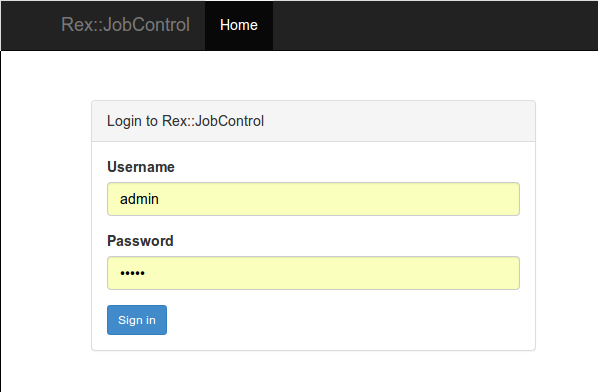
* Login:
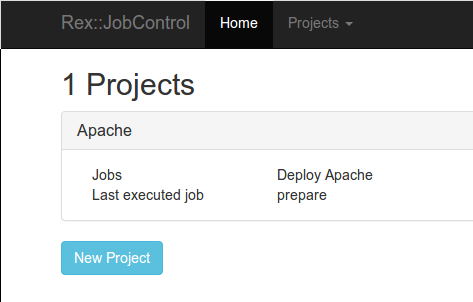
* Project:
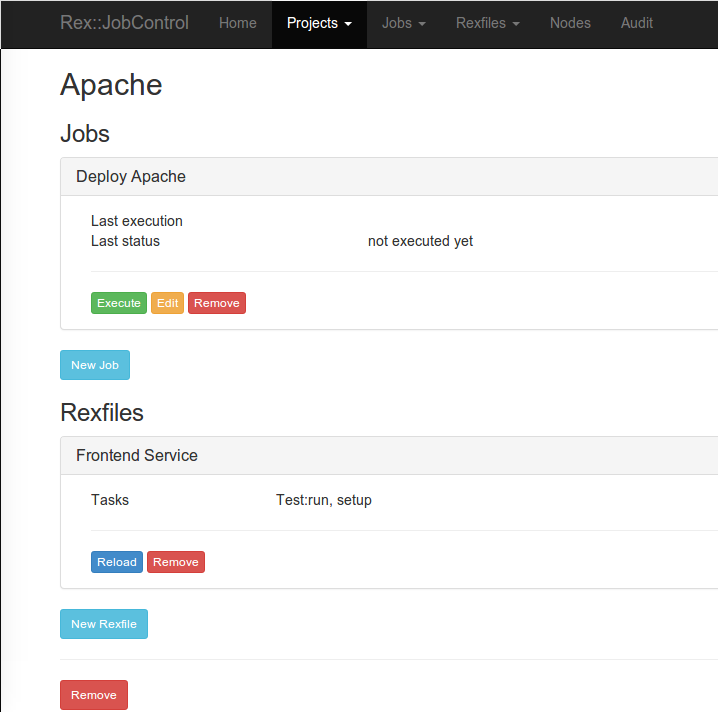
* Job:
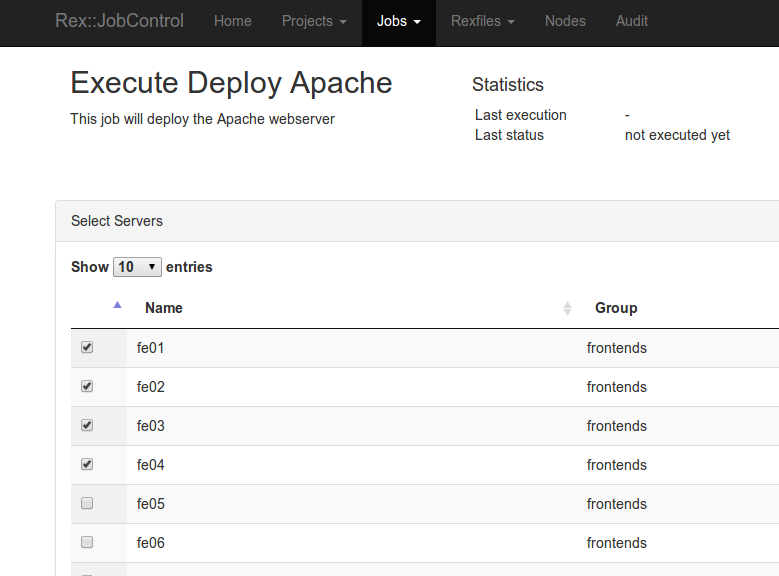
* Execute:
## Installation
Currently there are no packages, but the installation is quite simple.
### Requirements
* Perl (>= 5.10.1)
* Mojolicious
* Mojolicious::Plugin::Authentication
* Minion
* DateTime
* YAML
* Digest::Bcrypt
### Install the source
```
git clone git@github.com:RexOps/rex-jobcontrol.git
cd rex-jobcontrol
cpanm --installdeps .
```
## Configuration
The configuration file is searched in these places:
* /etc/rex/jobcontrol.conf
* /usr/local/etc/rex/jobcontrol.conf
* ./jobcontrol.conf
```perl
{
project_path => "./projects/",
upload_tmp_path => "./upload/",
rex => "/usr/bin/rex",
rexify => "/usr/bin/rexify",
backend => { Pg => 'postgresql://user:password@host:port/database' },
# other options: mysql, SQLite, MongoDB, Mango
# See https://metacpan.org/search?q=minion+backend+[your backend]
session => {
key => 'Rex::JobControl',
},
auth => {
salt => '1cN46DkL2A(dk(!&', # 16 bytes long
cost => 1, # between 1 and 31
passwd => './passwd',
},
}
```
## Manage users
Currently there is no webinterface to manage the users, but you can use a cli command to do this.
Add user:
```
bin/rex_job_control jobcontrol adduser -u $user -p $password
```
Remove user:
```
bin/rex_job_control jobcontrol deluser -u $user
```
List user:
```
bin/rex_job_control jobcontrol listuser
```
## Start the services
Rex::JobControl consists of 2 services. The Webinterface and the Worker.
To start the worker you have to run the following command. You can start as many worker as you need/want.
```
bin/rex_job_control minion worker
```
To start the Webinterface you have to run this command. This will start a webserver at port 8080.
```
hypnotoad bin/rex_job_control
```
## REST API
Every object can be accessed via a REST api.
### Nodes
Get information of a node:
```
curl -D- -XGET \
http://admin:admin@localhost:3000/api/1.0/project/{project_id}/node/{node_id}
```
Create a new node:
```javascript
{
"name" : "foo01",
"type" : "docker",
"parent": "db188e3449615a2c64685abe0802f55f_a673946c007d6a9927f70bdf5d491861",
"data": {
"image": "centos:centos6"
}
}
```
```
curl -D- -XPOST -d@node_create.json \
http://admin:admin@localhost:3000/api/1.0/project/{project_id}/node
```
Delete a node:
```
curl -D- -XDELETE \
http://admin:admin@localhost:3000/api/1.0/project/{project_id}/node/{node_id}
```