https://github.com/rhysd/electron-open-url
Open URL with Electron window from command line or Node.js program
https://github.com/rhysd/electron-open-url
command-line-tool electron open
Last synced: 12 months ago
JSON representation
Open URL with Electron window from command line or Node.js program
- Host: GitHub
- URL: https://github.com/rhysd/electron-open-url
- Owner: rhysd
- License: other
- Created: 2016-11-12T10:57:27.000Z (over 9 years ago)
- Default Branch: master
- Last Pushed: 2017-02-15T07:01:12.000Z (over 9 years ago)
- Last Synced: 2025-06-07T06:04:22.719Z (about 1 year ago)
- Topics: command-line-tool, electron, open
- Language: JavaScript
- Size: 17.6 KB
- Stars: 17
- Watchers: 3
- Forks: 5
- Open Issues: 2
-
Metadata Files:
- Readme: README.md
- License: LICENSE
Awesome Lists containing this project
README
electron-open-url
=================
This is a package to open something with Electron window. You can use this from
both command line and Node.js program.
This program continues to use the same window. So it does not open multiple tabs
when you use this package repeatedly. This package is assumed to be used from
other command line tools, editors or Node.js programs which opens some web page
or file repeatedly.
## Install
```
$ npm install -g electron-open-url electron
```
Note that this package registers 'electron' package as peer dependency. So you need to install it additionally. This is because make users to determine where the 'electron' package should be installed.
## Usage
### From command line
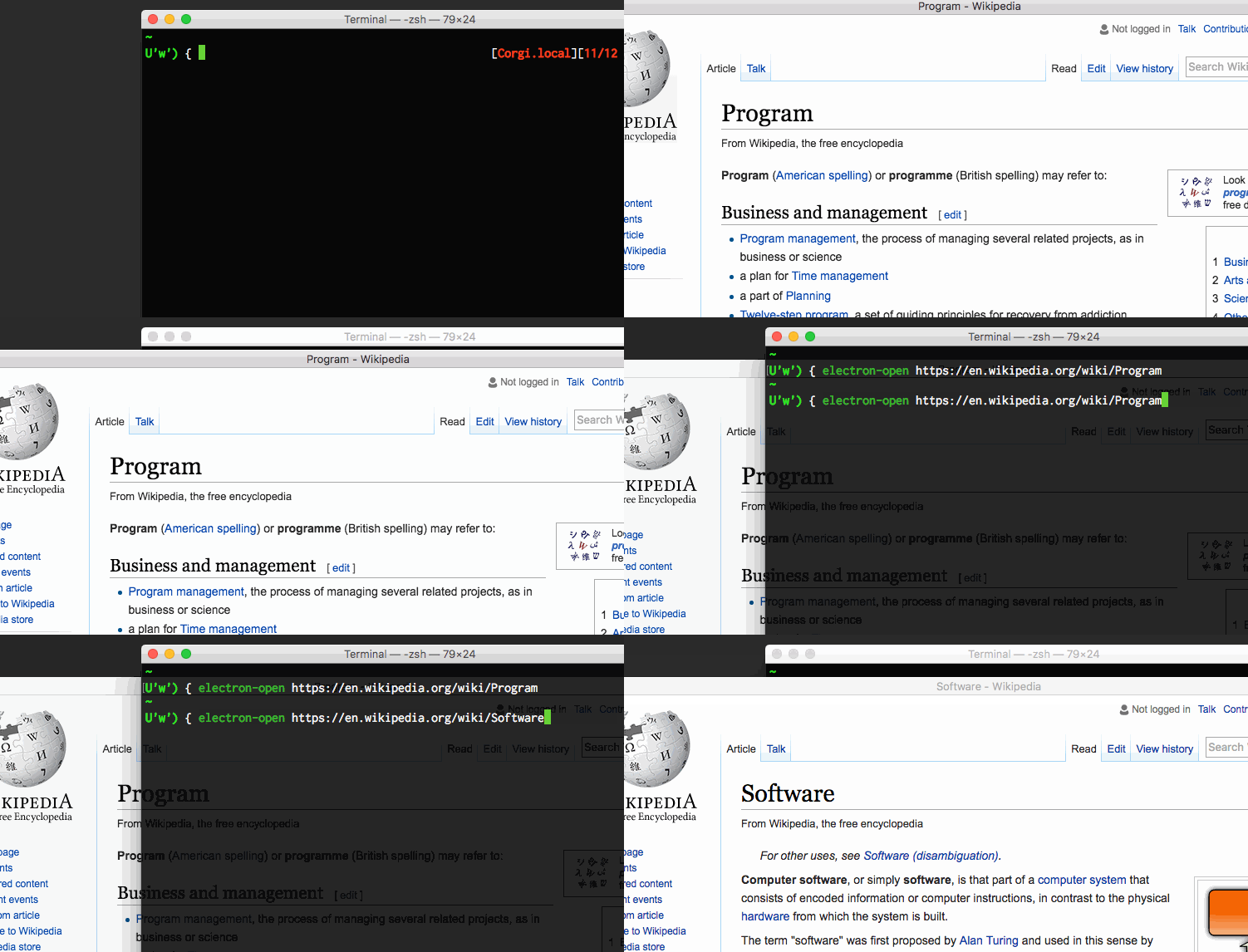
`electron-open` command is available.
For example, below opens Twitter page with Electron window.
```
$ electron-open https://twitter.com/
```
You want to open Twitter's Notification page. Then simply execute below.
```
$ electron-open https://twitter.com/i/notifications
```
The notification page will be opened in the same window.
For more usage, please check `electron-open --help`.
### From Node.js program
```javascript
const open = require('electron-open');
open({
target: 'https://twitter.com',
fallback: true
});
```
The `target` property is a thing you want to open in Electron window.
If `fallback` property is set to `true`, it opens with OS's open method (like
`open` command in macOS or `xdg-open` in X11) when 'electron' package was not
found.
`open()` returns instance of `ChildProcess` if successfully process spawned.
If fallback command dispatched, it returns `null`. When spawning failed, it
throws an error.