https://github.com/ricardojoserf/stealthyenv
Stealthier alternative to whoami.exe in C#, it gets environment variables from PEB (PRTL_USER_PROCESS_PARAMETERS)
https://github.com/ricardojoserf/stealthyenv
environment-variables malware-development prtl-user-process-parameters whoami
Last synced: 6 months ago
JSON representation
Stealthier alternative to whoami.exe in C#, it gets environment variables from PEB (PRTL_USER_PROCESS_PARAMETERS)
- Host: GitHub
- URL: https://github.com/ricardojoserf/stealthyenv
- Owner: ricardojoserf
- Created: 2023-11-02T18:20:37.000Z (over 2 years ago)
- Default Branch: main
- Last Pushed: 2024-02-12T09:08:54.000Z (over 2 years ago)
- Last Synced: 2024-05-01T13:11:43.758Z (about 2 years ago)
- Topics: environment-variables, malware-development, prtl-user-process-parameters, whoami
- Language: C#
- Homepage: https://ricardojoserf.github.io/stealthyenv/
- Size: 16.6 KB
- Stars: 5
- Watchers: 1
- Forks: 0
- Open Issues: 0
-
Metadata Files:
- Readme: README.md
Awesome Lists containing this project
README
# StealthyEnv
Alternative to whoami.exe or other well-known binaries to get the environment variables. It is written in C# and I guess it is stealthier because it gets the values parsing the PEB structure.
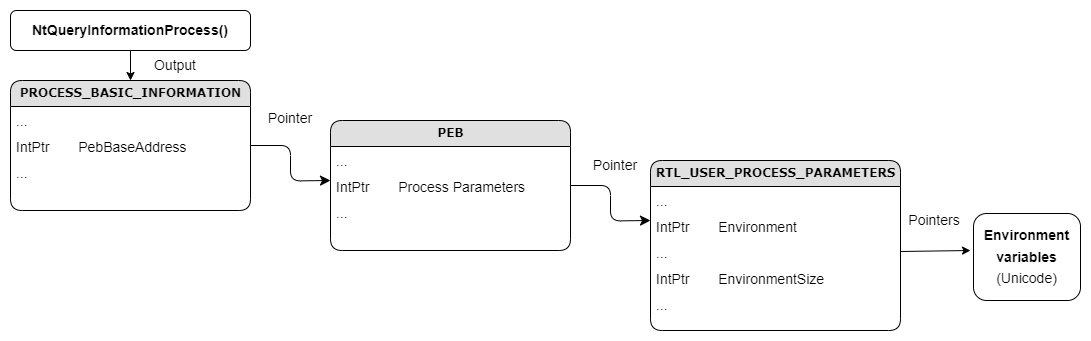
- Function [NtQueryInformationProcess](https://learn.microsoft.com/en-us/windows/win32/api/winternl/nf-winternl-ntqueryinformationprocess) returns a "PROCESS_BASIC_INFORMATION" structure containing a pointer to the PEB base address.
- The PEB structure contains a pointer "ProcessParameters" to a [RTL_USER_PROCESS_PARAMETERS](https://www.geoffchappell.com/studies/windows/km/ntoskrnl/inc/api/pebteb/rtl_user_process_parameters.htm) structure.
- From that structure you can get a pointer "Environment" to the environment variables and a pointer "EnvironmentSize" to the size of the environment variables.
- Reading the number of bytes indicated in "EnvironmentSize" from the address "Environment" as UNICODE text, you get the environment variables.
### Examples
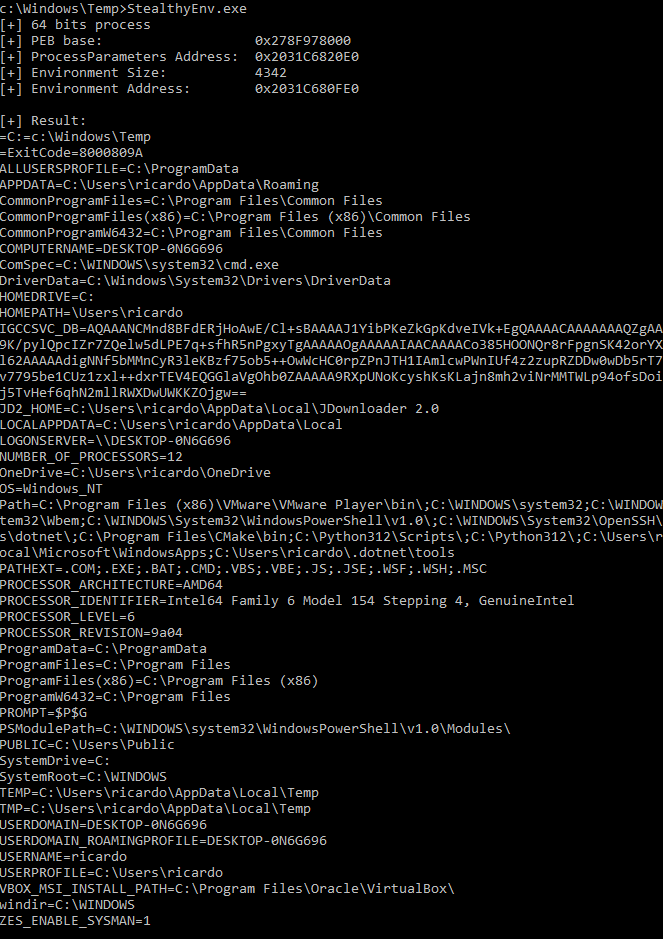
64 bit process:
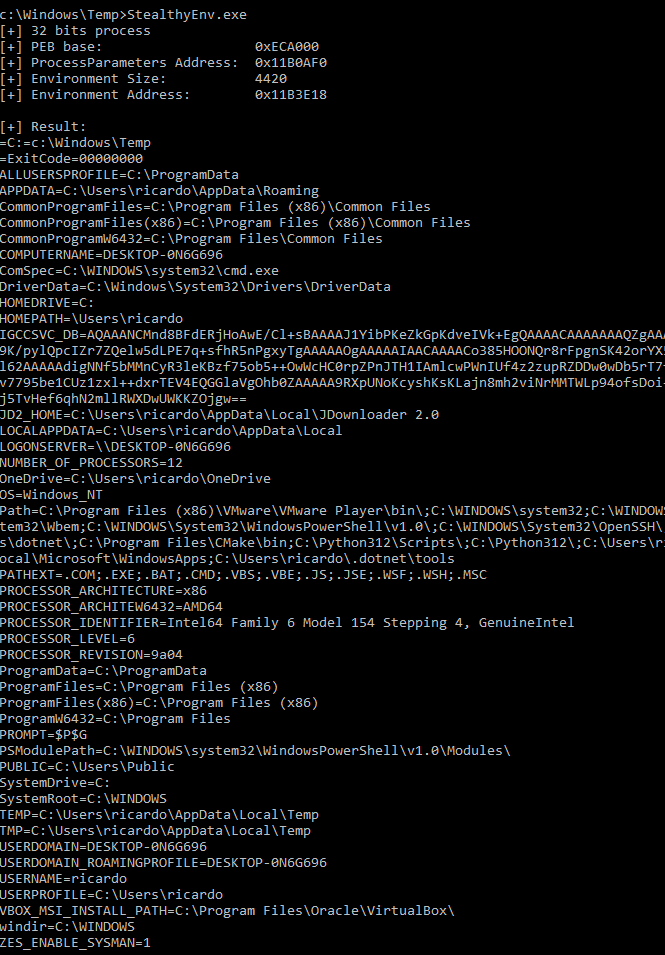
32 bit process: