https://github.com/ricjuanflores/subauto
CLI tool for transcribing, translating, and embedding subtitles in videos using Gemini AI
https://github.com/ricjuanflores/subauto
Last synced: 7 months ago
JSON representation
CLI tool for transcribing, translating, and embedding subtitles in videos using Gemini AI
- Host: GitHub
- URL: https://github.com/ricjuanflores/subauto
- Owner: ricjuanflores
- License: mit
- Created: 2025-01-18T02:34:41.000Z (over 1 year ago)
- Default Branch: main
- Last Pushed: 2025-01-23T04:45:17.000Z (over 1 year ago)
- Last Synced: 2025-09-29T18:30:31.179Z (9 months ago)
- Language: Python
- Homepage:
- Size: 78.1 KB
- Stars: 8
- Watchers: 1
- Forks: 2
- Open Issues: 1
-
Metadata Files:
- Readme: README.md
- License: LICENSE
Awesome Lists containing this project
- awesome-cli-apps-in-a-csv - subauto - CLI tool for transcribing, translating, and embedding subtitles in videos using Gemini AI. (<a name="video"></a>Video)
- awesome-cli-apps - subauto - CLI tool for transcribing, translating, and embedding subtitles in videos using Gemini AI. (<a name="video"></a>Video)
README
# SubAuto
[](LICENSE)
## Description

Subauto CLI is a command-line application written in Python that automates the process of transcribing, translating, and embedding subtitles in videos. It leverages Google's Gemini AI for translation and OpenAI's Whisper for speech recognition.
## Features
- Automated video transcription using Whisper
- High-quality translations using Google Gemini AI
- SRT file generation in both source and target languages
- Automatic subtitle embedding in videos
- Concurrent processing support for multiple videos
- Real-time progress tracking with rich console interface
## Table of Contents
- [Subauto](#subauto)
- [Description](#description)
- [Features](#features)
- [Table of Contents](#table-of-contents)
- [Prerequisites](#prerequisites)
- [Installation](#installation)
- [Usage](#usage)
- [Contributing](#contributing)
- [License](#license)
## Prerequisites
- Python 3.11+
- Install [ffmpeg](https://www.ffmpeg.org/)
- Get a [Gemini API key](https://ai.google.dev/gemini-api/docs/api-key?hl=es-419)
## Installation
```zsh
pip install subauto
```
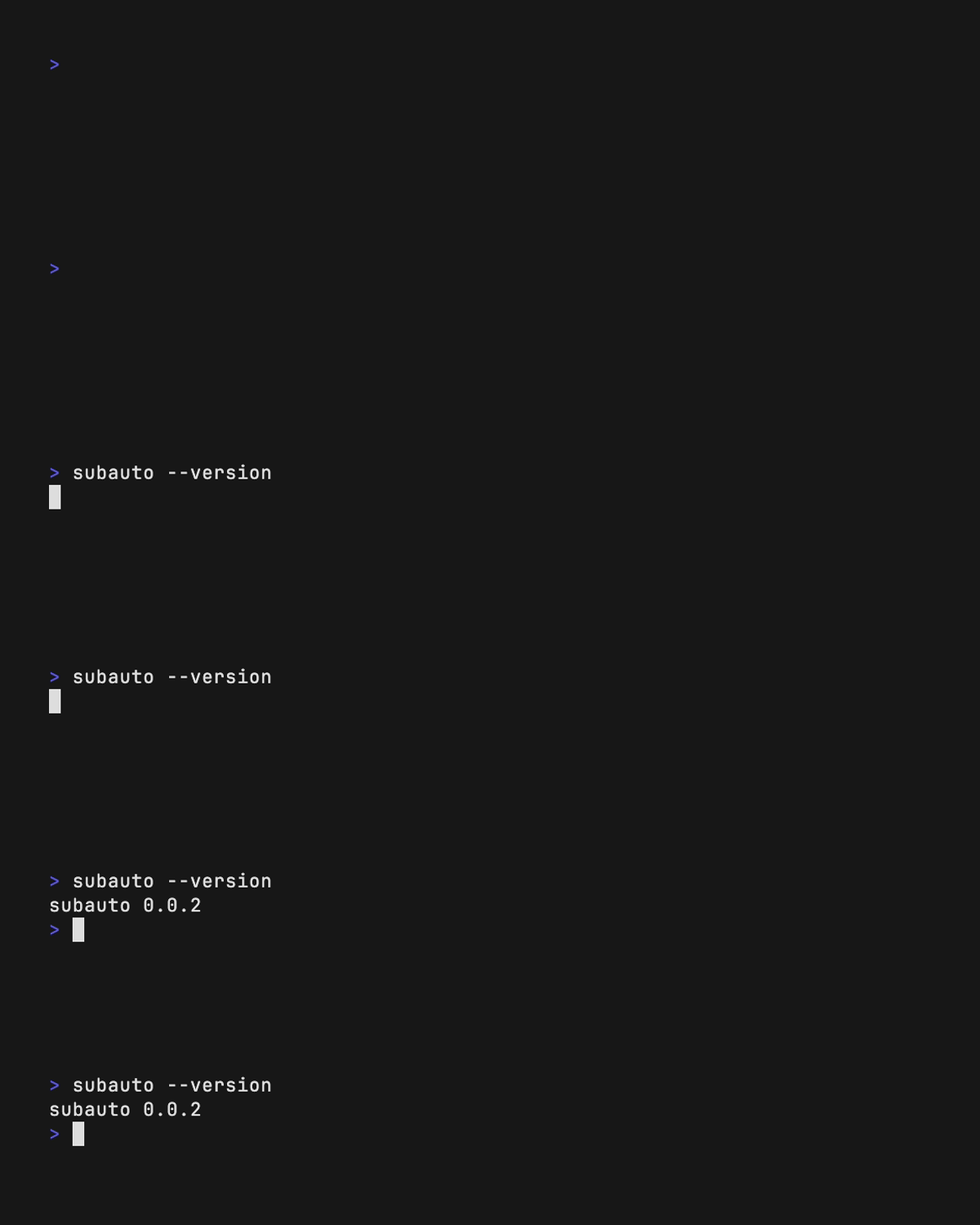
Check if installation is complete
```
subauto --version
```
If a version is displayed, then SubAuto is installed correctly.
## Usage
### Set up Gemini API Key
First, you need to configure your Gemini API key:
```
subauto set-api-key 'YOUR-API-KEY'
```
### Basic Translation
Translate videos to Spanish (full command):
```
subauto --directory /path/to/videos --output-directory /path/to/output --output-lang "es"
```
Or use the short version:
```
subauto -d /path/to/videos -o /path/to/output -ol "es"
```
### Advanced Usage
#### Concurrent Processing
Process multiple videos simultaneously by configuring the number of workers:
```
subauto -d /path/to/videos -o /path/to/output -ol "es" -w 4
```
#### Optimize Transcription
Speed up the transcription process by specifying the source language:
```
subauto -d /path/to/videos -o /path/to/output -ol "es" -il "en" -w 4
```
> Note: If you don't specify the input language, SubAuto will automatically detect it.

## Do you enjoy SubAuto or does it save your time?
Then definitely consider [**supporting me on GitHub
Sponsors**](https://github.com/sponsors/ricjuanflores) or buy me a coffee:
[](https://ko-fi.com/ricjuanflores)
Your support will allow me to allocate time to properly maintain my projects
like this.
# Contributing
If you want to contribute to this project, please use the following steps:
1. Fork the project.
2. Create a new branch (git checkout -b feature/awesome-feature).
3. Commit your changes (git commit -m 'Add some feature').
4. Push to the branch (git push origin feature/awesome-feature).
5. Open a pull request.
# License
This project is licensed under the MIT License.