https://github.com/rishabhraikwar98/next-scheduler
Next Scheduler - Event Management and Booking Platform ( Calendly clone )
https://github.com/rishabhraikwar98/next-scheduler
clerk clerk-auth full-stack google-api google-calendar-api javascript neondb nextjs prisma reactjs server-actions shadcn-ui tailwind-css zod
Last synced: 3 months ago
JSON representation
Next Scheduler - Event Management and Booking Platform ( Calendly clone )
- Host: GitHub
- URL: https://github.com/rishabhraikwar98/next-scheduler
- Owner: rishabhraikwar98
- Created: 2024-12-15T13:16:58.000Z (over 1 year ago)
- Default Branch: main
- Last Pushed: 2024-12-23T08:35:58.000Z (over 1 year ago)
- Last Synced: 2024-12-23T09:31:42.367Z (over 1 year ago)
- Topics: clerk, clerk-auth, full-stack, google-api, google-calendar-api, javascript, neondb, nextjs, prisma, reactjs, server-actions, shadcn-ui, tailwind-css, zod
- Language: JavaScript
- Homepage: https://next-scheduler-ten.vercel.app
- Size: 1.03 MB
- Stars: 0
- Watchers: 1
- Forks: 0
- Open Issues: 0
-
Metadata Files:
- Readme: README.md
Awesome Lists containing this project
README
# Next Scheduler
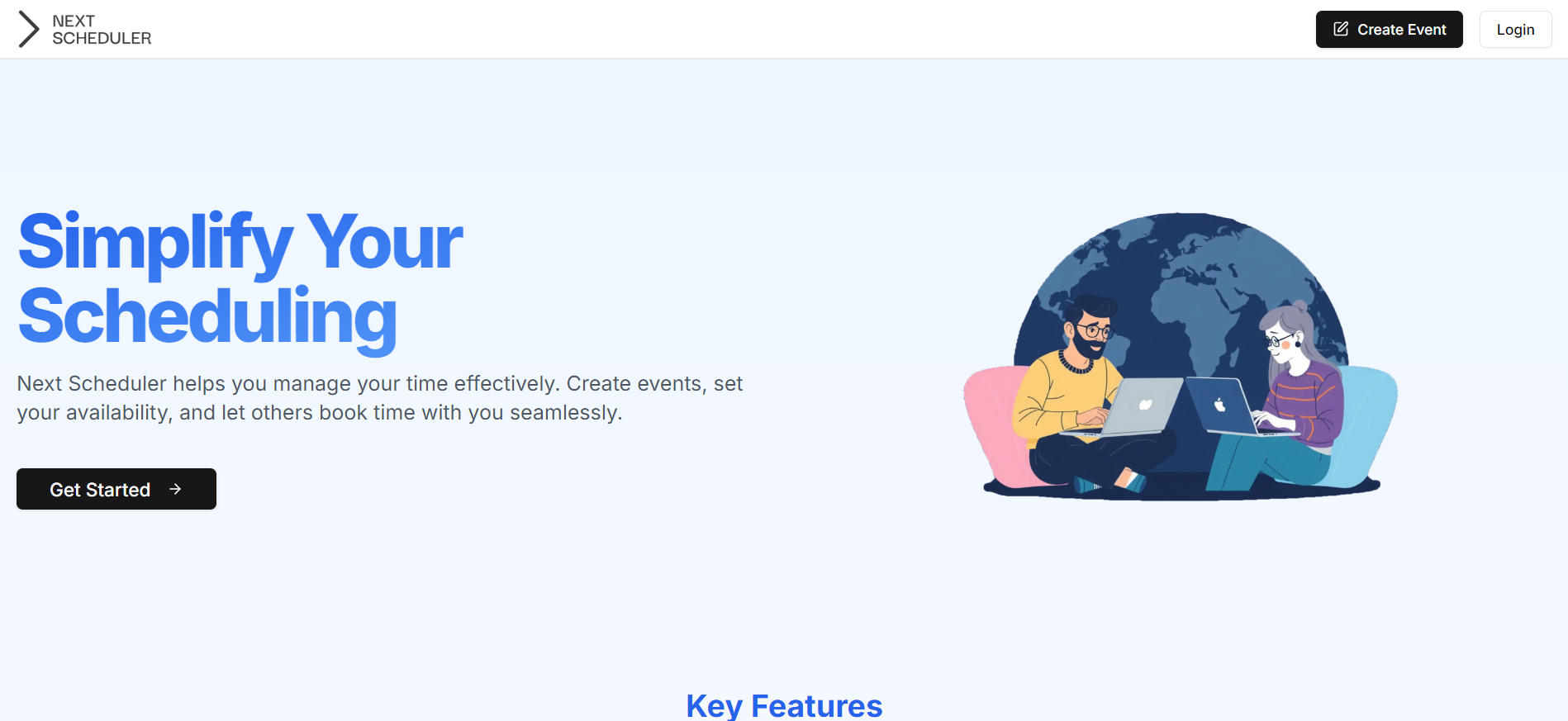
Next Scheduler is a modern event management and booking platform (Calendly Clone) built with Next.js, Clerk for authentication, Google Calendar integration for seamless scheduling, and Prisma for database management. Users can create and share event links, manage bookings, and generate Google Meet links automatically for events. Designed for ease of use and efficiency, it ensures a streamlined scheduling experience for hosts and attendees.
## Screenshots
## Technologies used
- [Next Js](https://nextjs.org/docs) - React framwork for creating fullstack application.
- [shadcn/ui](https://ui.shadcn.com/docs) - Beautifully designed components that you can copy and paste into your apps.
- [Prisma](https://www.prisma.io/docs) - A Node.js and TypeScript ORM with an intuitive data model, automated migrations, type-safety, and auto-completion.
- [Neon DB](https://www.neon.tech) - Neon offers a serverless Postgres database platform for developers.
- [Tailwind CSS](https://tailwindcss.com/) - A utility-first CSS framework.
- [React hot toast](https://react-hot-toast.com/) - Toast notifications for React.
## Run Locally
Clone the project
```bash
git clone https://github.com/rishabhraikwar98/next-scheduler
```
Go to the project directory
```bash
cd next-scheduler
```
Install dependencies
```bash
npm install
```
Genrating tables
```bash
prisma genrate
```
Start the server
```bash
npm run dev
```
## Environment Variables
To run this project, you will need to add the following environment variables to your .env file
`NEXT_PUBLIC_CLERK_PUBLISHABLE_KEY`
`CLERK_SECRET_KEY`
`NEXT_PUBLIC_CLERK_SIGN_IN_URL`
`NEXT_PUBLIC_CLERK_SIGN_UP_URL`
`DATABASE_URL`