https://github.com/rishiraj/spanking
https://github.com/rishiraj/spanking
cosine-similarity embeddings genai generative-ai jax llms semantic-search similarity-search vector-database vectors
Last synced: 5 months ago
JSON representation
- Host: GitHub
- URL: https://github.com/rishiraj/spanking
- Owner: rishiraj
- License: gpl-3.0
- Created: 2024-04-13T21:09:12.000Z (about 2 years ago)
- Default Branch: main
- Last Pushed: 2025-03-07T21:47:24.000Z (over 1 year ago)
- Last Synced: 2025-09-22T21:14:05.091Z (9 months ago)
- Topics: cosine-similarity, embeddings, genai, generative-ai, jax, llms, semantic-search, similarity-search, vector-database, vectors
- Language: Python
- Homepage: https://pypi.org/project/spanking/
- Size: 254 KB
- Stars: 6
- Watchers: 1
- Forks: 29
- Open Issues: 0
-
Metadata Files:
- Readme: README.md
- License: LICENSE
Awesome Lists containing this project
README
# Spanking 🍑👋
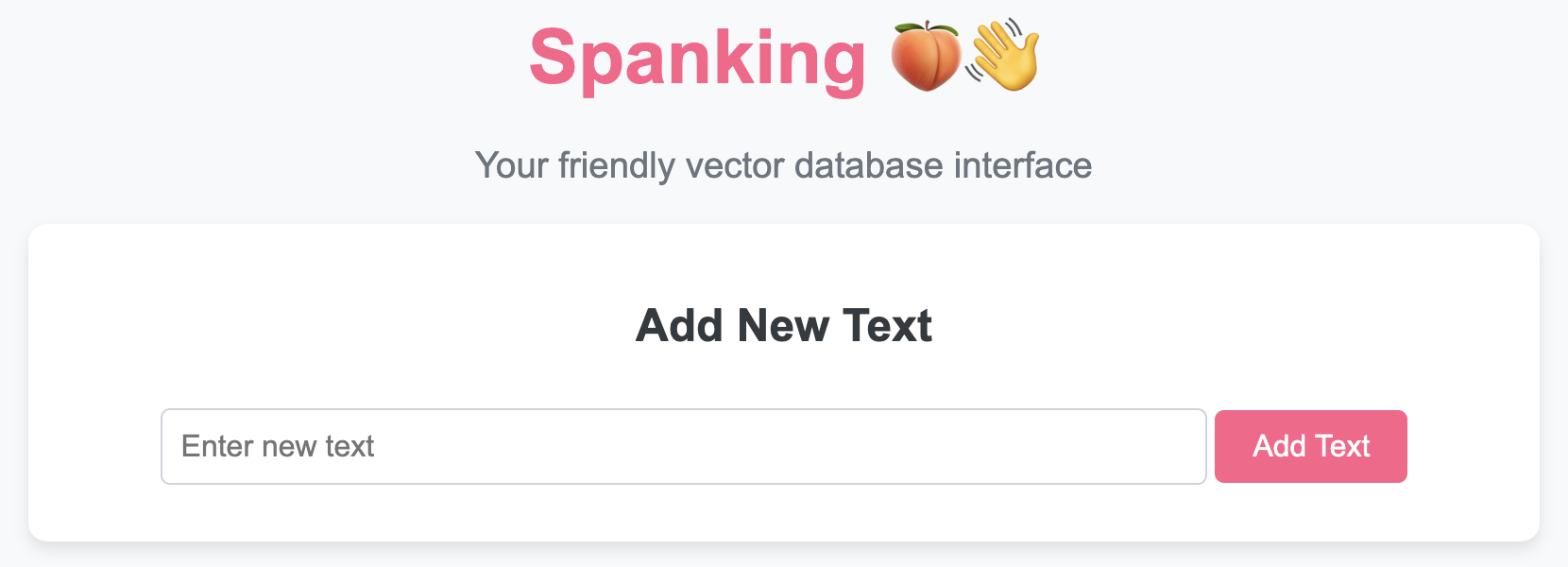
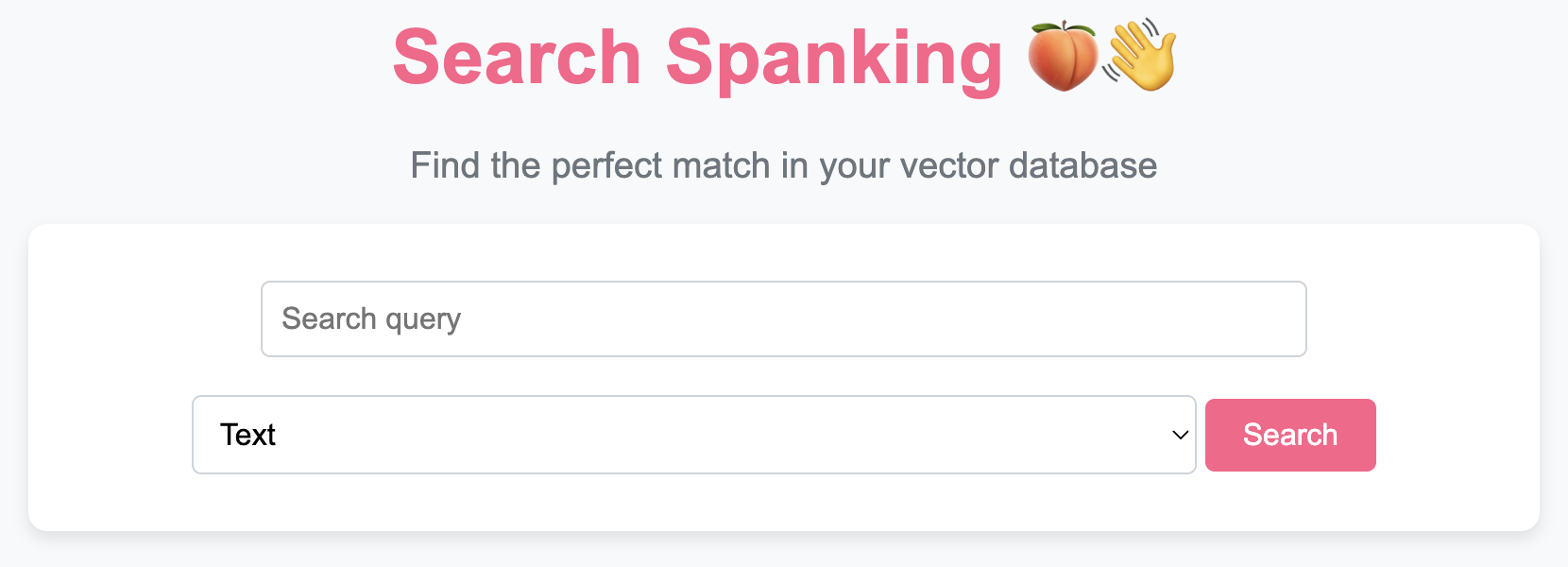
To use the 🍑👋 `VectorDB` class and access its functionality through a beautiful UI, follow these steps:
## Cloning the Repository
First, clone the repository to your local machine:
```bash
git clone https://github.com/rishiraj/spanking.git
cd spanking
```
## Running the UI
To manage your vector database through an intuitive web interface, you can run the provided `app.py` script:
```bash
python app.py
```
This will start a local web server. You can then access the UI by navigating to `http://127.0.0.1:5000` in your web browser.
### Features of the UI
- **Add New Texts & Documents:** Easily add texts and documents to your vector database.
- **View and Manage Entries:** See all stored texts and documents, update or delete them.
- **Search Functionality:** Perform text or image-based searches and get structured JSON responses.
- **Save and Load Database:** Save your database to a file or load it from a previously saved state.
- **Metadata Handling:** Store and retrieve metadata associated with each text/document.
## Using the 🍑👋 `VectorDB` Class Programmatically
If you prefer working with code, you can interact with the `VectorDB` class directly. Here’s how:
### 1. **Create an Instance:**
```python
from spanking import VectorDB
vector_db = VectorDB(model_name='BAAI/bge-base-en-v1.5')
```
You can optionally specify a different pre-trained sentence transformer model by passing its name to the constructor.
### 2. **Add Texts with Metadata:**
```python
texts = ["i eat pizza", "i play chess", "i drive bus"]
metadatas = [{"category": "food"}, {"category": "game"}, {"category": "transport"}]
vector_db.add_texts(texts, metadatas)
```
This will encode the texts into embeddings, store them, and associate metadata with each entry.
### 3. **Add Documents:**
```python
vector_db.add_doc(["sample.pdf"])
```
This extracts text from the PDF and stores it along with page metadata.
### 4. **Search for Similar Texts or Images (Returns JSON):**
```python
query = "we play football"
text_results = vector_db.search(query, top_k=2, type='text')
print(text_results) # JSON output
```
For image-based search:
```python
image_url = "https://example.com/image.jpg"
image_results = vector_db.search(image_url, top_k=2, type='image')
print(image_results) # JSON output
```
The `search` method now returns structured JSON with text, similarity score, and metadata.
### 5. **Delete a Text:**
```python
index = 1
vector_db.delete_text(index)
```
Removes the text and its corresponding metadata.
### 6. **Update a Text with Metadata:**
```python
index = 0
new_text = "i enjoy eating pizza"
new_metadata = {"category": "food", "updated": True}
vector_db.update_text(index, new_text, new_metadata)
```
Updates both text and metadata at the specified index.
### 7. **Save the Database:**
```python
vector_db.save('vector_db.pkl')
```
### 8. **Load the Database:**
```python
vector_db = VectorDB.load('vector_db.pkl')
```
### 9. **Convert to DataFrame (Includes Metadata):**
```python
df = vector_db.to_df()
print(df.head())
```
### 10. **Iterate Over Stored Texts & Metadata:**
```python
for text, metadata in vector_db:
print(text, metadata)
```
### 11. **Access Individual Entries by Index:**
```python
index = 2
text, metadata = vector_db[index]
print(text, metadata)
```
### 12. **Get the Number of Entries:**
```python
num_entries = len(vector_db)
print(num_entries)
```
## Example Usage
Here's an example demonstrating the updated 🍑👋 `VectorDB` class:
```python
from spanking import VectorDB
vector_db = VectorDB()
# Add texts with metadata
texts = ["i eat pizza", "i play chess", "i drive bus"]
metadatas = [{"category": "food"}, {"category": "game"}, {"category": "transport"}]
vector_db.add_texts(texts, metadatas)
# Search for similar texts
query = "we play football"
results = vector_db.search(query, top_k=2)
print(results) # JSON output
# Update a text with new metadata
vector_db.update_text(1, "i enjoy playing chess", {"category": "game", "updated": True})
# Delete a text
vector_db.delete_text(2)
# Save the database
vector_db.save('vector_db.pkl')
# Load the database
loaded_vector_db = VectorDB.load('vector_db.pkl')
# Iterate over stored texts and metadata
for text, metadata in loaded_vector_db:
print(text, metadata)
# Convert to dataframe
df = loaded_vector_db.to_df()
print(df.head())
```
This example demonstrates how to create a 🍑👋 `VectorDB` instance, add texts with metadata, search, update, delete, and work with the stored data in a structured format.