https://github.com/robinnaumann/easy_thermal_print
a Flutter package for printing on thermal printers
https://github.com/robinnaumann/easy_thermal_print
flutter phomemo thermal-printer thermal-printing
Last synced: 10 months ago
JSON representation
a Flutter package for printing on thermal printers
- Host: GitHub
- URL: https://github.com/robinnaumann/easy_thermal_print
- Owner: RobinNaumann
- License: lgpl-3.0
- Created: 2025-07-26T20:52:10.000Z (11 months ago)
- Default Branch: main
- Last Pushed: 2025-07-27T07:50:53.000Z (11 months ago)
- Last Synced: 2025-08-04T13:44:43.573Z (10 months ago)
- Topics: flutter, phomemo, thermal-printer, thermal-printing
- Language: Dart
- Homepage: https://pub.dev/packages/easy_thermal_print
- Size: 408 KB
- Stars: 1
- Watchers: 0
- Forks: 0
- Open Issues: 0
-
Metadata Files:
- Readme: README.md
- Changelog: CHANGELOG.md
- License: LICENSE
Awesome Lists containing this project
README
# Easy Thermal Print
A Flutter package for easy thermal printing. It provides a simple API that lets you print text, or custom widgets to a thermal printer. The package currently supports Bluetooth Low Energy (BLE) printers and is thus compatible with all platforms that support BLE.
### Features
- ✅ Print text and custom widgets to thermal printers.
- ✅ Support for Bluetooth Low Energy (BLE) printers.
- ✅ customizable print settings:
- Label Size / continuous paper
- optional half-tone printing (░▒█)
- Text styling
- ✅ dry run mode for testing without a printer
- ✅ view print output via `PrintedViewer` widget
### Supported Devices
- out-of-the-box support for:
- [Phomemo](https://www.phomemo.com/) printers
- support for other BLE thermal via config _(feel free to reach out, so we can add it to the included list)_
### Example
_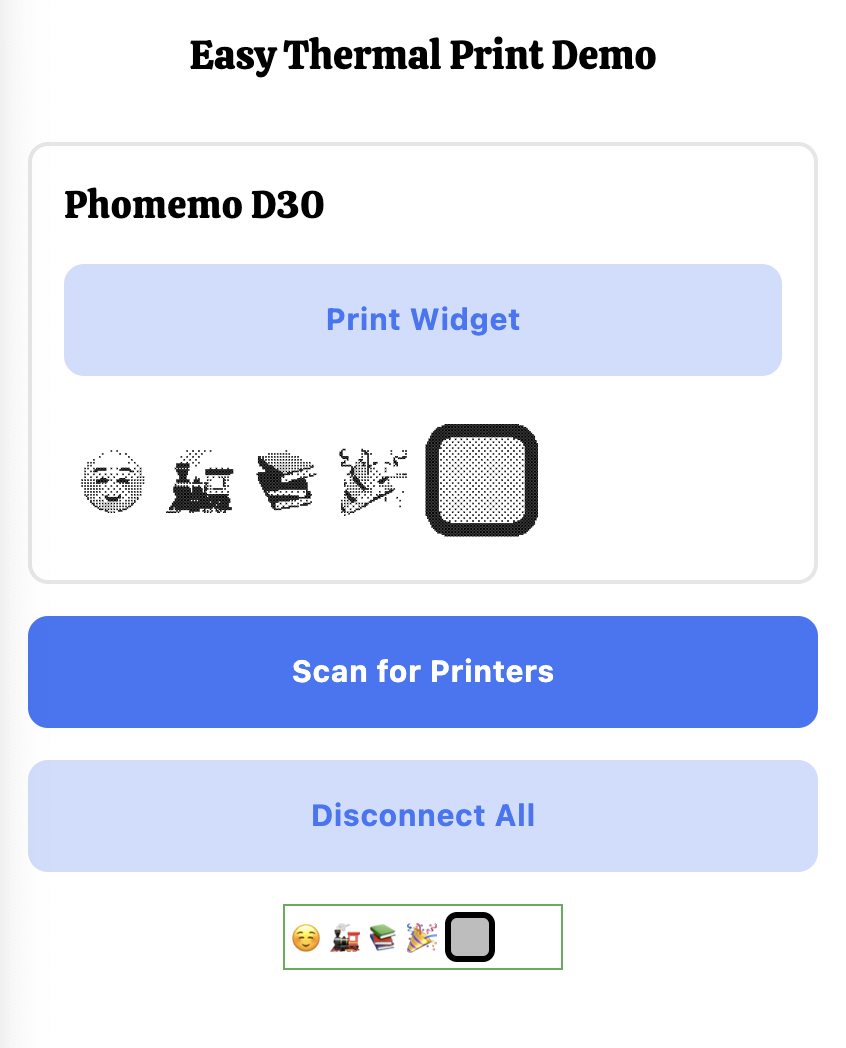 _
_
### Usage
1. import the package:
```sh
flutter pub add easy_thermal_print
```
2. initialize the Bluetooth service and discover devices
```dart
/// create a new instance of the BluetoothService.
/// provide a list of printers to scan for.
final bluetoothService = BluetoothPrintersService(
printers: [...phomemoPrinters],
);
```
```dart
/// ⚠️ make sure the user grants the permissions before scanning
bluetoothService.discover();
// devices will appear in: bluetoothService.connectedPrinters
```
3. start printing 🎉
```dart
printer.printWidget( // or printText
containerKey,
PrintConfig(halfTones: true,labelSize: Size(60, 12)),
);
```
- make sure to wrap the stuff you want to print in a `Printable` widget
### Required Permissions
##### Android
Add the following permissions to your `AndroidManifest.xml`:
```xml
...
```
##### iOS / macOS
Add the following keys to your `Release/Debug.entitlements`:
```xml
...
com.apple.security.device.bluetooth
```
### Project Acknowledgements:
- [phomemo-tools](https://github.com/vivier/phomemo-tools) for details regarding the printing protocol
- [phomemo](https://pub.dev/packages/phomemo) for the setup for printing widgets to an image
Have a great day,
Yours, Robin
[](https://robbb.in/donate)