https://github.com/robotika/osgar
Open Source Garden (Autonomous) Robot
https://github.com/robotika/osgar
Last synced: 3 months ago
JSON representation
Open Source Garden (Autonomous) Robot
- Host: GitHub
- URL: https://github.com/robotika/osgar
- Owner: robotika
- License: mit
- Created: 2014-06-09T04:54:03.000Z (about 12 years ago)
- Default Branch: master
- Last Pushed: 2026-03-13T09:48:49.000Z (4 months ago)
- Last Synced: 2026-03-13T19:37:12.941Z (3 months ago)
- Language: Python
- Size: 5.09 MB
- Stars: 13
- Watchers: 8
- Forks: 12
- Open Issues: 59
-
Metadata Files:
- Readme: README.md
- Changelog: CHANGELOG.md
- Contributing: CONTRIBUTING.md
- License: LICENSE
Awesome Lists containing this project
README
OSGAR
=====
**Open Source Garden/Generic Autonomous Robot (Python library)**
OSGAR is a lightweight, multi-platform library for recording and replaying data from multiple `nodes` (modules such as sensors, robots, and applications) logged into a single file. It is designed to be minimalistic, modular, and robust, capable of running on everything from high-end workstations to low-end devices like the Raspberry Pi Zero.
OSGAR was originally developed by [robotika.cz](https://robotika.cz) and has been successfully deployed in several international robotics challenges.
# Key Features
* **Robust Logging:** All port data is logged with microsecond-resolution timestamps into a single `.log` file.
* **Deterministic Replay:** Replaying recorded data produces identical outputs, enabling reliable debugging of complex sensor interactions and algorithms in a controlled environment.
* **Modular Architecture:** Robots are built as a set of independent modules connected via a communication "bus," defined in a simple JSON configuration.
* **Minimalistic & Multi-platform:** Written in Python, with minimal dependencies, ensuring it runs on various operating systems and hardware.
# Applications & Robots
OSGAR has been the core software framework for a variety of robotic platforms and prestigious competitions. See [OSGAR Platforms](osgar/platforms/README.md) for more details.
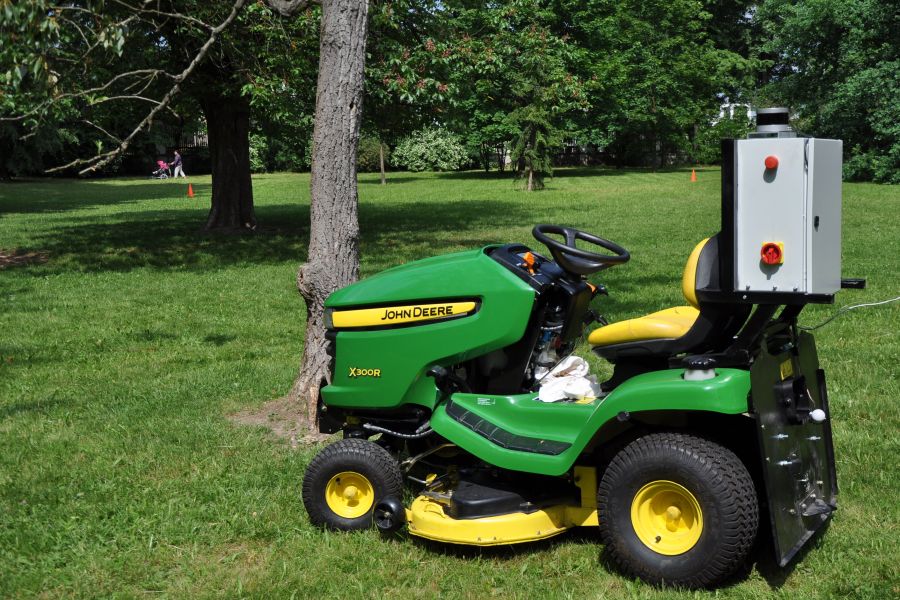
### DARPA Subterranean Challenge (SubT)
Team Robotika used OSGAR to coordinate a heterogeneous fleet of robots (wheeled, tracked, and flying) to map and search complex underground environments.

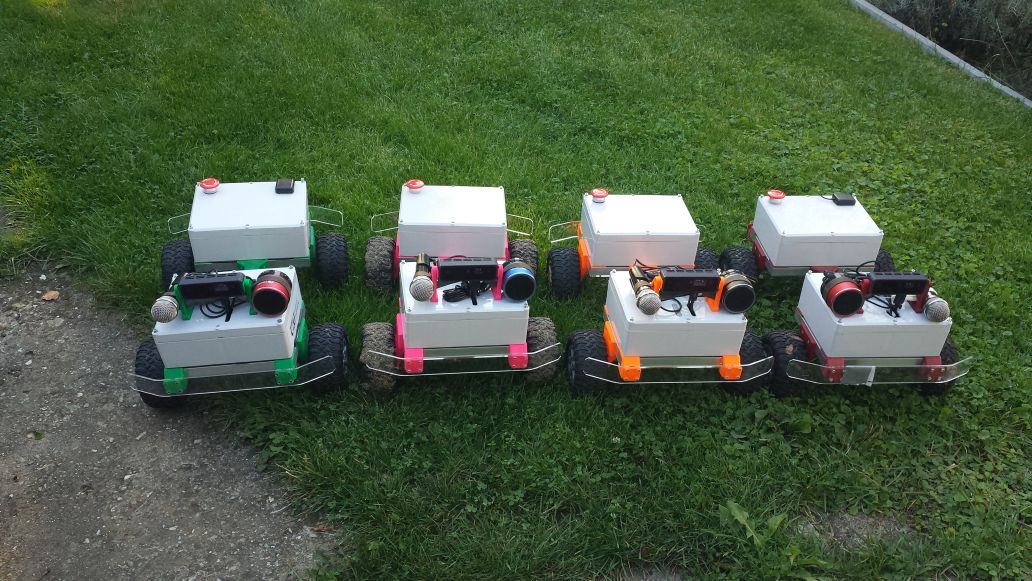
### DARPA Triage Challenge (DTC)
OSGAR powers a fleet of **Matty** robots (M01-M05) equipped with non-contact sensors to detect physiological signs in casualties during mass-casualty incidents.
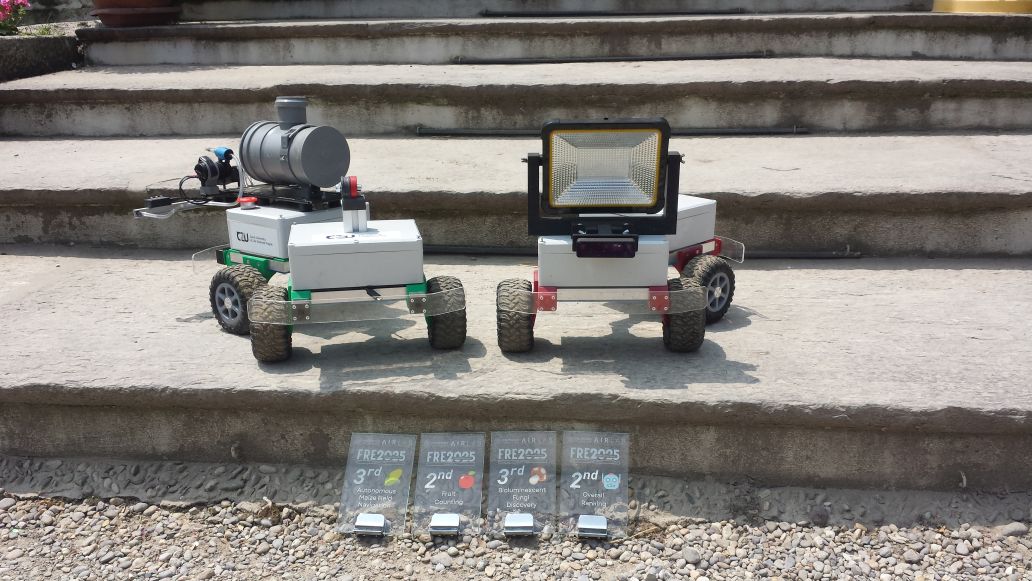
### Field Robot Event
OSGAR-based robots, including the "Matty twins," have successfully competed in the Field Robot Event, an international competition for autonomous robots in agriculture.
# Documentation
For more detailed information, please refer to:
* [Technical Guide (English)](https://robotika.github.io/osgar/index.html)
* [Czech Guide (Průvodce OSGARem)](https://robotika.cz/guide/osgar/cs)
# Architecture
Robot is set of modules. Every module has input and output ports, described
together with the connections in the config file. All ports are logged with
timestamp (microsecond resolution). The module is typically an instance of a
`driver`, whose init arguments are also in config file.
# Notes regarding GitHub repository
The current development code is under `osgar` directory.
If you are using OSGAR directly from sources please make sure that
you setup PYTHONPATH to the root of this project.
The example configurations are stored in `config` folder. JSON files are
used.
## Examples
### Collect data from sensor(s)
There is a [osgar/record.py](https://github.com/robotika/osgar/blob/master/osgar/record.py)
to run data collection based on given configuration file.
If you would like to collect GPS data available on serial port use modified version
of [test-windows-gps.json](https://github.com/robotika/osgar/blob/master/config/test-windows-gps.json)
for Windows or
[test-gps-imu.json](https://github.com/robotika/osgar/blob/master/config/test-gps-imu.json) for Linux.
```
python -m osgar.record config/test-windows-gps.json
```
To replay existing log use:
```
python -m osgar.replay --module
```