https://github.com/romaklimenko/core
⚛ Sitecore cross platform desktop application. Runs on Mac, Windows and Linux.
https://github.com/romaklimenko/core
Last synced: 10 months ago
JSON representation
⚛ Sitecore cross platform desktop application. Runs on Mac, Windows and Linux.
- Host: GitHub
- URL: https://github.com/romaklimenko/core
- Owner: romaklimenko
- License: mit
- Created: 2015-11-04T23:00:12.000Z (over 10 years ago)
- Default Branch: develop
- Last Pushed: 2016-05-19T10:39:13.000Z (about 10 years ago)
- Last Synced: 2025-07-05T12:44:54.861Z (12 months ago)
- Language: JavaScript
- Homepage:
- Size: 2.16 MB
- Stars: 0
- Watchers: 1
- Forks: 0
- Open Issues: 0
-
Metadata Files:
- Readme: README.md
- License: LICENSE.md
Awesome Lists containing this project
README
# ⚛ May the Core be with you
[](https://travis-ci.org/romaklimenko/core)

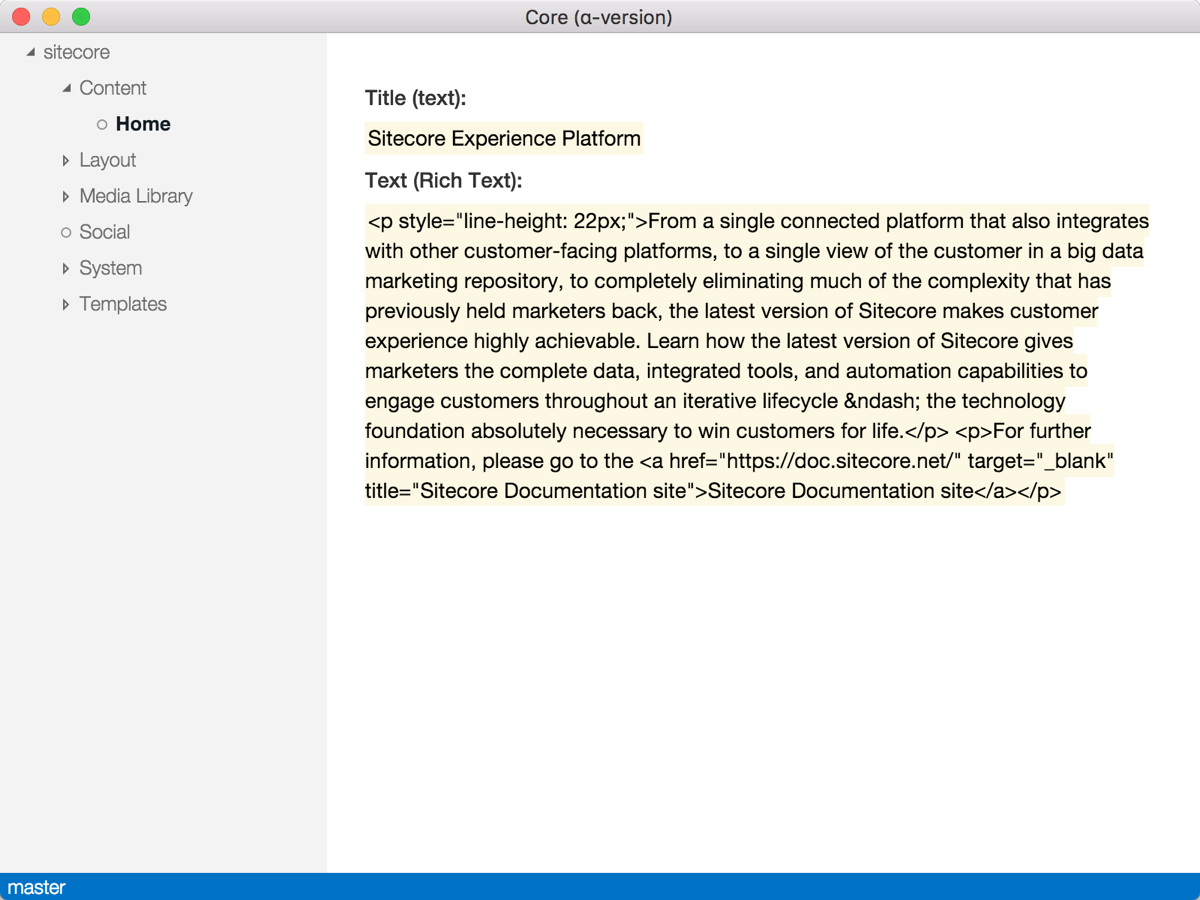
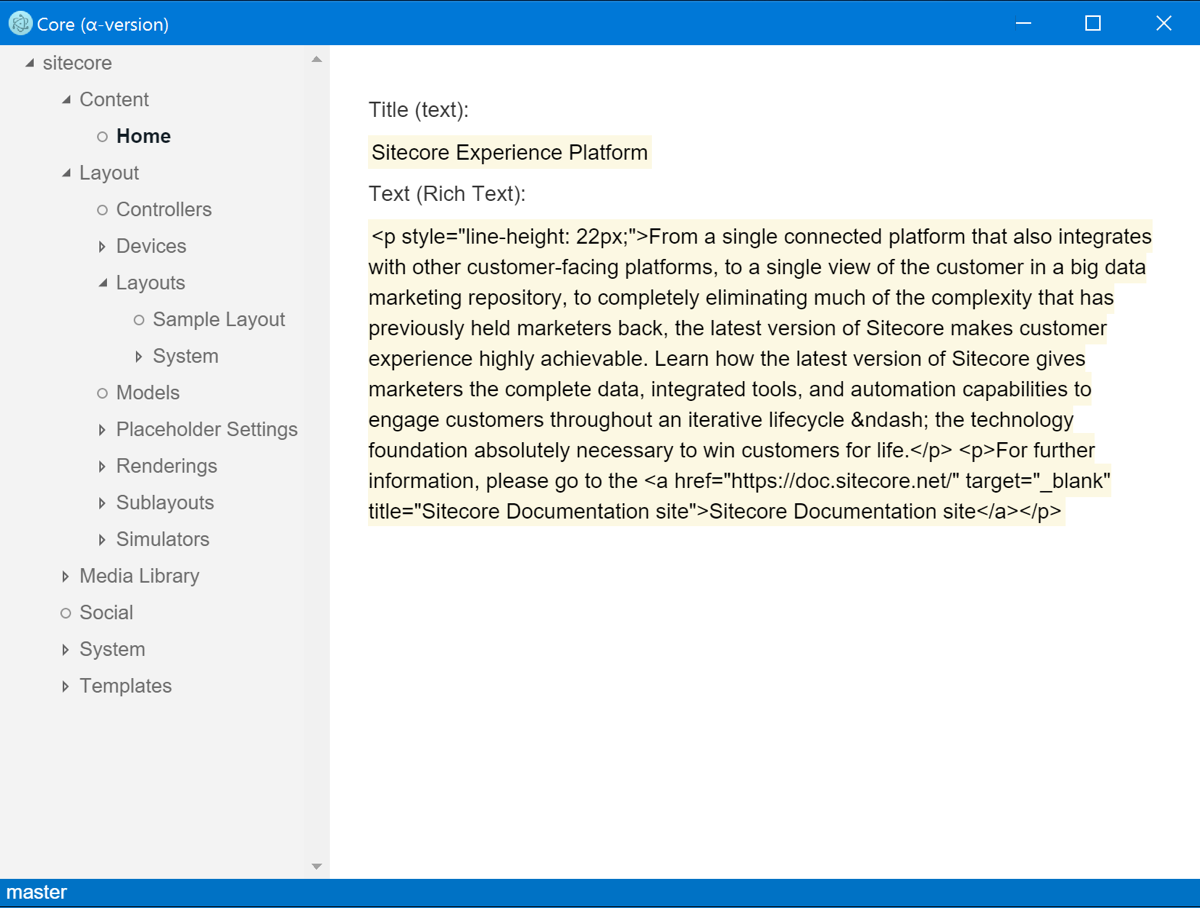
Core is a Sitecore cross platform desktop application. It runs on Mac, Windows and Linux. https://vimeo.com/152064489
Mac OS X:
Windows:
## Under the hood
Here are main technologies on which Core is based on:
* [Electron](http://electron.atom.io/)
* [React](https://facebook.github.io/react/)
* [Redux](http://redux.js.org/)
But I didn't intend to use as many buzzwords as possible. I take simplicity, ease of adding new features and supportability at the first place. This is why there is no TypeScript, JSX and Babel traspilers at the current stage of the project.
## Setting up Sitecore
Connection and configuration management is not implemented yet. It is expected that Sitecore instance is available at http://sitecore.api/ and Sitecore Item Web API has setup like this:
In Sitecore.ItemWebApi.config, enable Sitecore Item Web API and allow anonymous access:
```xml
StandardSecurity
ReadOnly
true
```
In Web.config, enable CORS:
```xml
```
## Build, test and run
There are only two global npm dependencies:
```
> npm i -g gulp
> npm i -g browserify
```
When you have gulp and browserify installed globally, install all the development dependencies:
```
> npm i
```
Build:
```
> node_modules/gulp/bin/gulp.js
```
or, if you have `gulp` installed globally:
```
> gulp
```
Run tests:
```
> npm test
```
Run application:
```
> npm run
```
## Help wanted
I will appreciate any feedback about:
* Current application architecture
* New features
* Bugs