https://github.com/roman-developer/depot
Depot Application is a shopping cart platform - It has been developed as Rails 6 project test
https://github.com/roman-developer/depot
rails rails6 ruby ruby-on-rails
Last synced: 5 months ago
JSON representation
Depot Application is a shopping cart platform - It has been developed as Rails 6 project test
- Host: GitHub
- URL: https://github.com/roman-developer/depot
- Owner: roman-developer
- Created: 2020-07-22T16:52:27.000Z (almost 6 years ago)
- Default Branch: master
- Last Pushed: 2023-01-19T19:58:30.000Z (over 3 years ago)
- Last Synced: 2025-07-02T19:49:39.163Z (about 1 year ago)
- Topics: rails, rails6, ruby, ruby-on-rails
- Language: Ruby
- Homepage:
- Size: 1.16 MB
- Stars: 1
- Watchers: 1
- Forks: 0
- Open Issues: 31
-
Metadata Files:
- Readme: README.md
Awesome Lists containing this project
README
# README
## Depot - Your Pragmatic Catalog
Depot is a web application which is based on these use cases:
- The buyers use it to browse the available products in the platform, select some to purchase and supply the information needed to create an order.
- The sellers use it to maintain a list of products to sell, to determine the orders that are awaiting shipment, and mark orders as shipped.
## Motivation
I have been motivated to build this application because I wanted to demonstrate my current knowledge on Ruby on Rails and apply the new features learned which are included in the Rails 6 version. I have followed the steps to create the Depot project, shown as an example, in the book "Agile Web Development with Rails 6" (The Pragmatic Programmers).
## Tech/framework used
Built with [Ruby on Rails](https://rubyonrails.org/).
- Ruby version: 2.6.5
- Rails version: 6.0.3.2
Database:
- Sqlite version: 3.24.0
Frontend:
- HTML, SCSS and ReactJS.
## Rails features
In this application I have used the following Rails features:
- Rails Scaffolding.
- Tests with Minitest and Capybara.
- Broadcasting changes with Action Cable (websockets)
- Creating dynamic pages with AJAX and Javascript
- Webpacker to manage app-like Javascript.
- Using React to build dynamic forms.
- Background processes with Active Jobs.
- Mailing: Action Mailer and Action Mailbox.
- Rich text with Action Text.
- Internationalization (I18n).
- Storage with Active Storage.
- Authentication and secure passwords.
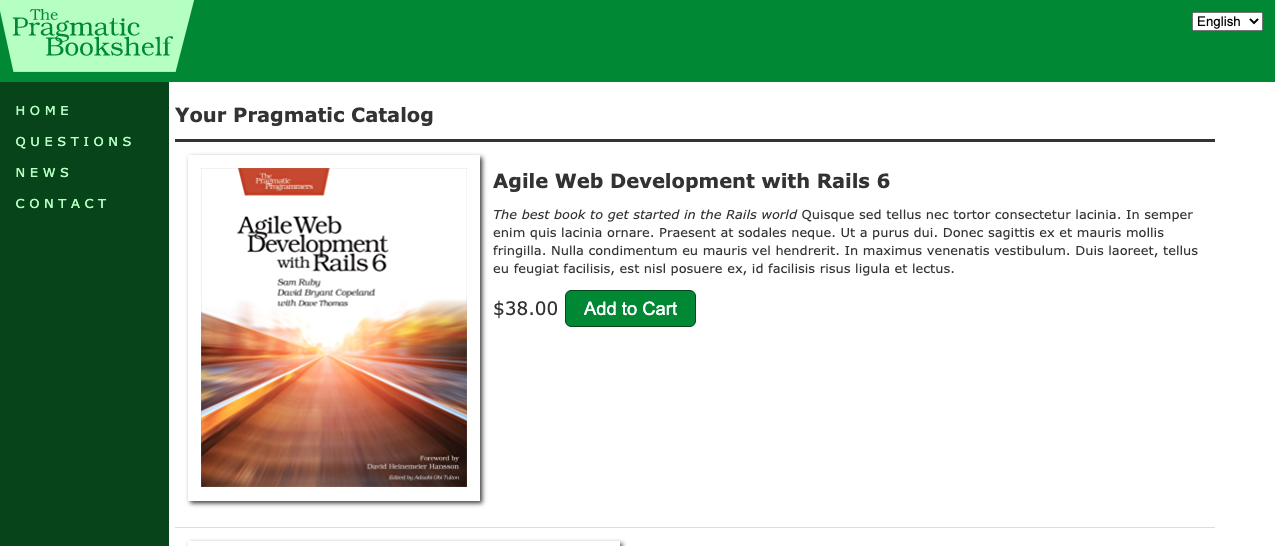
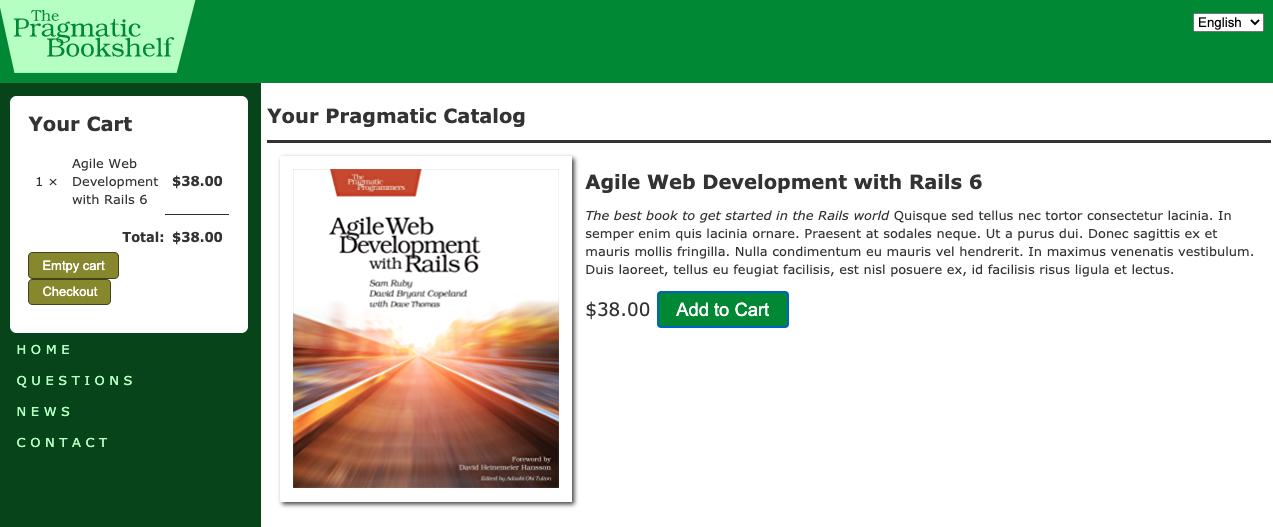
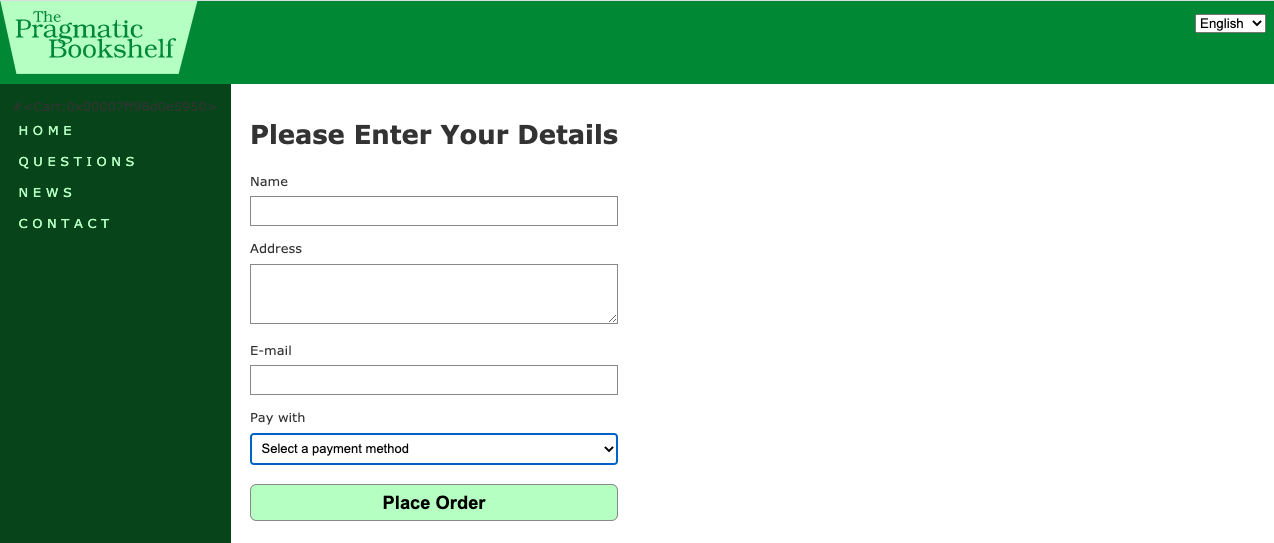
## Application screenshots
Main screen:
Shopping cart:
Place order:
## Installation
1. Install [Ruby on Rails](https://edgeguides.rubyonrails.org/getting_started.html#creating-a-new-rails-project-installing-rails)
2. Clone this repository.
3. Database set up:
- Create the database `rails db:create`
- Run migrations `rails db:migrate`
- Run seeds `rails db:seed`
## Test
Execute the following command:
`rails test`