https://github.com/rovast/oh-my-deepin
深度操作系统(Deepin Linux)的常用配置
https://github.com/rovast/oh-my-deepin
deepin deepin-linux
Last synced: 5 months ago
JSON representation
深度操作系统(Deepin Linux)的常用配置
- Host: GitHub
- URL: https://github.com/rovast/oh-my-deepin
- Owner: rovast
- Created: 2018-04-27T01:53:22.000Z (about 8 years ago)
- Default Branch: master
- Last Pushed: 2020-04-09T05:42:17.000Z (over 6 years ago)
- Last Synced: 2025-10-22T22:51:44.107Z (9 months ago)
- Topics: deepin, deepin-linux
- Language: Vim script
- Size: 41 KB
- Stars: 4
- Watchers: 2
- Forks: 0
- Open Issues: 0
-
Metadata Files:
- Readme: README.md
Awesome Lists containing this project
README
# oh-my-deepin
深度操作系统(Deepin Linux)的常用配置
## chrome extensions
| 推荐 | 名称 | 说明 |
| ---- | ------------------------------ | ---------------------------------------------------------- |
| ☆☆☆ | EditThisCookie | EditThisCookie,更便捷操作项目 cookie |
| ☆☆☆ | Vue.js devtools | Vue 开发必备插件 |
| ☆☆☆ | WEB前端助手(FeHelper) | FE助手,前端开发必备。常用于格式化 json 等 |
| ☆☆ | Proxy SwitchyOmega | 轻松快捷地管理和切换多个代理设置。翻墙时使用自动切换,超赞 |
| ☆ | Wappalyzer | 分析网站技术构成,如使用了啥技术,啥框架等 |
| ☆ | Wikiwand: Wikipedia Modernized | 美化 wiki |
| ☆ | 视频广告终结者 | 看视频不用等广告了 |
## linux software
| 推荐 | 名称 | 说明 |
| ---- | --------- | ------------------------------------ |
| ☆☆☆ | tmux | 终端分屏 |
| ☆☆☆ | oh-my-zsh | 提升你的命令行效率 |
| ☆☆☆ | my-cli | mysql 命令行工具,可以自动补全命令等 |
| ☆☆☆ | git | 不解释 |
| ☆ | cmatrix | 让终端滑落字符,咳咳 |
| ☆ | cowsay | 奶牛输出文字,咳咳 |
| ☆ | lolcat | 彩色输出文字,咳咳 |
| ☆ | sl | 小火车,咳咳 |
## gnome3
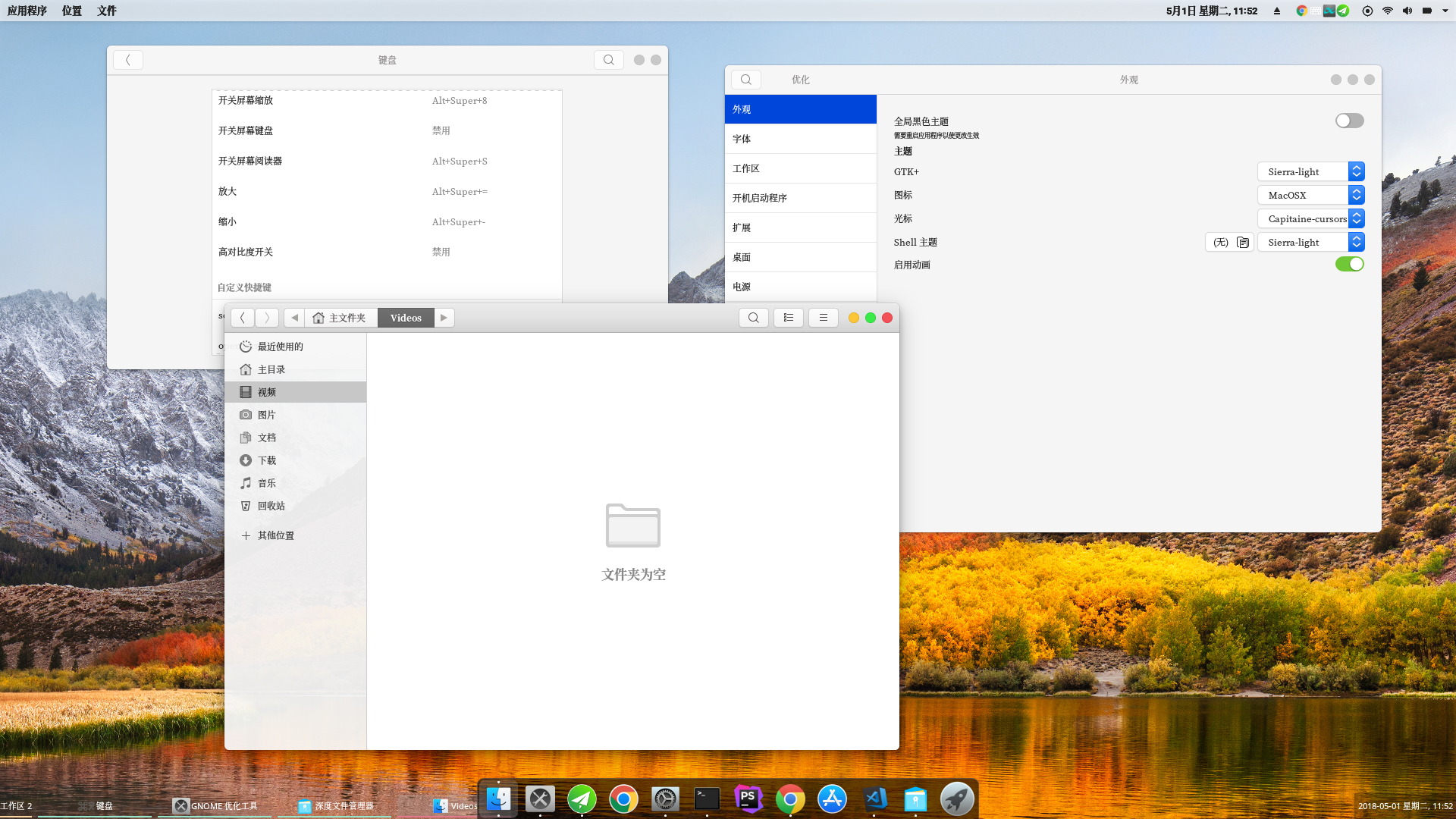
效果预览
### settings
**export and import settings**
```shell
gconftool-2 --dump / > gconf_dump.xml
gconftool-2 --load gconf_dump.xml
```
### extensions
> 安装 gnome 拓展,推荐在 chromium 中安装 gnome 拓展,之后可以在网页中直接启用
**Dash to dock**
将 dock 挪动到底部
**Unite**
配置 gnome 为 unity 风格
**User themes**
配置各种主题必备
## tint2
tint2 是一款任务栏管理软件。支持消息提示,高度样式自定义 [我的 tin2rc 配置](https://github.com/rovast/oh-my-deepin/blob/master/tint2/tint2rc)
> 主题集合,我的也是基于他的改的 [addy-dclxvi/tint2-theme-collections](https://github.com/addy-dclxvi/tint2-theme-collections)
preview
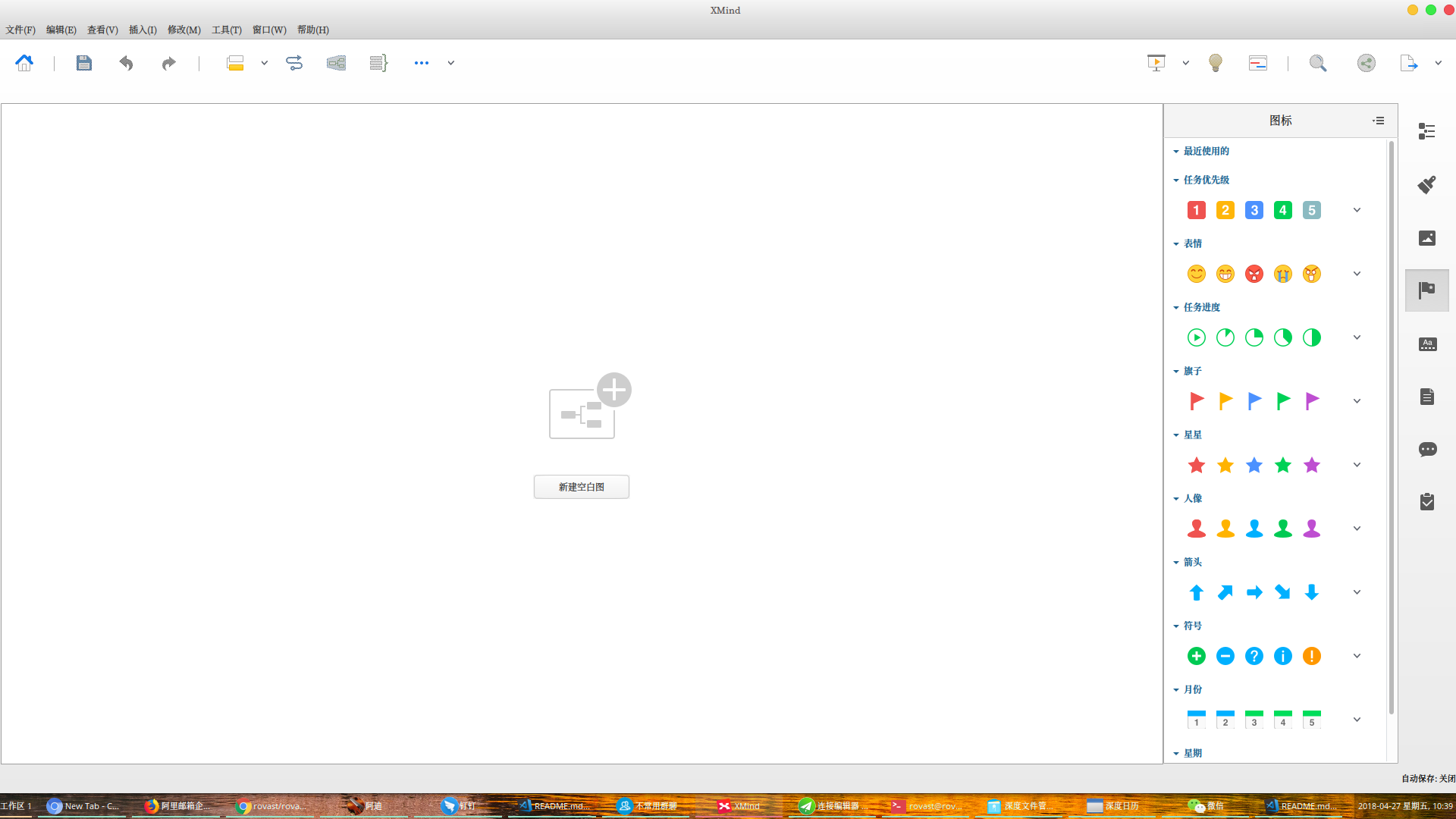
消息高亮,透明背景,工作区1

无正在运行的任务,工作区2

打开ximnd的效果