https://github.com/rumkin/mighty-input
Text input for modern web
https://github.com/rumkin/mighty-input
input react react-component text-input web-ui
Last synced: 11 months ago
JSON representation
Text input for modern web
- Host: GitHub
- URL: https://github.com/rumkin/mighty-input
- Owner: rumkin
- License: mit
- Created: 2019-03-08T00:40:05.000Z (over 7 years ago)
- Default Branch: master
- Last Pushed: 2019-03-14T12:26:26.000Z (over 7 years ago)
- Last Synced: 2024-11-20T04:42:40.385Z (over 1 year ago)
- Topics: input, react, react-component, text-input, web-ui
- Language: JavaScript
- Homepage: https://mighty-input.vercel.app/
- Size: 446 KB
- Stars: 20
- Watchers: 3
- Forks: 0
- Open Issues: 0
-
Metadata Files:
- Readme: readme.md
- License: license
Awesome Lists containing this project
README
# Mighty Input
Tiny React text input component for the modern web. Use HTML to decorate
`` value for your goals.
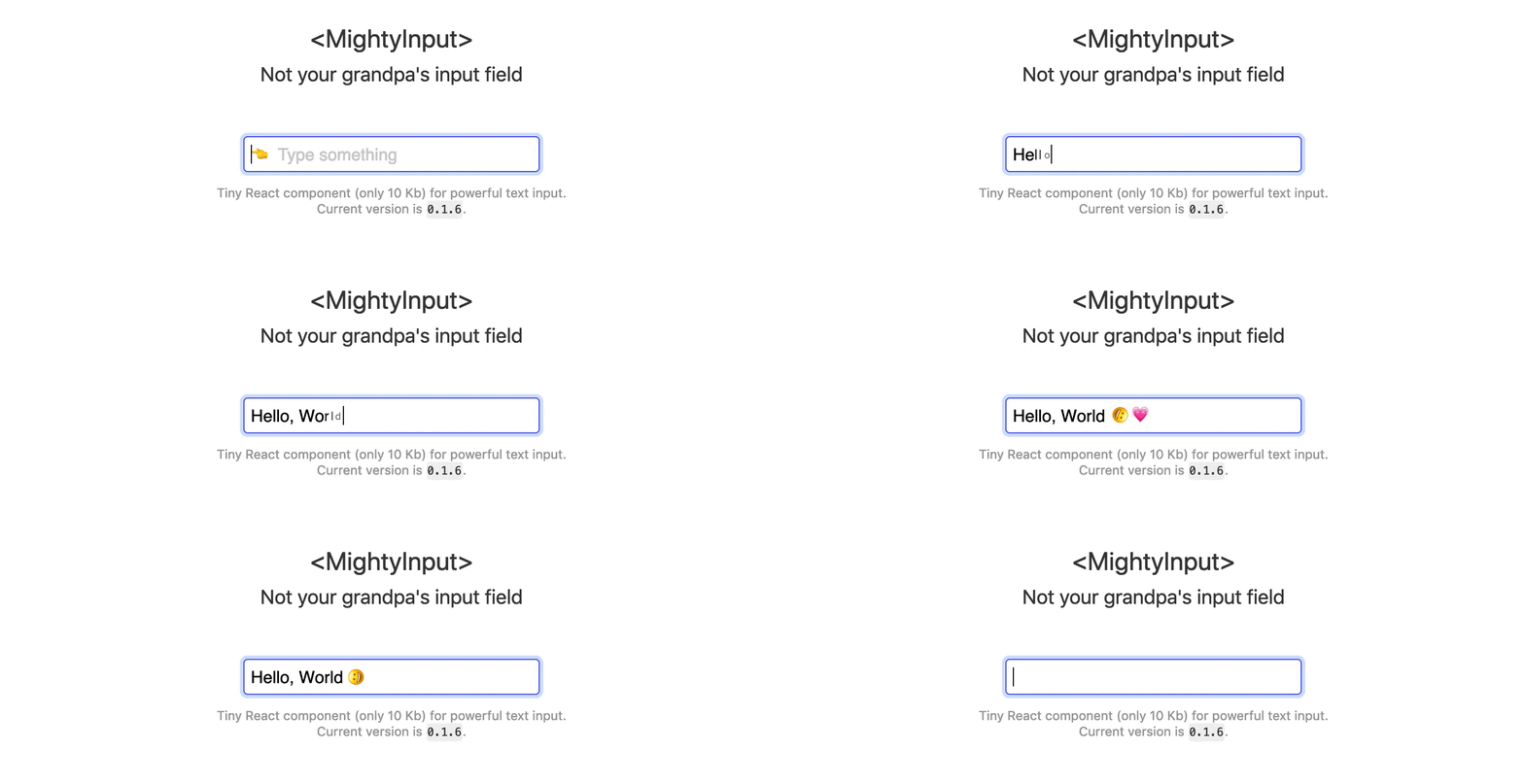
👇 Source of the preview 👆
```javascript
function AnimatedInput({ value, ...props }) {
const render = nextValue => Array.from(nextValue)
.map((char, i) => (
{char}
));
return (
);
}
function getCharType(char, index) {
switch (char) {
case "😀": // Smiley face emoji
return "smiley";
case "💗": // Heart emoji
return "heart";
default:
return "char";
}
}
```
CSS could be found in [examples](examples) folder.
## Installation
```shell
npm i mighty-input
```
## Live examples
* [Message Input](https://mighty-input.now.sh/#message-input)
* [Highlight errors](https://mighty-input.now.sh/#highlight-errors)
* [Phone number input](https://mighty-input.now.sh/#phone-number)
* [Number groups](https://mighty-input.now.sh/#number-groups)
* [Fixed input value](https://mighty-input.now.sh/#fixed-input-value)
## Usage
Use `render` property to specify custom render method and receive changed via `onUpdate` property callback.
```js
(
{value}
)}}
onUpdate={(value) => {
// Value changed
}}
/>
```
### Filter value
Use `filter` prop to specify input filter function.
Filtrate any non-digit values:
```js
{
if (/^\d$/.test(next)) {
return next;
}
else {
return prev;
}
}}
/>
```
## API
### `render()`
```
(next:string, previous:string) -> string|React.Element
```
Render property is a function to transform value to HTML or another string. This function receives `next` and `previous` values of input field.
```javascript
{next}
} />
```
### `filter()`
```
(next:string, previous:string) -> string
```
Filter property is a function to filtrate input and return new output value. This function receives `next` and `previous` values of input field.
```javascript
next.length < 10 ? next : prev
} />
```
### `onUpdate()`
```
(next:string, previous:string) -> void
```
Update event handler. It emits each time value (passed through `filter`) changes.
### `modifiers{}`
```
{
focus:string = '--focus',
}
```
Modifers property is an object with CSS classes for different states. It's using to simulate native CSS behavior for input wrapper. Currently it only has one option: `focus`.
### References
MightyInput is inspired by [Colin Kuebler](https://github.com/kueblc)'s [LDT](https://github.com/kueblc/LDT).
## License
MIT © [Rumkin](https://rumk.in)