https://github.com/runattekky/dotfiles
My dotzzzzzzzzzz
https://github.com/runattekky/dotfiles
arch dotfiles hyprland linux
Last synced: 2 months ago
JSON representation
My dotzzzzzzzzzz
- Host: GitHub
- URL: https://github.com/runattekky/dotfiles
- Owner: RunAtTekky
- Created: 2024-11-03T18:05:36.000Z (over 1 year ago)
- Default Branch: main
- Last Pushed: 2026-04-29T21:08:58.000Z (2 months ago)
- Last Synced: 2026-04-29T23:12:17.814Z (2 months ago)
- Topics: arch, dotfiles, hyprland, linux
- Language: Lua
- Homepage:
- Size: 1.15 MB
- Stars: 0
- Watchers: 1
- Forks: 0
- Open Issues: 0
-
Metadata Files:
- Readme: README.md
- Changelog: newsboat/.newsboat/config
Awesome Lists containing this project
README
# Managing my dotfiles
Started with Linux Mint, check it [here](https://github.com/RunAtTekky/dotfiles/tree/mint)
This branch is for my Arch linux setup.
Now I'm using [Omarchy](http://omarchy.org/) so I can focus on actual productivity rather than mindless ricing.
# Screenshots
|Screenshot|Description|
|---|---|
|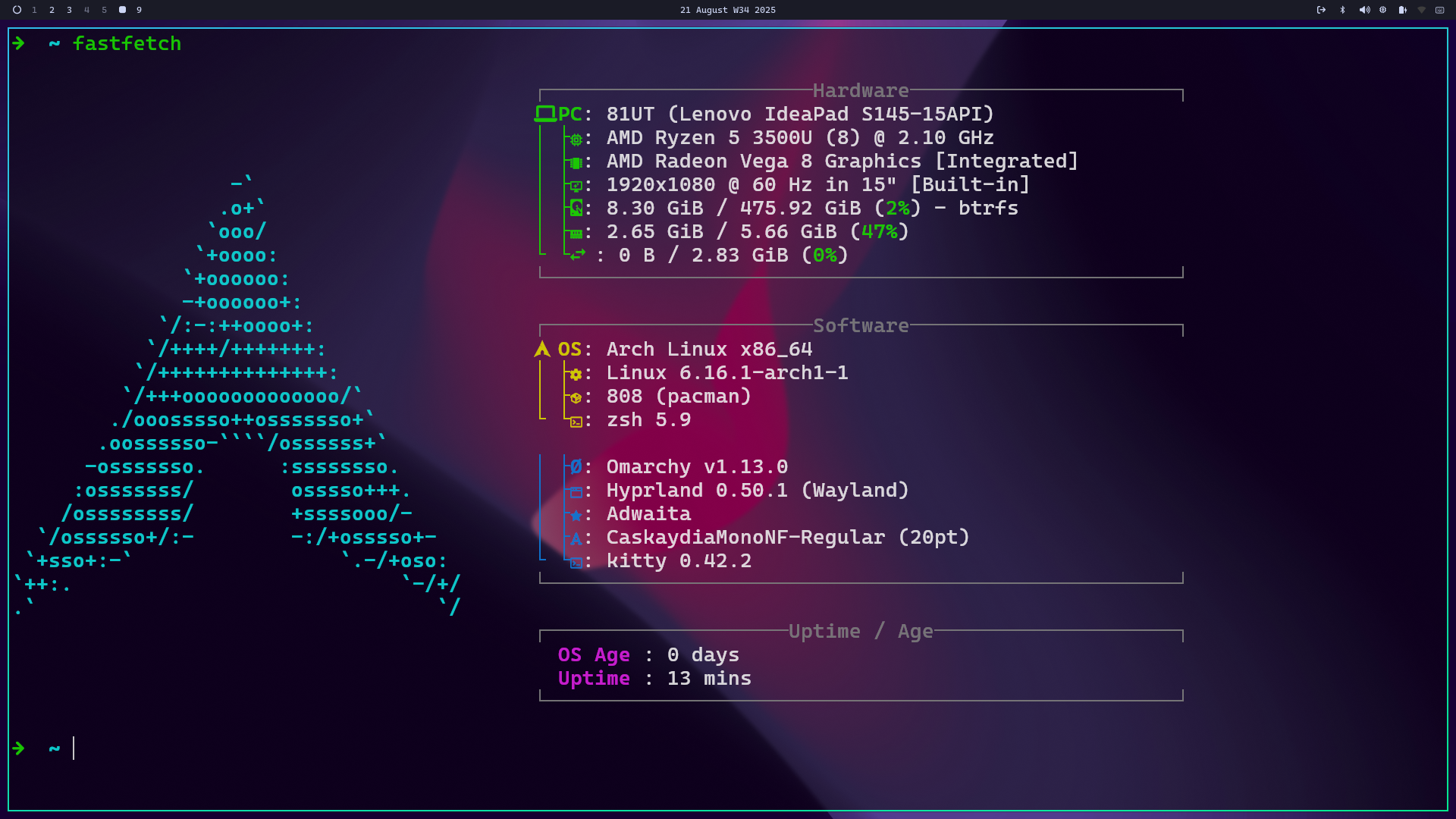|Fastfetch output|
|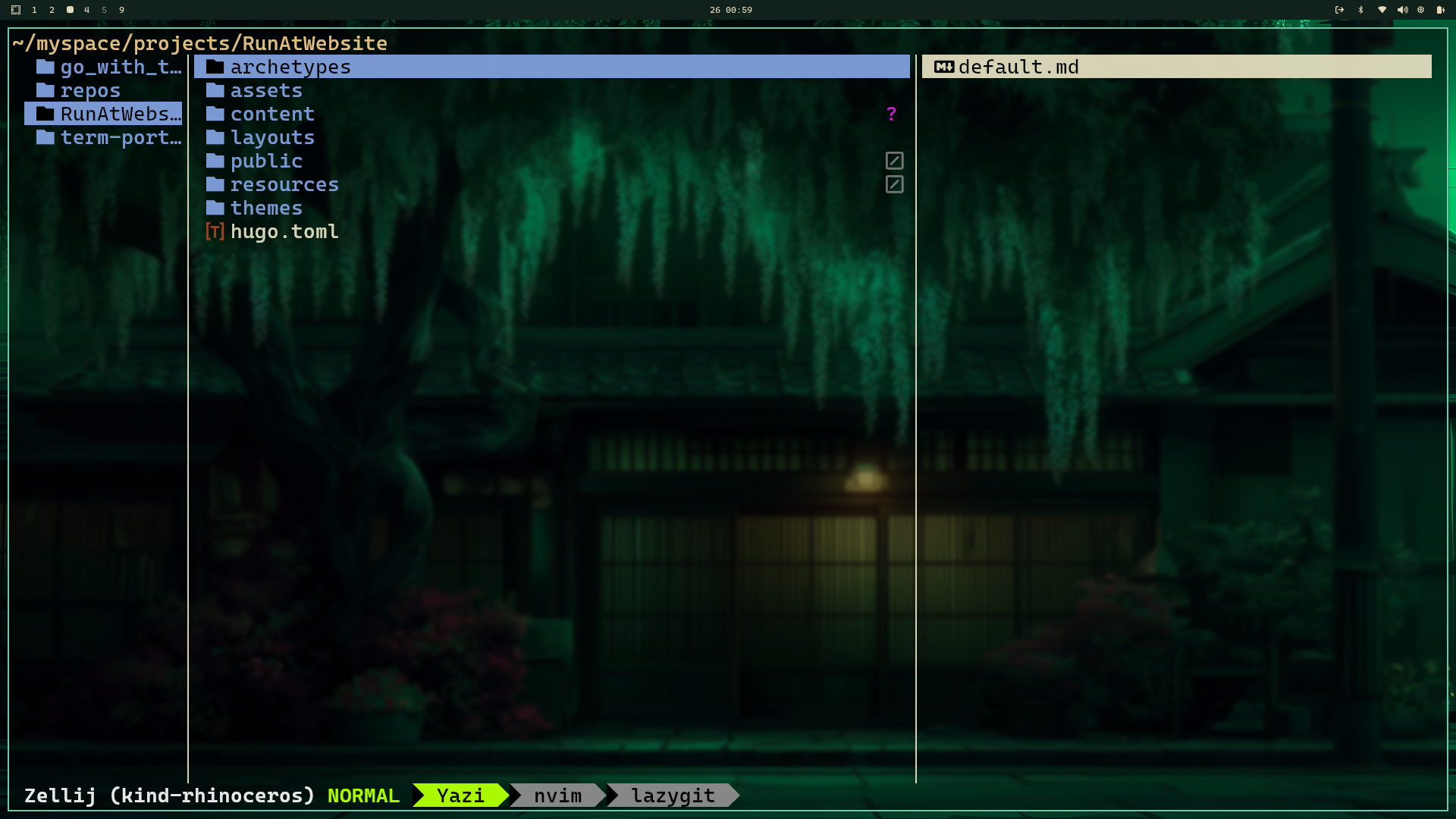|Yazi|
|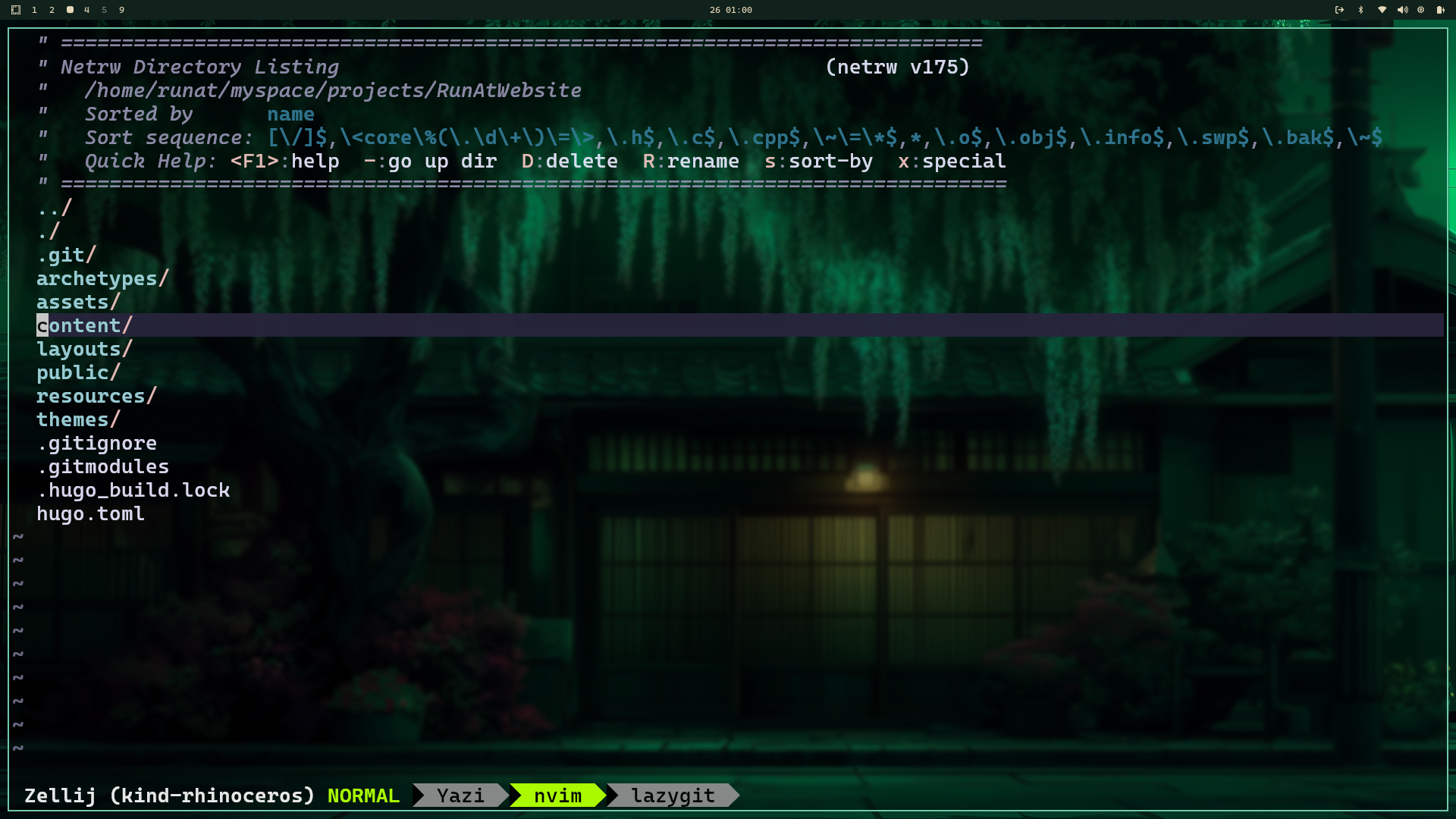|NVIM|
|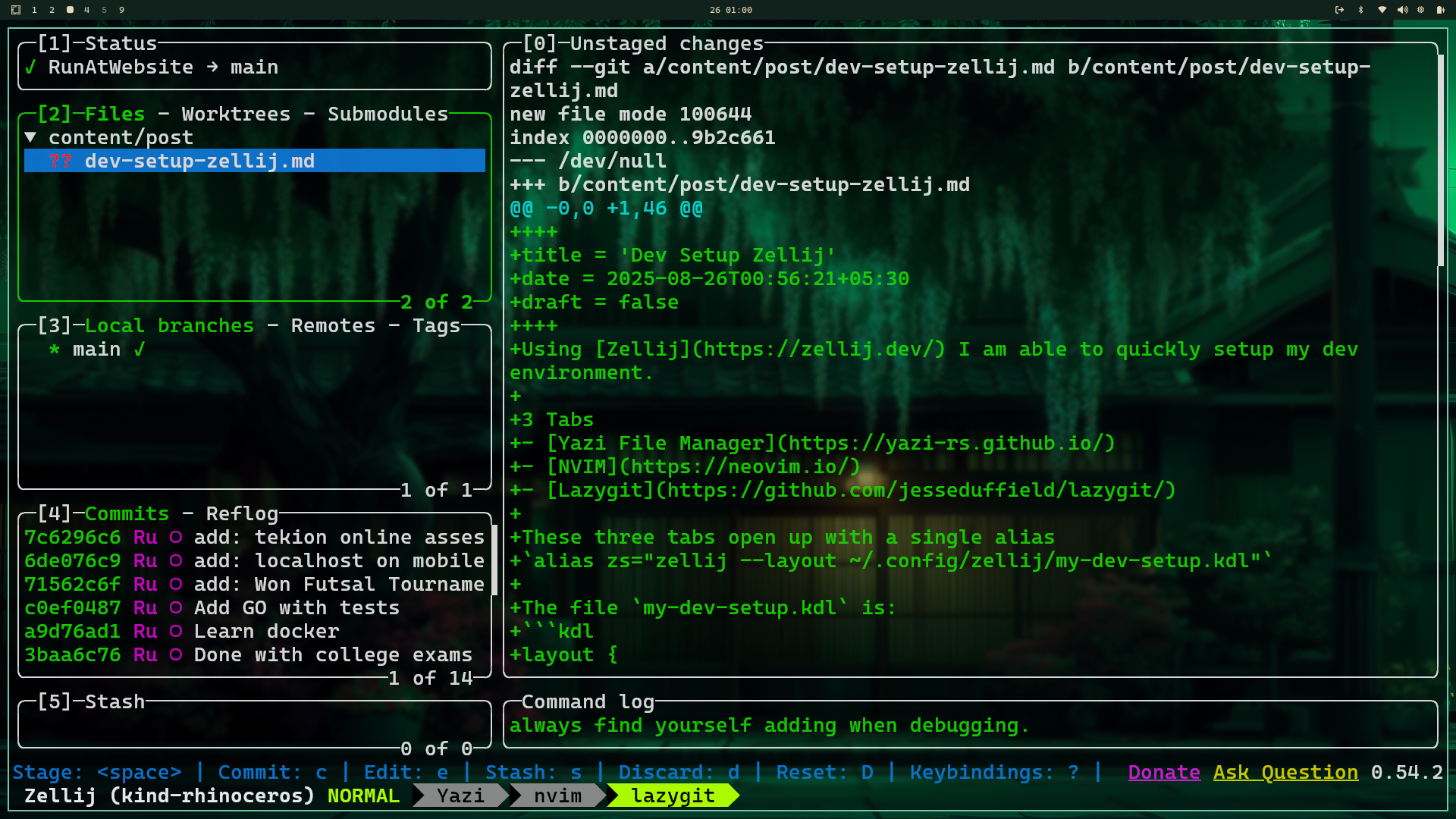|Lazygit|
Inspiration for this table from [here](https://github.com/divy-03/dotfiles?tab=readme-ov-file#%EF%B8%8F-screenshots)
# Programs I Use
|Tool|Program|
|---|---|
| Setup Script: | [Omarchy](http://omarchy.org/) |
| WM/Compositor: | [Hyprland](https://hypr.land/) |
| OS: | [Arch Linux](https://archlinux.org/) |
| Shell: | [ZSH](https://wiki.archlinux.org/title/Zsh) |
| Bar: | [Waybar](https://github.com/Alexays/Waybar) |
| File Manager: | [YAZI](https://github.com/sxyazi/yazi) |
| Application Launcher: | [Walker](https://github.com/abenz1267/walker) |
| PDF Viewer: | [Zathura](https://pwmt.org/projects/zathura/) |
| Image Viewer: | [Swayimg](https://github.com/artemsen/swayimg) |
| Video Player: | [MPV](https://mpv.io/) |
| Browser: | [Zen](https://zen-browser.app/), [Brave](https://brave.com/), [Chromium](https://www.chromium.org/chromium-projects/) |
| Editor: | [NVIM](https://github.com/neovim/neovim) |
# HOW to use
> [!NOTE]
> I use a [script](https://github.com/RunAtTekky/initial-setup-script) which installs all the programs I use with my custom configurations from this repository
> You can either use my script or fork and create one that suits your needs
```bash
git clone https://github.com/RunAtTekky/dotfiles.git "$HOME/dotfiles"
```
This will create a directory `~/dotfiles/`
> To set-up [kitty](https://github.com/kovidgoyal/kitty)'s configuration
```bash
cd "$HOME/dotfiles/"
# Install program if not installed
# Remove the config files for the program
rm -rf "$HOME/.config/kitty"
# Use the config files from out dotfiles
stow kitty
```
## How to structure for new programs
If you want to store the dotfiles for `kitty` you need to have the same structure.
The config files for `kitty` are in `~/.config/kitty/kitty.conf`
So, you will create a folder inside `dotfiles` and structure it exactly like the actual path of the configuration.
```
├── kitty
│ └── .config
│ └── kitty
│ └── kitty.conf
mkdir -p ~/dotfiles/kitty/.config/kitty
# Make the folders if they don't exist
cp -r ~/.config/kitty ~/dotfiles/kitty/.config/kitty
# Copy all the files in the actual configuration path to our `~/dotfiles/kitty/.config/kitty`
```
## Creating symlink
Now you have copied your desired configuration to `$HOME/dotfiles/kitty/`
Now we will create symlink
```bash
# Remove the actual config files
rm -rf "$HOME/.config/kitty"
# Symlink files in ~/dotfiles/kitty
stow kitty
```
> The changes you make in dotfiles will appear in the actual config location