https://github.com/ryanj/rht-summit-2023-sample-application
https://github.com/ryanj/rht-summit-2023-sample-application
Last synced: about 1 year ago
JSON representation
- Host: GitHub
- URL: https://github.com/ryanj/rht-summit-2023-sample-application
- Owner: ryanj
- Created: 2023-05-17T18:01:30.000Z (about 3 years ago)
- Default Branch: main
- Last Pushed: 2023-05-17T18:01:33.000Z (about 3 years ago)
- Last Synced: 2025-02-13T02:16:16.357Z (over 1 year ago)
- Language: JavaScript
- Size: 503 KB
- Stars: 0
- Watchers: 2
- Forks: 0
- Open Issues: 0
-
Metadata Files:
- Readme: README.md
Awesome Lists containing this project
README
# Red Hat Summit 2023 GitOps Sample Application
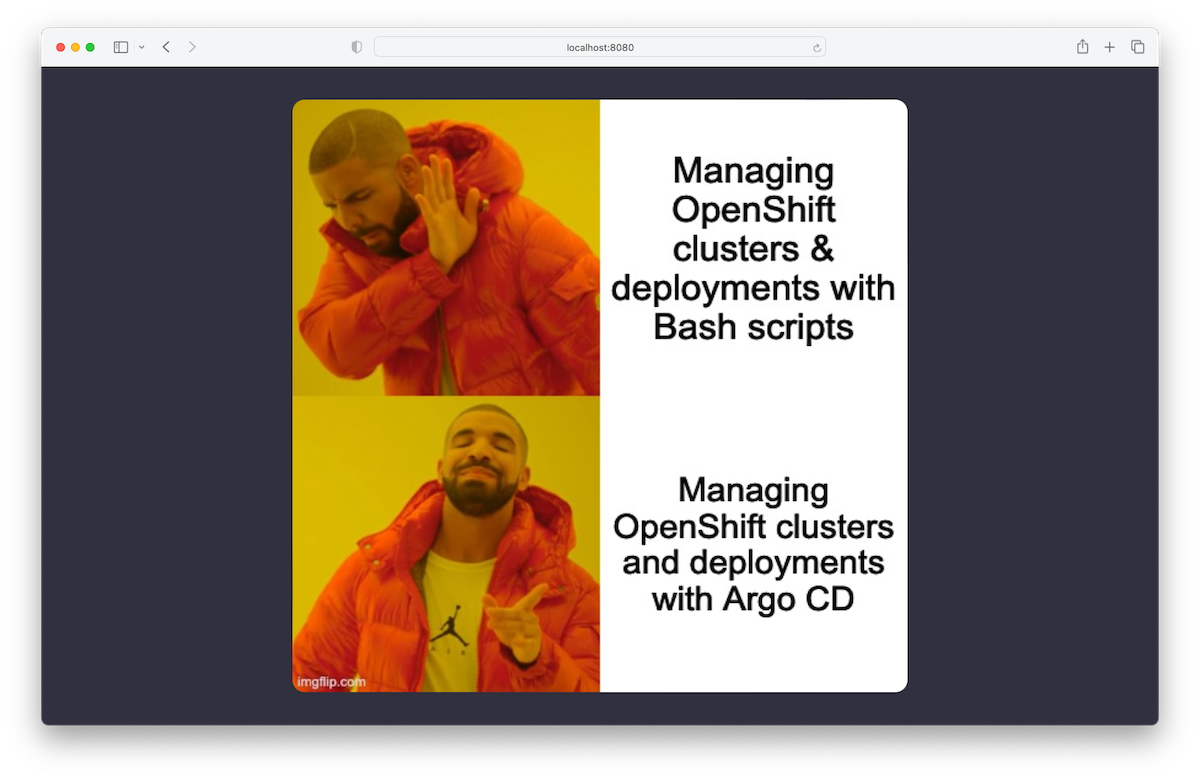
This repository contains a simple Node.js application that renders a web page
containing a randomly chosen meme.
## Overview
The *k8s* directory contains a set of Kubernetes/OpenShift resources that can be used
to deploy the Node.js application on an OpenShift cluster.
The memes displayed by the application are chosen at random from the
*application/images.json* file. It's possible to use a different file by setting
the `IMAGES_JSON_FILEPATH` environment variable to point to a different file.
When deployed on OpenShift using the resources in the *k8s/* folder, the
application mounts a ConfigMap containing the memes that should be used.
GitHub Actions is used for CI (Continuous Integration). Modifying the code in
the *application/* directory will trigger an Action to build and push a new
container image to https://quay.io/evanshortiss/random-meme. Similarly, changes
to the *k8s/config-map.yaml* will trigger an Action that verifies that the image
URLs in the ConfigMap actually resolve to images.
## Local Development
Requires Node.js v18. The following commands will start a local development
server that automatically detects file changes and restarts the Node.js server:
```
cd application
npm ci
npm run dev
```
## Contributing Memes
The basic process for adding a meme is:
1. Sign into your GitHub Account.
1. Open the _[k8s/config-map.yaml](https://github.com/evanshortiss/rht-summit-2023-sample-application/blob/main/k8s/config-map.yaml)_ in your browser, and click on the edit (pencil) icon.
1. Add the URL to your meme to the `images.json` array.
1. Save the change and click on the **Create pull request** button that appears.
1. Wait for the repository owner to merge your pull request.