https://github.com/ryanuo/hexo-wx-api
A WeChat applet based on the hexo framework
https://github.com/ryanuo/hexo-wx-api
blog-theme hexo hexo-theme
Last synced: 12 months ago
JSON representation
A WeChat applet based on the hexo framework
- Host: GitHub
- URL: https://github.com/ryanuo/hexo-wx-api
- Owner: ryanuo
- Created: 2021-09-06T13:28:30.000Z (almost 5 years ago)
- Default Branch: master
- Last Pushed: 2024-01-08T16:56:26.000Z (over 2 years ago)
- Last Synced: 2024-11-24T20:47:16.964Z (over 1 year ago)
- Topics: blog-theme, hexo, hexo-theme
- Language: JavaScript
- Homepage:
- Size: 1.31 MB
- Stars: 14
- Watchers: 3
- Forks: 5
- Open Issues: 5
-
Metadata Files:
- Readme: README.md
Awesome Lists containing this project
README
[toc]
# 仓库简介
  [](https://www.npmjs.com/package/hexo-generator-wxapi)
* 个人博客微信小程序
* 配置hexo插件生成json数据接口
* 适用于hexo的各类主题版本
## 已上线小程序--搜索 `[今日在学c]`

一起学习可好? 扫码关注, 了解更多!!
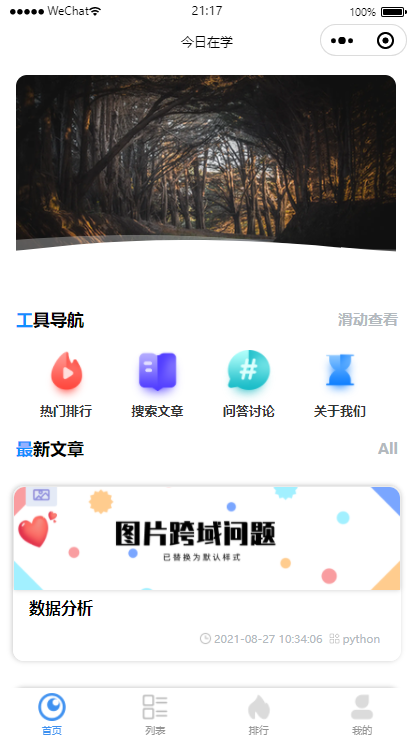 图1 首页
图1 首页
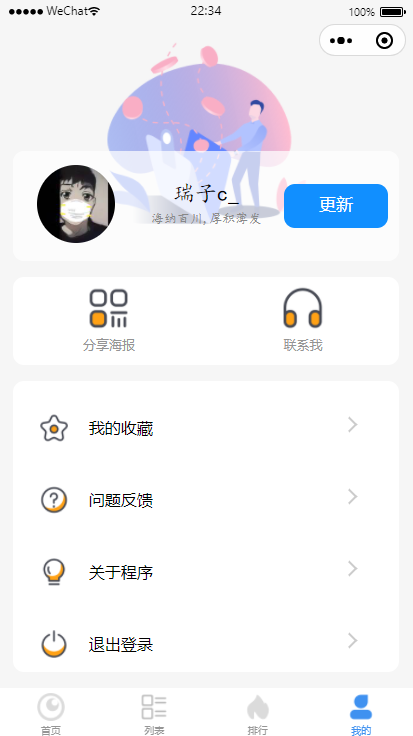 图2 个人中心
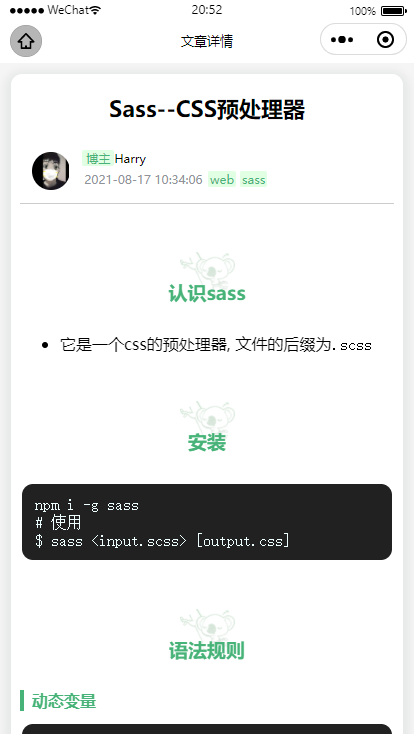 图2 文章页
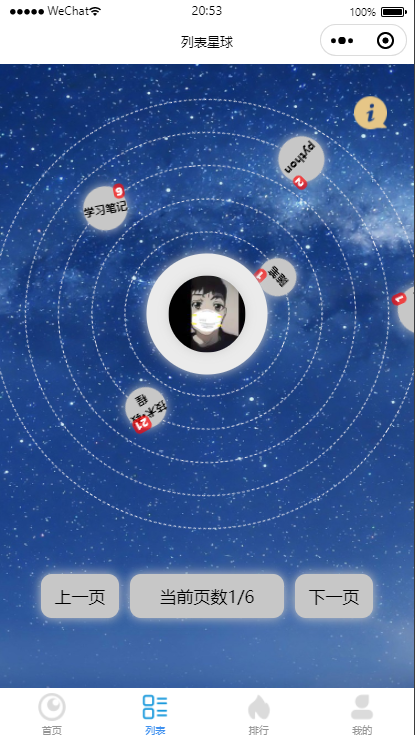 图2 本地搜索
## HEXO部署方法
```html
npm install hexo-generator-wxapi --save
```
* 使用方法看[这里](https://github.com/rr210/hexo-generator-wxapi)
## 具体步骤(接口配置)
1. 在hexo`_config.yml`文件中加入以下配置 必须配置
```yaml
restful_api:
# site 可配置为数组选择性生成某些属性
# site: ['title', 'subtitle', 'description', 'author', 'since', email', 'favicon', 'avatar']
site: true # hexo.config mix theme.config
posts_size: 10 # 文章列表分页,0 表示不分页
posts_props: # 文章列表项的需要生成的属性
title: true
slug: true
date: true
updated: true
comments: true
path: true
excerpt: false
cover: true # 封面图,取文章第一张图片
content: false
keywords: false
categories: true
tags: true
categories: true # 分类数据
use_category_slug: false # Use slug for filename of category data
tags: true # 标签数据
use_tag_slug: false # Use slug for filename of tag data
post: true # 文章数据
pages: false # 额外的 Hexo 页面数据, 如 About
swipers_list: [] # 生成指定的页面信息,做指定的轮播文章展示
search_all: # 配置全局搜索
enable: true
path: api/search.json
field: post
content: true
```
## 小程序配置
* 拉取代码, 将文件导入到微信开发者工具中
```npm
git clone https://github.com/Rr210/hexo-wx-api
```
* 配置微信小程序
* 找到config文件下的`config.js`进行配置, 如下
```JS
//配置域名,域名只修改此处。可以配置为根域名 u.mr90.top/blog
const DOMAIN = "u.mr90.top";
const WEBSITENAME = "Harryの心阁"; //网站名称
const ZANIMAGEURL = '../../static/images/zanshang.jpg'; //微信鼓励的图片链接,用于个人小程序的赞赏
const LOGO = "../../static/images/logo-icon.png"; // 网站的logo图片
//首页图标导航
//参数说明:'name'为名称,'image'为图标路径,'url'为跳转的页面,'redirecttype'为跳转的类型,apppage为本小程序的页面,miniapp为其他微信小程序,webpage为web-view的页面
//redirecttype 是 miniapp 就是跳转其他小程序 url 为其他小程序的页面
//redirecttype 为 apppage 就是跳转本小程序的页面,url为本小程序的页面路径
//'appid' 当redirecttype为miniapp时,这个值为其他微信小程序的appid,如果redirecttype为apppage,webpage时,这个值设置为空。
//'extraData'当redirecttype为miniapp时,这个值为提交到其他微信小程序的参数,如果redirecttype为apppage,webpage时,这个值设置为空。
const ISAD = {
"enable": false, // 是否开启,第一次使用时设为false.达到默认条件即可开启
"bannerId": 'adunit-c9dae21126085de9' // 自行申请id
}; // 是否开启广告
// 注意: 如果只是跳转微信小程序内部界面 无需修改以下内容
const INDEXNAV = [{
id: '1',
name: '热门排行',
image: '../../static/icon/index/1.png',
url: '../hot/hot',
redirecttype: 'apppage',
appid: '',
extraData: ''
}
// ...........
];
```
* 样式的配置在全局文件`app.wxss`文件中