https://github.com/ryosama/mame_explorer
Web interface to explorer MAME roms and get all information in one page
https://github.com/ryosama/mame_explorer
emulation frontend mame php rom-search webapp
Last synced: about 1 month ago
JSON representation
Web interface to explorer MAME roms and get all information in one page
- Host: GitHub
- URL: https://github.com/ryosama/mame_explorer
- Owner: ryosama
- Created: 2017-02-03T09:49:57.000Z (over 9 years ago)
- Default Branch: master
- Last Pushed: 2026-05-17T16:49:36.000Z (about 1 month ago)
- Last Synced: 2026-05-17T18:51:28.172Z (about 1 month ago)
- Topics: emulation, frontend, mame, php, rom-search, webapp
- Language: PHP
- Size: 1.61 MB
- Stars: 1
- Watchers: 1
- Forks: 0
- Open Issues: 2
-
Metadata Files:
- Readme: README.md
Awesome Lists containing this project
README
# MAME Explorer
---------------
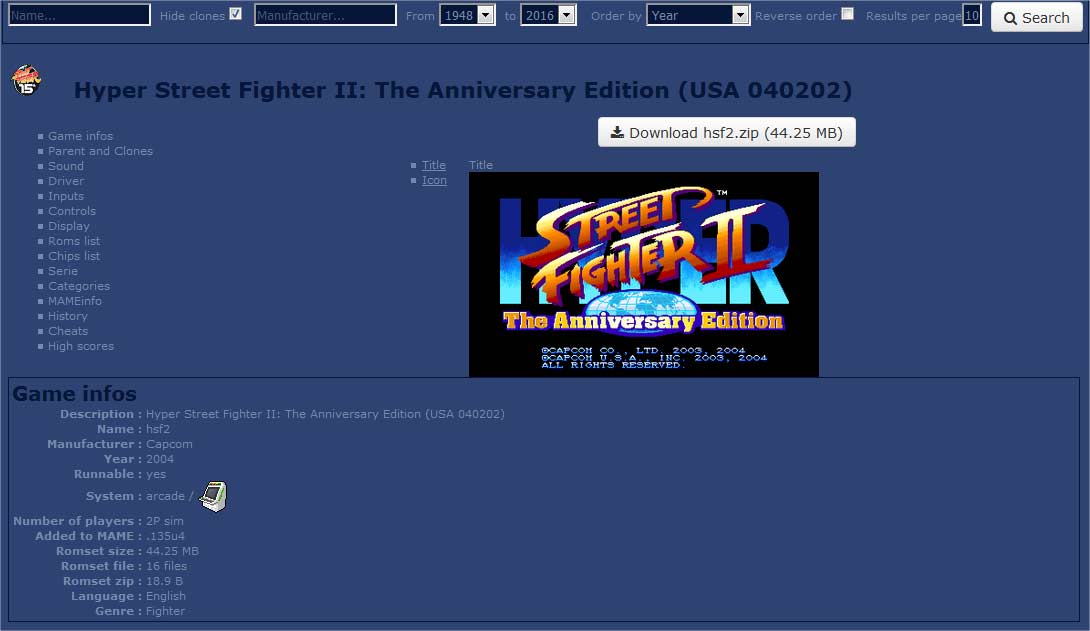
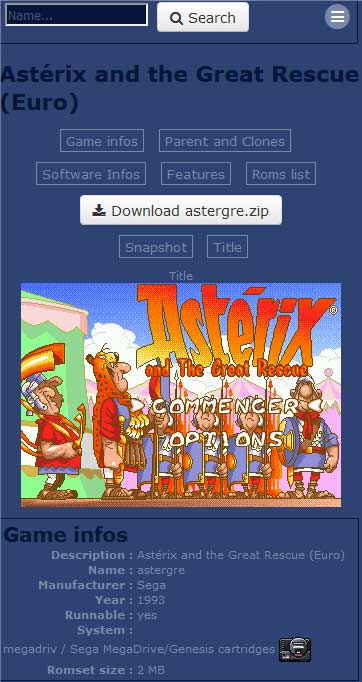
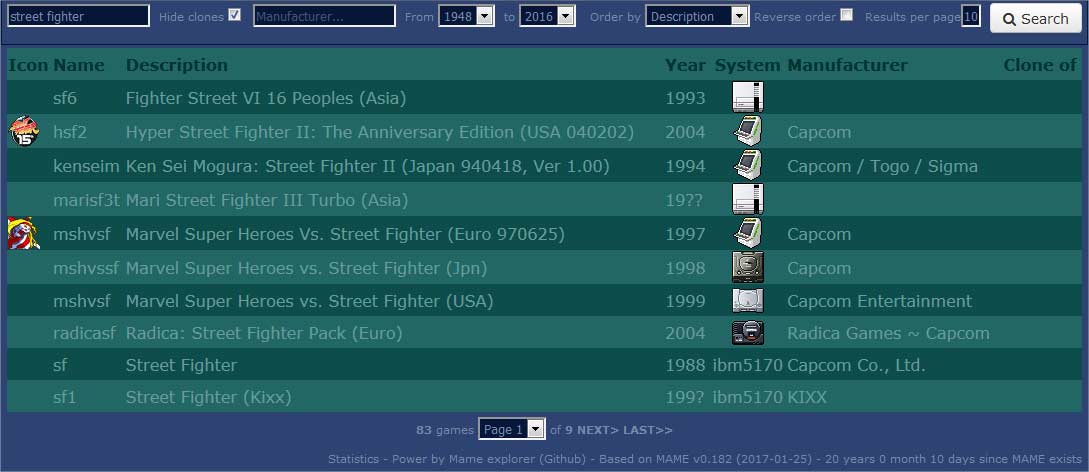
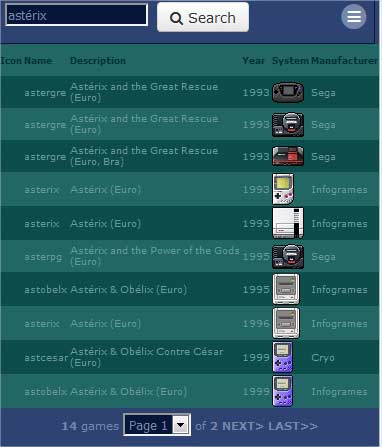
It's a responsive web interface (PHP / Perl / SQLite) to retrieve all informations about MAME roms.
Demo http://78.213.180.135:5080/mame
 
 
# Create Database
-----------------
- To create your database, you have to download mame executable : http://mamedev.org/release.php (32 or 64 bits)
- Go to `sources` directory and launch `perl getfiles.pl` to download latest version of files which work with MAME :
catver.ini, nplayers.ini, series.ini, languages.ini, bestgames.ini, cheats, history.dat, story.dat,
mameinfo.dat, catver.ini, command.dat
- Go to `sources` directory and launch `perl mame2sqlite.pl` to create the SQLite database.
- You can also manually download snapshots, titles, control panel,... images packs and unzip them into `sources` directory.
=======
# MAME Explorer
---------------
It's a responsive web interface (PHP / Perl / SQLite) to retrieve all informations about MAME roms.
Demo http://ryosama.myftp.org/mame
# Create Database
-----------------
- To create your database, you have to download mame executable : http://mamedev.org/release.php (32 or 64 bits)
- Go to `sources` directory and launch `perl getfiles.pl` to download latest version of files which work with MAME :
catver.ini, nplayers.ini, series.ini, languages.ini, bestgames.ini, cheats, history.dat, story.dat,
mameinfo.dat, catver.ini, command.dat
- Go to `sources` directory and launch `perl mame2sqlite.pl` to create the SQLite database.
- You can also manually download snapshots, titles, control panel,... images packs and unzip them into `sources` directory.
Go to http://www.mamechannel.it/pages/progettosnaps.php to download images packs