https://github.com/s00d/on-codemerge
A WYSIWYG editor for on-codemerge is a user-friendly interface that allows users to edit and view their code in real time, exactly as it will appear in the final product.
https://github.com/s00d/on-codemerge
Last synced: 8 months ago
JSON representation
A WYSIWYG editor for on-codemerge is a user-friendly interface that allows users to edit and view their code in real time, exactly as it will appear in the final product.
- Host: GitHub
- URL: https://github.com/s00d/on-codemerge
- Owner: s00d
- License: mit
- Created: 2024-01-06T14:36:37.000Z (over 2 years ago)
- Default Branch: main
- Last Pushed: 2025-06-29T09:24:52.000Z (12 months ago)
- Last Synced: 2025-07-07T12:48:42.079Z (11 months ago)
- Language: TypeScript
- Homepage: https://s00d.github.io/on-codemerge/
- Size: 9.82 MB
- Stars: 8
- Watchers: 2
- Forks: 2
- Open Issues: 0
-
Metadata Files:
- Readme: readme.md
- License: LICENSE
Awesome Lists containing this project
README
[](https://www.npmjs.com/package/on-codemerge)
[](https://www.npmjs.com/package/on-codemerge)
[](https://github.com/on-org/on-codemerge/blob/master/LICENSE)
[](https://github.com/on-org/on-codemerge)
[](https://github.com/s00d/on-codemerge/issues)
[](https://github.com/s00d/on-codemerge/stargazers)
[](https://www.donationalerts.com/r/s00d88)
# on-codemerge
Zero dependencies editor
[Docs](https://s00d.github.io/on-codemerge/)


## Description
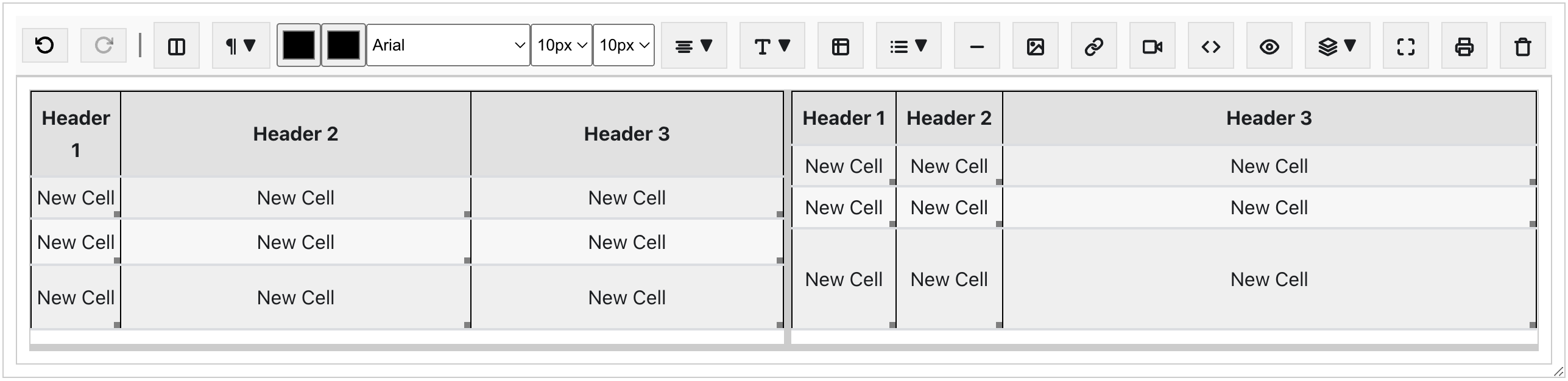
A WYSIWYG editor for on-codemerge is a user-friendly interface that allows users to edit and view their code in real time, exactly as it will appear in the final product. This intuitive tool is designed for developers of all skill levels.
## Installation
To use the editor, include it in your project by importing the main `HTMLEditor` class and any required plugins.
```javascript
import { HTMLEditor, ToolbarPlugin, AlignmentPlugin } from 'on-codemerge';
```
## Setup
Initialize the editor by creating an instance of `HTMLEditor` and passing the target DOM element where the editor should be rendered.
```javascript
const targetElement = document.getElementById('editor');
const editor = new HTMLEditor(targetElement);
// Register plugins
editor.use(new ToolbarPlugin());
editor.use(new AlignmentPlugin());
// To start the editor
editor.init();
```
## Using Plugins
Plugins can be added to enhance the functionality of the editor. Here's an example of how to add a toolbar plugin.
```javascript
import { ToolbarPlugin } from 'on-codemerge';
// After initializing the editor
editor.use(new ToolbarPlugin());
```
## Contribution
Contributions to the editor are welcome. Please ensure that custom plugins and features adhere to the project's architecture and coding standards.
---
For more detailed documentation, please refer to the individual plugin files and the source code of `HTMLEditor`.