https://github.com/sagarbhoi404/qr-code-attendance-system
The QR Code-Based Attendance System is a robust attendance management solution developed using PHP and MySQL. The system supports three roles: Admin, Teacher, and Student, each with distinct functionalities to ensure efficient and secure attendance tracking in educational institutions.
https://github.com/sagarbhoi404/qr-code-attendance-system
datatable font-awesome jquery mysql php phpexcel
Last synced: 5 months ago
JSON representation
The QR Code-Based Attendance System is a robust attendance management solution developed using PHP and MySQL. The system supports three roles: Admin, Teacher, and Student, each with distinct functionalities to ensure efficient and secure attendance tracking in educational institutions.
- Host: GitHub
- URL: https://github.com/sagarbhoi404/qr-code-attendance-system
- Owner: SagarBhoi404
- Created: 2024-08-28T03:44:58.000Z (almost 2 years ago)
- Default Branch: master
- Last Pushed: 2024-08-28T04:39:42.000Z (almost 2 years ago)
- Last Synced: 2025-02-11T09:49:32.659Z (over 1 year ago)
- Topics: datatable, font-awesome, jquery, mysql, php, phpexcel
- Language: PHP
- Homepage: https://sagarbhoi.in/project-demos/qr-code-attendance-system/
- Size: 1.15 MB
- Stars: 1
- Watchers: 1
- Forks: 0
- Open Issues: 0
-
Metadata Files:
- Readme: Readme.md
Awesome Lists containing this project
README
# QR Code-Based Attendance System
## Project Description
The QR Code-Based Attendance System is a robust attendance management solution developed using PHP and MySQL. The system supports three roles: Admin, Teacher, and Student, each with distinct functionalities to ensure efficient and secure attendance tracking in educational institutions.
### Key Features:
- **Admin Role**:
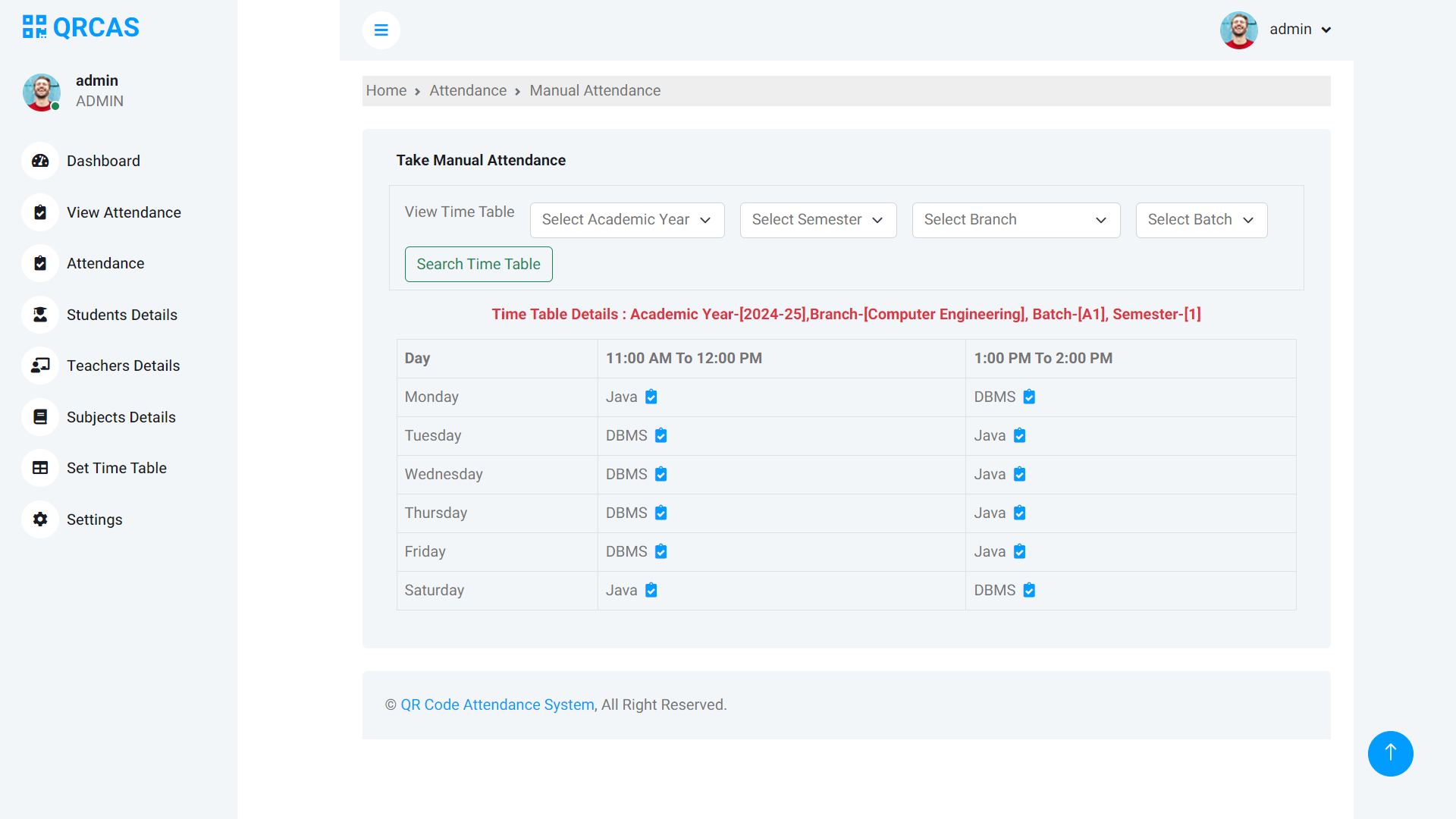
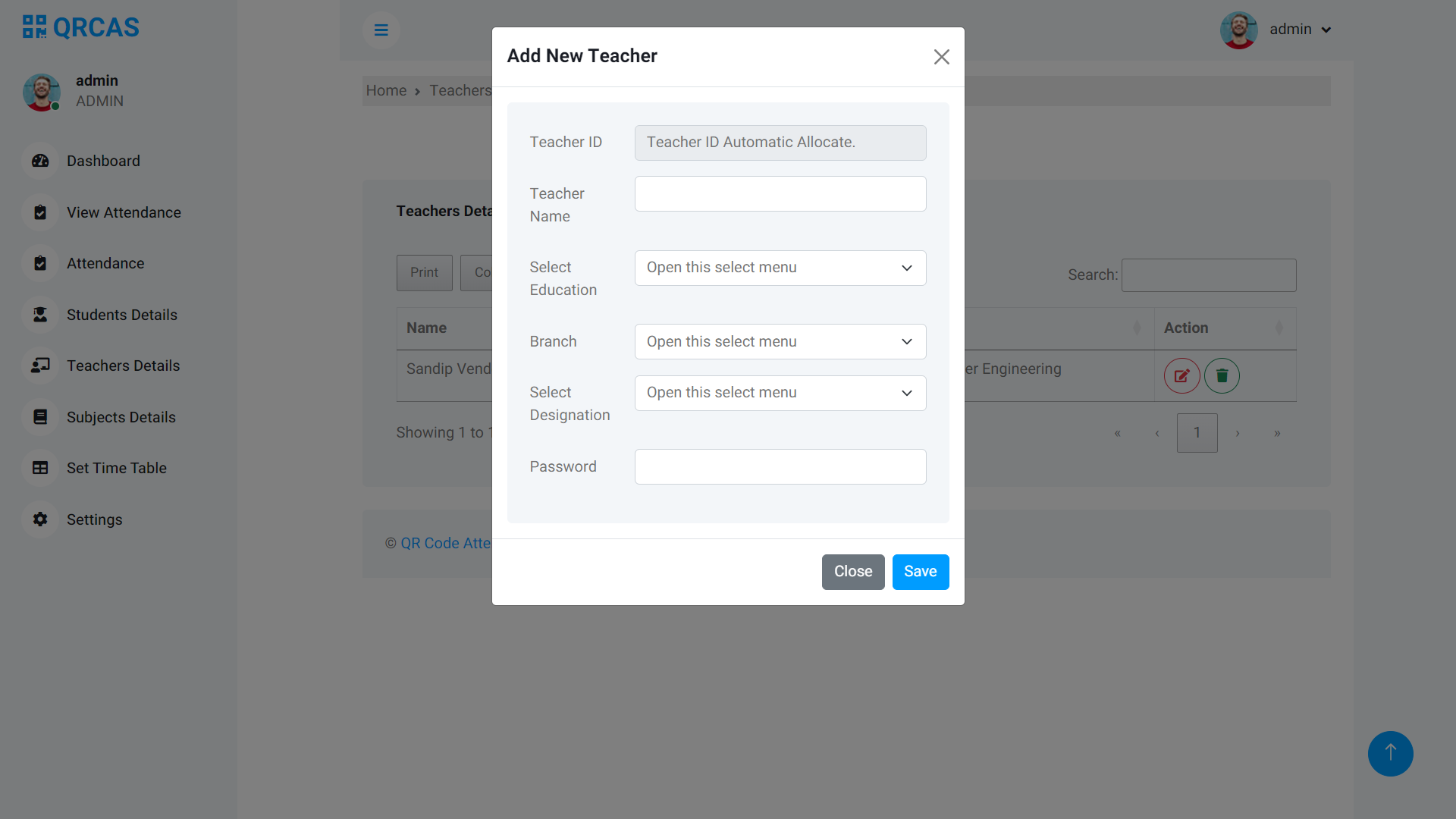
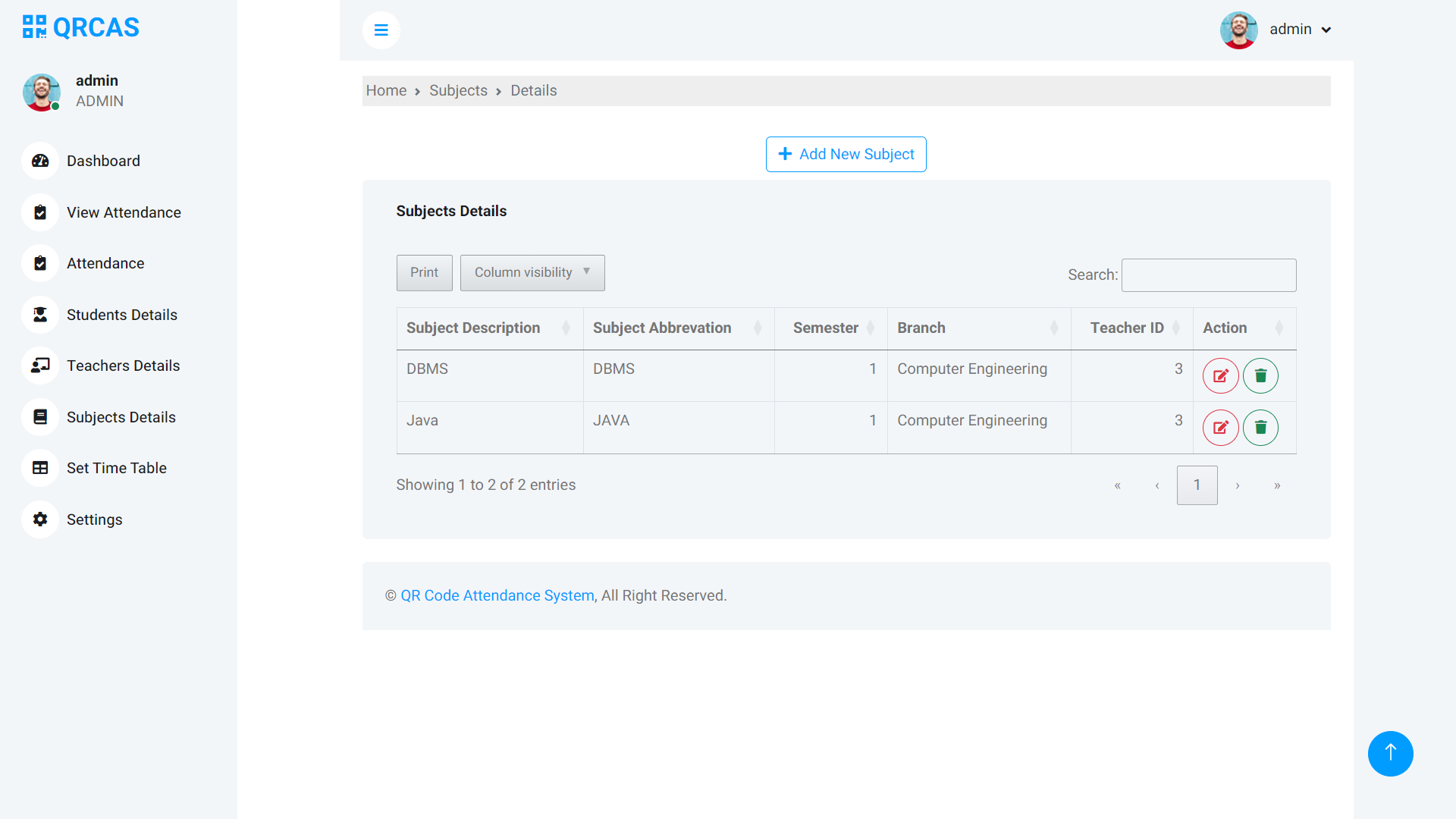
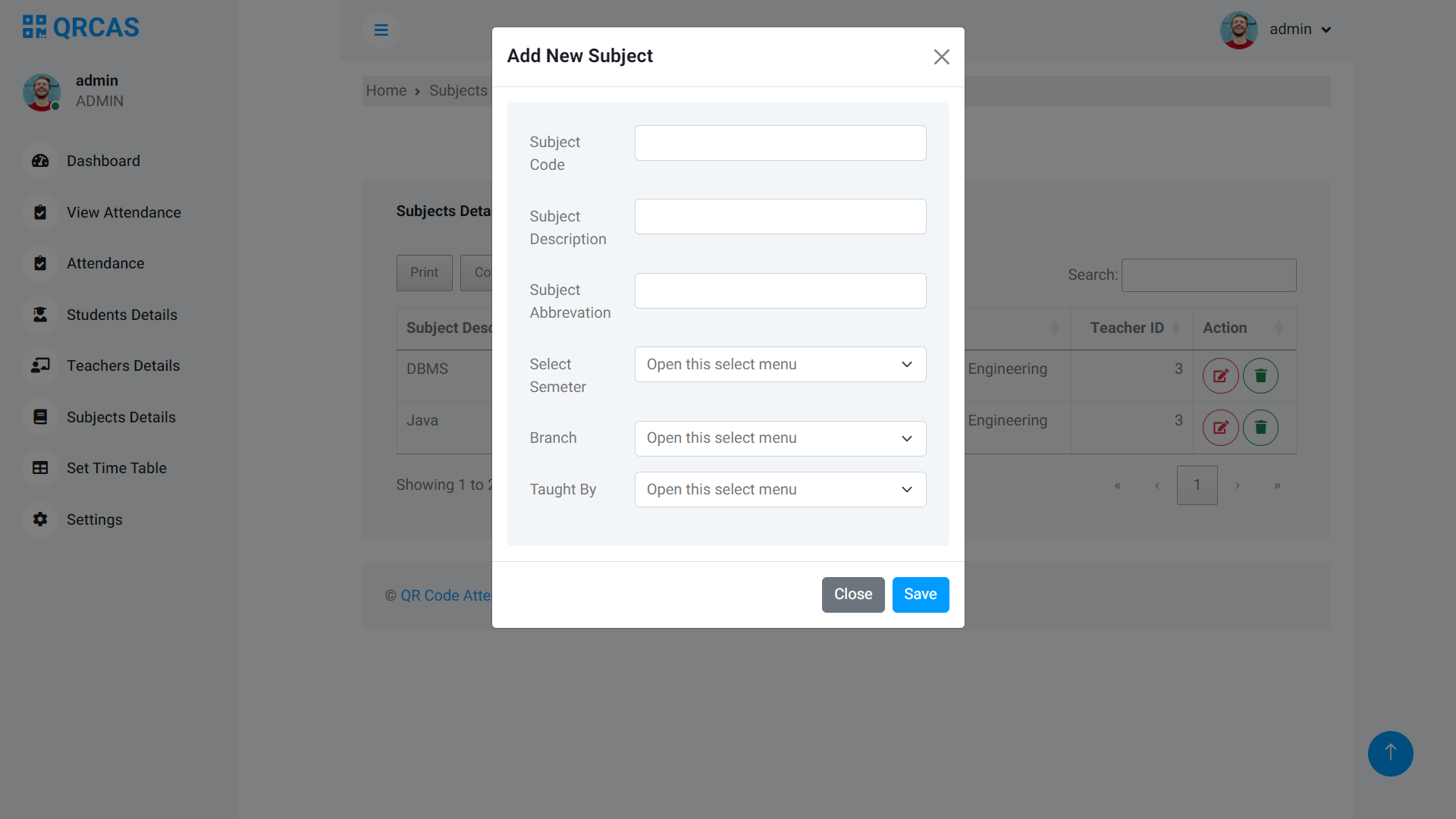
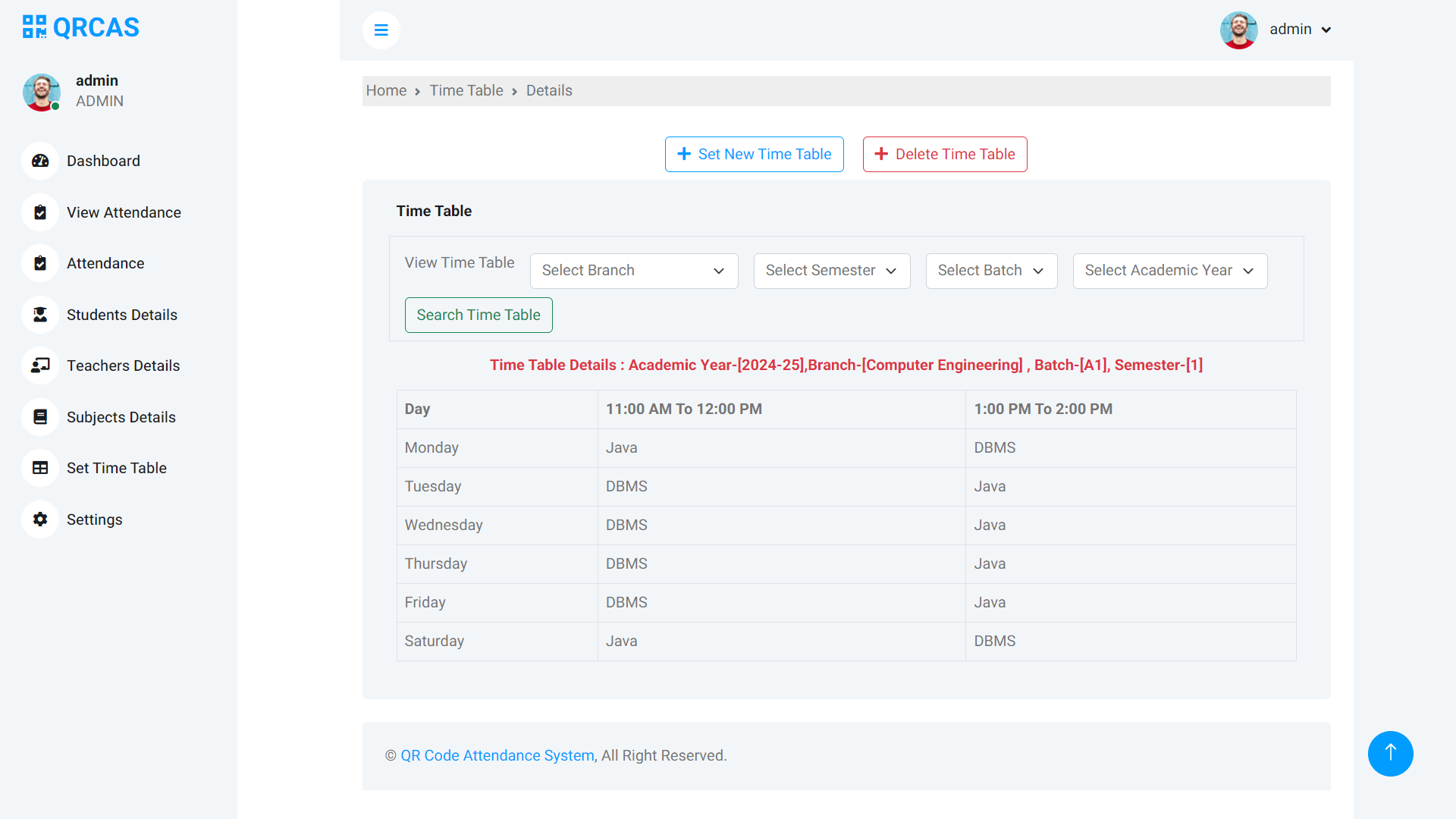
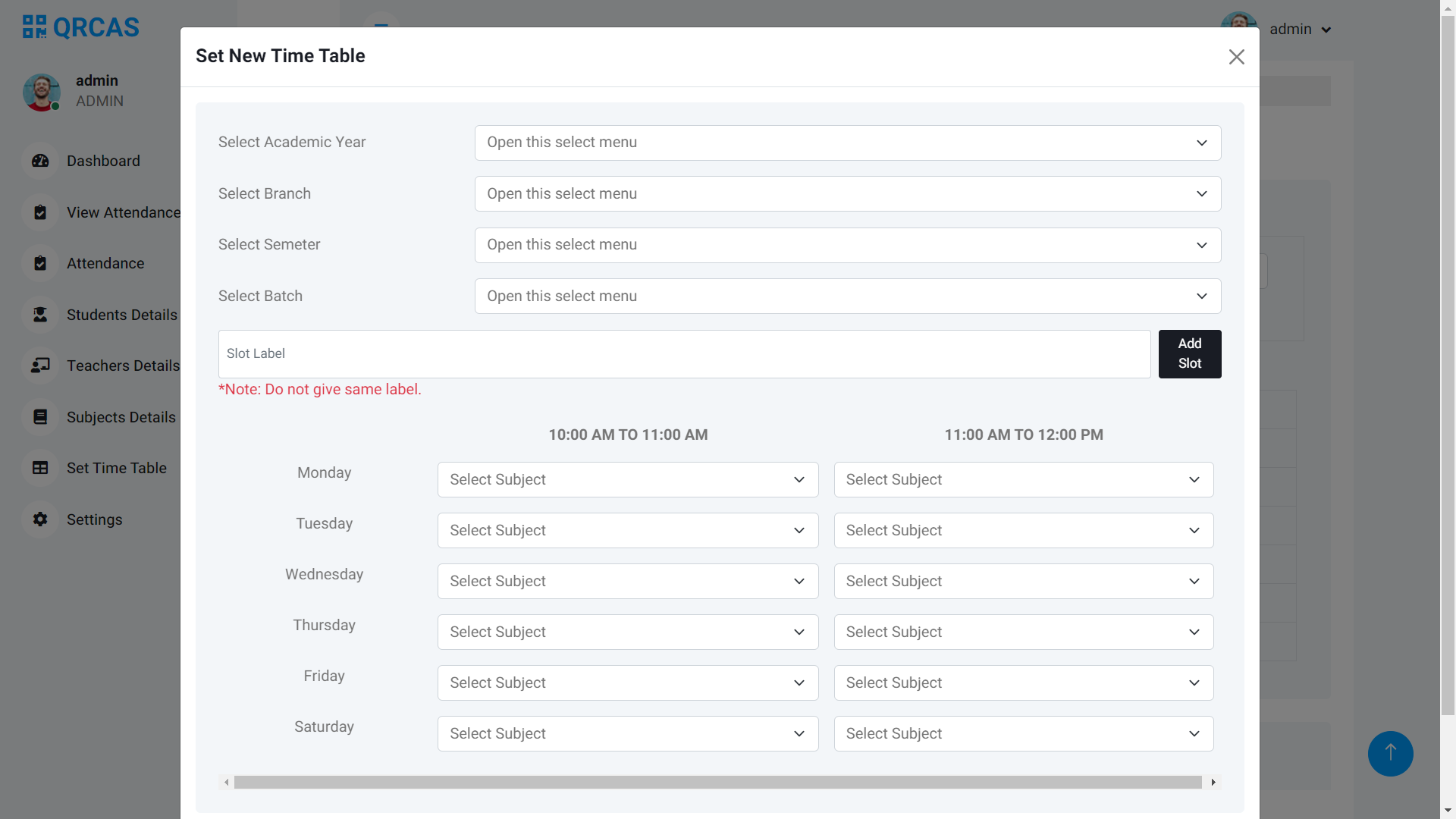
- Add, view, and edit students, teachers, and timetables.
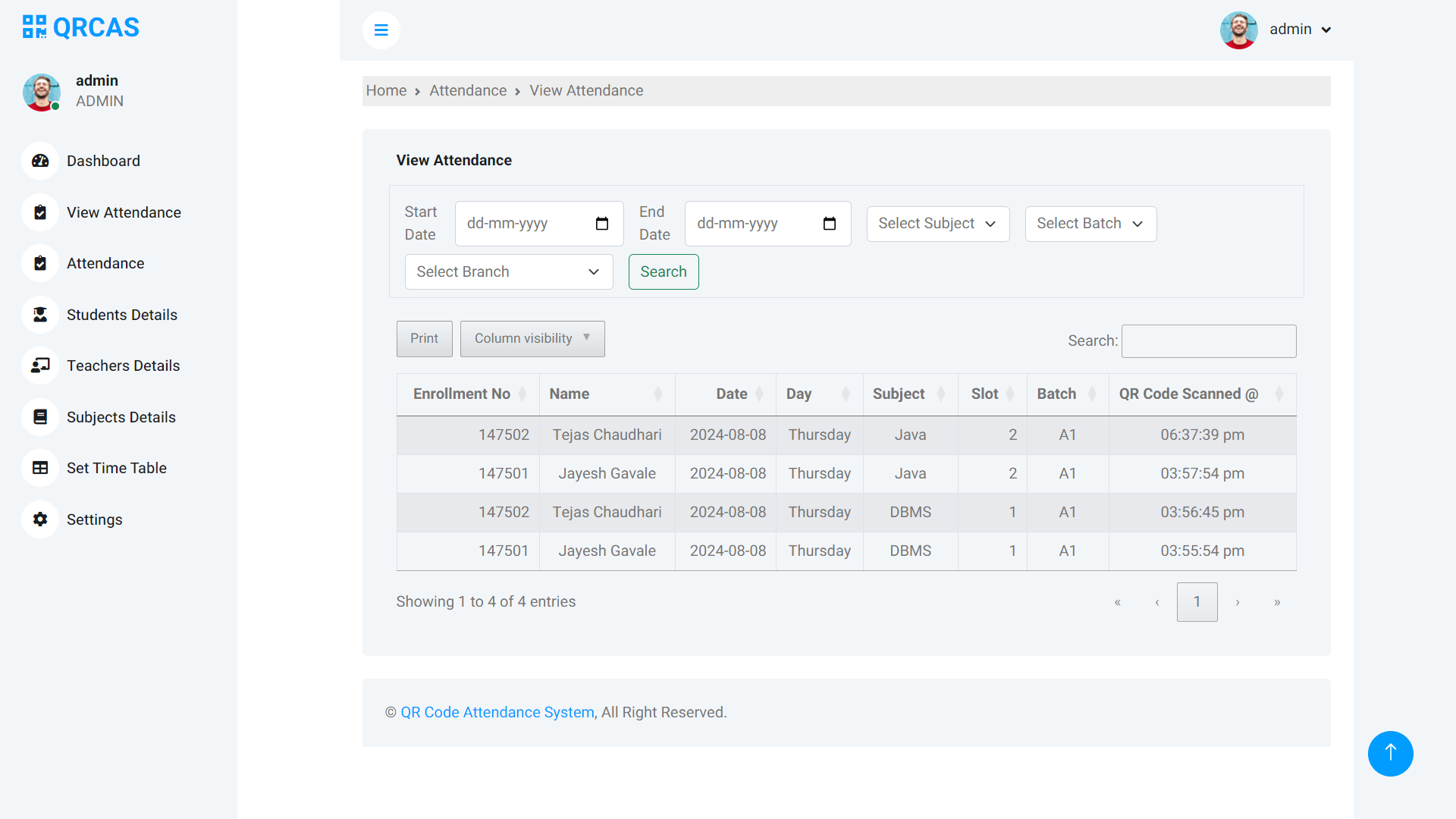
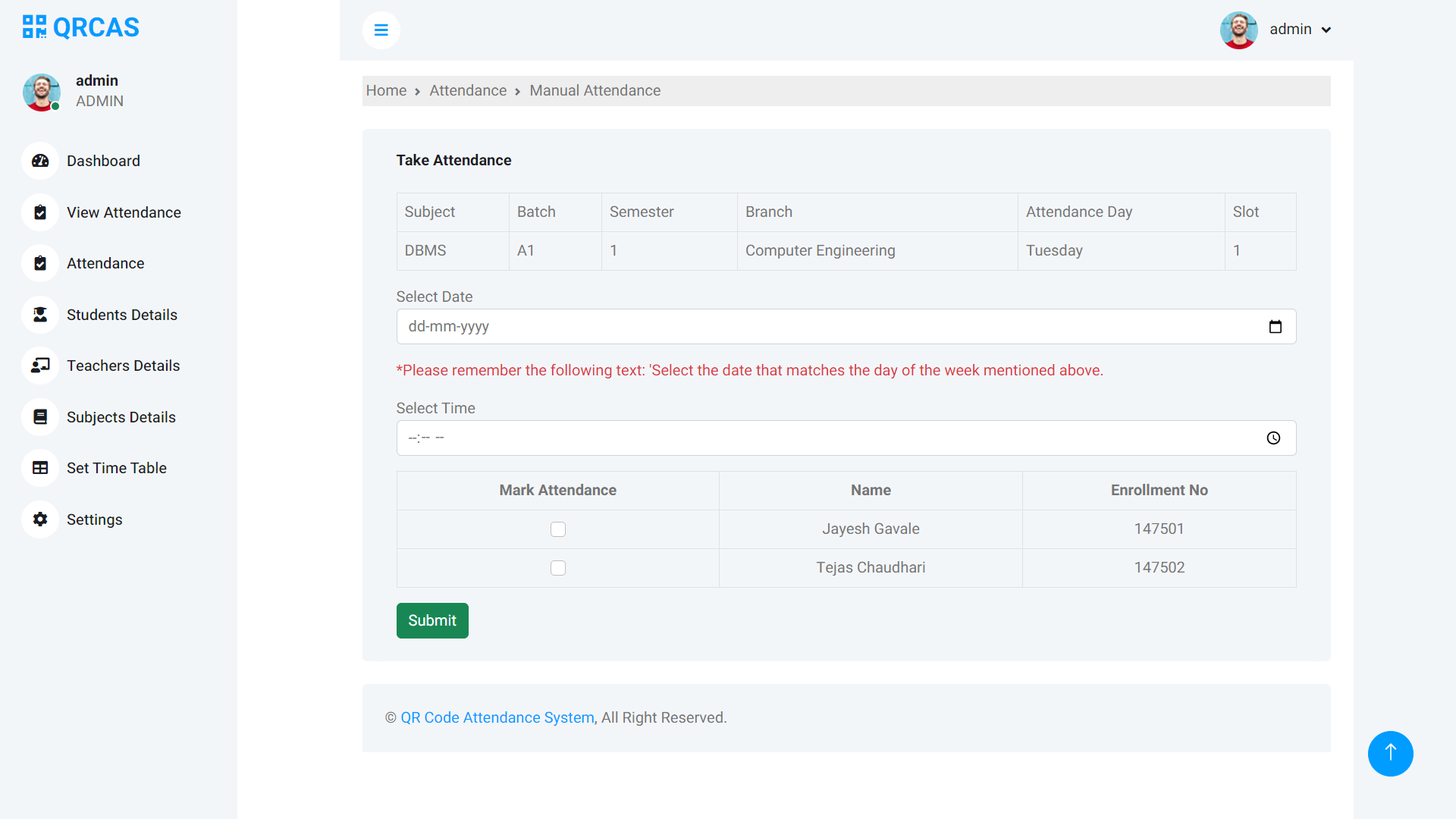
- View and manage all attendance records, including the ability to manually mark attendance in case of scanning issues.
- Manage attendance data for multiple classes, semesters, and batches.
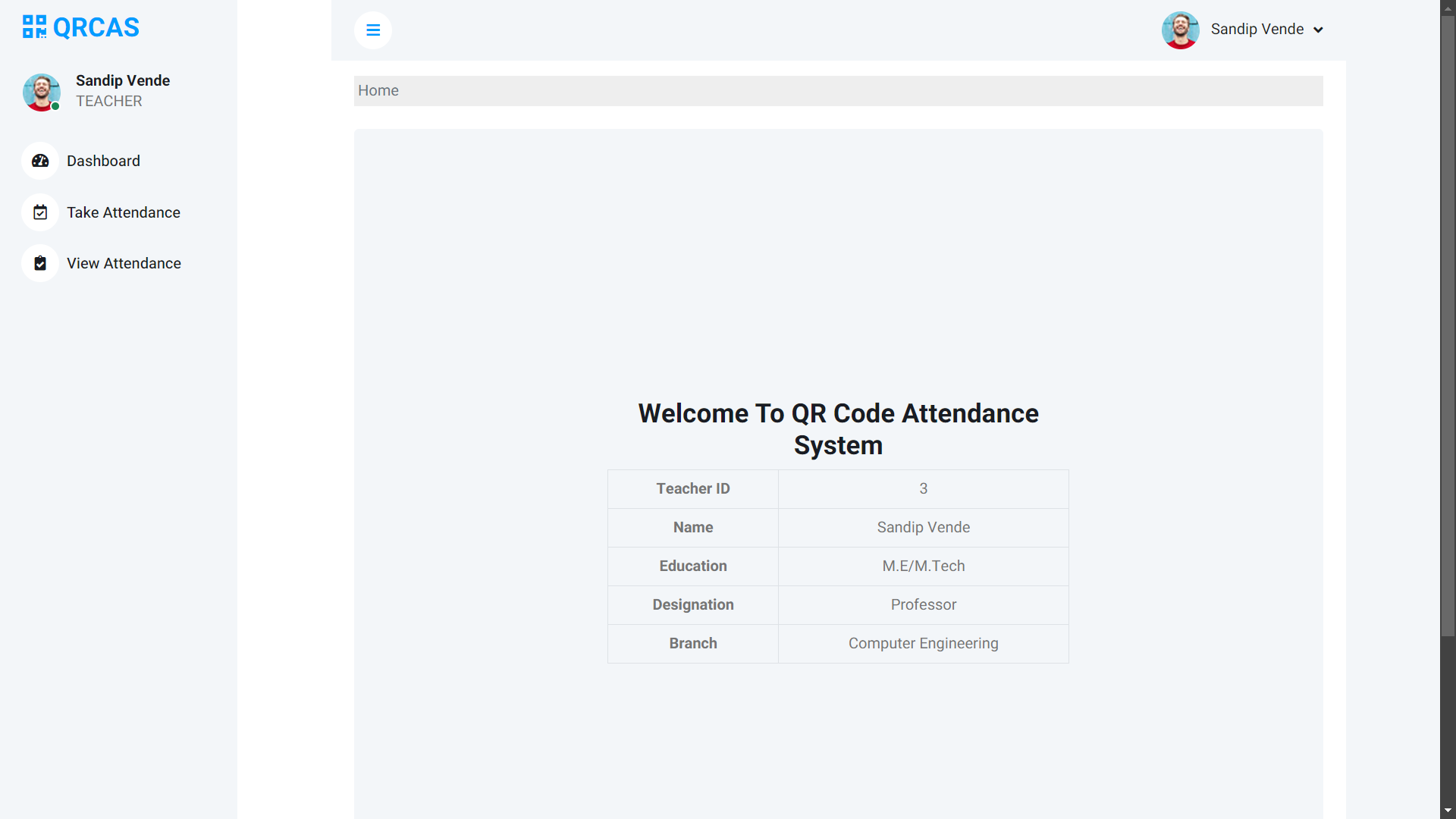
- **Teacher Role**:
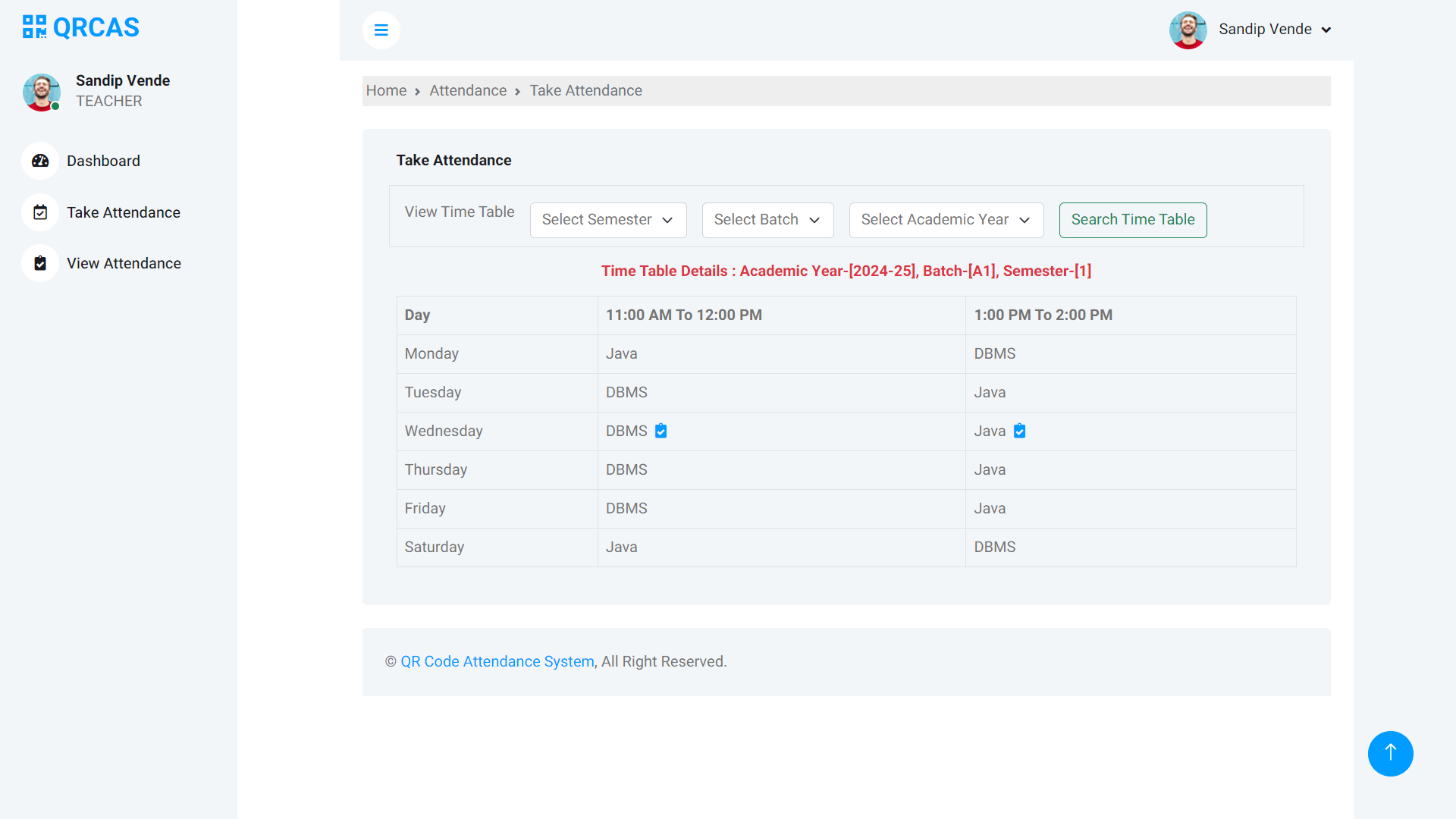
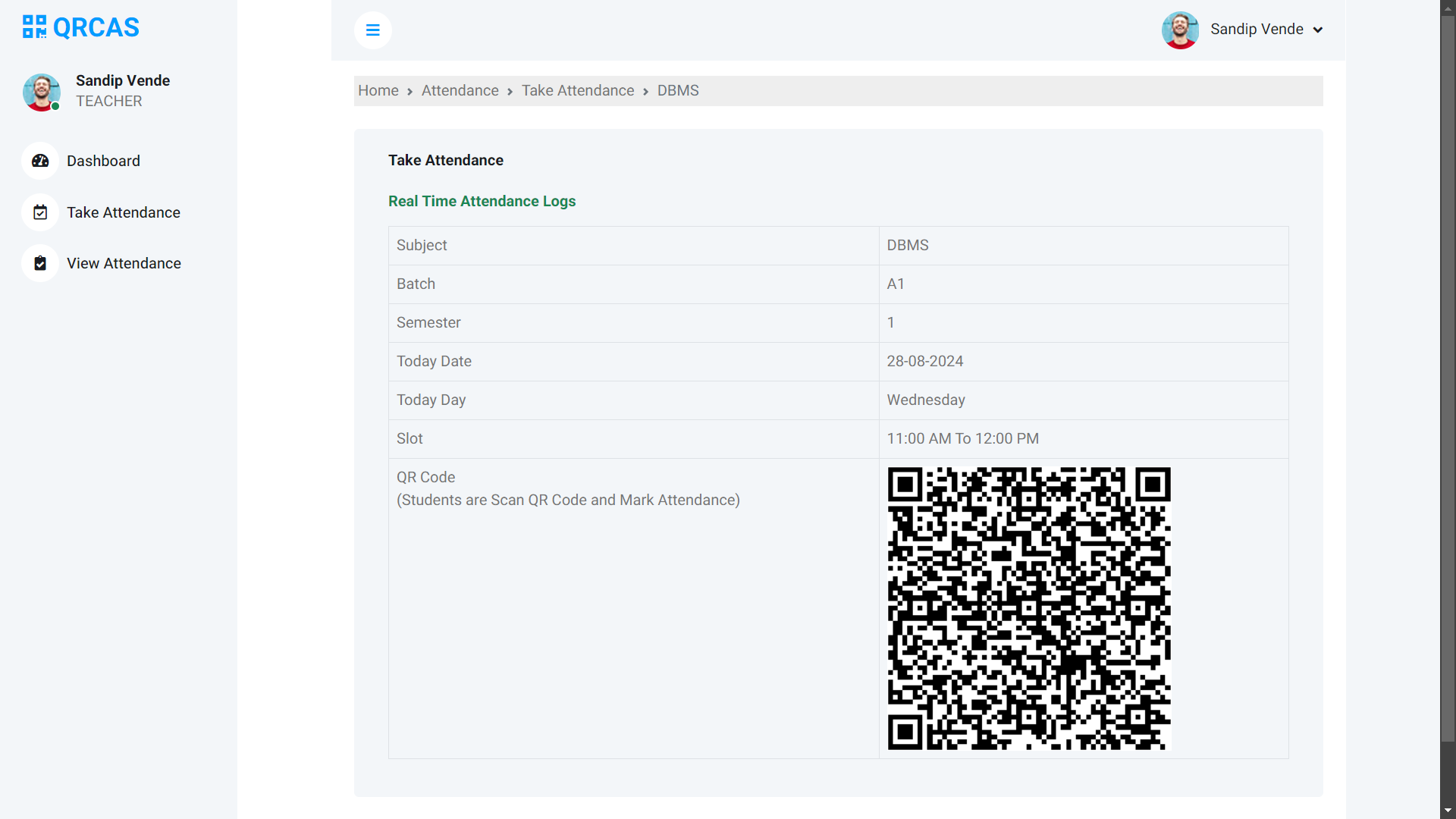
- Generate QR codes for attendance for allocated classes, semesters, and batches.
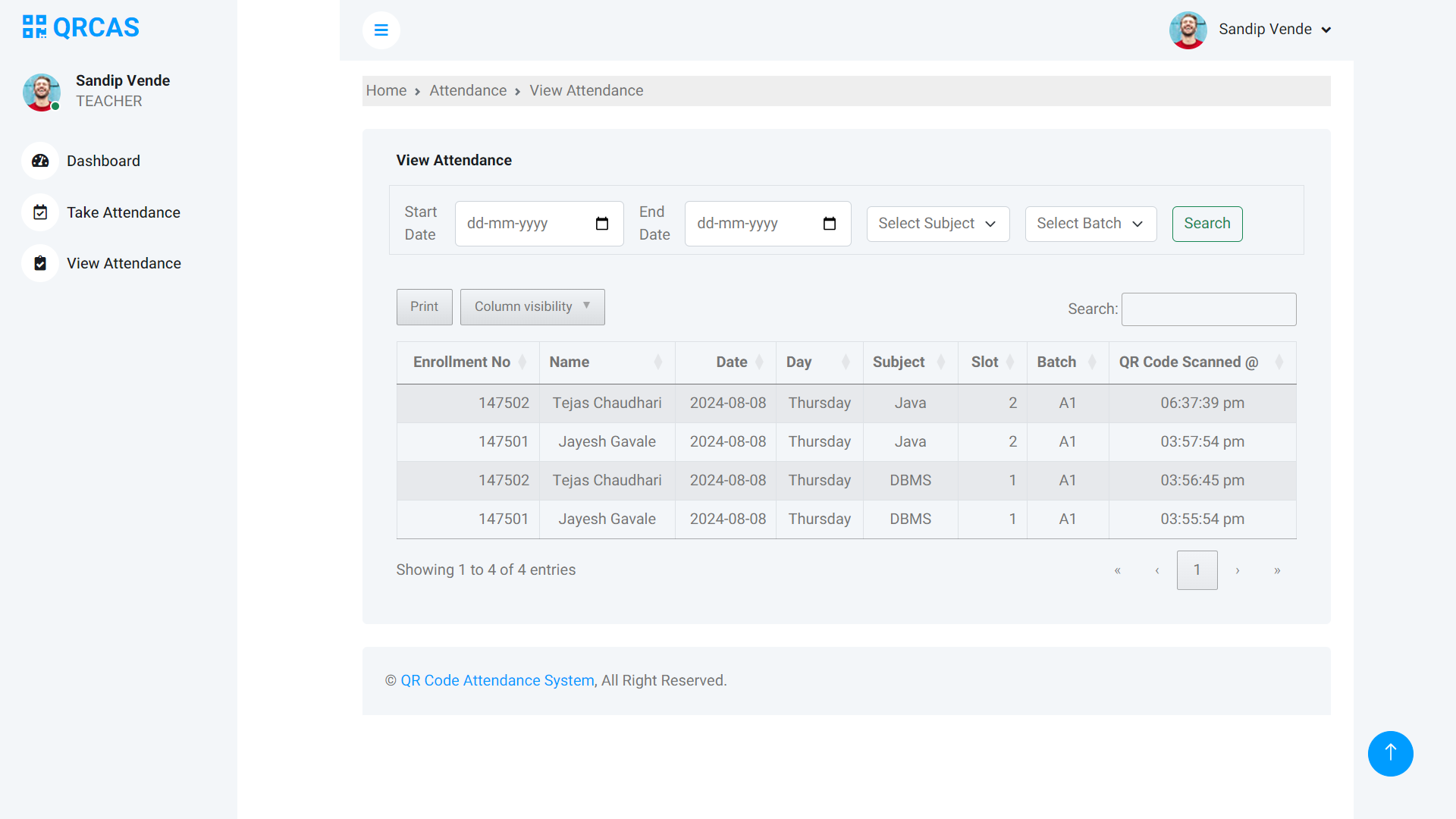
- View attendance records for their classes.
- **Student Role**:
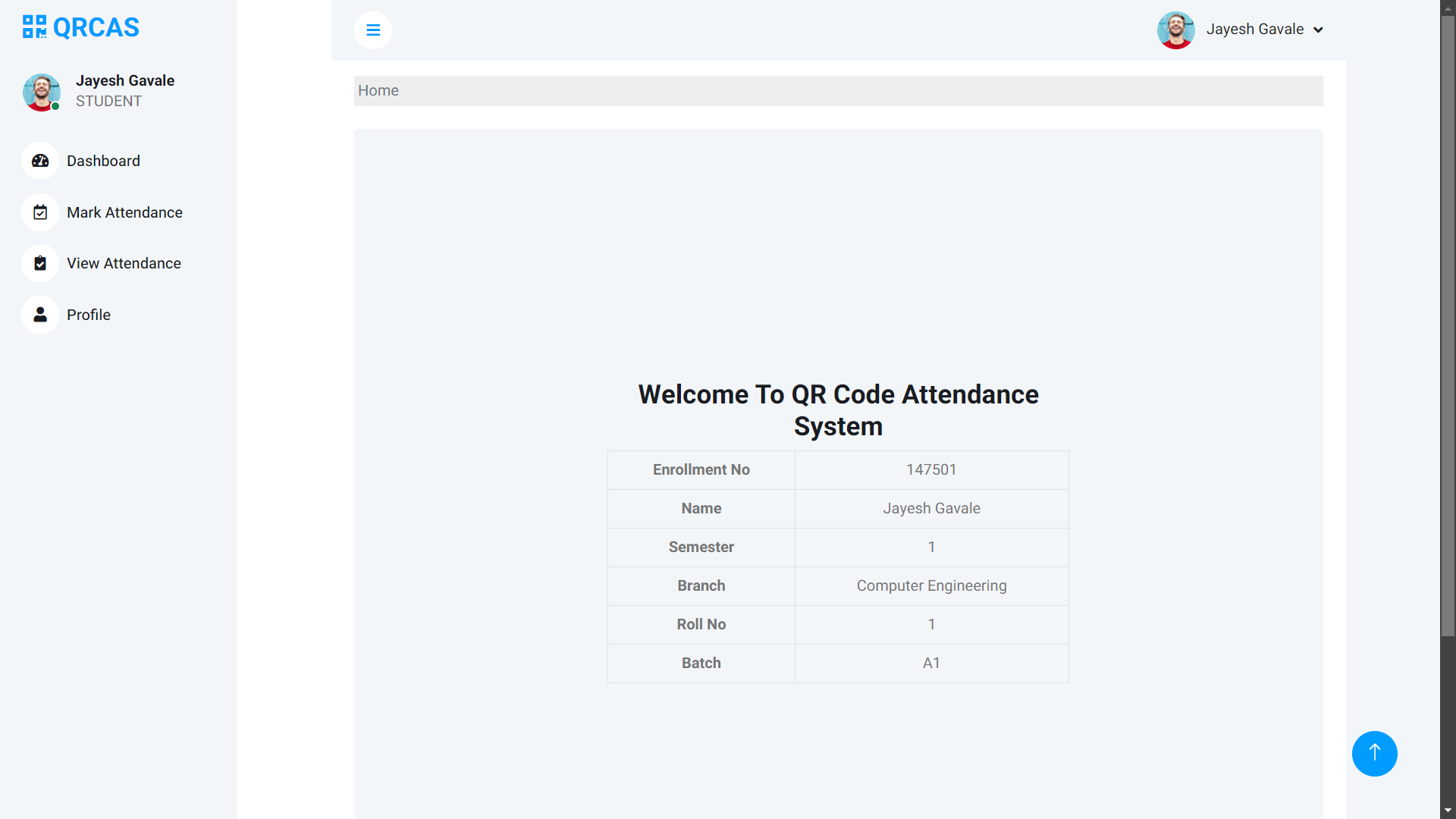
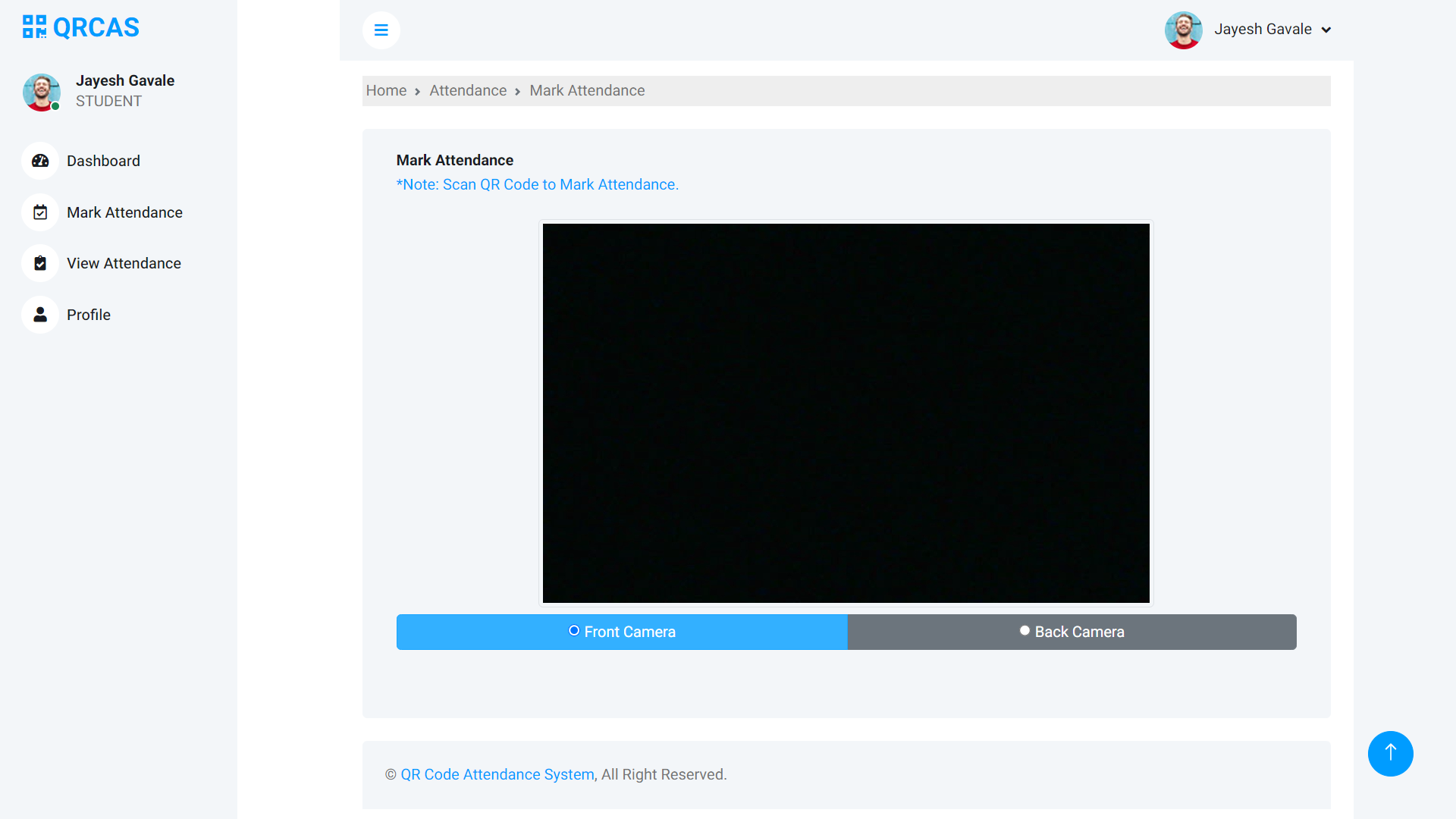
- Mark attendance by scanning the QR code generated by the teacher during the lecture.
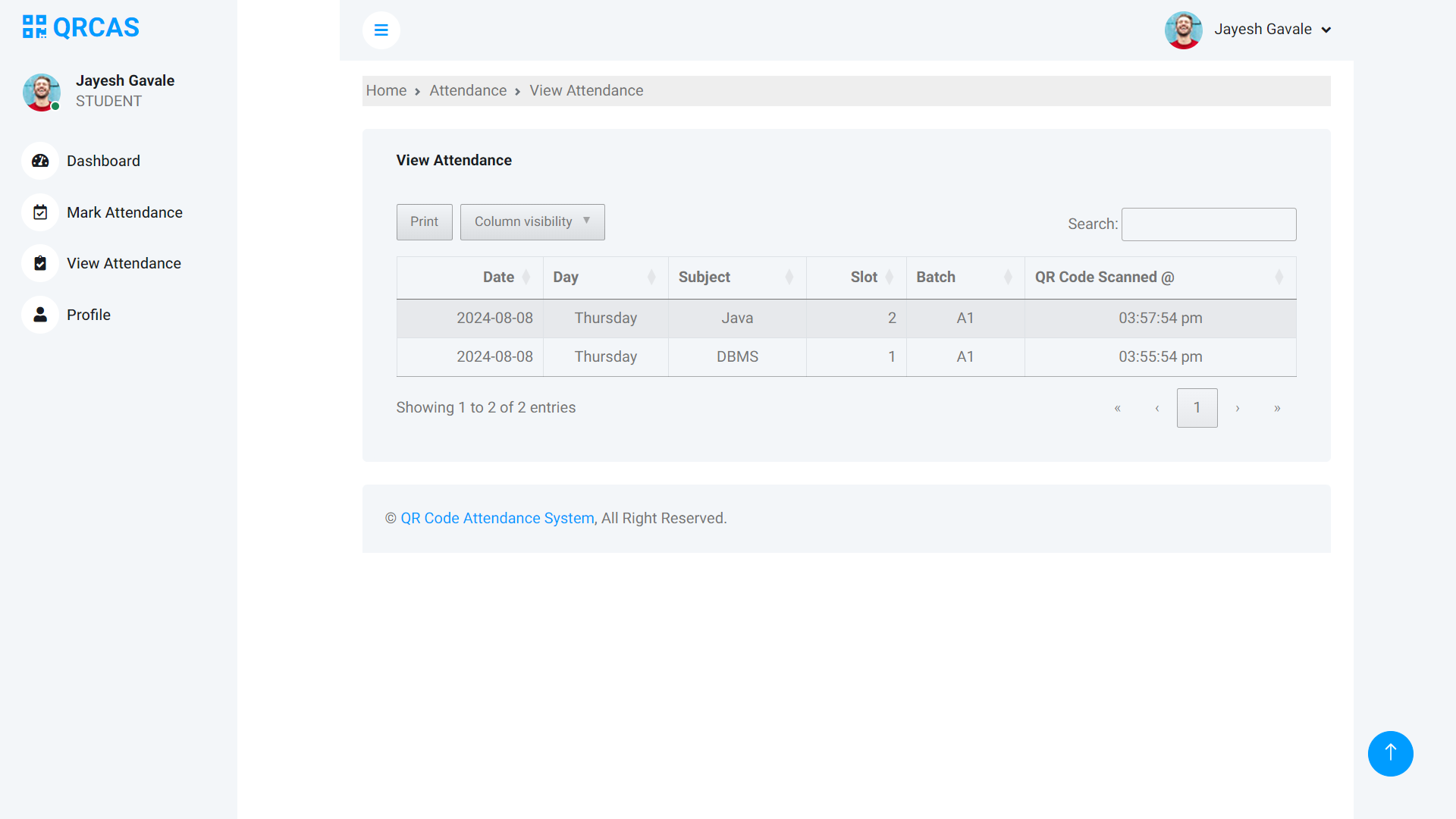
- View their attendance records.
### Advanced Security Features:
- **IP Address Restriction**: Only one attendance is allowed per student per IP address to prevent multiple submissions.
- **Proxy & VPN Prevention**: Attendance marking is restricted to ensure that students cannot use proxies or VPNs.
- **Location Verification**: Attendance can only be marked if the student is within the allowed campus radius, ensuring the student is physically present on campus.
- **Time-Sensitive Attendance**: QR codes are valid only during the lecture time, adding another layer of security.
## Live Demo
Check out the live demo of the project [here](https://sagarbhoi.in/project-demos/qr-code-attendance-system/).
## Technologies Used
- **PHP**: Server-side scripting language used for backend development.
- **MySQL**: Database management system for storing user, attendance, and timetable data.
- **Bootstrap**: Frontend framework for responsive design and layout.
- **jQuery**: JavaScript library for DOM manipulation and event handling.
- **DataTables**: jQuery plugin for enhancing HTML tables with pagination, search, and sorting features.
- **Font Awesome**: Icon library used for adding visual elements to the UI.
## Installation
### Prerequisites:
- A web server with PHP and MySQL support (e.g., XAMPP, WAMP, LAMP).
- A MySQL database.
### Steps:
1. **Clone the repository**:
```sh
git clone https://github.com/SagarBhoi404/qr-code-attendance-system.git
cd qr-code-attendance-system
```
2. **Setup MySQL Database**:
- Create a new database named `qrattendance`.
- Import the SQL file provided in the `database.sql` directory to set up the necessary tables.
3. **Configure the Application**:
- Create a `.env` file in the root directory and add the following:
```env
DB_HOST=localhost
DB_USER=root
DB_PASS=123
DB_NAME=qrattendance
```
4. **Deploy the Application**:
- Place the project files in your web server's root directory (e.g., `htdocs` for XAMPP).
- Access the application via your browser at `http://localhost/qr-code-attendance-system`.
5. **Default Admin Credentials**:
- **Username**: `admin`
- **Password**: `123`
## Usage
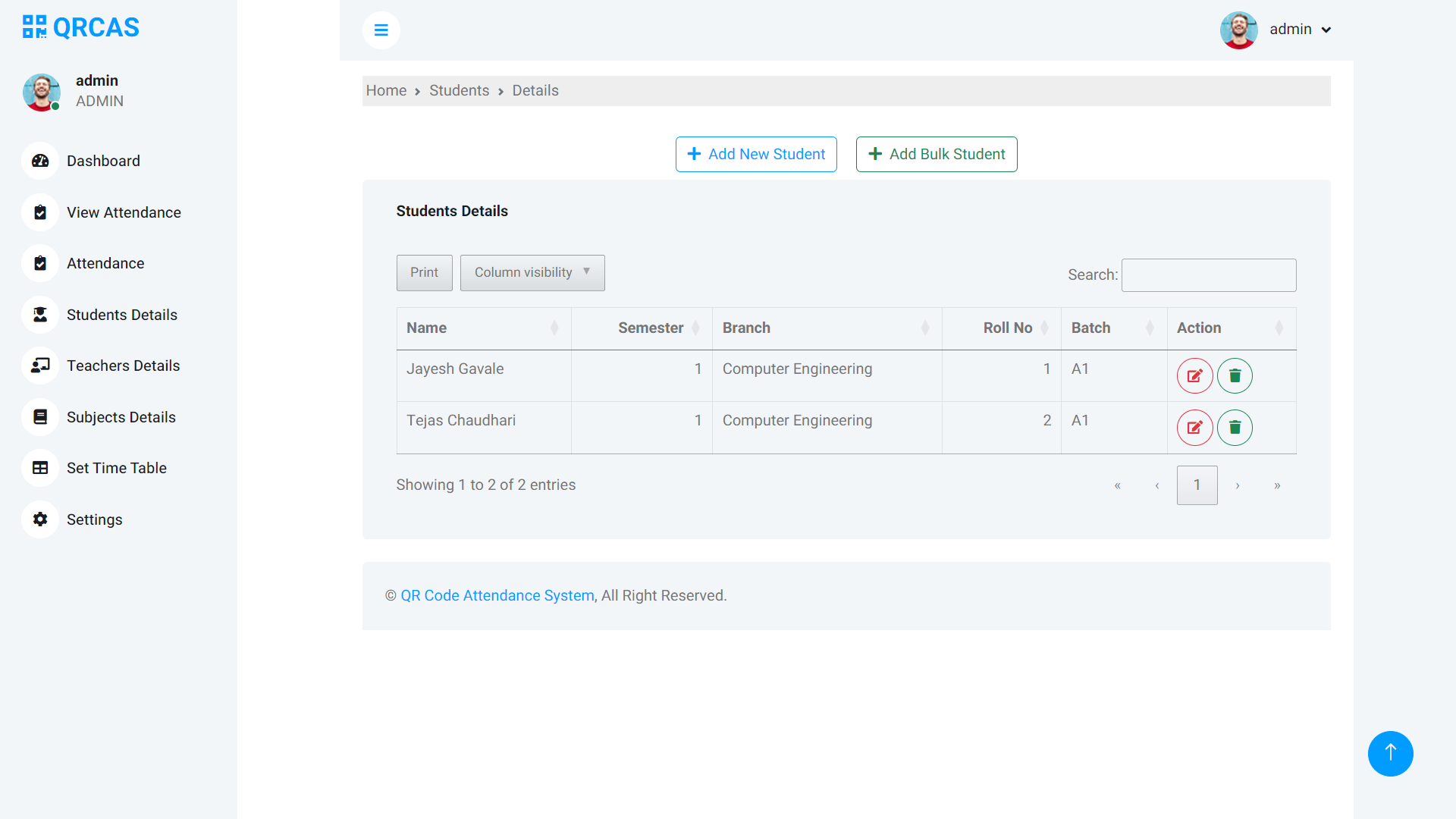
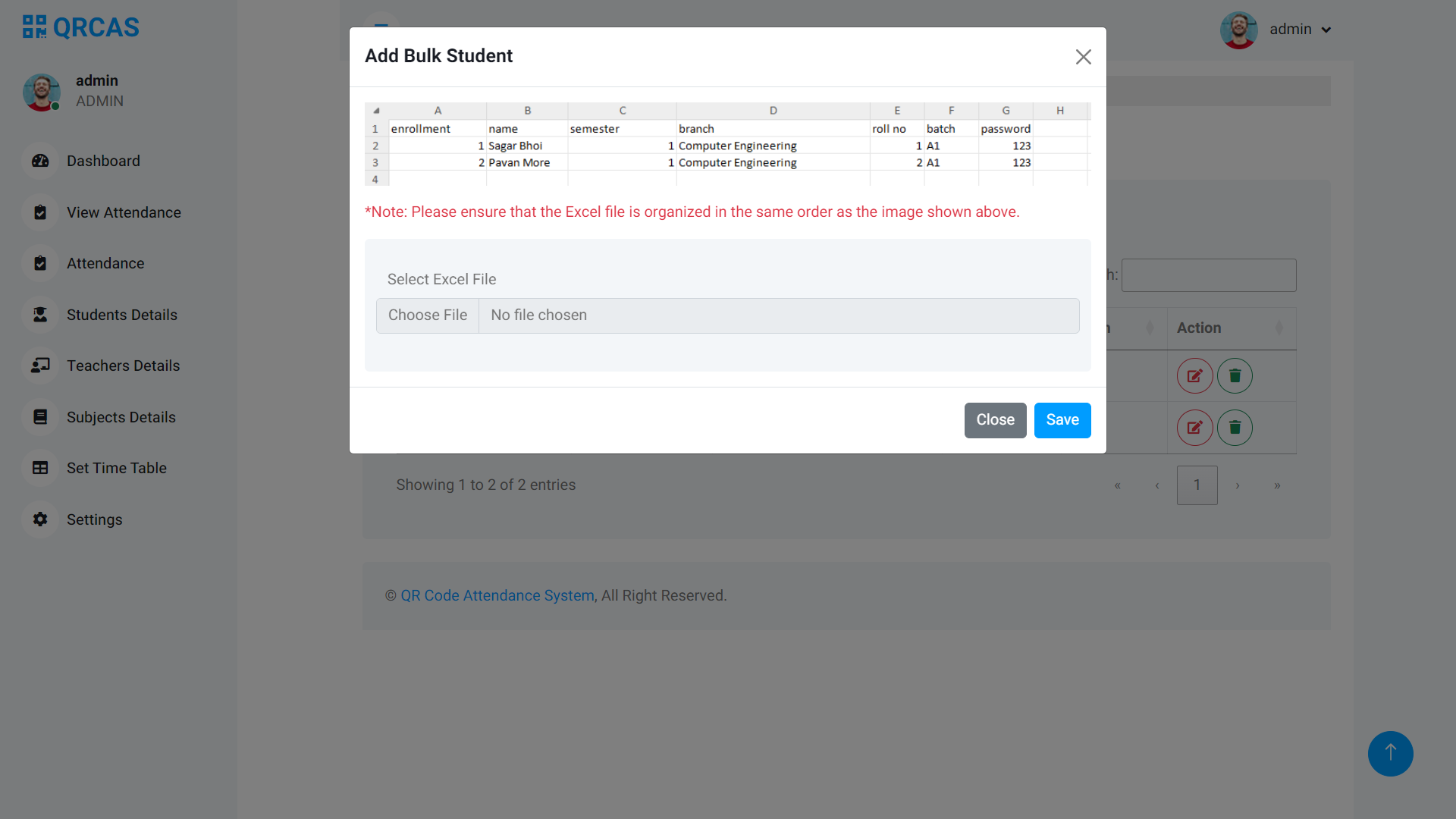
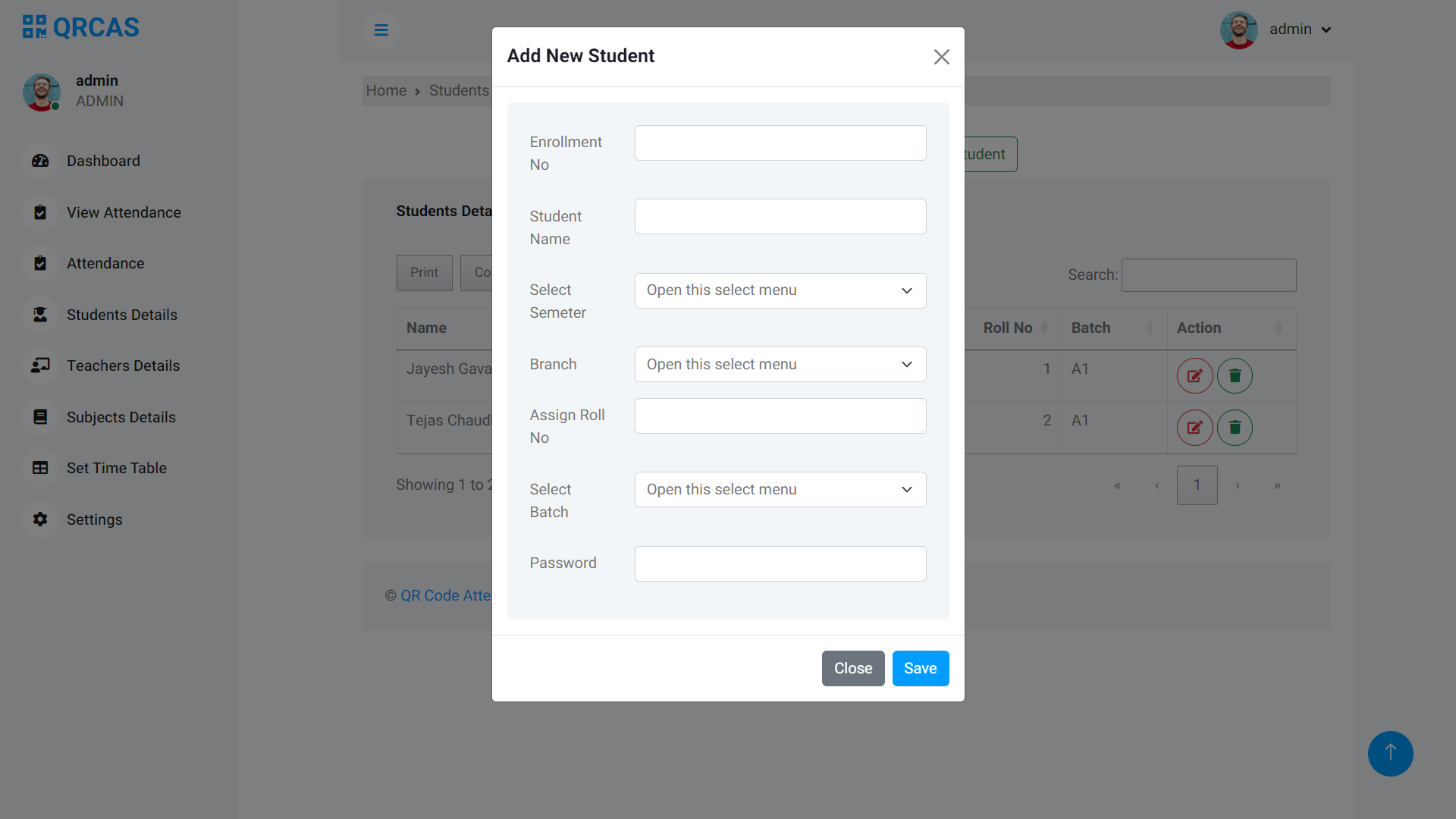
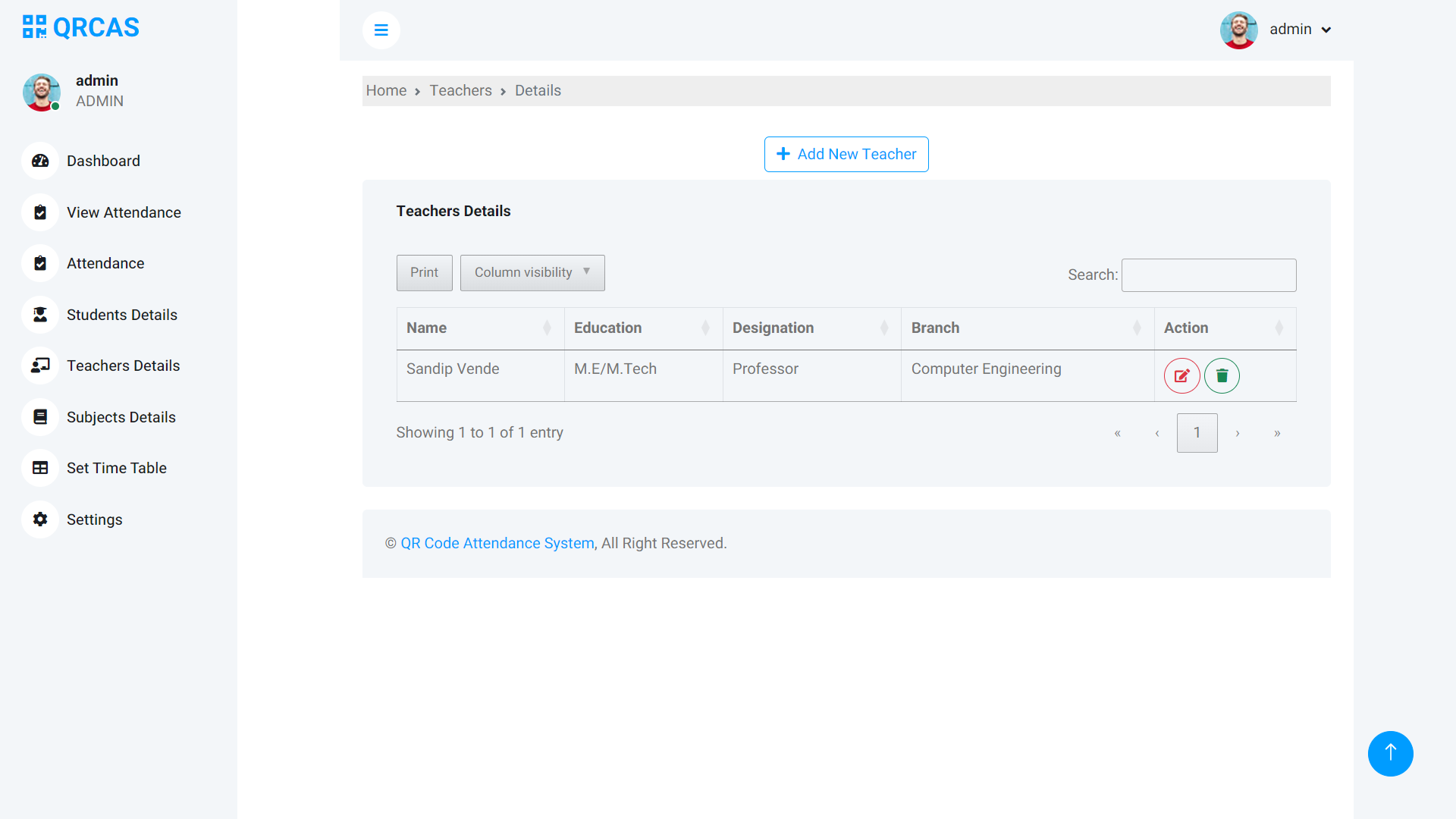
1. **Admin Panel**: Log in as an admin to manage students, teachers, timetables, and attendance records.
2. **Teacher Portal**: Teachers can log in to generate QR codes for their classes and view attendance.
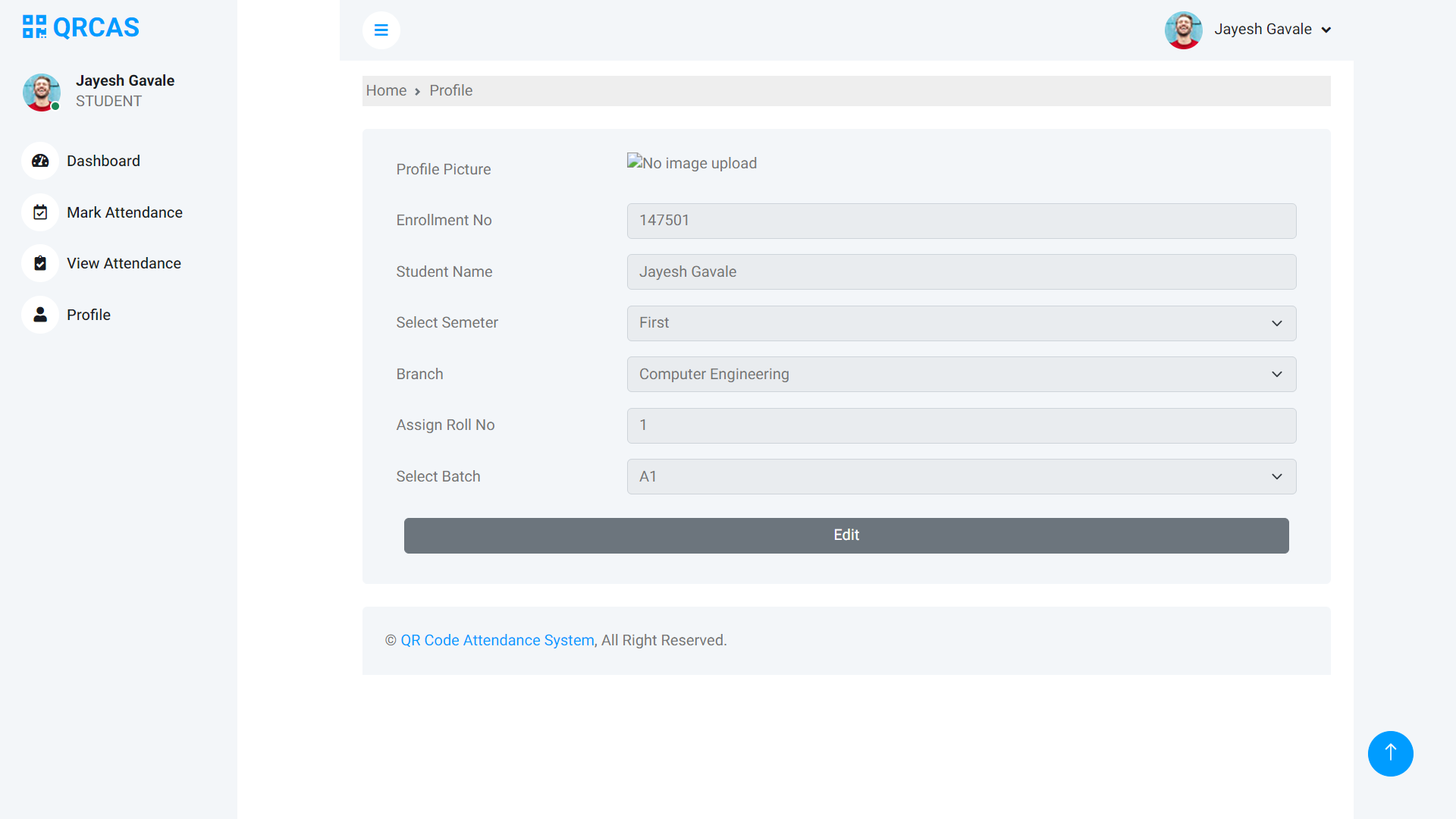
3. **Student Portal**: Students log in to scan QR codes during lectures and view their attendance history.
## Screenshots
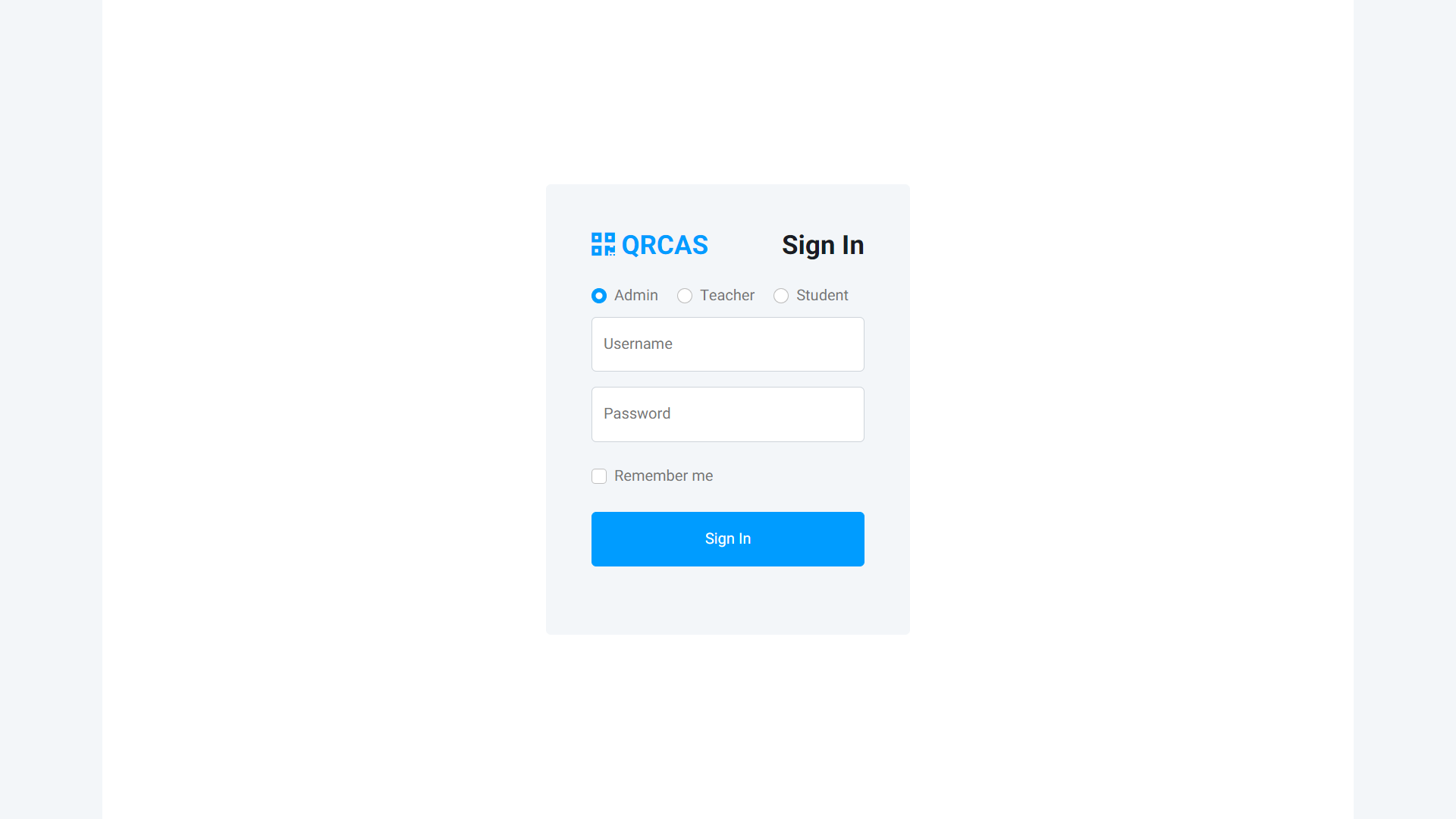
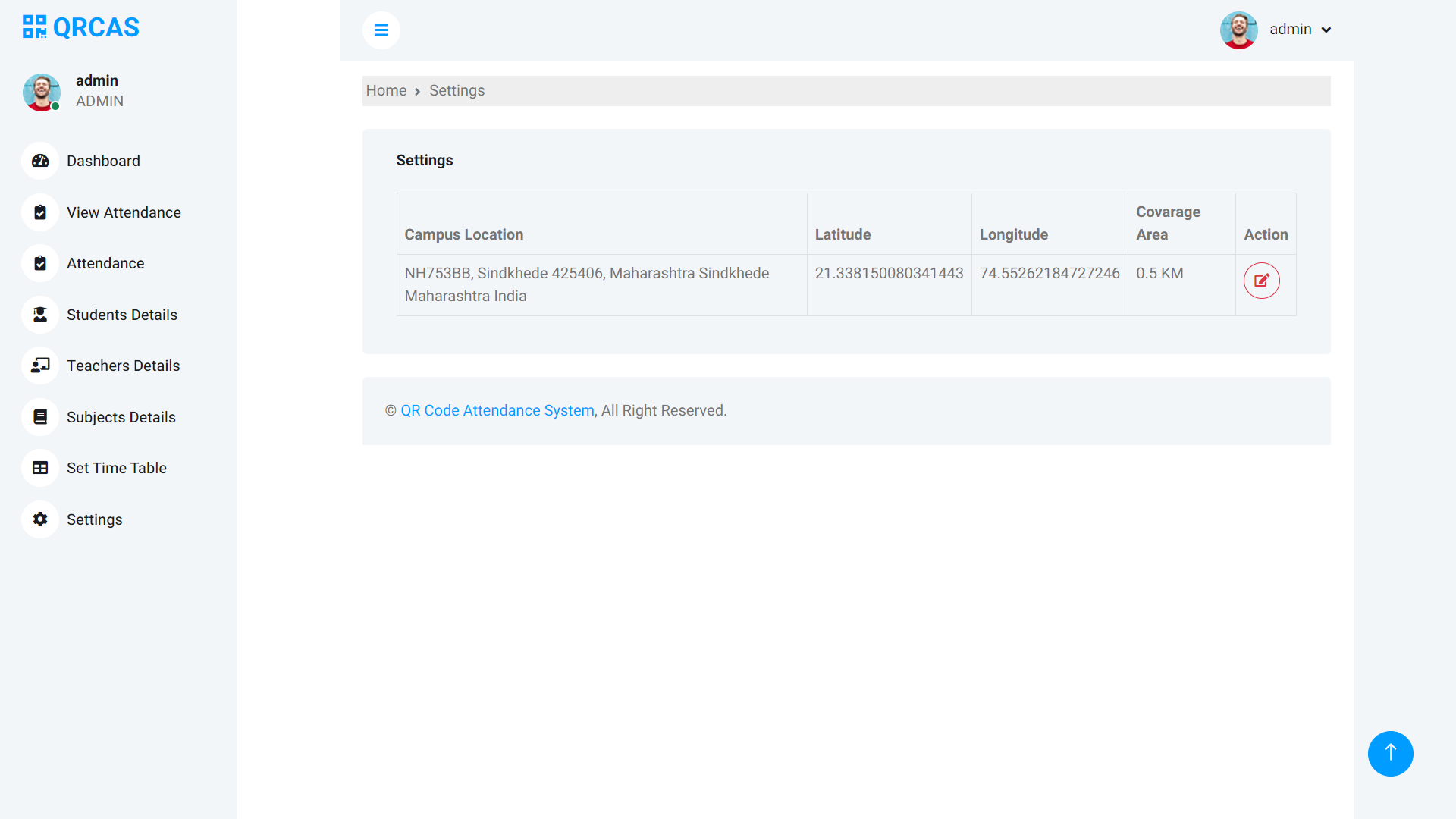
**Admin Panel**
**Teacher Panel**
**Student Panel**