https://github.com/sagnik-coder24/tictactoe
Enjoy a fun game of Tic Tac Toe with friends, all made with React.
https://github.com/sagnik-coder24/tictactoe
html prettier react sass tic-tac-toe
Last synced: about 1 month ago
JSON representation
Enjoy a fun game of Tic Tac Toe with friends, all made with React.
- Host: GitHub
- URL: https://github.com/sagnik-coder24/tictactoe
- Owner: Sagnik-Coder24
- Created: 2021-08-22T07:54:04.000Z (almost 5 years ago)
- Default Branch: master
- Last Pushed: 2024-11-04T16:49:30.000Z (over 1 year ago)
- Last Synced: 2024-12-27T09:16:50.636Z (over 1 year ago)
- Topics: html, prettier, react, sass, tic-tac-toe
- Language: JavaScript
- Homepage: https://tictactoegame2407.surge.sh/
- Size: 119 KB
- Stars: 0
- Watchers: 1
- Forks: 0
- Open Issues: 0
-
Metadata Files:
- Readme: README.md
Awesome Lists containing this project
README
# Tic Tac Toe
This project is a web-based implementation of the classic game Tic Tac Toe, designed for players of all ages. It allows two players to compete against each other in a turn-based format. The game features a simple and intuitive interface, making it easy to play and enjoy.
## Purpose
The primary goal of this project is to provide an engaging and interactive way for users to play Tic Tac Toe online. It serves as a fun pastime and can be a great way for friends and family to challenge each other. Additionally, this project demonstrates basic programming concepts such as game logic, user interaction, and responsive design, making it an excellent resource for beginners learning web development.
## Target Audience
This game is suitable for anyone who enjoys casual gaming, including:
- Friends looking for a quick match
- Families wanting to play together
- Beginners interested in learning game development
## Appendix
### How to Play
1. The game is played on a 3x3 grid.
2. Players take turns placing their marker (X or O) in an empty cell.
3. The first player to align three markers horizontally, vertically, or diagonally wins the game.
4. If all cells are filled without a winner, the game ends in a draw.
### Technologies Used
- **React**: For building the user interface and managing application state.
- **HTML**: For structuring the game layout.
- **Sass**: For advanced styling and better organization of CSS.
### Future Improvements
- Implement an AI opponent for single-player mode.
- Add a scoring system to keep track of wins and losses.
- Include themes or skins to customize the game board.
### Resources
- [React Documentation](https://reactjs.org/docs/getting-started.html) - Official React documentation for learning and reference.
- [MDN Web Docs](https://developer.mozilla.org/en-US/) - A great resource for web development documentation.
- [W3Schools](https://www.w3schools.com/) - Tutorials and references for web development languages.
## Demo
You can see the Tic Tac Toe game in action through the link - [Live Demo](https://tictactoegame2407.surge.sh/).
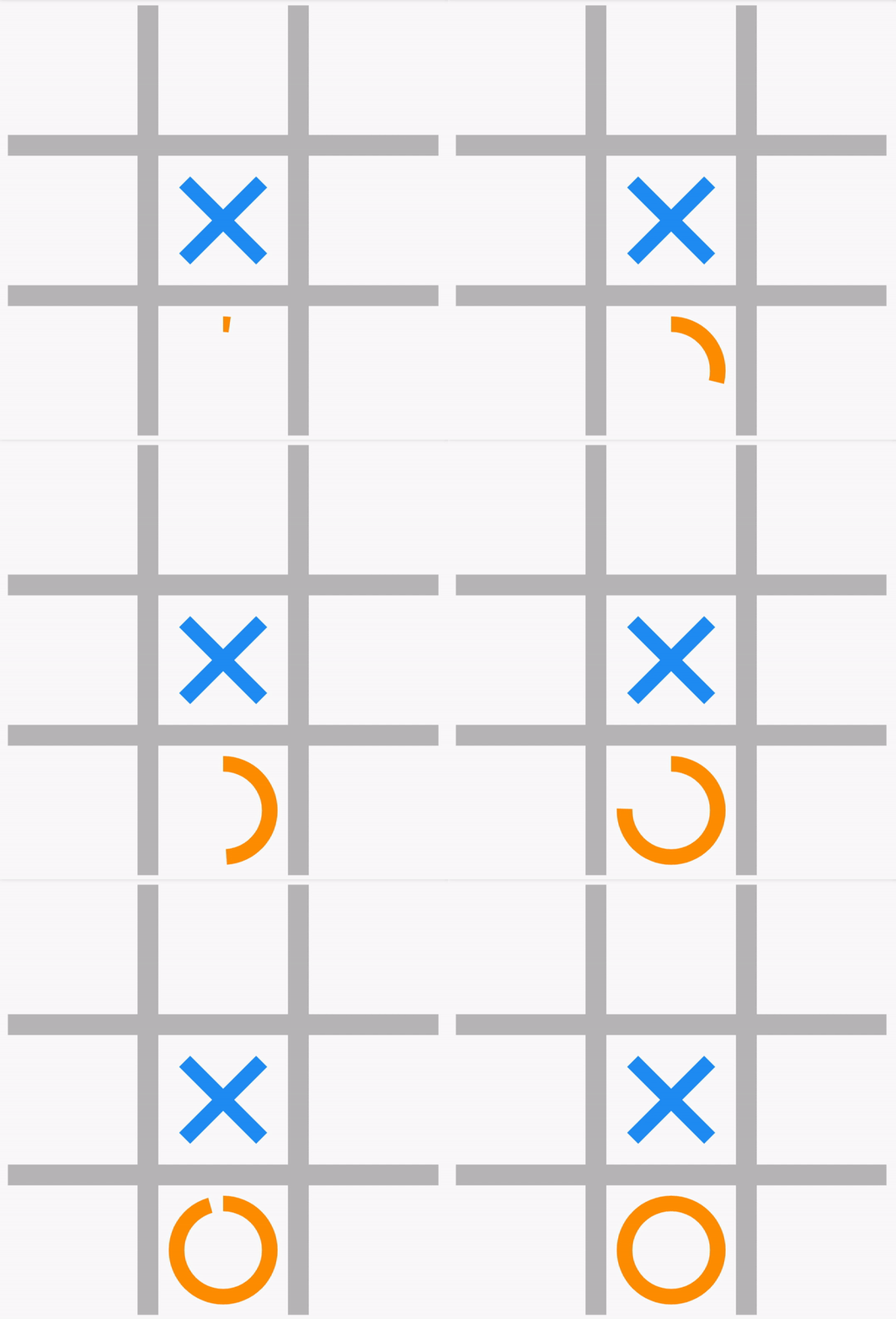
### Example Gameplay
## Features
- **Two-Player Mode**: Play against a friend in a classic turn-based format.
- **Responsive Design**: The game adapts to different screen sizes for a seamless experience on mobile and desktop.
- **Real-Time Updates**: The game board updates instantly as players take their turns.
- **Win Detection**: The game automatically detects and announces the winner or a draw.
- **Reset Functionality**: Easily restart the game with a single button click.
- **User-Friendly Interface**: Simple and intuitive layout, making it easy for players of all ages to enjoy.
- **Game History Navigation**: Players can revisit any previous step in the game, allowing them to see past moves and reflect on strategies.
## Run Locally
Clone the project
```bash
git clone https://github.com/Sagnik-Coder24/tictactoe.git
```
Go to the project directory
```bash
cd tictactoe
```
Install dependencies
```bash
npm install
```
Start the server
```bash
npm start
```
## Tech Stack
- **React.js**: A JavaScript library for building user interfaces, used to create the game's interactive components.
- **HTML5**: The standard markup language for structuring the game layout.
- **CSS3**: Used for styling the game interface, providing a visually appealing design.
- **Sass**: For advanced styling and better organization of styles.
- **JavaScript**: The programming language used for implementing game logic and interactivity.
- **Git**: Version control system used for tracking changes and collaboration.
- **GitHub**: Platform for hosting the repository and facilitating contributions.
- **Surge.sh**: Hosting service used to deploy the application and make it accessible online.
This combination of technologies allows for a smooth and efficient development process, resulting in a responsive and engaging game experience.
## Contributing
Contributions are always welcome! Whether you want to report a bug, suggest an enhancement, or submit a pull request, your feedback is appreciated.
## Authors
- [@Sagnik-Coder24](https://github.com/Sagnik-Coder24)