https://github.com/salithaucsc/ajax-jquery-usernamecheck
How to check an entered username id already stored in the database or not
https://github.com/salithaucsc/ajax-jquery-usernamecheck
ajax bootstrap codeigniter3 jquery php
Last synced: 3 months ago
JSON representation
How to check an entered username id already stored in the database or not
- Host: GitHub
- URL: https://github.com/salithaucsc/ajax-jquery-usernamecheck
- Owner: SalithaUCSC
- License: mit
- Created: 2017-12-27T17:56:50.000Z (over 8 years ago)
- Default Branch: master
- Last Pushed: 2017-12-28T09:06:16.000Z (over 8 years ago)
- Last Synced: 2025-03-23T02:42:12.027Z (over 1 year ago)
- Topics: ajax, bootstrap, codeigniter3, jquery, php
- Language: PHP
- Homepage: https://salitha94.blogspot.com/2017/12/check-username-availability-in-database.html
- Size: 505 KB
- Stars: 0
- Watchers: 0
- Forks: 0
- Open Issues: 0
-
Metadata Files:
- Readme: README.md
- Contributing: contributing.md
- License: license.txt
Awesome Lists containing this project
README
Ajax-jQuery-UsernameCheck
===
## Check whether an entered username is available or not using the database
### Read the instructions below to the screenshots to run the project.
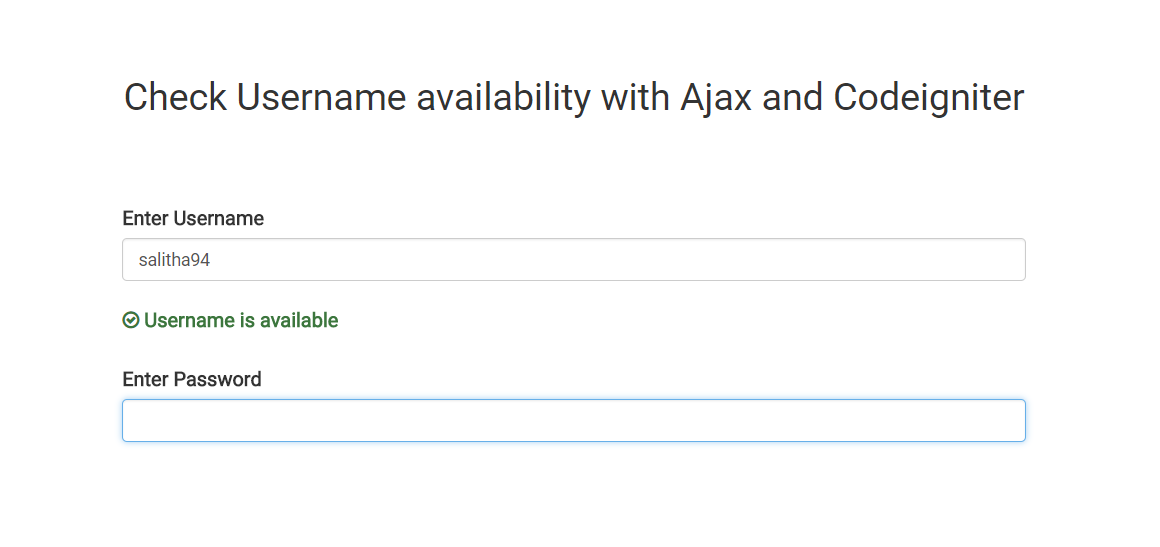
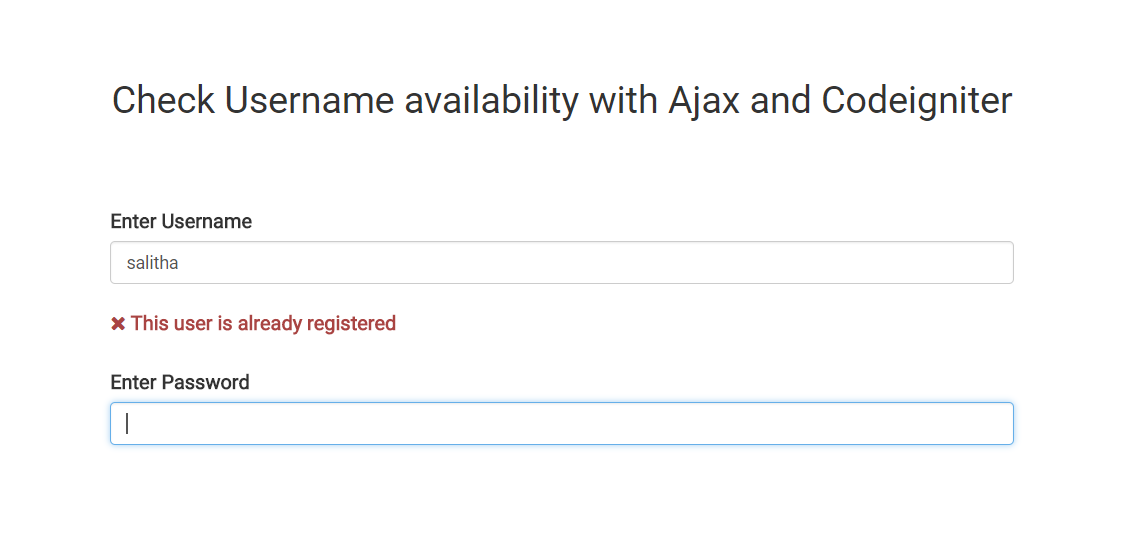
1. Download the zip file.
2. Extract it and rename as **AjaxUsernameCheck**.
3. Run XAMPP or WAMP and go to "http://localhost/phpmyadmin".
4. Create a new database called **ajax_username** and select it.
5. Then import the SQL file included in the project folder called **ajax_username.sql**.
6. Navigate to "C:\xampp\htdocs" folder (if you are using XAMPP) or "C:\wamp\www" folder (if you are using WAMP).
7. Create a new folder called "Projects".
8. Now move the AjaxUsernameCheck folder into it.
9. Type the URL for the project as - "http://localhost/Projects/AjaxUsernameCheck".