https://github.com/samad-yar-khan/codial-client
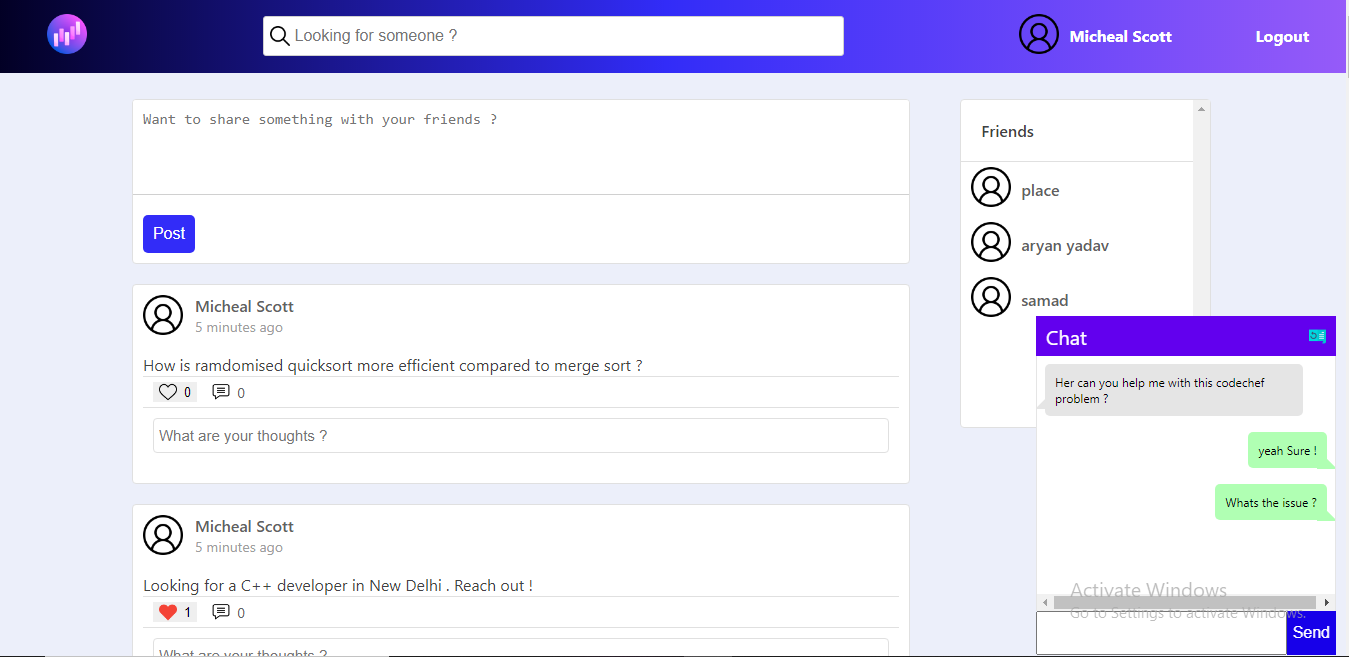
This is a social media-platform for developers where they can get access to communities for different tech stacks. Aim is to make the platform similar to StackOverflow but with beginner friendly doubts and communities .
https://github.com/samad-yar-khan/codial-client
education nodejs react social-network socket-io
Last synced: about 2 months ago
JSON representation
This is a social media-platform for developers where they can get access to communities for different tech stacks. Aim is to make the platform similar to StackOverflow but with beginner friendly doubts and communities .
- Host: GitHub
- URL: https://github.com/samad-yar-khan/codial-client
- Owner: samad-yar-khan
- Created: 2021-05-26T07:29:44.000Z (about 5 years ago)
- Default Branch: master
- Last Pushed: 2021-06-16T23:24:26.000Z (about 5 years ago)
- Last Synced: 2026-05-03T01:40:04.542Z (about 2 months ago)
- Topics: education, nodejs, react, social-network, socket-io
- Language: JavaScript
- Homepage: https://codial-for-devopers.vercel.app/
- Size: 935 KB
- Stars: 1
- Watchers: 1
- Forks: 0
- Open Issues: 0
-
Metadata Files:
- Readme: README.md
Awesome Lists containing this project
README
Codial For Devs
This is a social media-platform for developers where they can get access to communities for different tech stacks. Aim is to make the platform similar to StackOverflow but with beginner friendly doubts , communities and access to chat feature with mentors .
## Installation
To run the Web Application on your local system download Node.js - https://nodejs.org/en/download/ . This will give you access to the node package manager which is essential to run the project .
### 📌 Setting up project using `npm` :
1. Open this cloned folder in the text editor of your choice.
2. If you want to use the project using `npm` then that comes alongside when you download and install node js.
### 🚩 Running in Development mode :
1. Open the terminal and type in `npm install`, to install all the dependencies.
2. Run: `npm start`
3. Open [http://localhost:3000](http://localhost:3000) to view it in the browser.
4. The page will reload if you make edits.
### 🚩 Testing changes :
1. After doing changes type `npm test`. This launches the test runner in the interactive watch mode.
2. See the section about [running tests](https://facebook.github.io/create-react-app/docs/running-tests) for more information.
### 🚩 Building project :
1. Run the command `npm run build`
2. Builds the app for production to the `build` folder.
3. It correctly bundles React in production mode and optimizes the build for the best performance.
4. The build is minified and the filenames include the hashes.
Your app is ready to be deployed!
5. See the section about [deployment](https://facebook.github.io/create-react-app/docs/deployment) for more information.
## Usage
After typing `npm start` in the terminal , the project can be used opened on [http://localhost:3000](http://localhost:3000).
### 1)Home Page
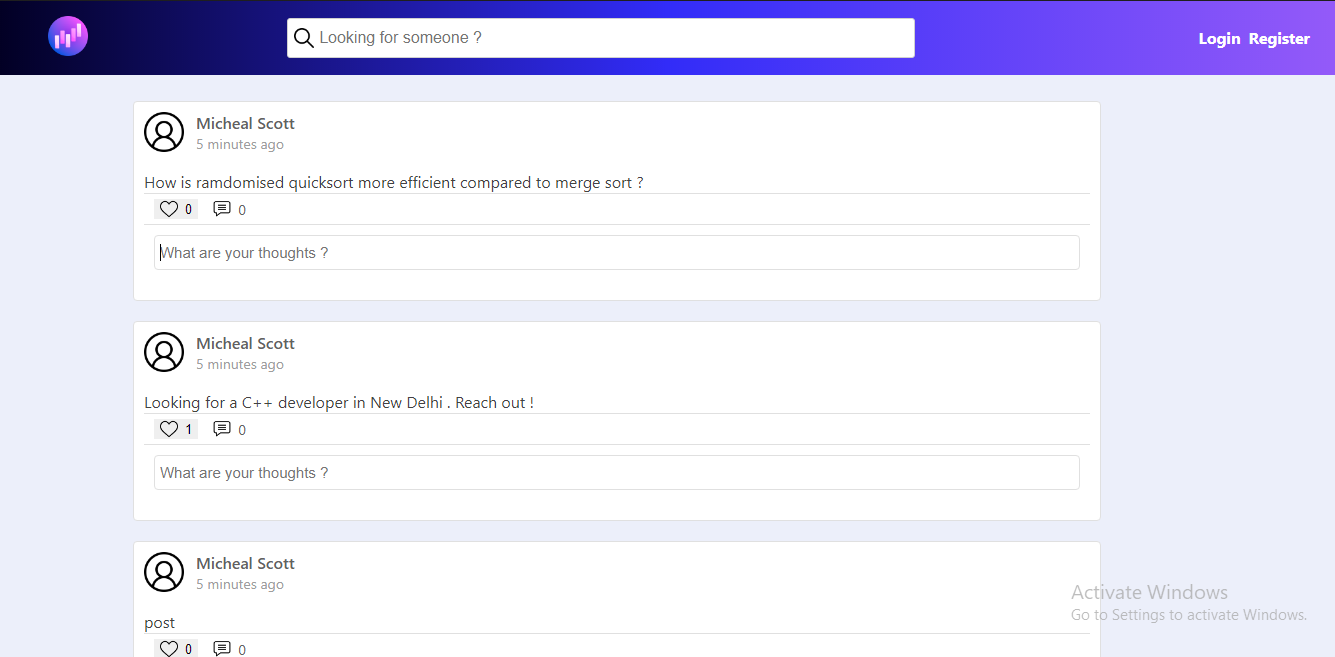
The home page will display a page with a list of posts by different users on the platform , you must register/login to post .
### 2)SignIn / Register
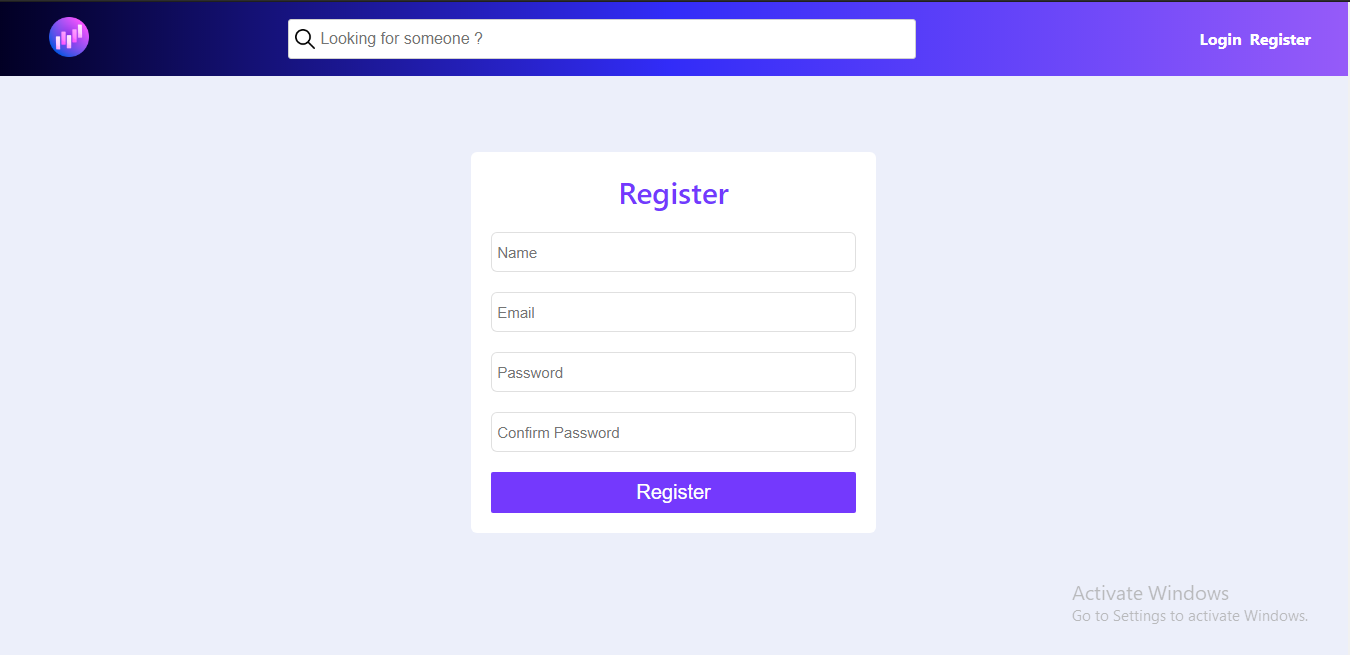
Sign In or register to get access to chat , add friends or publish posts.
### 3)Search Users
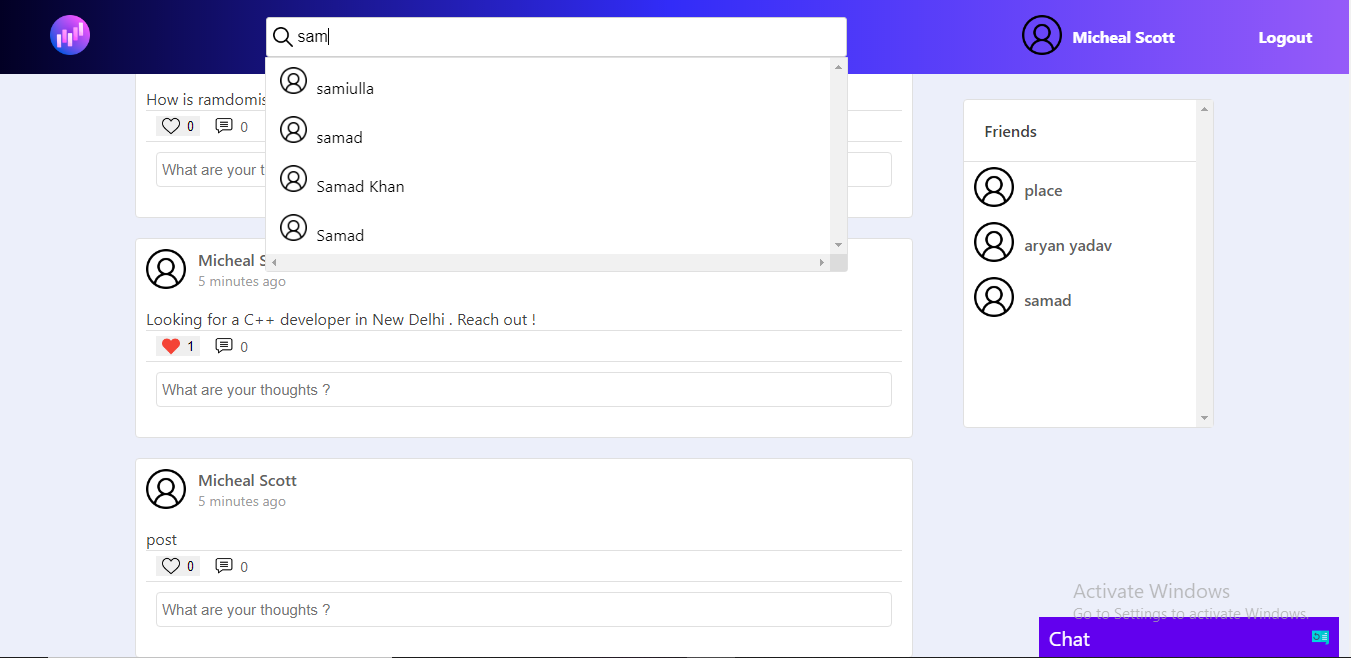
You will be able to search users once you are logged in .
### 4)Add Friend
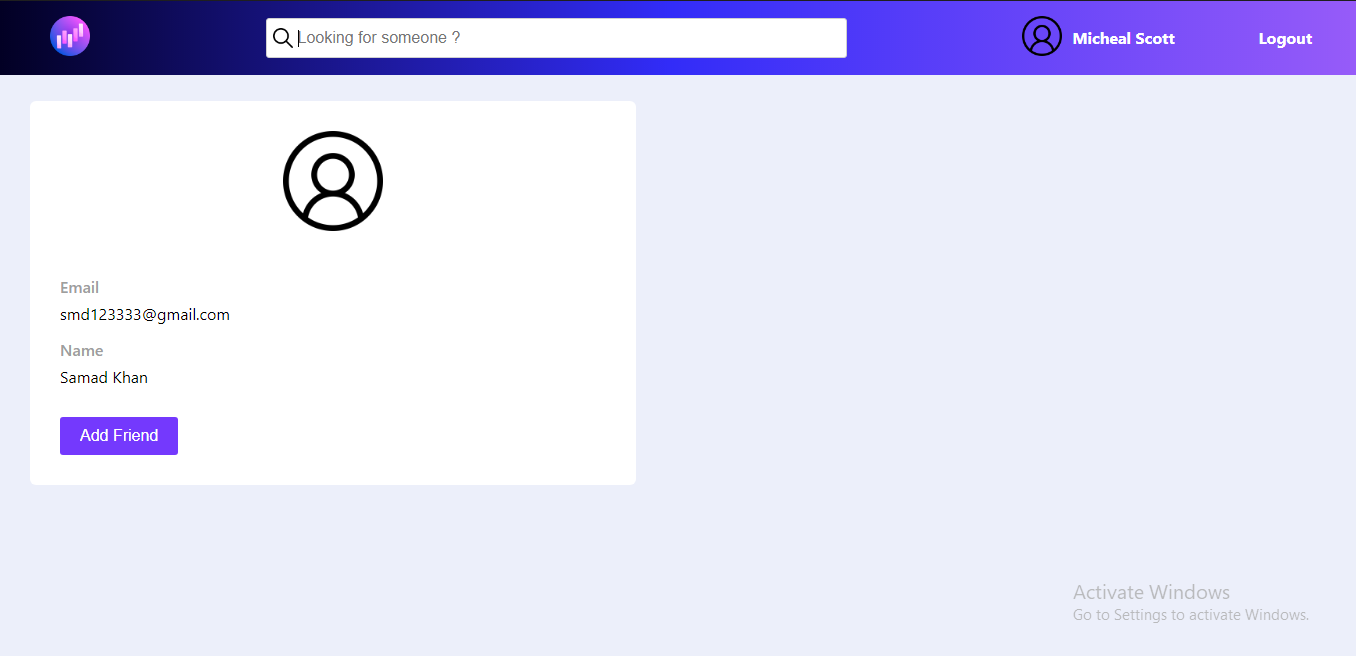
Add users as friends
### 5)Chat with your friends
Chat with all your friends !
## Contributing
Pull requests are welcome. For major changes, please open an issue first to discuss what you would like to change.Please make sure to update tests as appropriate.
### 📌 Prerequisites
### 💻 1. System requirement :
1. Any system with basic configuration.
2. Operating System : Any (Windows / Linux / Mac).
### 💿 2. Software requirement :
1. Updated browser
2. Node.js installed (If not download it [here](https://nodejs.org/en/download/)).
3. Any text editor of your choice.
### ⚡ 3. Skill set :
1. Knowledge of git & github.
2. JavaScript
3. [ReactJS](https://reactjs.org/)
4. WebSockets using Socket.io (Optional)
5. Authentication Basics (Optional)
## Features In Pipeline
1. Making Seperate Chats for Different Technologies
2. Adding Community Pages
3. Adding a like feature for comments
4. Adding Tags and Categories to Posts
5. Making a new logo
6. Handling loaders for publishing new post and comments
## Server Side
The project was origianlly made using EJS , Node.js and Express.js and has recently been migrated to ReactJS and Redux , hence some of the APIs are yet to be made . Please head over to the [codial-sever](https://github.com/samad-yar-khan/codial) project if you are into Node.js and Express.js .