https://github.com/samme/phaser-sprite-gui
Inspect and manipulate sprites with dat.gui. Phaser 2/CE
https://github.com/samme/phaser-sprite-gui
dat-gui phaser phaser2
Last synced: 9 months ago
JSON representation
Inspect and manipulate sprites with dat.gui. Phaser 2/CE
- Host: GitHub
- URL: https://github.com/samme/phaser-sprite-gui
- Owner: samme
- Created: 2016-08-31T02:23:06.000Z (almost 10 years ago)
- Default Branch: master
- Last Pushed: 2017-09-16T16:34:31.000Z (almost 9 years ago)
- Last Synced: 2025-01-31T05:33:25.363Z (over 1 year ago)
- Topics: dat-gui, phaser, phaser2
- Language: JavaScript
- Homepage: https://samme.github.io/phaser-sprite-gui/
- Size: 700 KB
- Stars: 52
- Watchers: 5
- Forks: 6
- Open Issues: 0
-
Metadata Files:
- Readme: README.md
Awesome Lists containing this project
- awesome-phaser - Sprite GUI - Inspect and manipulate Phaser Sprites (via dat.gui) (Uncategorized / Uncategorized)
README
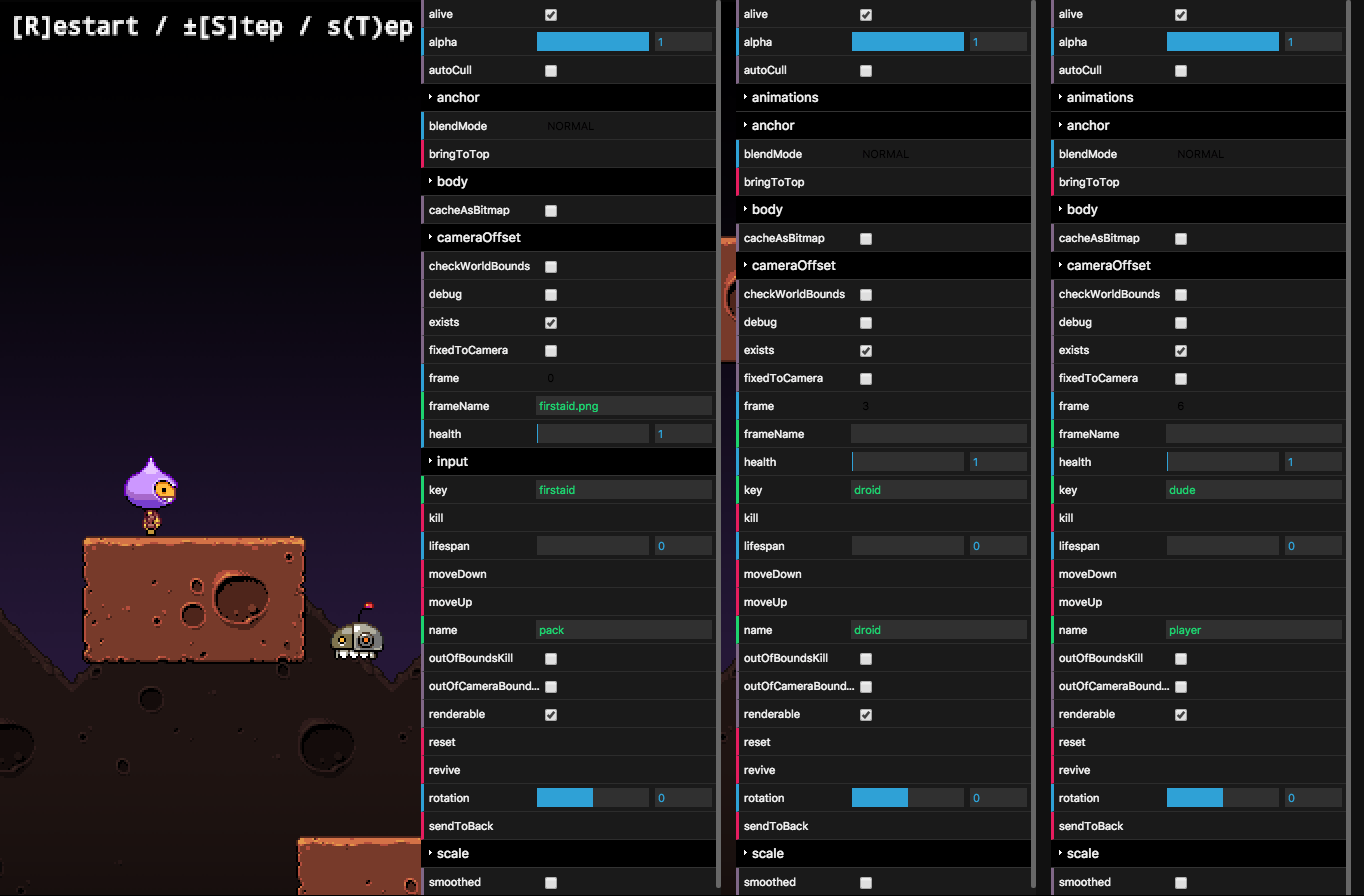
Inspect and manipulate Phaser Sprites (via dat.gui). [Demo](https://samme.github.io/phaser-sprite-gui/)
Install
-------
### Bower
```sh
bower install -S samme/phaser-sprite-gui
```
### NPM
```sh
npm install -S phaser-sprite-gui
```
If [dat.gui/index.js](https://github.com/dataarts/dat.gui/blob/master/index.js) doesn't compile, use [dat.gui/build/dat.gui.js](https://github.com/dataarts/dat.gui/blob/master/build/dat.gui.js) instead.
### CommonJS / Webpack
It should work. The exported constructor is identical to `Phaser.SpriteGUI`.
### Drop-in install
Add [dat.gui.js](https://github.com/dataarts/dat.gui/tree/master/build/dat.gui.js) and [index.js](index.js) before your game scripts.
Use
---
```javascript
// In create():
var sprite = game.add.sprite();
// …
var gui = new Phaser.SpriteGUI(sprite);
// In shutdown():
gui.destroy();
```
### Options
#### Pass GUI params
```javascript
// Example: 320px wide panel
var gui = new SpriteGUI(sprite, {width: 320});
```
#### Filter sprite properties
```javascript
// Example: Show all properties *except* `body`
var gui = new SpriteGUI(sprite, null, {exclude: ['body']});
// Example: Show *only* `body.velocity.x`, `body.velocity.y`
var gui = new SpriteGUI(sprite, null, {include: ['body', 'velocity', 'x', 'y']});
```
For nested properties, `include` must contain **every** name in the property chain.