https://github.com/sara-pixie/angular-tic-tac-toe
Making a Tic-Tac-Toe game app with Angular
https://github.com/sara-pixie/angular-tic-tac-toe
angular pwa-app tic-tac-toe
Last synced: 3 months ago
JSON representation
Making a Tic-Tac-Toe game app with Angular
- Host: GitHub
- URL: https://github.com/sara-pixie/angular-tic-tac-toe
- Owner: Sara-pixie
- Created: 2021-12-28T20:49:36.000Z (over 4 years ago)
- Default Branch: master
- Last Pushed: 2021-12-30T18:49:53.000Z (over 4 years ago)
- Last Synced: 2025-06-30T08:04:52.014Z (about 1 year ago)
- Topics: angular, pwa-app, tic-tac-toe
- Language: TypeScript
- Homepage: https://angular-tic-tac-toe-874b9.web.app/
- Size: 154 KB
- Stars: 0
- Watchers: 1
- Forks: 0
- Open Issues: 0
-
Metadata Files:
- Readme: README.md
Awesome Lists containing this project
README
# Angular Tic-Tac-Toe PWA app
Game Demo:
https://user-images.githubusercontent.com/78561671/147779998-ea2c0ed1-5b51-411b-85d5-603c7741d44f.mp4
You can test the app [here](https://angular-tic-tac-toe-874b9.firebaseapp.com/)
And even install it to your desktop from the same page like so:
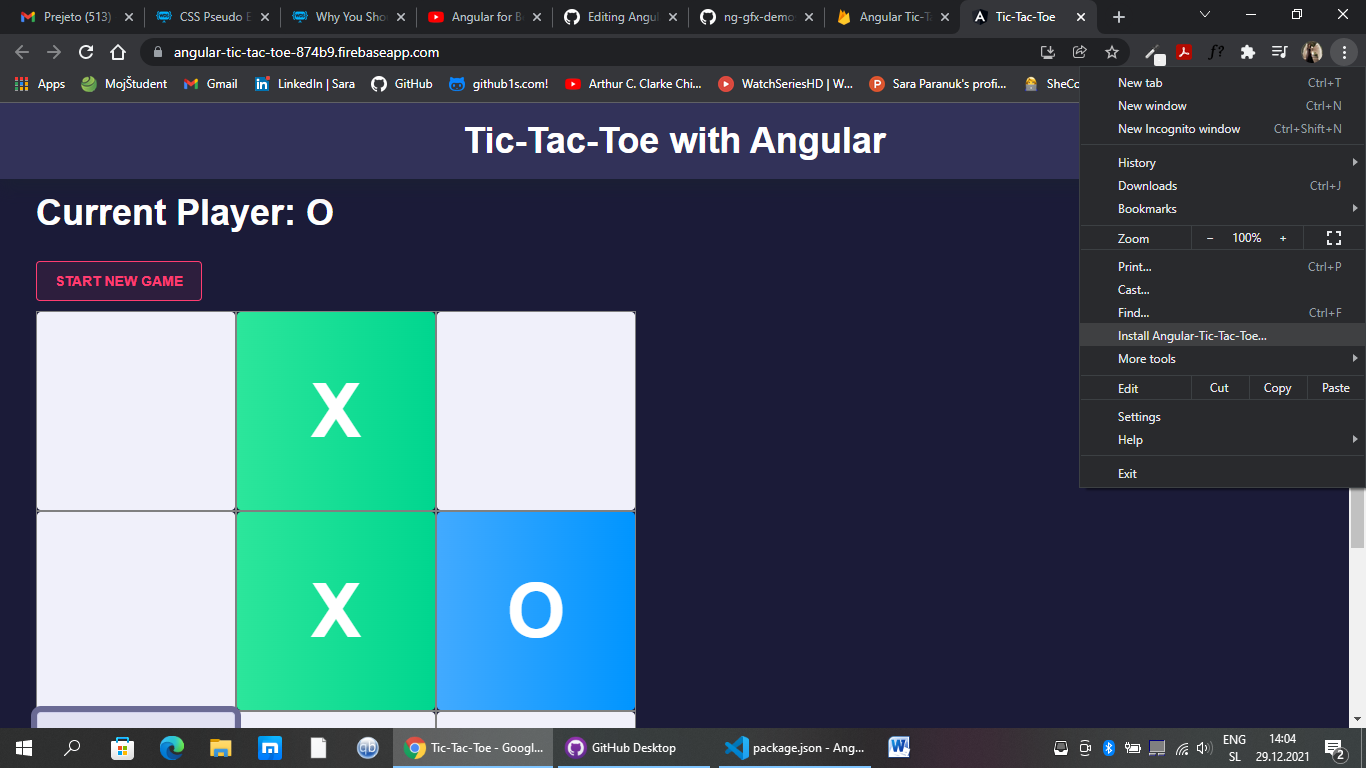
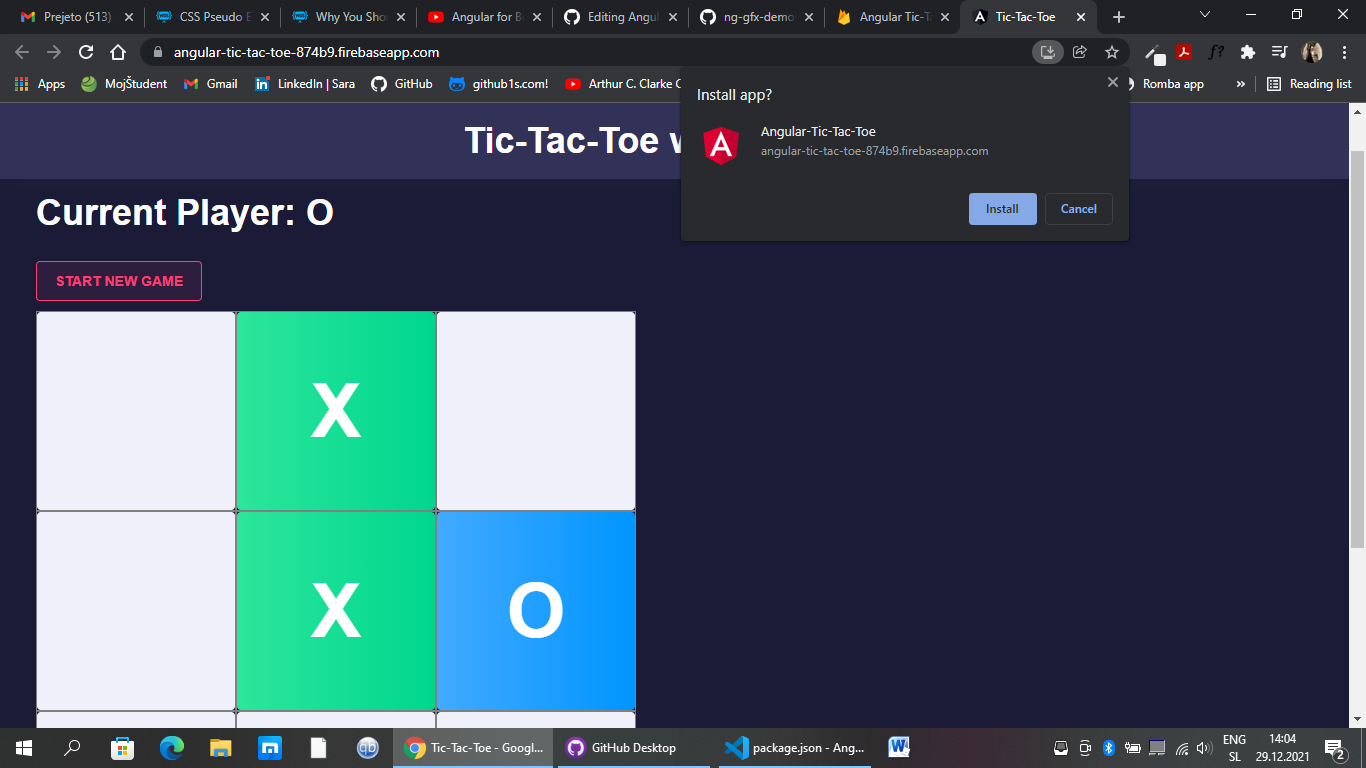
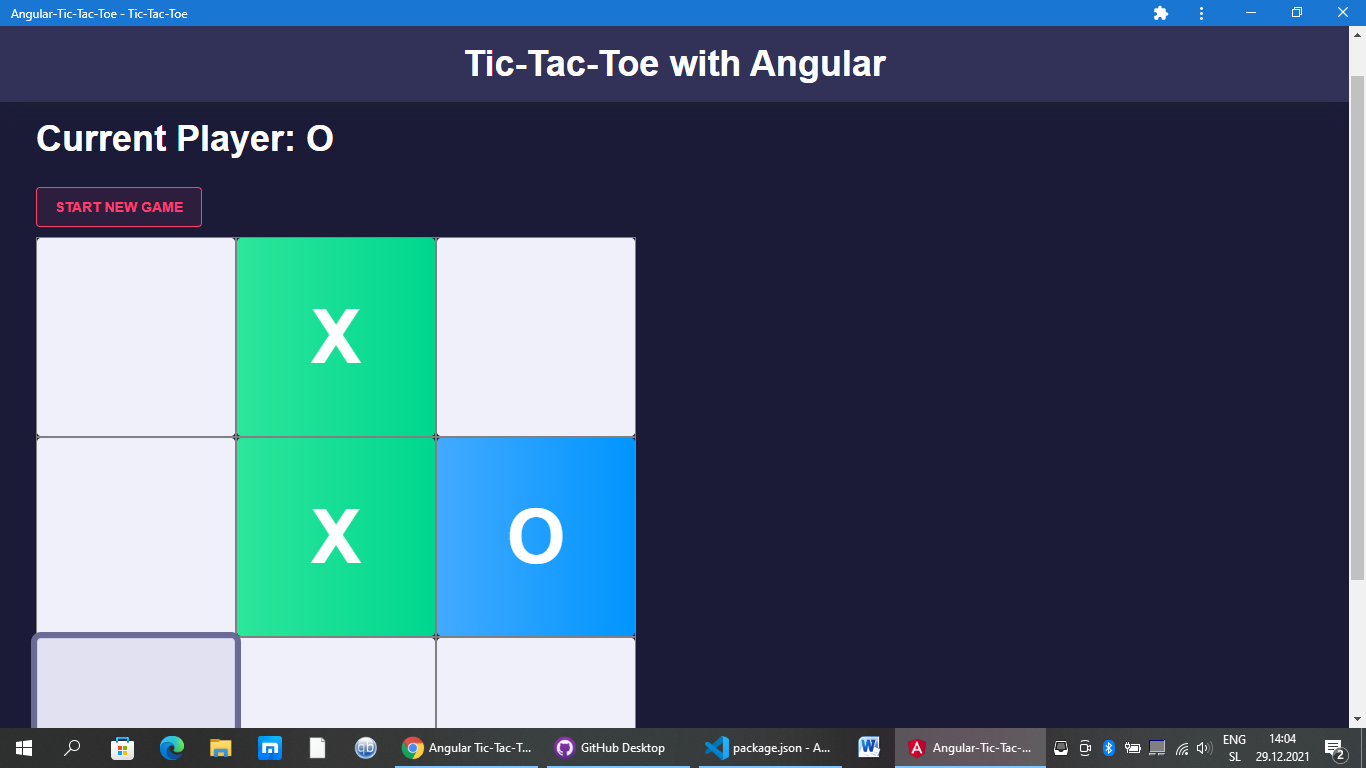
Then you can play the game without your browser:
## How to Make a PWA in Angular
1. In terminal: `ng add @angular/pwa`
2. In Terminal: `ng build`
3. a. Make sure you have enough production budget set up in your angular.js file (build again if you had to fix it)
4. Create Firebase project in Firebase
5. In terminal: `ng add @angular/fire`
6. a. Pick the correct project name and choose to Host your app (while installing @angular/fire)
7. In Terminal: `ng deploy` (deploys production app to the Firebase hosting account - you'll get the link to the website)