https://github.com/sarvesh-work/chitchat-chatwebapp
"ChitChat is a real-time chat application built using the MERN stack with Socket.io for messaging, Redux Toolkit for state management, and RTK Query for data fetching. It supports private chats, group conversations, and user status indicators, offering a smooth communication experience."
https://github.com/sarvesh-work/chitchat-chatwebapp
material-ui mern-stack reacthookform redux-toolkit rtk-query socket-io
Last synced: 4 months ago
JSON representation
"ChitChat is a real-time chat application built using the MERN stack with Socket.io for messaging, Redux Toolkit for state management, and RTK Query for data fetching. It supports private chats, group conversations, and user status indicators, offering a smooth communication experience."
- Host: GitHub
- URL: https://github.com/sarvesh-work/chitchat-chatwebapp
- Owner: Sarvesh-Work
- Created: 2024-09-15T14:17:07.000Z (almost 2 years ago)
- Default Branch: main
- Last Pushed: 2025-01-25T12:37:44.000Z (over 1 year ago)
- Last Synced: 2025-03-26T08:51:35.094Z (over 1 year ago)
- Topics: material-ui, mern-stack, reacthookform, redux-toolkit, rtk-query, socket-io
- Language: JavaScript
- Homepage: https://chit-chat-chat-web-app.vercel.app
- Size: 1.6 MB
- Stars: 0
- Watchers: 1
- Forks: 0
- Open Issues: 0
-
Metadata Files:
- Readme: README.md
Awesome Lists containing this project
README
# ChitChat - Real-Time Chat Web Application
**ChitChat** is a full-stack, real-time chat application built using the MERN stack, Socket.IO, Redux Toolkit, RTK Query, and React Hook Form. The application supports features like group messaging, real-time updates, and online/offline user status.
[📱 Visit ChitChat Project](https://chit-chat-chat-web-app.vercel.app/)
## ✨ Features
- Real-time messaging with **Socket.IO**
- Group chat functionality
- Online/offline status indicators
- Typing indicators
- Scalable architecture using **MERN stack**
- **JWT-based** authentication
- Responsive UI with **Material-UI**
- Efficient state management with **Redux Toolkit**
- API data fetching with **RTK Query**
- Form handling with **React Hook Form**
## 💻 Technologies
### Frontend (Client)
- **React** with functional components and hooks
- **Redux Toolkit** for state management
- **RTK Query** for API interactions
- **Material UI (MUI)** for the UI components
- **Socket.IO** for real-time communication
- **React Hook Form** for form handling
### Backend (Server)
- **Node.js** and **Express** for the server-side application
- **MongoDB** and **Mongoose** for database management
- **Socket.IO** for real-time WebSocket communication
- **JWT** for authentication
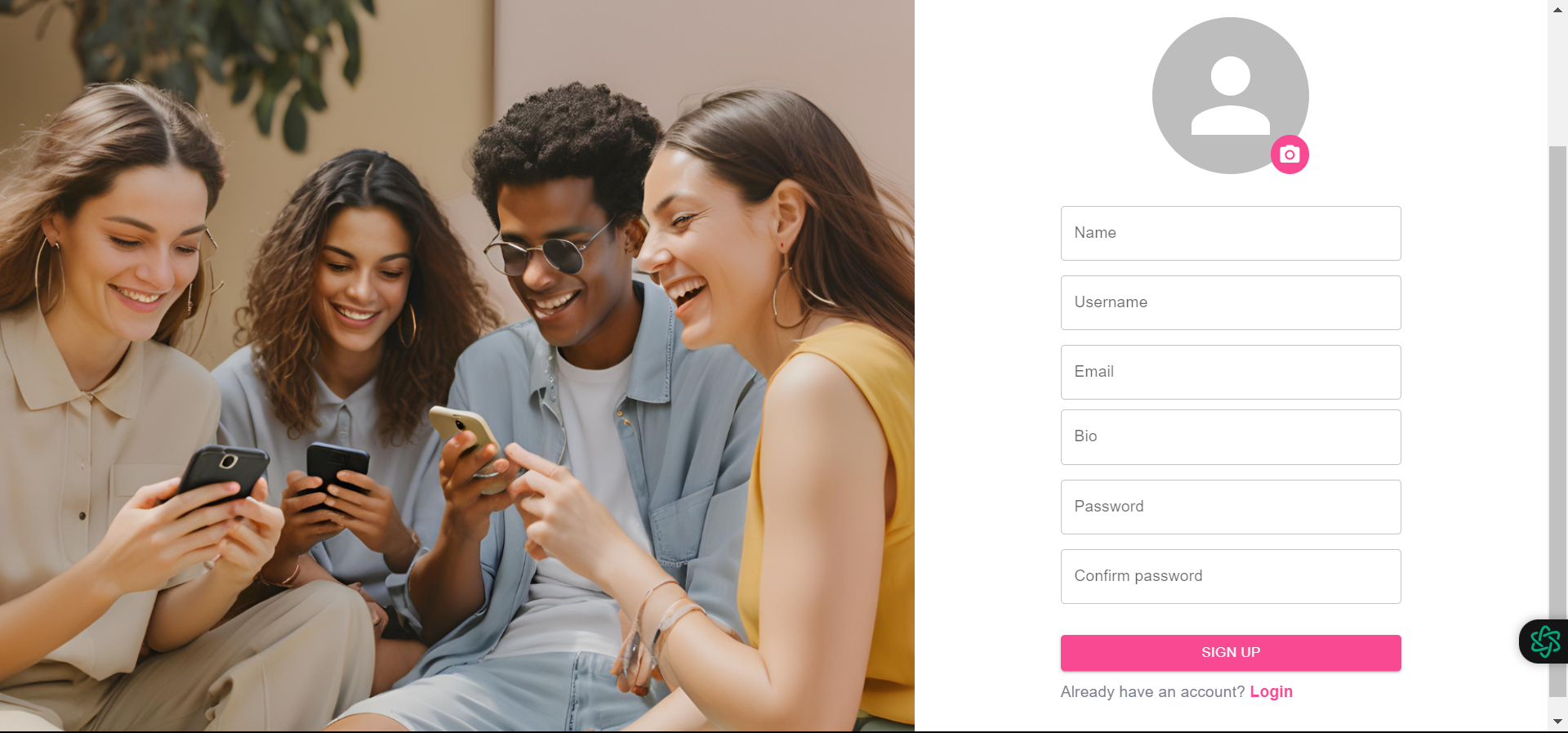
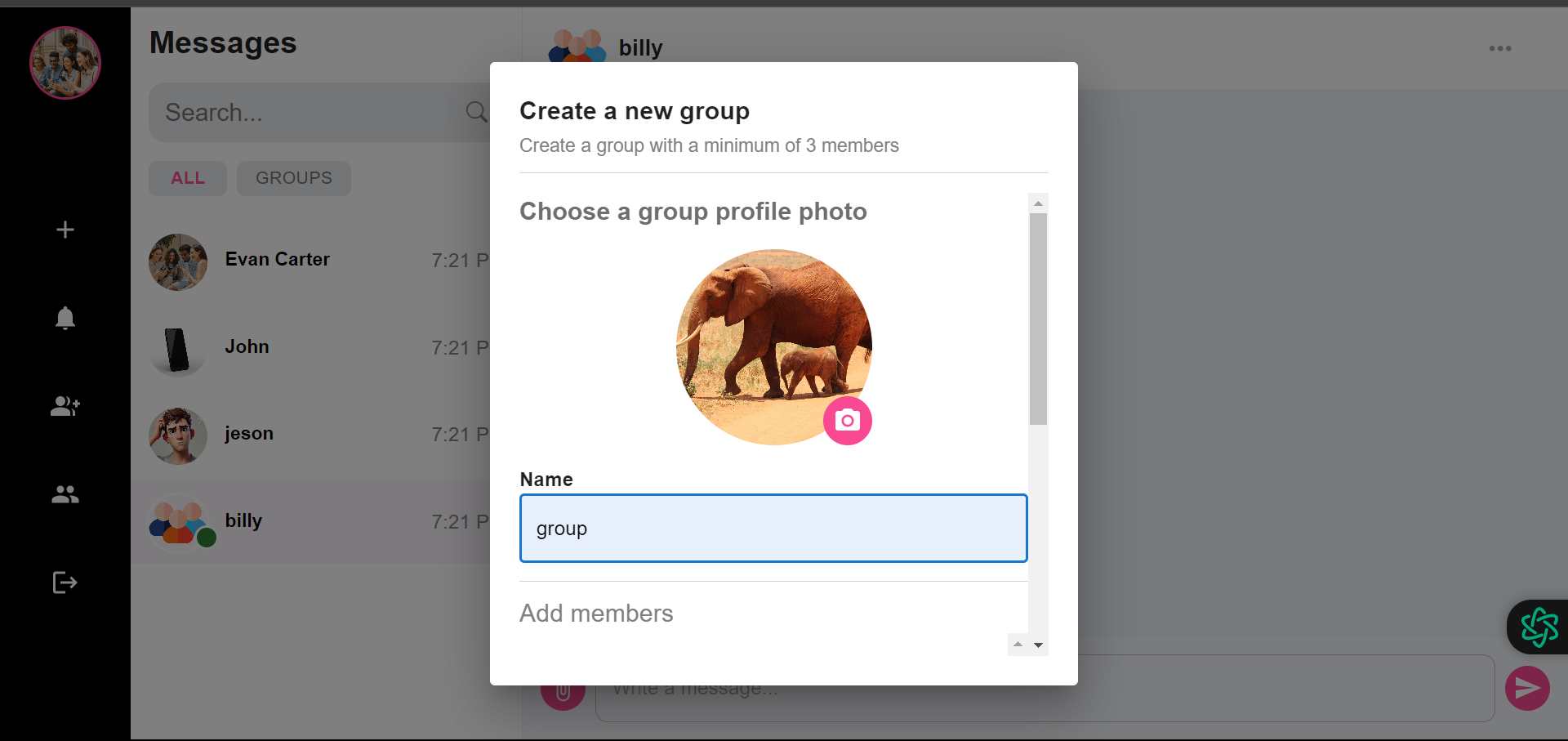
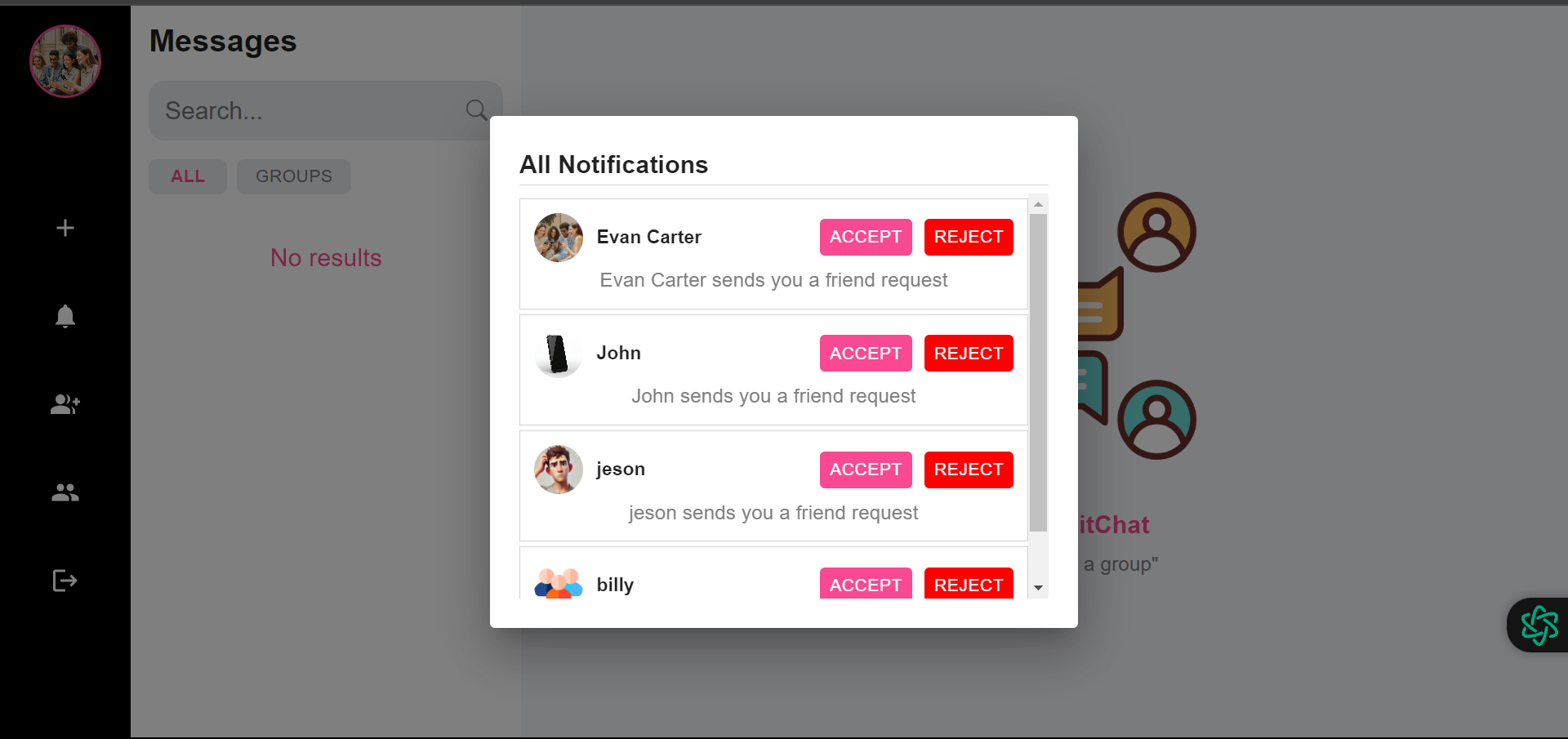
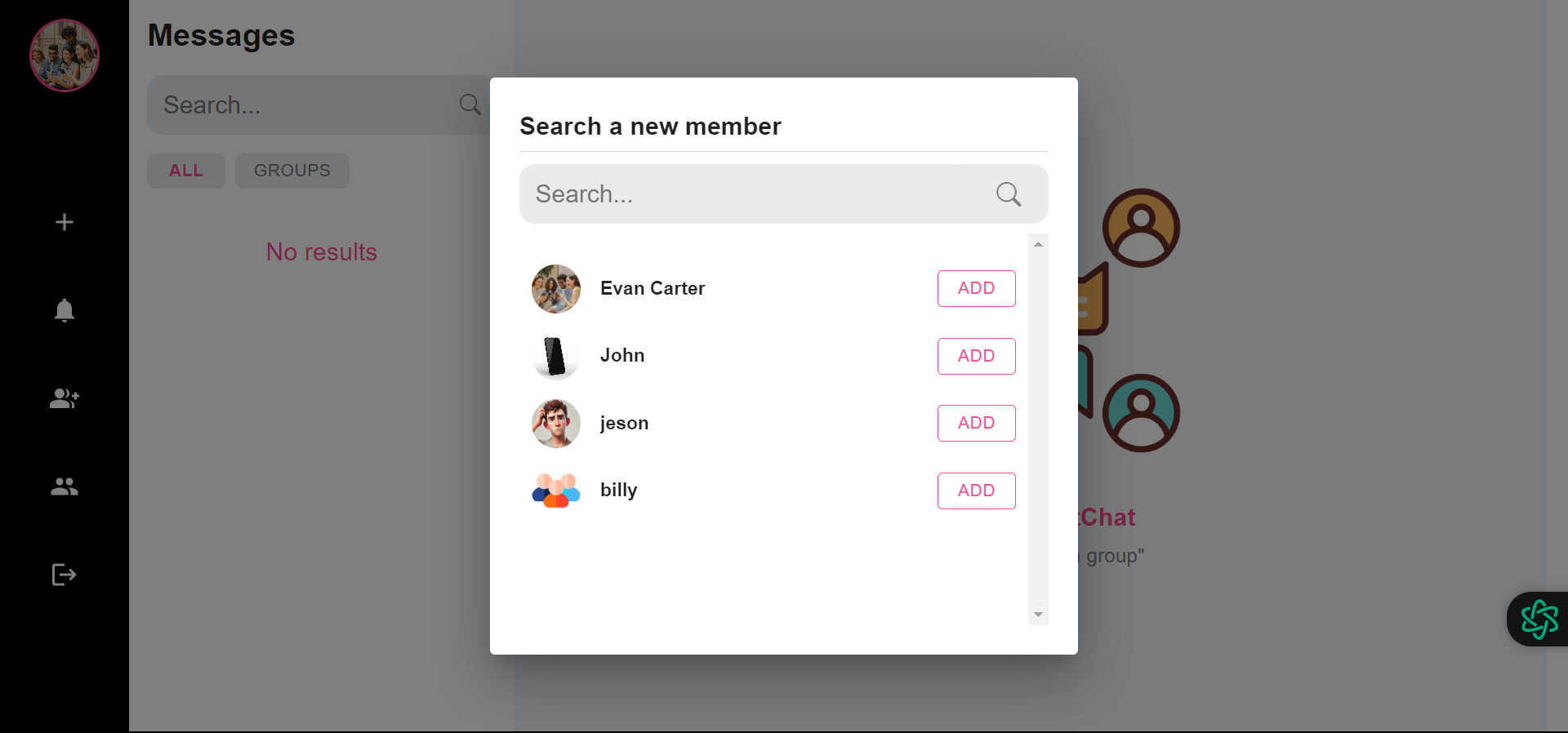
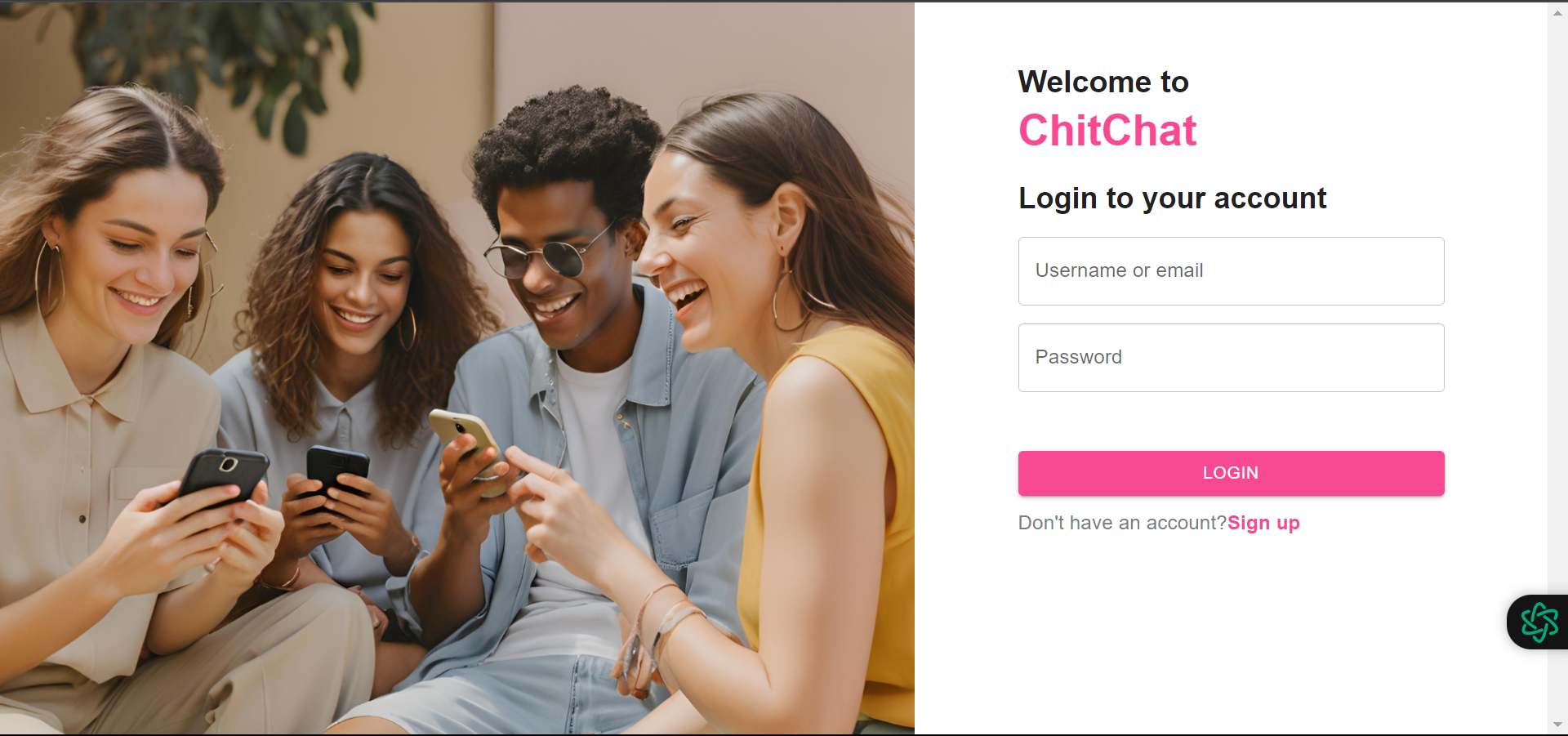
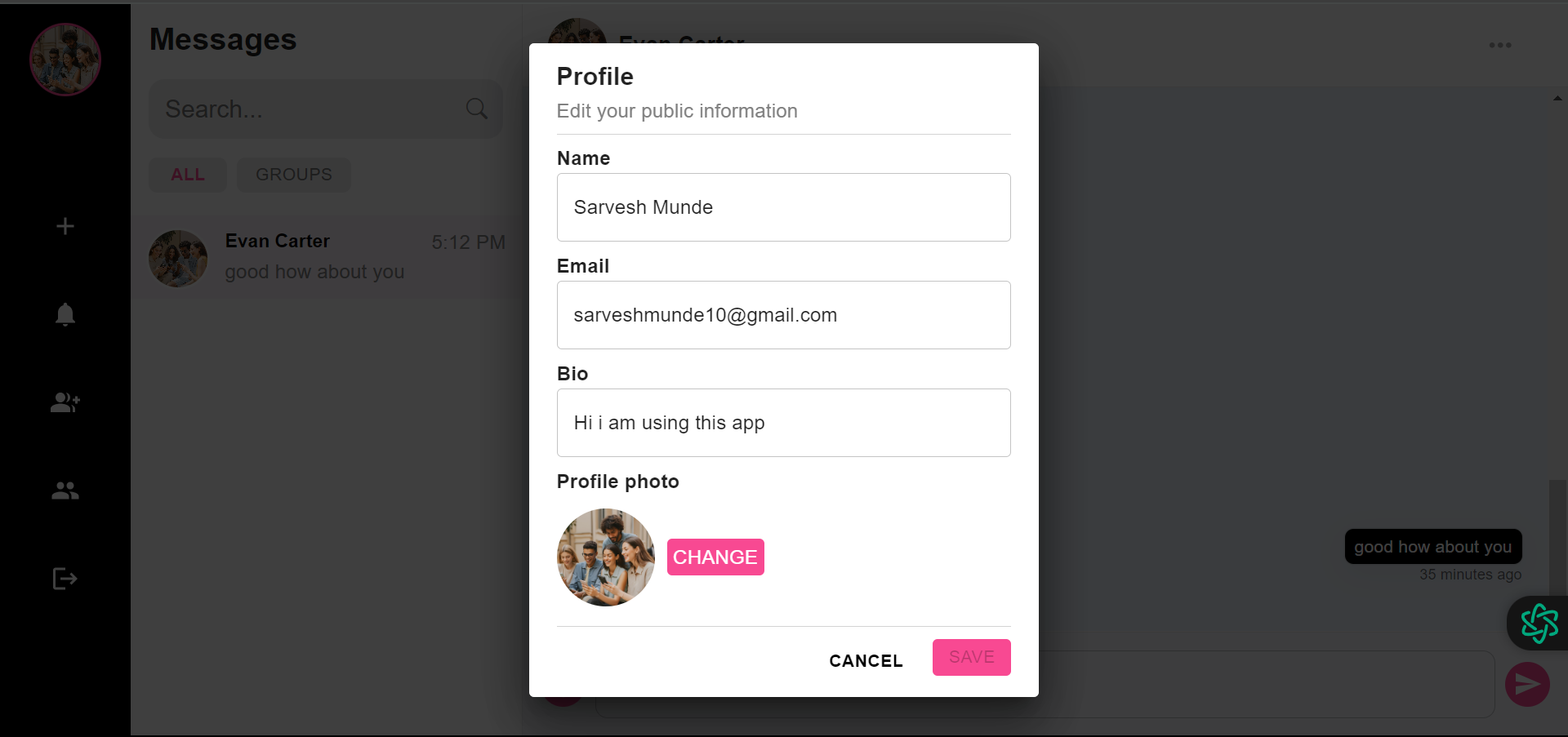
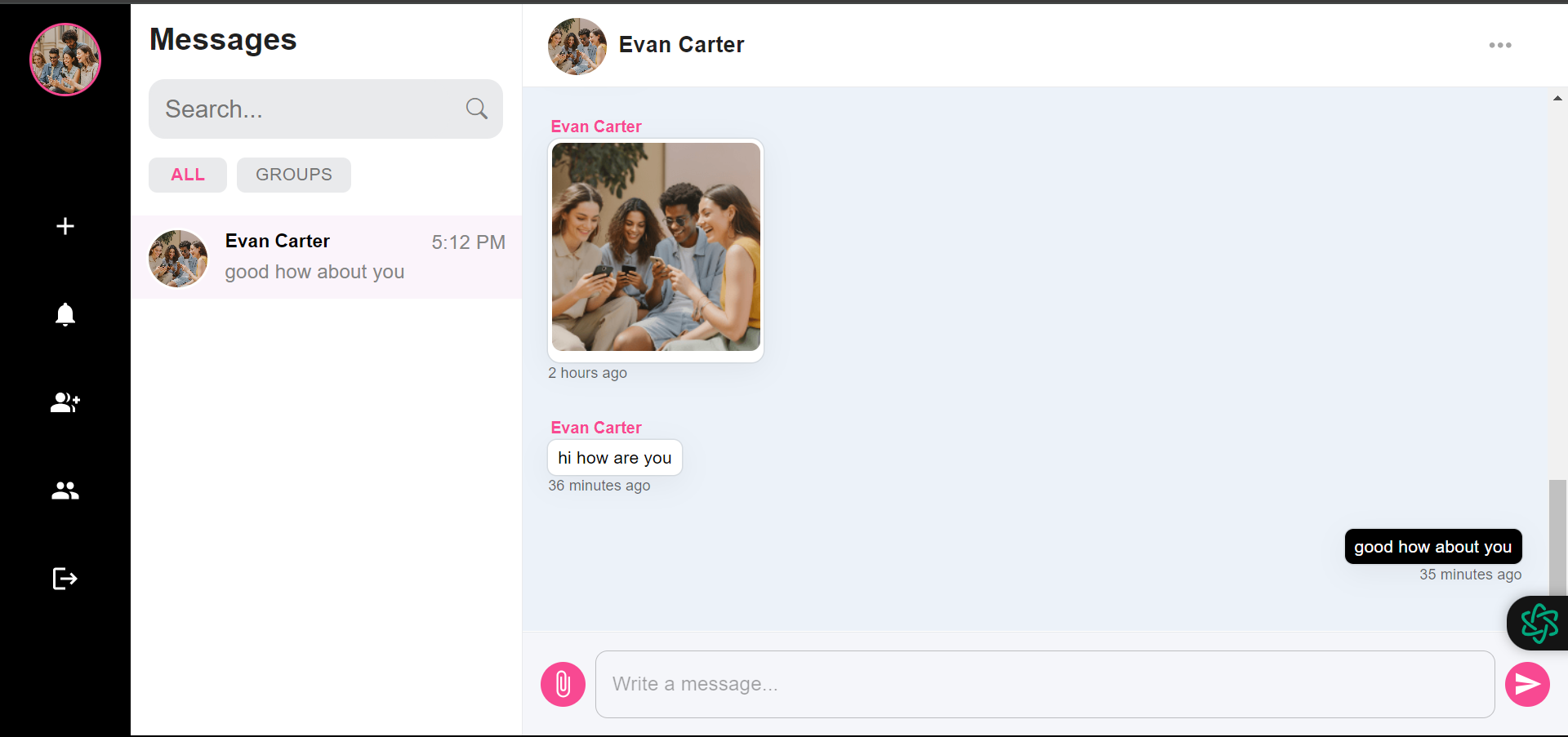
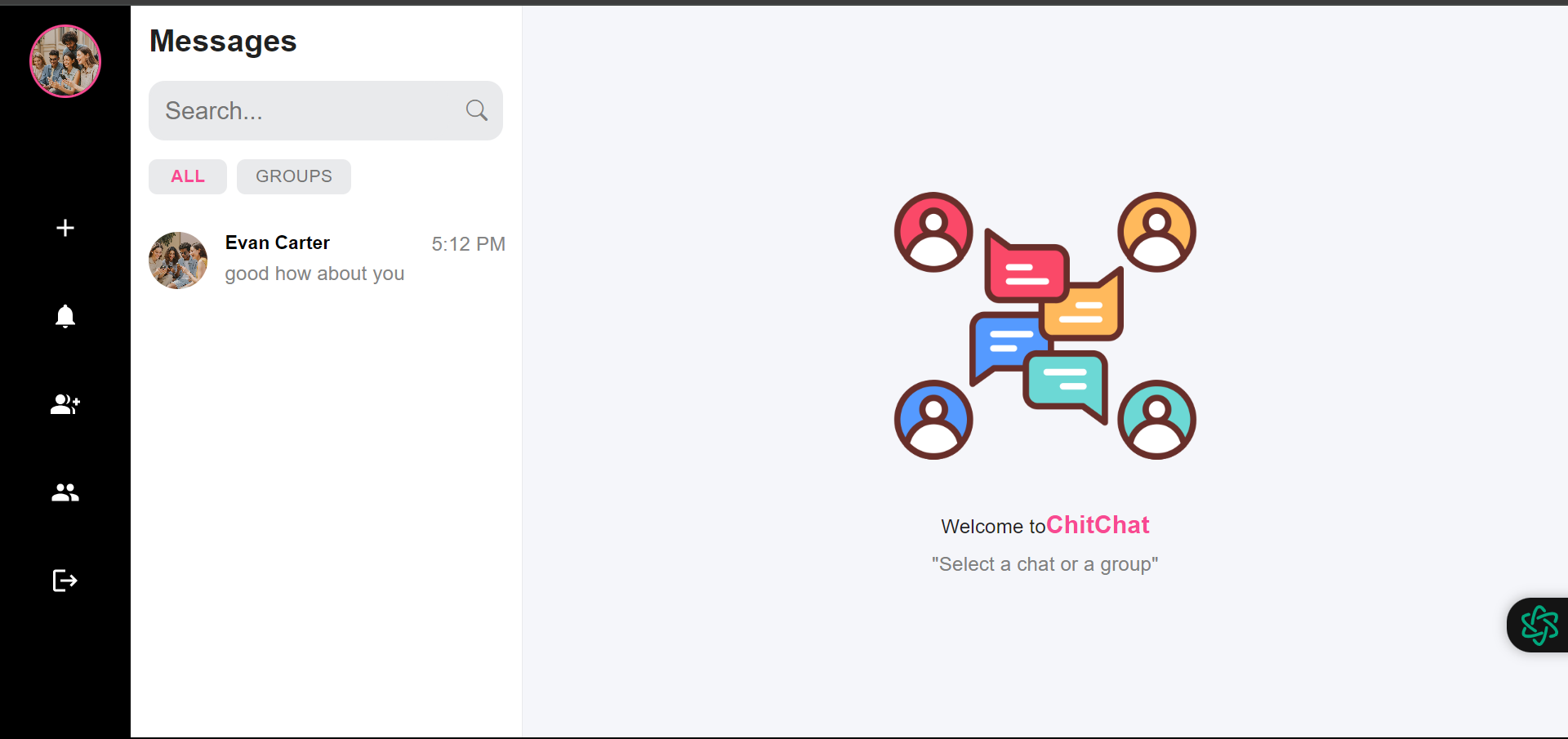
## 🔎 Glimpse of ChitChat
|  |  |
|:----------------------------------------------------------------------------------------------------:|:----------------------------------------------------------------------------------------------------:|
|  |  |
|  |  |
|  |  |
## 🚀 Getting Started
### Prerequisites
Make sure you have the following installed:
- **Node.js** (v14+)
- **MongoDB**
- **Git**
### Cloning
1. Clone the repository:
```bash
git clone https://github.com/Sarvesh-Work/ChitChat-chatWebApp.git
```
2. Navigate to the project directory:
```bash
cd ChitChat-chatWebApp
```
### Setting up the Client
1. Go to the **client** directory:
```bash
cd client
```
2. Install the dependencies:
```bash
npm install
```
3. Create an `.env` file in the `client` directory and add your environment variables.
4. Start the client application:
```bash
npm start
```
### Setting up the Server
1. Go to the **server** directory:
```bash
cd ../server
```
2. Install the dependencies:
```bash
npm install
```
3. Create an `.env` file in the `server` directory and add the required environment variables:
```bash
PORT=
MONGODB_URL=
JWT_KEY=
LIMIT_PER_PAGE=
FRONTEND_PORT=
CLOUD_NAME=
API_KEY=
API_SECRET=
```
4. Start the server:
```bash
npm run dev
```