https://github.com/sceneview/sceneform-reactnative
Sceneform React Native AR Component using ARCore and Google Filament as 3D engine. This the Sceneform Maintained Component for React Native
https://github.com/sceneview/sceneform-reactnative
Last synced: about 1 year ago
JSON representation
Sceneform React Native AR Component using ARCore and Google Filament as 3D engine. This the Sceneform Maintained Component for React Native
- Host: GitHub
- URL: https://github.com/sceneview/sceneform-reactnative
- Owner: SceneView
- License: mit
- Created: 2021-11-07T03:17:49.000Z (over 4 years ago)
- Default Branch: master
- Last Pushed: 2023-02-12T04:25:31.000Z (over 3 years ago)
- Last Synced: 2024-04-14T05:32:54.058Z (about 2 years ago)
- Language: Java
- Homepage:
- Size: 57.1 MB
- Stars: 49
- Watchers: 6
- Forks: 10
- Open Issues: 17
-
Metadata Files:
- Readme: README.md
- Contributing: CONTRIBUTING.md
- License: LICENSE
Awesome Lists containing this project
README
### Discord Server
Join us on [Discord](https://discord.gg/UbNDDBTNqb) if you need a hand or just want to talk about Sceneform and AR.
### Features
- Remote and local assets
- Augmented Faces
- Cloud anchors
- Plane detection
- Feature quality indicator
- Depth API
- Location anchors
- Video recording
- Screenshots
# react-native-sceneform
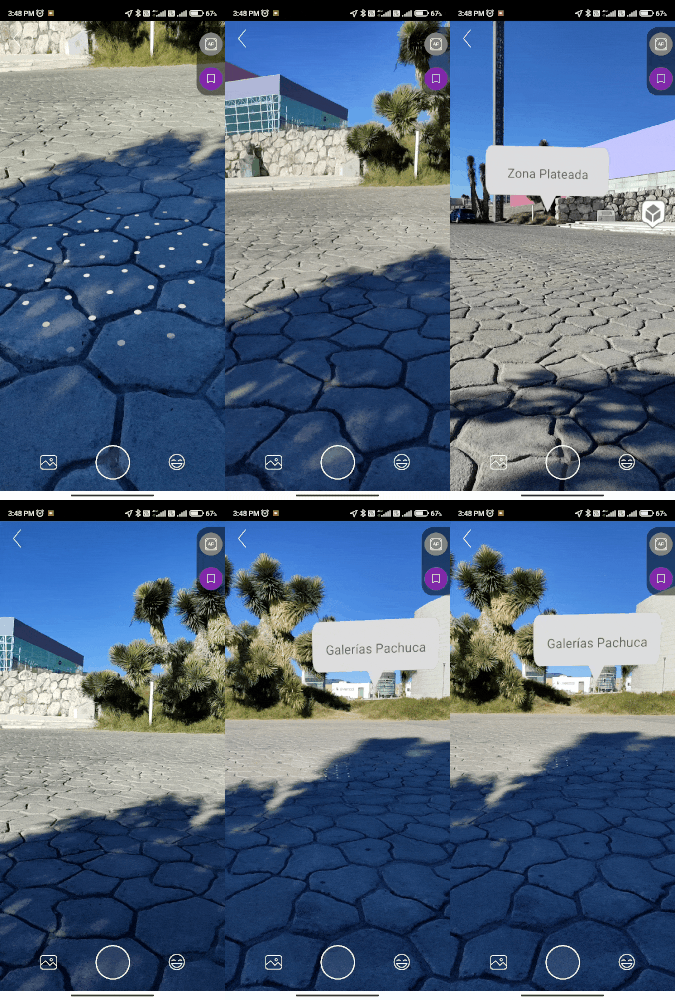
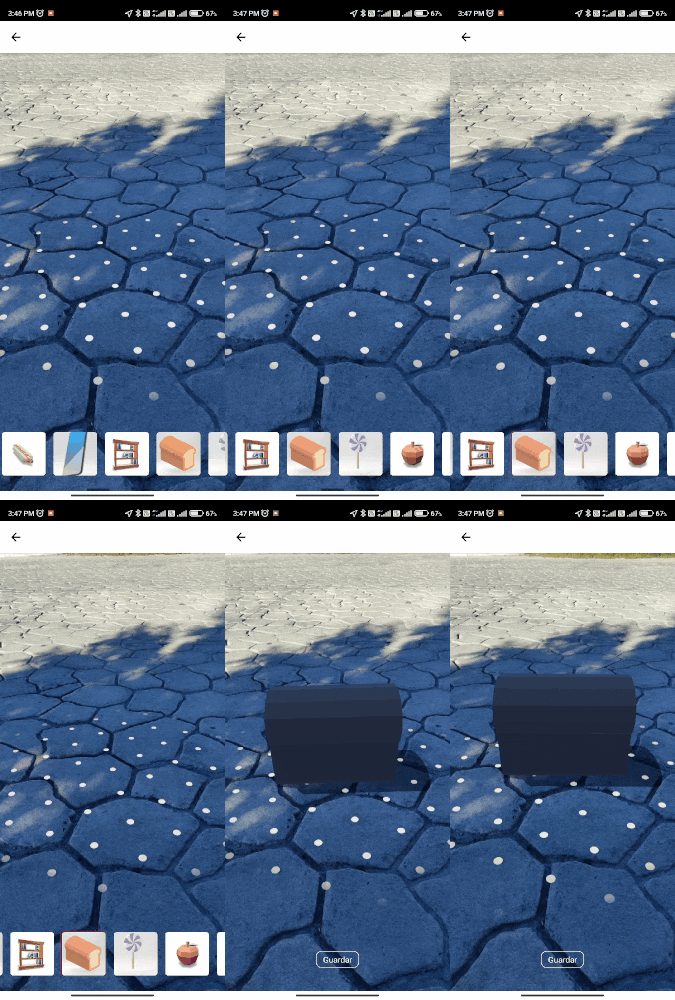
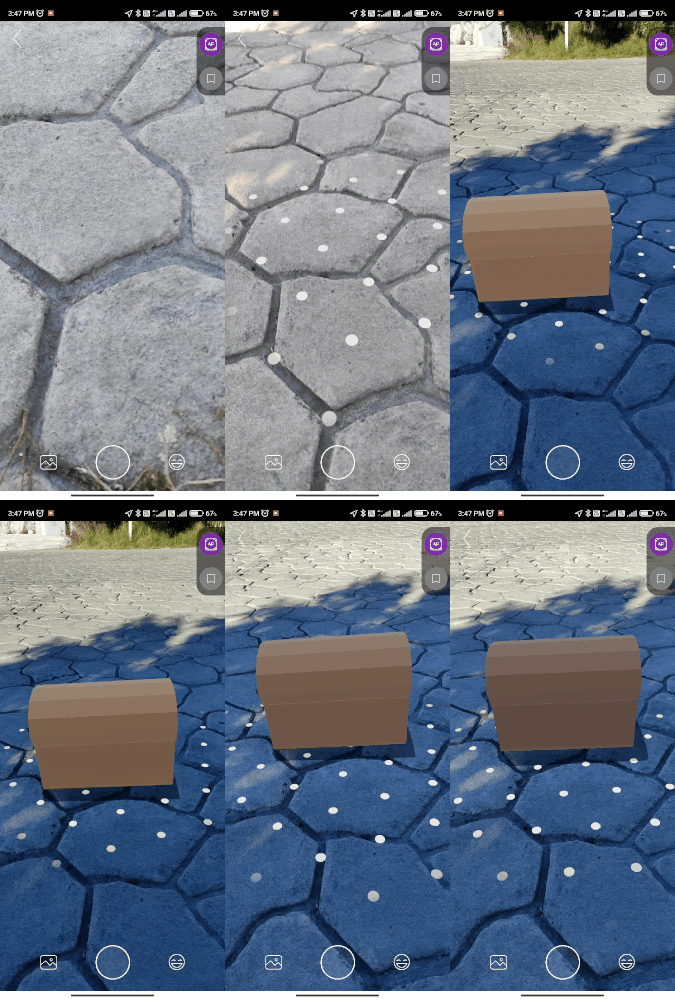
| Location markers | Augmented Faces | Object placing | Cloud anchors |
|--|--|--|--|
|||||
# Requirements
This package requires your app to target Android SDK 24 at least and react-native 0.66+
Also, this package does not handle permissions, be sure to request:
- CAMERA: for AR view.
- WRITE_EXTERNAL_STORAGE: for screenshots.
- RECORD_AUDIO: for recording video.
- ACCESS_FINE_LOCATION/ACCESS_COARSE_LOCATION: for location-based AR.
# Installation
- Install from npm running `npm install --save @sceneview/react-native-sceneform`
- Add the following to your AndroidManifest.xml inside the Application node.
```xml
```
- In your app/build.gradle, set your minSdkVersion to 24.
If you are going to use Cloud Anchors, be sure to add your API Key to the AndroidManifest or to sign your application in the Google Cloud Platform console (keyless auth)
# Loading the library
`import { SceneformView, AugmentedFacesView } from 'react-native-sceneform';`
# Components and Definitions
### » [SceneformView](./docs/SCENEFORMVIEW.md)
### » [AugmentedFacesView](./docs/AUGMENTED_FACES.md)
### » [Type Definitions](./docs/TYPES.md)
# Examples
#### » [Augmented Faces](https://github.com/doranteseduardo/augmented-faces-demo)
# To do
- Augmented images
- No-AR view (3D model viewer)
- Runtime renderable creation
- Custom lights
- Animation manipulation (currently animations are played automatically)
- Depth toggling
# Credits
[ARCore-Location](https://github.com/appoly/ARCore-Location)