https://github.com/sdwebimage/sdwebimagelottieplugin
SDWebImage integration with Lottie Animation using remote JSON files
https://github.com/sdwebimage/sdwebimagelottieplugin
carthage cocoapods ios lottie macos sdwebimage swift swiftpm tvos
Last synced: 9 months ago
JSON representation
SDWebImage integration with Lottie Animation using remote JSON files
- Host: GitHub
- URL: https://github.com/sdwebimage/sdwebimagelottieplugin
- Owner: SDWebImage
- License: mit
- Created: 2020-02-29T07:54:33.000Z (over 6 years ago)
- Default Branch: master
- Last Pushed: 2022-07-09T08:36:55.000Z (about 4 years ago)
- Last Synced: 2025-09-23T00:34:14.496Z (10 months ago)
- Topics: carthage, cocoapods, ios, lottie, macos, sdwebimage, swift, swiftpm, tvos
- Language: Swift
- Size: 828 KB
- Stars: 19
- Watchers: 1
- Forks: 11
- Open Issues: 2
-
Metadata Files:
- Readme: README.md
- License: LICENSE
Awesome Lists containing this project
README
# SDWebImageLottiePlugin
[](https://travis-ci.org/SDWebImage/SDWebImageLottiePlugin)
[](https://cocoapods.org/pods/SDWebImageLottiePlugin)
[](https://cocoapods.org/pods/SDWebImageLottiePlugin)
[](https://cocoapods.org/pods/SDWebImageLottiePlugin)
[](https://github.com/SDWebImage/SDWebImageLottiePlugin)
[](https://codecov.io/gh/SDWebImage/SDWebImageLottiePlugin)
## What's for
SDWebImageLottiePlugin is a plugin for [SDWebImage](https://github.com/rs/SDWebImage/) framework, which provide the [Lottie](https://github.com/airbnb/lottie-ios) animation loading from JSON file.
You can find more resource about Lottie in their [Official Site](https://airbnb.design/lottie/).
## Requirements
+ iOS 11+
+ macOS 10.11+
+ tvOS 11+
+ Xcode 11+
## Installation
#### Swift Package Manager
SDWebImageWebPCoder is available through [Swift Package Manager](https://swift.org/package-manager).
```swift
let package = Package(
dependencies: [
.package(url: "https://github.com/SDWebImage/SDWebImageLottiePlugin.git", from: "1.0.0")
]
)
```
#### CocoaPods
SDWebImageLottiePlugin is available through [CocoaPods](https://cocoapods.org). To install
it, simply add the following line to your Podfile:
```ruby
pod 'SDWebImageLottiePlugin', '~> 1.0'
```
#### Carthage (Deprecated)
SDWebImageLottiePlugin is available through [Carthage](https://github.com/Carthage/Carthage).
```
github "SDWebImage/SDWebImageLottiePlugin", ~> 1.0
```
Note:
1. Carthage macOS integration contains issue, because the module name is `Lottie_macOS` but not `Lottie`, wait the issue [here](https://github.com/airbnb/lottie-ios/issues/1638) been fixed 👀
## Lottie 2 && Objective-C
Lottie 3.4 version's `LottieConfiguration.shared.renderingEngine = .coreAnimation` solve the huge performance regression in the issue [here](https://github.com/airbnb/lottie-ios/issues/895) 🚀
So from SDWebImageLottiePlugin v1.0.0, we drop the Lottie 2 support, as well as the Objective-C support because Lottie 3 use pure Swift. And therefore, we drop the iOS 9-10 support because the upstream dependency need iOS 11+.
For user who still use Lottie 2 and Objective-C, please check the 0.x version updated to [0.3.0](https://github.com/SDWebImage/SDWebImageLottiePlugin/releases/tag/0.3.0)
## Usage
### Load Lottie from remote JSON
+ Swift
```swift
let animationView: Lottie.AnimationView
let lottieJSONURL: URL
animationView.sd_setImage(with: lottieJSONURL)
```
Note:
+ You can also load lottie json files on `AnimatedControl`, like switch button.
+ Lottie animation does not start automatically, you can use the completion block, or UITableView/UICollectionView's will display timing to play.
```swift
animationView.sd_setImage(with: lottieUrl, completed: { _,_,_,_ in
self.animationView.play(fromProgress: 0, toProgress: 1, loopMode: .repeat(5)) { finished in
// ...
}
}
```
+ If your Lottie json files contains references to App bundle images, just set the `imageProvider` before the lottie animation start.
```swift
let bundle = Bundle(for: MyBundleClass.self)
animationView.imageProvider = BundleImageProvider(bundle: bundle, searchPath: nil)
animationView.sd_setImage(with: lottieUrl)
```
### Advanced usage
This Lottie plugin use a wrapper class `LottieImage` because of SDWebImage's [customization architecture design](https://github.com/SDWebImage/SDWebImage/wiki/Advanced-Usage#customization). Typically you should not care about this, however this can allows some advanced usage.
+ Swift
```swift
let animation = try? JSONDecoder().decode(Animation.self, from: data)
let animatedImage = LottieImage(animation: animation)
// Optional, custom image bundle
animatedImage.imageProvider = BundleImageProvider(bundle: bundle, searchPath: nil)
// Snapshot Lottie animation frame
let posterFrame = animatedImage.animatedImageFrame(at: 0)
let duration = animatedImage.animatedImageDuration(at: 0)
```
Note:
+ The snapshot is a bitmap version and used for special cases, like thumbnail poster. You'd better not play it on `SDAnimatedImageView`. Because Lottie is a vector animation and `Lottie.AnimationView` use Core Animation for rendering, which is faster.
## Demo
If you have some issue about usage, SDWebImageLottiePlugin provide a demo for iOS && macOS platform. To run the demo, clone the repo and run the following command.
```bash
cd Example/
pod install
open SDWebImageLottiePlugin.xcworkspace
```
After the Xcode project was opened, click `Run` to build and run the demo.
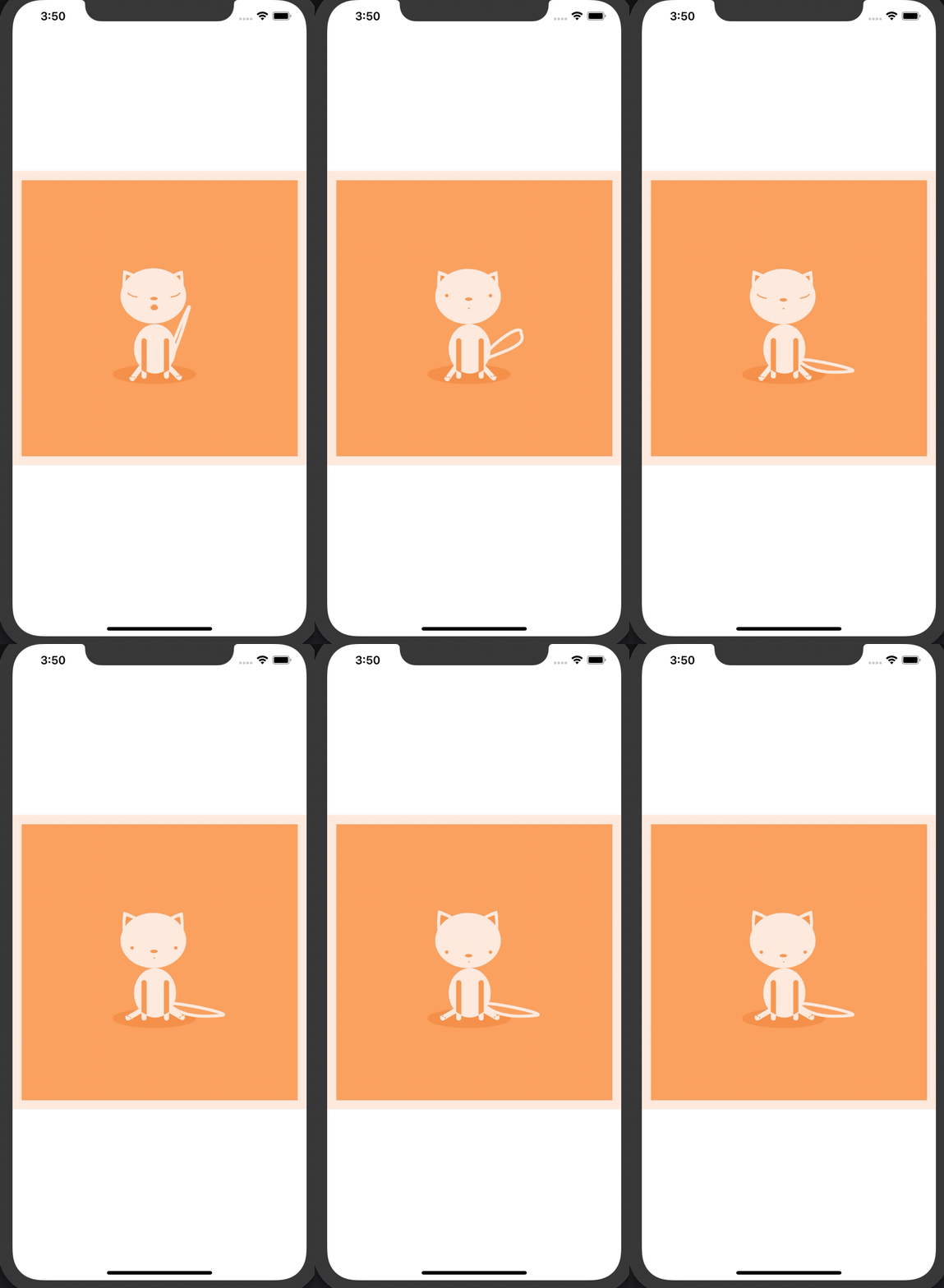
## Screenshot
+ iOS Demo
+ macOS Demo
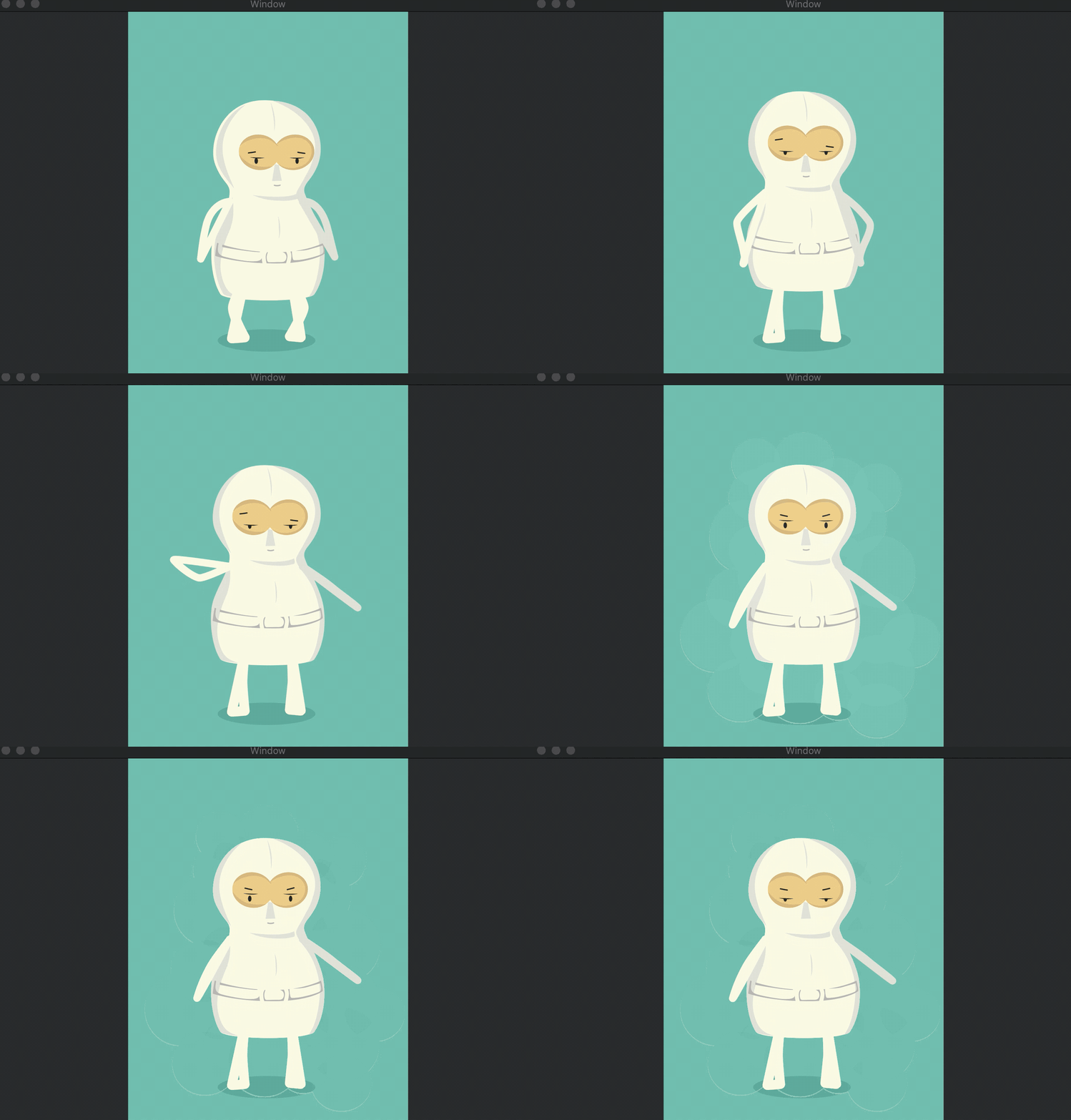
The lottie json files are from [lottie-web example](https://github.com/airbnb/lottie-web)
## Author
DreamPiggy
## License
SDWebImageLottiePlugin is available under the MIT license. See the LICENSE file for more info.