https://github.com/sdwebimage/sdwebimagepdfcoder
A PDF coder plugin for SDWebImage, using Apple's built-in framework
https://github.com/sdwebimage/sdwebimagepdfcoder
ios macos pdf sdwebimage tvos watchos
Last synced: about 1 year ago
JSON representation
A PDF coder plugin for SDWebImage, using Apple's built-in framework
- Host: GitHub
- URL: https://github.com/sdwebimage/sdwebimagepdfcoder
- Owner: SDWebImage
- License: mit
- Created: 2018-10-28T09:31:17.000Z (almost 8 years ago)
- Default Branch: master
- Last Pushed: 2023-10-24T07:34:28.000Z (almost 3 years ago)
- Last Synced: 2025-06-04T03:24:31.824Z (about 1 year ago)
- Topics: ios, macos, pdf, sdwebimage, tvos, watchos
- Language: Objective-C
- Homepage:
- Size: 358 KB
- Stars: 27
- Watchers: 7
- Forks: 7
- Open Issues: 1
-
Metadata Files:
- Readme: README.md
- License: LICENSE
Awesome Lists containing this project
README
# SDWebImagePDFCoder
[](https://travis-ci.org/SDWebImage/SDWebImagePDFCoder)
[](https://cocoapods.org/pods/SDWebImagePDFCoder)
[](https://cocoapods.org/pods/SDWebImagePDFCoder)
[](https://cocoapods.org/pods/SDWebImagePDFCoder)
[](https://github.com/SDWebImage/SDWebImagePDFCoder)
[](https://swift.org/package-manager/)
## What's for
SDWebImagePDFCoder is a PDF coder plugin for [SDWebImage](https://github.com/rs/SDWebImage/) framework, which provide the image loading support for [PDF](https://en.wikipedia.org/wiki/Scalable_Vector_Graphics). The PDF rendering is done using Apple's built-in framework (UIKit/AppKit/Core Graphics).
## Example
To run the example project, clone the repo, and run `pod install` from the Example directory first.
You can modify the code or use some other PDF files to check the compatibility.
## Requirements
+ iOS 9+
+ tvOS 9+
+ macOS 10.11+
+ watchOS 2+
+ Xcode 13+
## Installation
#### CocoaPods
SDWebImagePDFCoder is available through [CocoaPods](https://cocoapods.org). To install
it, simply add the following line to your Podfile:
```ruby
pod 'SDWebImagePDFCoder'
```
#### Carthage
SDWebImagePDFCoder is available through [Carthage](https://github.com/Carthage/Carthage).
```
github "SDWebImage/SDWebImagePDFCoder"
```
#### Swift Package Manager (Xcode 11+)
SDWebImagePDFCoder is available through [Swift Package Manager](https://swift.org/package-manager).
```swift
let package = Package(
dependencies: [
.package(url: "https://github.com/SDWebImage/SDWebImagePDFCoder.git", from: "1.0")
]
)
```
## Usage
To use PDF coder, you should firstly add the `SDImagePDFCoder` to the coders manager. Then you can call the View Category method to start load PDF images.
### Use UIImageView vector rendering (iOS/tvOS 11+, Mac)
**Important**: Apple add the built-in vector image support for PDF format for UIKit from iOS/tvOS 11+. Which means you can create a `UIImage` with PDF data, and set it on the `UIImageView`. When the imageView bounds/contentMode changed, the PDF image also get scaled without losing any detail. You can also use `+[UIImage imageNamed:]` with Xcode Asset Catalog for PDF image, remember to turn on `Preserve Vector Data`.
For macOS user, `NSImage`/`NSImageView` support PDF image from the day one. Use it as usual.
+ Objective-C
```objectivec
SDImagePDFCoder *PDFCoder = [SDImagePDFCoder sharedCoder];
[[SDImageCodersManager sharedManager] addCoder:PDFCoder];
UIImageView *imageView;
[imageView sd_setImageWithURL:url];
```
+ Swift
```swift
let PDFCoder = SDImagePDFCoder.shared
SDImageCodersManager.shared.addCoder(PDFCoder)
let imageView: UIImageView
imageView.sd_setImage(with: url)
```
### Use UIImageView bitmap rendering (iOS/tvOS 10-)
For firmware which is below iOS/tvOS 11+, `UIImage` && `UIImageView` does not support vector image rendering. Even you can add PDF image in Xcode Asset Catalog, it was encoded to bitmap PNG format when compiled but not support runtime scale.
For `UIImageView`, we will only parse PDF with a fixed image size (from the PDF mediaBox information). But we also support you to specify a desired size during image loading using `.imageThumbnailPixelSize` context option. And you can specify whether or not to keep aspect ratio during scale using `.imagePreserveAspectRatio` context option.
Note: Once you pass the pixel size, we will always generate the bitmap representation even on iOS/tvOS 11+. If you want the vector format, do not pass them, let `UIImageView` to dynamically stretch the PDF.
+ Objective-C
```objectivec
SDImagePDFCoder *PDFCoder = [SDImagePDFCoder sharedCoder];
[[SDImageCodersManager sharedManager] addCoder:PDFCoder];
UIImageView *imageView;
CGSize bitmapSize = CGSizeMake(500, 500);
[imageView sd_setImageWithURL:url placeholderImage:nil options:0 context:@{SDWebImageContextImageThumbnailPixelSize : @(bitmapSize)];
```
+ Swift
```swift
let PDFCoder = SDImagePDFCoder.shared
SDImageCodersManager.shared.addCoder(PDFCoder)
let imageView: UIImageView
let bitmapSize = CGSize(width: 500, height: 500)
imageView.sd_setImage(with: url, placeholderImage: nil, options: [], context: [.imageThumbnailPixelSize : bitmapSize])
```
## Export PDF data
`SDWebImagePDFCoder` provide an easy way to export the PDF image generated from framework, to the original PDF data.
If the input image is already vector PDF based, will export that instead (fast).
Else we will create an empty PDF page with the bitmap image drawn on (slow).
+ Objective-C
```objectivec
UIImage *pdfImage; // UIImage with vector image, or NSImage contains `NSPDFImageRep`
NSData *pdfData = [pdfImage sd_imageDataAsFormat:SDImageFormatPDF]; // May return the vector data, or create new PDF with current image drawn on
```
+ Swift
```swift
let pdfImage: UIImage // UIImage with vector image, or NSImage contains `NSPDFImageRep`
let pdfData = pdfImage.sd_imageData(as: .PDF) // May return the vector data, or create new PDF with current image drawn on
```
## Screenshot

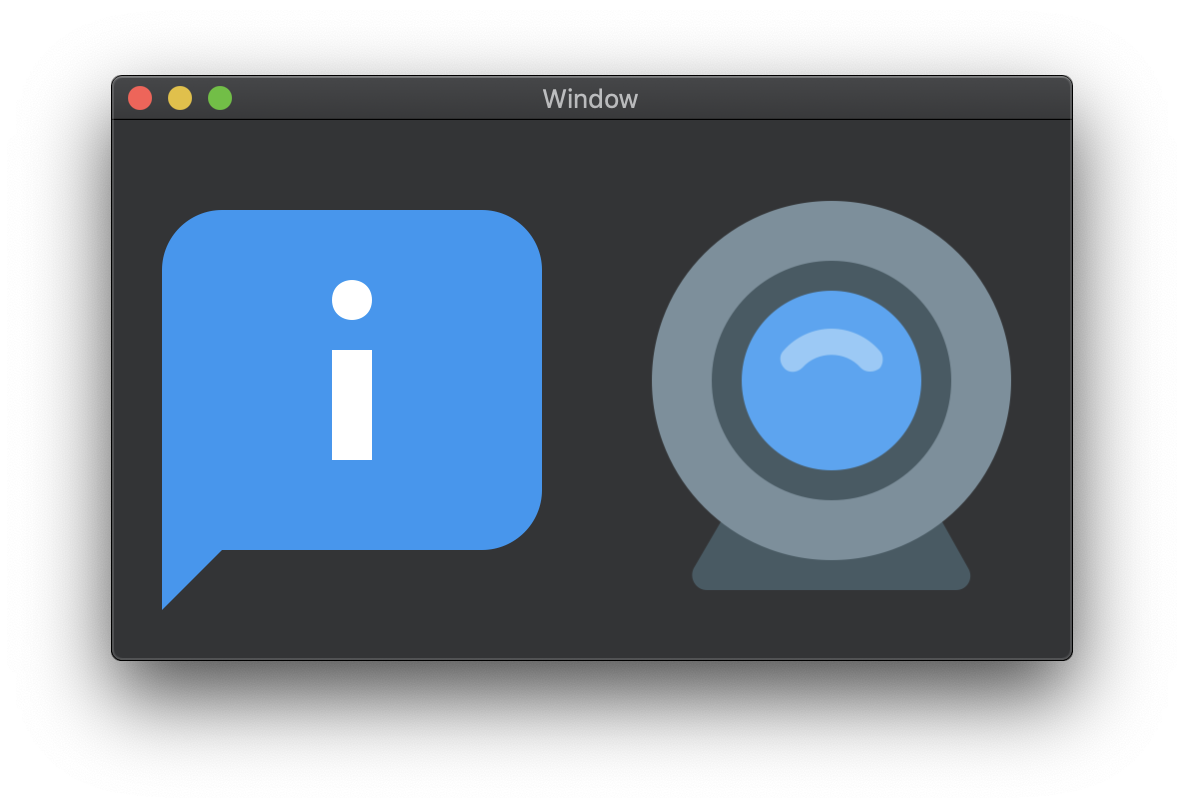
These PDF images are from [icons8](https://github.com/icons8/flat-color-icons/tree/master/pdf), you can try the demo with your own PDF image as well.
## Author
DreamPiggy
## License
SDWebImagePDFCoder is available under the MIT license. See the LICENSE file for more info.