https://github.com/sdwebimage/sdwebimagesvgnativecoder
SVG-Native (SVG OpenType) image coder plugin for SDWebImage
https://github.com/sdwebimage/sdwebimagesvgnativecoder
ios macos opentype-svg-fonts sdwebimage svg svg-native tvos watchos
Last synced: 9 months ago
JSON representation
SVG-Native (SVG OpenType) image coder plugin for SDWebImage
- Host: GitHub
- URL: https://github.com/sdwebimage/sdwebimagesvgnativecoder
- Owner: SDWebImage
- License: mit
- Created: 2022-08-03T10:25:53.000Z (almost 4 years ago)
- Default Branch: main
- Last Pushed: 2024-01-11T09:48:39.000Z (over 2 years ago)
- Last Synced: 2025-06-04T03:24:19.520Z (about 1 year ago)
- Topics: ios, macos, opentype-svg-fonts, sdwebimage, svg, svg-native, tvos, watchos
- Language: Objective-C
- Homepage:
- Size: 315 KB
- Stars: 20
- Watchers: 4
- Forks: 6
- Open Issues: 5
-
Metadata Files:
- Readme: README.md
- License: LICENSE
Awesome Lists containing this project
README
# SDWebImageSVGNativeCoder
[](https://travis-ci.org/dreampiggy/SDWebImageSVGNativeCoder)
[](https://cocoapods.org/pods/SDWebImageSVGNativeCoder)
[](https://cocoapods.org/pods/SDWebImageSVGNativeCoder)
[](https://cocoapods.org/pods/SDWebImageSVGNativeCoder)
## Background
Currently SDWebImage org provide 3 kinds of SVG Coder Plugin support, here is comparison:
| Plugin Name| Vector Image | Bitmap Image | Platform | Compatibility | Dependency |
|---|---|---|---|---|---|
| [SVGNativeCoder](https://github.com/SDWebImage/SDWebImageSVGNativeCoder) | NO | YES | iOS 9+ | Best and W3C standard | adobe/svg-native-viewer |
| [SVGCoder](https://github.com/SDWebImage/SDWebImageSVGCoder) | YES | YES | iOS 13+ | OK but buggy on some SVG | Apple CoreSVG(Private) |
| [SVGKitPlugin](https://github.com/SDWebImage/SDWebImageSVGKitPlugin) | YES | NO | iOS 9+ | Worst, no longer maintain | SVGKit/SVGKit
For now, I recommand to use this SVGNativeCoder (this repo) for most cases, until there are any other native support on Apple platforms.
## SVG-Native
[SVG Native](https://svgwg.org/specs/svg-native/) is an upcoming specification of the SVG WG based on [SVG OpenType](https://docs.microsoft.com/en-us/typography/opentype/spec/svg).
SVG Native will be a strict subset of SVG 1.1 and SVG 2.0.
## Requirements
+ iOS 9+
+ tvOS 9+
+ macOS 10.11+
+ watchOS 2+
## Installation
#### CocoaPods
SDWebImageSVGNativeCoder is available through [CocoaPods](https://cocoapods.org). To install
it, simply add the following line to your Podfile:
```ruby
pod 'SDWebImageSVGNativeCoder'
```
Note:
It's strongly recommended to use CocoaPods v1.7+ with multiple Xcode Projects, which can avoid issues when different header file contains the same file name. This applys to all SDWebImage organization maintained repo.
```ruby
install! 'cocoapods', generate_multiple_pod_projects: true
```
#### Carthage
SDWebImageSVGNativeCoder is available through [Carthage](https://github.com/Carthage/Carthage).
```
github "SDWebImage/SDWebImageSVGNativeCoder"
```
#### Swift Package Manager
SDWebImageSVGNativeCoder is available through [Swift Package Manager](https://swift.org/package-manager).
```swift
let package = Package(
dependencies: [
.package(url: "https://github.com/SDWebImage/SDWebImageSVGNativeCoder.git", from: "0.1")
]
)
```
## Usage
### Register Coder Plugin
To use SVG coder, you should firstly add the `SDImageSVGNativeCoder` to the coders manager. Then you can call the View Category method to start load SVG images. See [Wiki - Coder Usage](https://github.com/SDWebImage/SDWebImage/wiki/Advanced-Usage#coder-usage) here for these steps.
+ Objective-C
```objectivec
// register coder, on AppDelegate
SDImageSVGNativeCoder *SVGCoder = [SDImageSVGNativeCoder sharedCoder];
[[SDImageCodersManager sharedManager] addCoder:SVGCoder];
```
+ Swift
```swift
// register coder, on AppDelegate
let SVGCoder = SDImageSVGNativeCoder.shared
SDImageCodersManager.shared.addCoder(SVGCoder)
```
### Render SVG as bitmap image
This coder plugin only support bitmap SVG image, which means once you load an image, even you change the image view size, the image size will not dynamic change and has to stretch up and may be blur. So you'd better provide the suitable large enough image size (like your image view size).
By default it use the SVG viewBox size. You can also specify a desired size during image loading using `.imageThumbnailPixelSize` context option. And you can specify whether or not to keep aspect ratio during scale using `.imagePreserveAspectRatio` context option.
+ Objective-C
```objectivec
UIImageView *imageView;
CGSize bitmapSize = CGSizeMake(500, 500);
[imageView sd_setImageWithURL:url placeholderImage:nil options:0 context:@{SDWebImageContextThumbnailPixelSize: @(bitmapSize)];
```
+ Swift
```swift
let imageView: UIImageView
let bitmapSize = CGSize(width: 500, height: 500)
imageView.sd_setImage(with: url, placeholderImage: nil, options: [], context: [.imageThumbnailPixelSize : bitmapSize])
```
## Example
To run the example project, clone the repo, and run `pod install` from the Example directory first.
## Screenshot

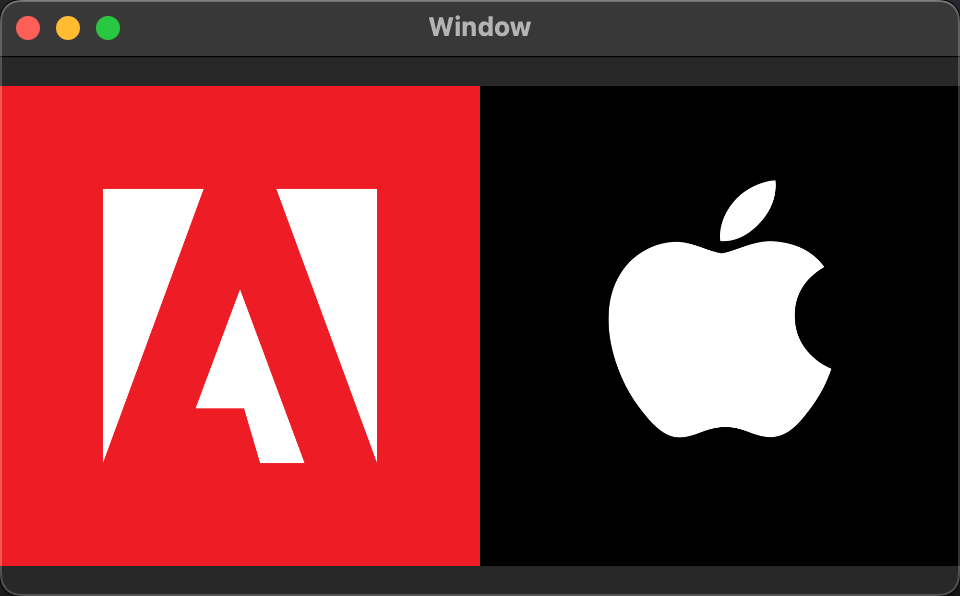
## Author
DreamPiggy
## License
SDWebImageSVGNativeCoder is available under the MIT license. See the LICENSE file for more info.