https://github.com/sedm0784/vim-rainbow-trails
Magical rainbows in your Vim
https://github.com/sedm0784/vim-rainbow-trails
rainbows vim vim-motions vim-plugin
Last synced: 4 months ago
JSON representation
Magical rainbows in your Vim
- Host: GitHub
- URL: https://github.com/sedm0784/vim-rainbow-trails
- Owner: sedm0784
- Created: 2024-04-04T21:19:19.000Z (about 2 years ago)
- Default Branch: main
- Last Pushed: 2024-11-14T01:04:21.000Z (over 1 year ago)
- Last Synced: 2024-11-14T02:18:31.743Z (over 1 year ago)
- Topics: rainbows, vim, vim-motions, vim-plugin
- Language: Vim Script
- Homepage: https://normalmo.de/
- Size: 31.3 KB
- Stars: 46
- Watchers: 3
- Forks: 3
- Open Issues: 1
-
Metadata Files:
- Readme: README.markdown
Awesome Lists containing this project
README
# 🌈 Rainbow Trails
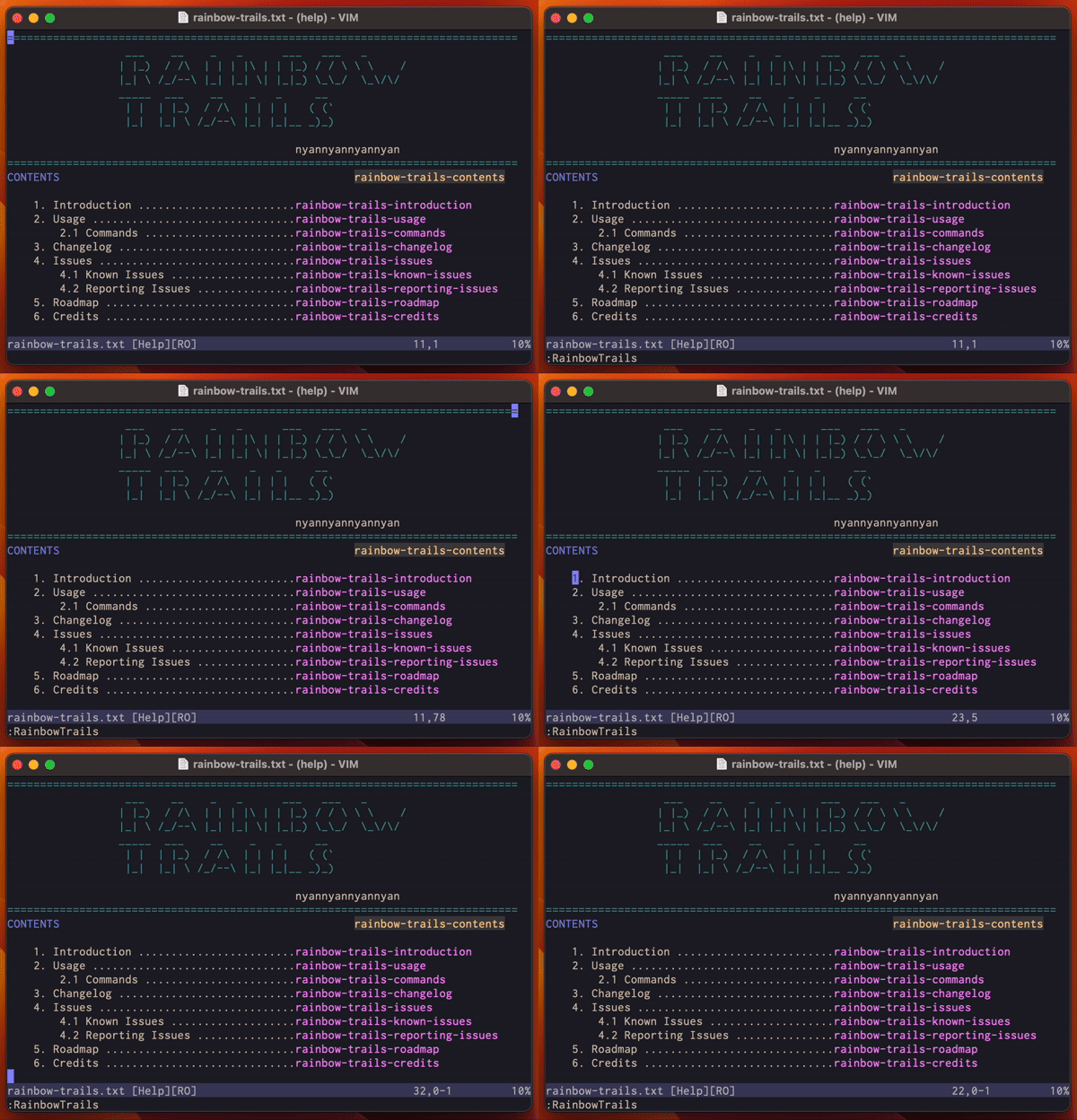
TRANSFORM your BORING, regular Vim cursor into a delightful UNICORN that scatters RAINBOW dust as it GALLOPS around the buffer.[^1]
## I want rainbows! How do I get them?!
Install in Vim or Neovim with your normal package manager, or just use the built in [packages](https://vimhelp.org/repeat.txt.html#packages) feature:
```shell
mkdir -p ~/.vim/pack/plugins/start
git clone https://github.com/sedm0784/vim-rainbow-trails.git ~/.vim/pack/plugins/start
```
Then run `:helptags ALL` in Vim to generate the [documentation](doc/rainbow-trails.txt), and `:RainbowTrails` to start the FUN.
## This is so cool! I want PERMANENT rainbows!
No problem! Create a file at `~/.vim/after/plugin/rainbow_trails.vim` with the contents:
```vim
RainbowTrails
```
Now Vim will enable the rainbows immediately after loading the plugin.
## I am a BUSINESSMAN and I want to use Rainbow Trails in a BUSINESS meeting at my BUSINESS where we make sprockets.
Rainbow Trails is ENTERPRISE-READY. But maybe the Rainbows are too FANCY for your workplace. Never fear! The level of fanciness is entirely configurable. For instance:
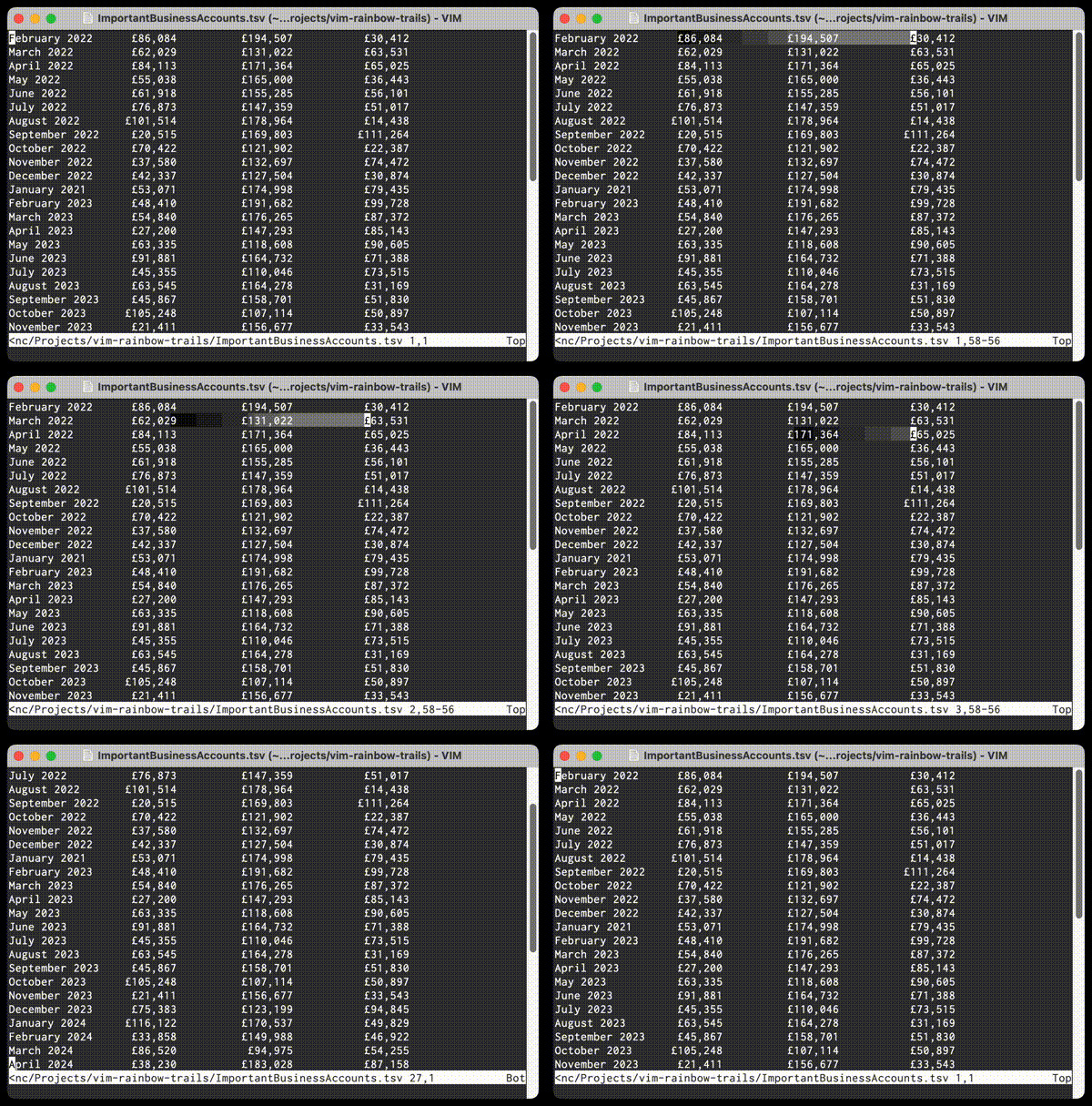
For BUSINESS-certified rainbows, file a request to your IT department to install these [:highlight](https://vimhelp.org/syntax.txt.html#%3Ahighlight) commands in your vimrc.
```vim
highlight RainbowRed guibg=#808080 ctermbg=244
highlight RainbowOrange guibg=#6c6c6c ctermbg=242
highlight RainbowYellow guibg=#585858 ctermbg=240
highlight RainbowGreen guibg=#444444 ctermbg=238
highlight RainbowBlue guibg=#303030 ctermbg=236
highlight RainbowIndigo guibg=#1c1c1c ctermbg=234
highlight RainbowViolet guibg=#080808 ctermbg=232
```
## Do the rainbows work in terminal Vim?
Of course! Rainbow Trails works NATIVELY in terminals where `'termguicolors'` is enabled, and I have METICULOUSLY selected an appropriate set of colours for use in 256-colour terminals. If you have fewer than 256 colours available, you may wish to configure the highlighting further. (See above.)
## I have more... *specific* configuration requirements.
Rainbow Trails suits all needs. Fast rainbows? Slow rainbows? Double rainbows? All the way? Consult the [:help](doc/rainbow-trails.txt). There's a rainbow for everyone!
[^1]: Unicorn not included.