https://github.com/serjilyashenko/weekapp
Discover dates and week numbers effortlessly with user-friendly interface.
https://github.com/serjilyashenko/weekapp
calendar javascript week week-number
Last synced: 3 months ago
JSON representation
Discover dates and week numbers effortlessly with user-friendly interface.
- Host: GitHub
- URL: https://github.com/serjilyashenko/weekapp
- Owner: serjilyashenko
- Created: 2023-03-20T12:44:32.000Z (over 3 years ago)
- Default Branch: main
- Last Pushed: 2023-12-14T18:53:15.000Z (over 2 years ago)
- Last Synced: 2025-04-11T20:18:56.780Z (over 1 year ago)
- Topics: calendar, javascript, week, week-number
- Language: TypeScript
- Homepage: https://weekapp.netlify.app/
- Size: 2.56 MB
- Stars: 0
- Watchers: 1
- Forks: 0
- Open Issues: 0
-
Metadata Files:
- Readme: README.md
Awesome Lists containing this project
README
# 🗓️ Week App
[](https://app.netlify.com/sites/weekapp/deploys)
[Check it out 🚀](https://weekapp.netlify.app/)
Find the week number for any date and vice versa.
You can also select a year and week number to see the dates within that week
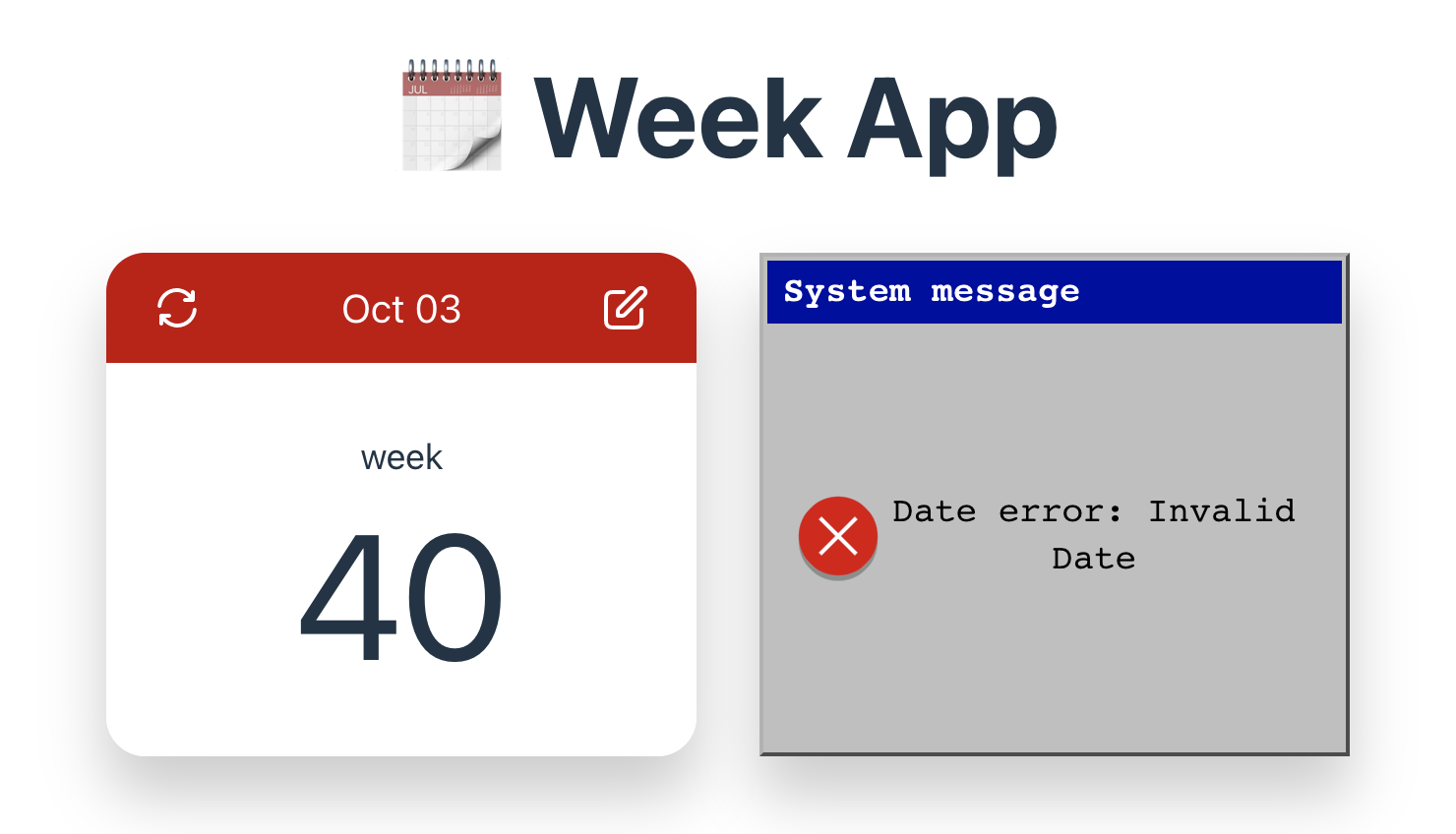
⚠️ WeekApp exclusively operates with ISO weeks ([wiki](https://en.wikipedia.org/wiki/ISO_week_date)). That means weeks start from Monday. ⚠️
For example, in the year 2023, the 40th ISO week runs from Monday, October 2nd to Sunday, October 8th.
#### Stack:
- Vite.js
- React
- Typescript
- Jest
- ts-jest
#### Notes:
- While I created my own date functions from scratch for fun, I highly recommend using third-party libraries such as
`date-fns` or `luxon` for production code. These libraries have been thoroughly tested, optimized for performance, and
offer a wide range of useful features. By using them, you can avoid common errors and edge cases that may arise when
working with dates.
- There is no RTL. First I want to test my date functions. RTL may be added later.
- The dark mode is implemented too. A lot of css custom properties was used 😅. See `index.css` file.
- Icons size is calculated as 1.2em from inherited font-size
- A trick to customize date-picker button (see `date-picker.module.css`)
- I used css custom properties at some point to share calendar content min height (--calendar-content file calendar-template.module.css)
- As a color schema I use `hsl`. I would like to try `oklch`. But since I prefer to use pure css in that project, the browsers support of `oklch` is not enough today(2023-09-23).
- includes @supports to make `:user-invalid` progressive enhancement for chrome (edge and a bit older chrome doesn't support them (on `2023-09-23`))
- I like styling of the form for day and night modes. + box-shadow animation for `:focus-visible`
- I like how the animation of the opening of the form turned out\
- There are related fields in WeekForm.tsx. Week input allowed values depends on Year input value. For instance 2023 includes 52 weeks, otherwise 2027 includes 53 weeks. So, the week input's validity may change during Year input change.
- Week input validation using regex generated by `getWeekRegexPattern` method.
- Date methods can trow error during component rendering. They are intercepted by ErrorBoundary.
- I created fun win fallback `ErrorFallback.tsx` (using html + css) for rendering errors:\
- ISO warning text includes `text-wrap: balance;`. However, chrome and edge only supports this (2023-10-05).
- The favicon setup is based on the [evilmartians article](https://evilmartians.com/chronicles/how-to-favicon-in-2021-six-files-that-fit-most-needs)
- `` for legacy browsers
- `` Single SVG icon for modern browsers (a light/dark version can be included)
- `` 180×180 PNG image for Apple devices
- `` Web app manifest with 192×192 and 512×512 PNG icons for Android devices
- Also Preview is added via OpenGraph metatags