https://github.com/settinghead/simple-pipeline-demo
This repository serves as an example repo for getting your existing code into Skafos
https://github.com/settinghead/simple-pipeline-demo
Last synced: 28 days ago
JSON representation
This repository serves as an example repo for getting your existing code into Skafos
- Host: GitHub
- URL: https://github.com/settinghead/simple-pipeline-demo
- Owner: settinghead
- Created: 2018-11-19T16:47:15.000Z (over 7 years ago)
- Default Branch: master
- Last Pushed: 2018-11-19T16:53:01.000Z (over 7 years ago)
- Last Synced: 2025-03-04T13:46:47.719Z (over 1 year ago)
- Language: Python
- Size: 30.3 KB
- Stars: 0
- Watchers: 1
- Forks: 0
- Open Issues: 0
-
Metadata Files:
- Readme: README.md
Awesome Lists containing this project
README
# Simpe Pipeline Example
This is a repository that serves as an example for a simple job you might have to run on a daily/hourly/weekly basis. It generates a mock data set, supposed to be representing some email events that are coming in and some user types associated with each of those emails.
We run a simple job to aggregate this data and from there it can either be written to file, stored in a database, send a message to a Slack channel, etc.
### Pre-requisites
- [**Sign Up**](https://dashboard.metismachine.io/sign-up) for a Skafos Account
- [**Install Skafos**](https://docs.metismachine.io/docs/installation)
- Authenticate using `skafos auth`
- A repository on Github with code that you'd like to run on Skafos. If you don't have a repository and want to use a pre-baked example, fork [**this repository**](https://github.com/skafos/simple-pipeline-demo/).
The remaining steps in this tutorial use the example repository.
## Step 1 - Clone and Initialize your Repository
```shell
git clone https://github.com/username/simple-pipeline-demo.git # clone your repo
cd simple-pipeline-demo # go into your project directory
skafos init # initialize your new skafos project
```
After you have run the `skafos init` command, your directory will contain a `metis.config.yml` file. You will need to modify this file, as described below, for Skafos to run your code.
## Step 2- Set Up Jobs
In order for Skafos to understand your pipeline, you must tell it in what order you would like it run.
This can be done by:
- Creating job ids using `skafos create job` (see below).
- Adding the jobs to your **metis.config.yml** file.
```shell
# Get your project-token
cat metis.config.yml # take a look at your current config file
# Create a job for each of your scripts
skafos create job data_ingest.py --project
skafos create job generate_report.py --project
# Add these jobs to your config file by editing metis.config.yml
# vi metis.config.yml or use whatever your favorite text editor is
```
## Step 3 - Add your modules
In order for Skafos to run properly, you must tell it what modules your jobs require. This can be specified in the requirements.txt file.
For example, our workflow requires pandas, numpy, etc. so we must add those to our **requirements.txt**.
```shell
# either use your favorite text editor or
# use the below commands
touch requirements.txt;
echo "pandas==0.23.4" >> requirements.txt;
echo "numpy==1.15.1" >> requirements.txt;
echo "tabulate==0.8.2" >> requirements.txt;
echo "datetime==4.3" >> requirements.txt;
# commit our changes to our repo
git add .
git commit -m "Create jobs in config and Add modules to requirements file"
```
## Step 4 - Add Skafos to your GitHub repo
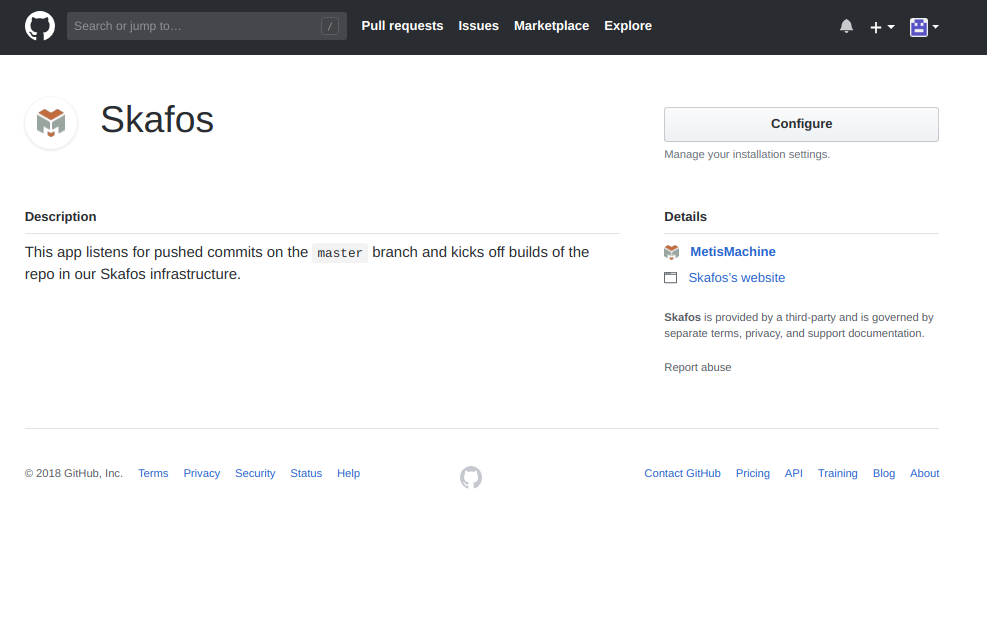
Skafos can follow updates you make to your application and deploy whenever you've made updates to your application. To do this, you must [**add the Skafos app to your repo**](https://github.com/apps/skafos).
## Step 5 - Push to Skafos
Simply git push! To see your project running on Skafos, check out your [dashboard](https://dashboard.metismachine.io/)
```shell
git push skafos
```