https://github.com/sh20raj/shade-vscode-theme
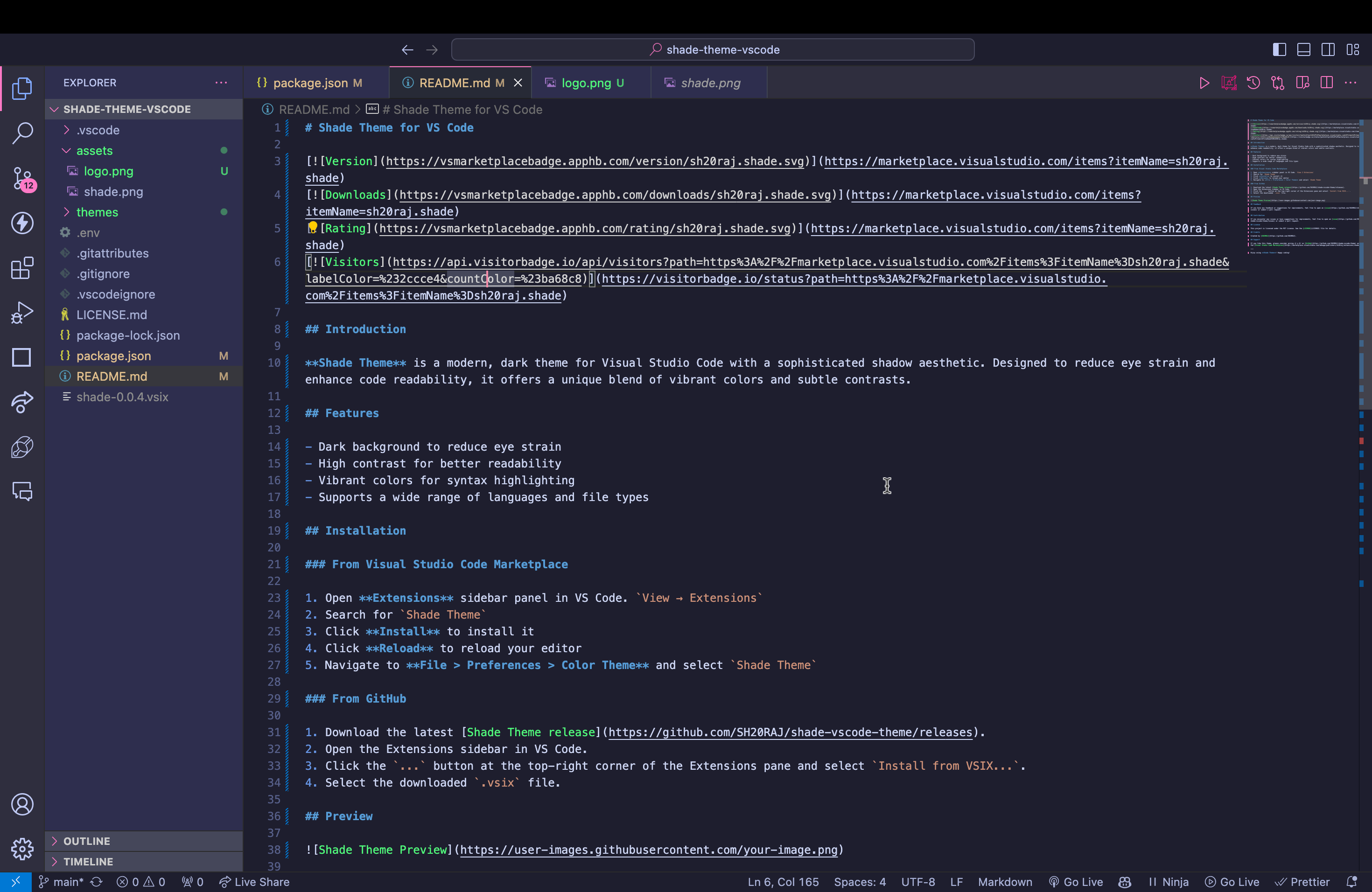
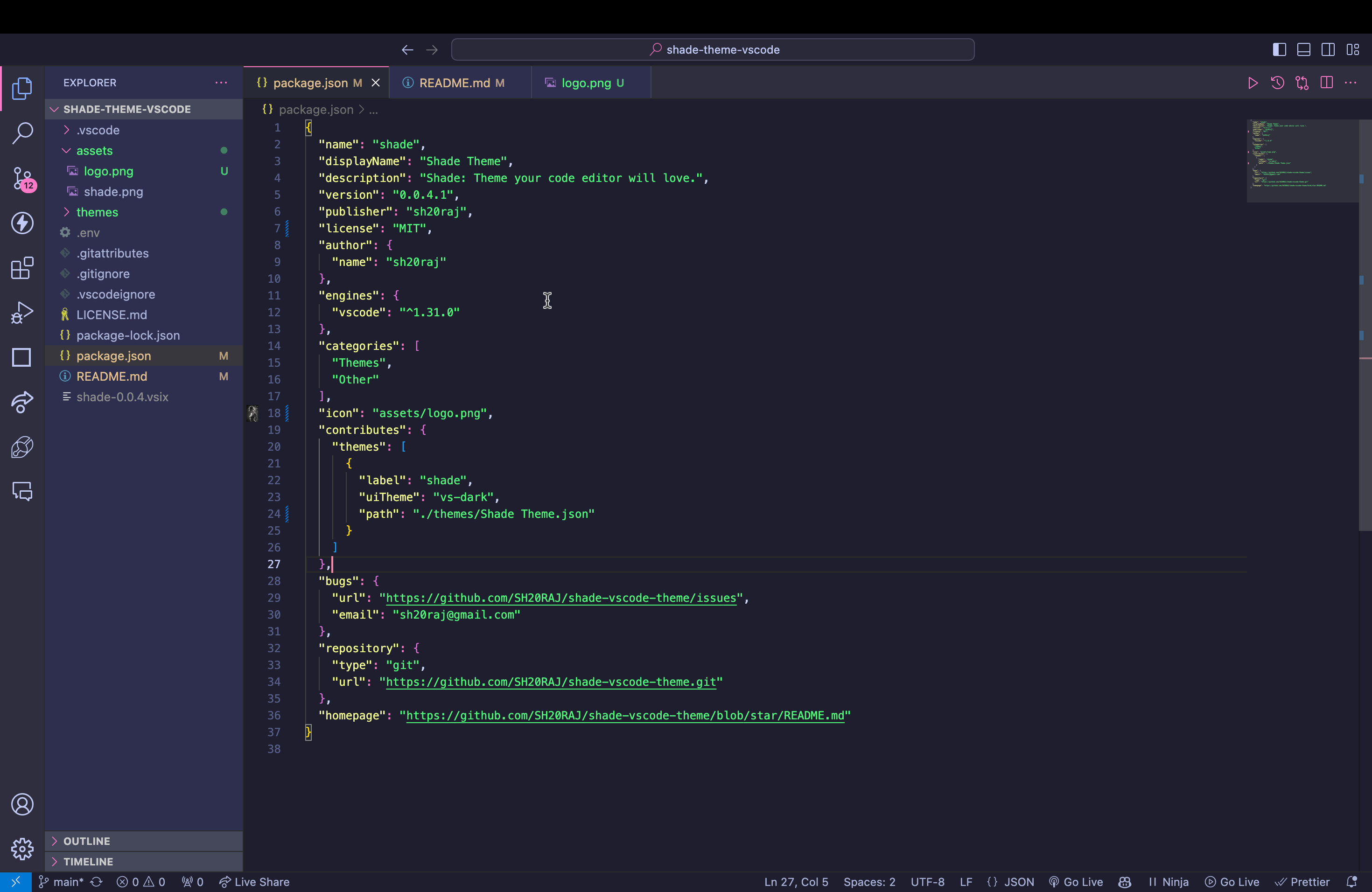
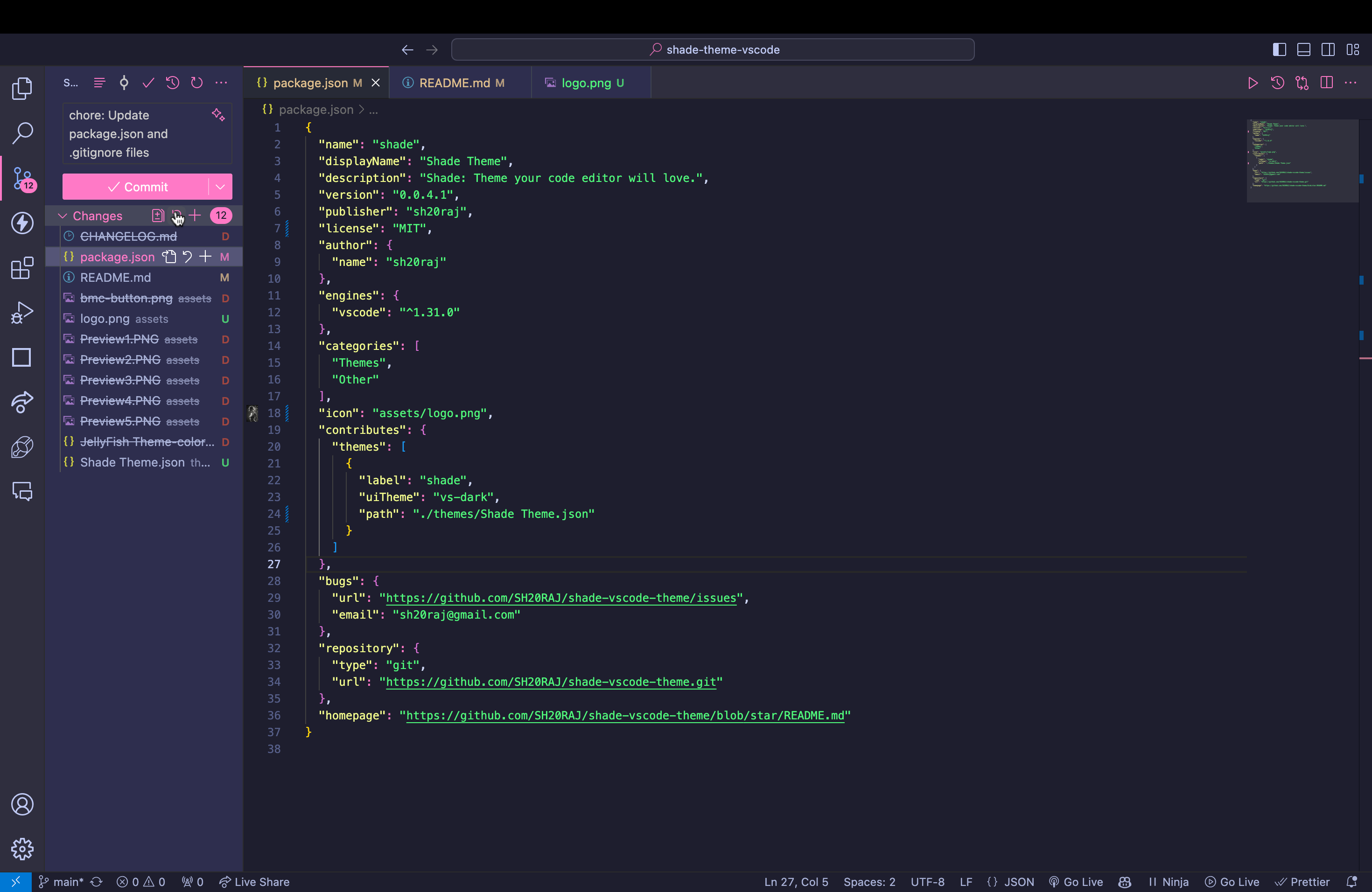
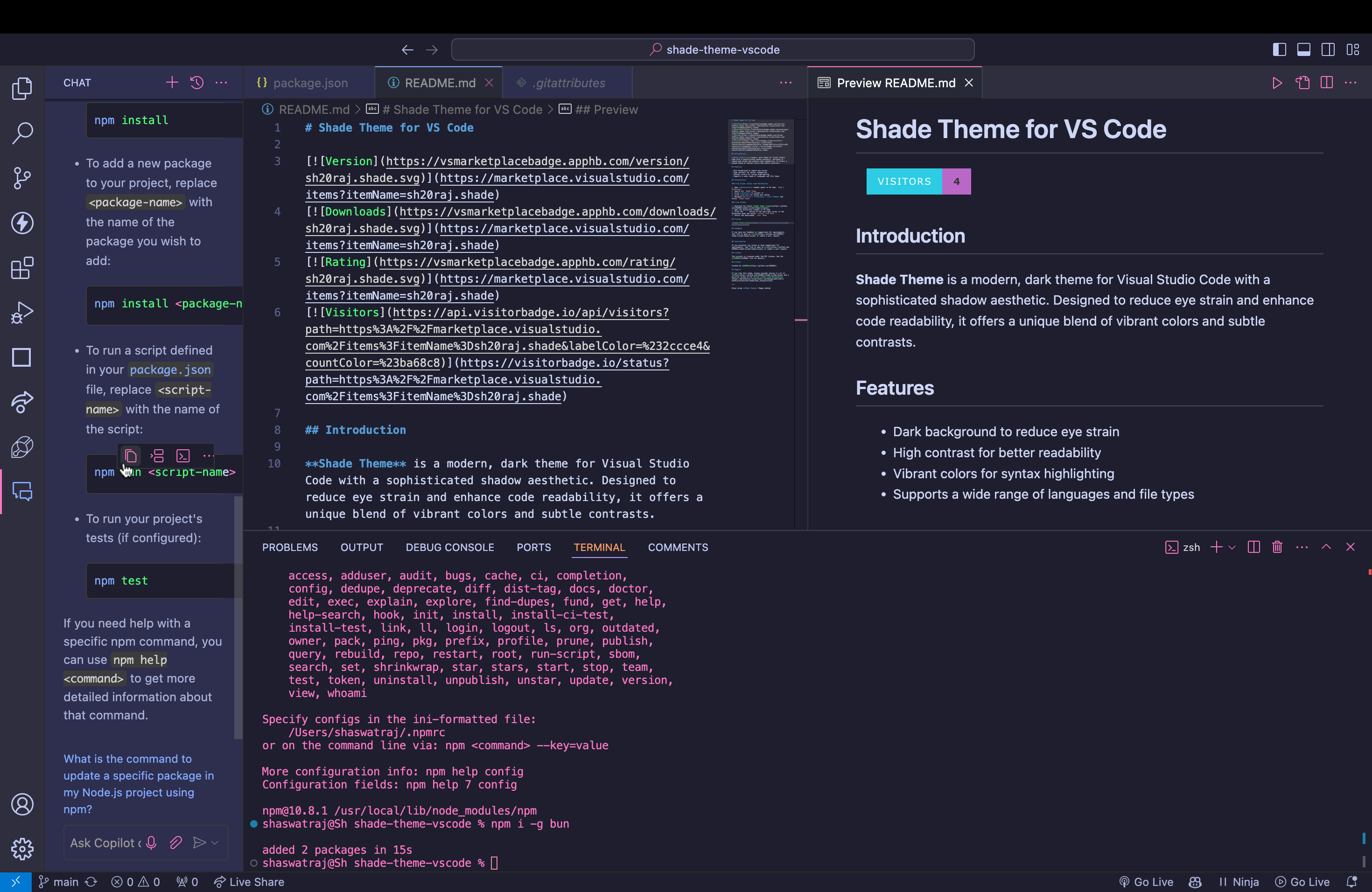
Shade Theme is a modern, dark theme for Visual Studio Code with a sophisticated shadow aesthetic
https://github.com/sh20raj/shade-vscode-theme
vscode vscode-extension vscode-settings vscode-theme
Last synced: about 1 year ago
JSON representation
Shade Theme is a modern, dark theme for Visual Studio Code with a sophisticated shadow aesthetic
- Host: GitHub
- URL: https://github.com/sh20raj/shade-vscode-theme
- Owner: SH20RAJ
- License: apache-2.0
- Created: 2024-07-03T13:09:31.000Z (about 2 years ago)
- Default Branch: main
- Last Pushed: 2024-07-04T06:50:16.000Z (about 2 years ago)
- Last Synced: 2025-04-17T12:32:54.710Z (over 1 year ago)
- Topics: vscode, vscode-extension, vscode-settings, vscode-theme
- Homepage: https://marketplace.visualstudio.com/items?itemName=sh20raj.shade
- Size: 6.46 MB
- Stars: 2
- Watchers: 1
- Forks: 0
- Open Issues: 2
-
Metadata Files:
- Readme: README.md
- License: LICENSE.md
Awesome Lists containing this project
README
# Shade Theme for VS Code
[](https://visitorbadge.io/status?path=https%3A%2F%2Fmarketplace.visualstudio.com%2Fitems%3FitemName%3Dsh20raj.shade)
[](https://marketplace.visualstudio.com/items?itemName=sh20raj.shade)
[](https://marketplace.visualstudio.com/items?itemName=sh20raj.shade)

[](https://marketplace.visualstudio.com/_apis/public/gallery/publishers/sh20raj/vsextensions/shade/latest/vspackage)

## Introduction
**Shade Theme** is a modern, dark theme for Visual Studio Code with a sophisticated shadow aesthetic. Designed to reduce eye strain and enhance code readability, it offers a unique blend of vibrant colors and subtle contrasts.
## Features
- Dark background to reduce eye strain
- High contrast for better readability
- Vibrant colors for syntax highlighting
- Supports a wide range of languages and file types
## Installation
### From Visual Studio Code Marketplace
1. Open **Extensions** sidebar panel in VS Code. `View → Extensions`
2. Search for `Shade Theme`
3. Click **Install** to install it
4. Click **Reload** to reload your editor
5. Navigate to **File > Preferences > Color Theme** and select `Shade Theme`
### From GitHub
1. Download the latest [Shade Theme release](https://github.com/SH20RAJ/shade-vscode-theme/releases).
2. Open the Extensions sidebar in VS Code.
3. Click the `...` button at the top-right corner of the Extensions pane and select `Install from VSIX...`.
4. Select the downloaded `.vsix` file.
## Preview
## Feedback
If you have any feedback or suggestions for improvements, feel free to open an [issue](https://github.com/SH20RAJ/shade-vscode-theme/issues) or submit a pull request.
## Contribution
If you encounter any issues or have suggestions for improvements, feel free to open an [issue](https://github.com/SH20RAJ/shade-vscode-theme/issues) or submit a pull request.
## License
This project is licensed under the MIT License. See the [LICENSE](LICENSE) file for details.
## Credits
Created by [SH20RAJ](https://github.com/SH20RAJ).
## Support
If you like this theme, please consider giving it a ⭐️ on [GitHub](https://github.com/SH20RAJ/shade-vscode-theme) and a positive review on the [Visual Studio Code Marketplace](https://marketplace.visualstudio.com/manage/publishers/sh20raj/extensions/shade/hub?_a=acquisition).
---
Enjoy using **Shade Theme**! Happy coding!