https://github.com/shime/sublime-livedown
Sublime plugin for Livedown.
https://github.com/shime/sublime-livedown
Last synced: 3 months ago
JSON representation
Sublime plugin for Livedown.
- Host: GitHub
- URL: https://github.com/shime/sublime-livedown
- Owner: shime
- Created: 2014-11-25T11:59:23.000Z (over 11 years ago)
- Default Branch: master
- Last Pushed: 2014-11-28T12:30:32.000Z (over 11 years ago)
- Last Synced: 2025-04-11T21:45:41.462Z (about 1 year ago)
- Language: Python
- Size: 149 KB
- Stars: 43
- Watchers: 4
- Forks: 2
- Open Issues: 3
-
Metadata Files:
- Readme: README.md
Awesome Lists containing this project
README
# Livedown
A Sublime plugin for [Livedown](https://github.com/shime/livedown).
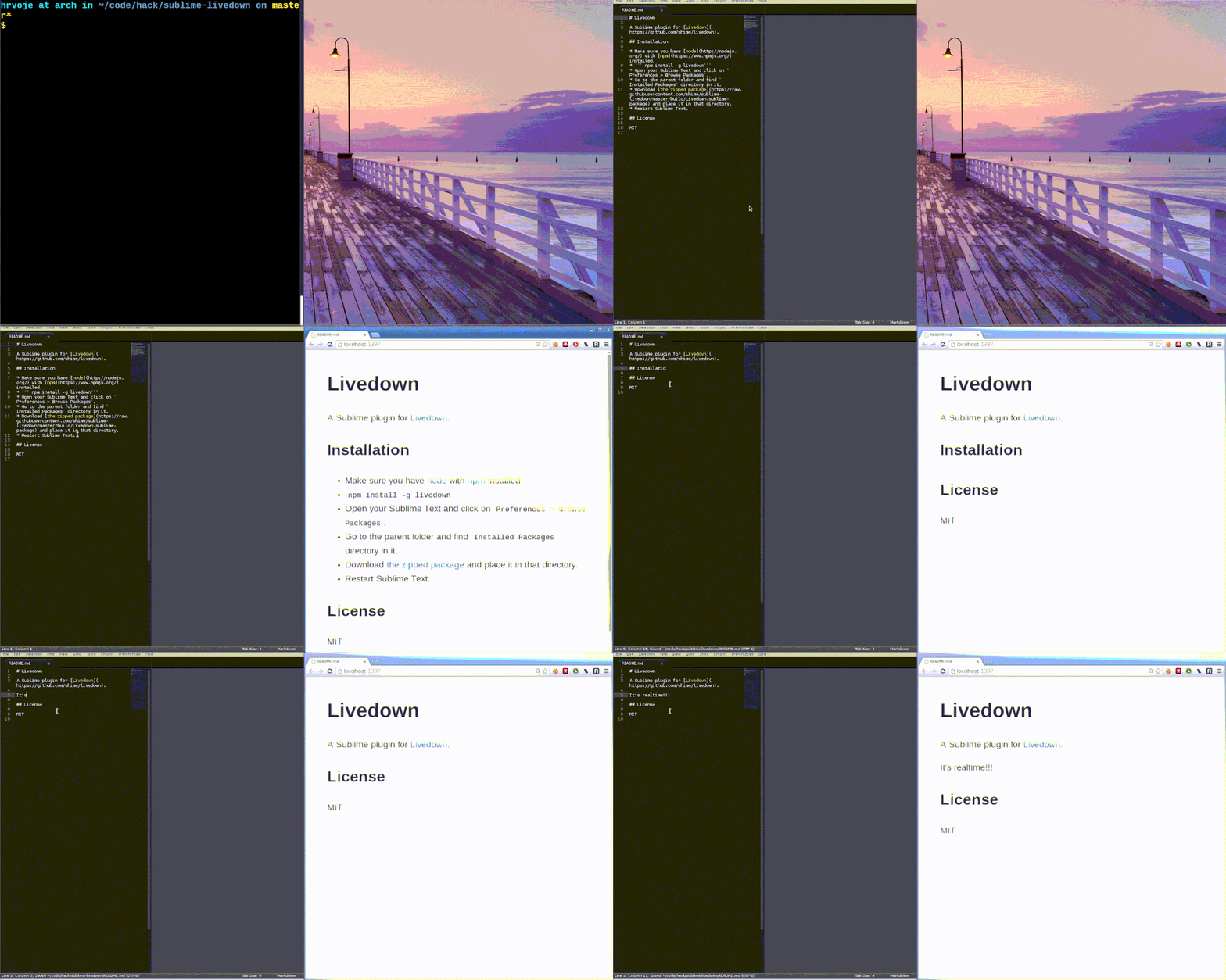
## Installation
* Make sure you have [node](http://nodejs.org/) with [npm](https://www.npmjs.org/) installed.
* ``` npm install -g livedown```
* Open your Sublime Text and click on `Preferences > Browse Packages`.
* Go to the parent folder and find `Installed Packages` directory in it.
* Download [the zipped package](https://raw.githubusercontent.com/shime/sublime-livedown/master/build/Livedown.sublime-package) and place it in that directory.
* Restart Sublime Text.
You will now have `Livedown: Preview` command available from your command pallete (`Ctrl+Shift+P`).
For bonus points, map it to the keyboard shortcut like `Alt+m` by going to
`Preferences > Key Bindings - User` and adding
{ "keys": ["alt+m"], "command": "livedown_preview"}
## Configuration
There are several configuration options available. You can check them by opening your Sublime Editor and going to `Preferences > Package Settings > Livedown > Settings`.
## License
MIT