https://github.com/shinokada/terma
This script automates installing a terminal setup on macOS.
https://github.com/shinokada/terma
automation iterm2 macos oh-my-zsh plugins zsh
Last synced: 10 months ago
JSON representation
This script automates installing a terminal setup on macOS.
- Host: GitHub
- URL: https://github.com/shinokada/terma
- Owner: shinokada
- License: mit
- Created: 2021-06-13T11:33:49.000Z (about 5 years ago)
- Default Branch: main
- Last Pushed: 2021-12-17T23:59:45.000Z (over 4 years ago)
- Last Synced: 2025-04-12T15:13:27.016Z (over 1 year ago)
- Topics: automation, iterm2, macos, oh-my-zsh, plugins, zsh
- Language: Shell
- Homepage:
- Size: 1.66 MB
- Stars: 14
- Watchers: 2
- Forks: 5
- Open Issues: 0
-
Metadata Files:
- Readme: README.md
- License: license.txt
Awesome Lists containing this project
README
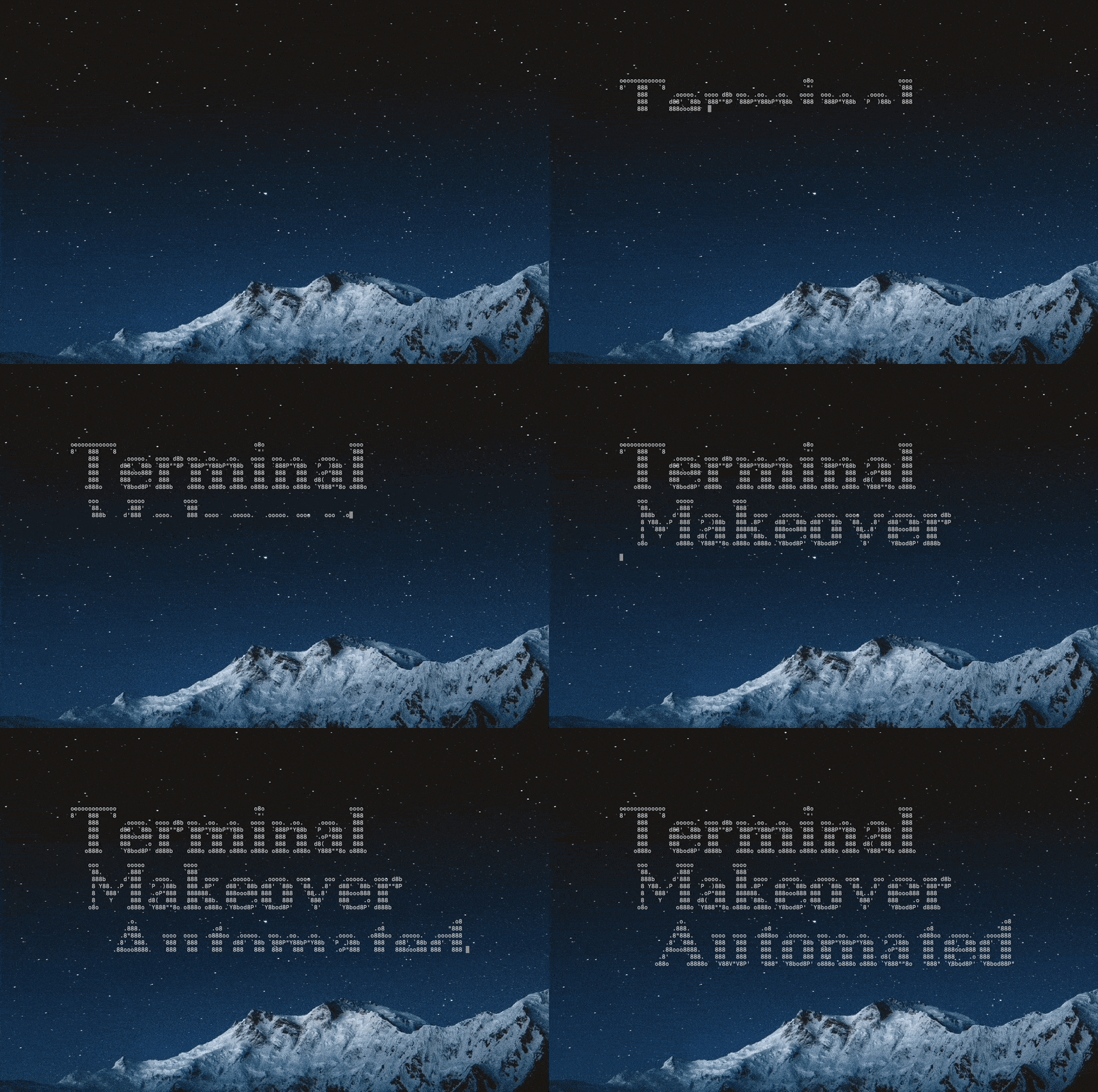
Photo by Haseeb Jamil on Unsplash. Gif by Author.


Terminal Makeover Automated for MacOS

## Overview

This script automates installing a terminal setup described in [this article](https://towardsdatascience.com/the-ultimate-guide-to-your-terminal-makeover-e11f9b87ac99).

## Caution

This script for a new Mac. If you already installed iTerm2 and plugins, I suggest saving the ~/.oh-my-zsh directory, ~/.zshrc file, and ~/Library/Preferences/com.googlecode.iterm2.plist. I recommend using [Automate Brew Installer](https://betterprogramming.pub/how-to-automate-homebrew-installs-on-your-new-mac-or-linux-51e06881c5b7) first to save your brew list and then reinstall it after the Terma installation.

## Features

This script installs followings, if it is not installed on you system:

- [Homebrew](https://brew.sh/)

- [iTerm2](https://iterm2.com/downloads.html)

- [ZSH](https://www.zsh.org/)

- [Oh-My-Zsh](https://ohmyz.sh/)

- [Starship](https://starship.rs/)

- [Snazzy iTerm theme](https://github.com/sindresorhus/iterm2-snazzy)

- [Nerd fonts](https://github.com/ryanoasis/nerd-fonts)

- iTerm2 preferences plist

- Plugins: [autojump](https://github.com/ohmyzsh/ohmyzsh/tree/master/plugins/autojump), [brew](https://github.com/ohmyzsh/ohmyzsh/tree/master/plugins/brew), [git](https://github.com/ohmyzsh/ohmyzsh/tree/master/plugins/git), [zsh-syntax-highlighting](https://github.com/zsh-users/zsh-syntax-highlighting/blob/master/INSTALL.md), and [zsh-autosuggestions](https://github.com/zsh-users/zsh-autosuggestions).

## Installation

[Awesome package installer](https://github.com/shinokada/awesome)

```sh

awesome install shinokada/terma

```

## Getting started

```sh

terma

```

- at the beginning it requires your passwor and press return.

- After Oh My Zsh installation, it will exit. Please run `terma` **AGAIN**.

Run all the command from a terminal (not iTerm).

```sh

# show help

terma -h

# show version

terma -v

```

This script adds `com.googlecode.iterm2.plist` to `$HOME/Library/Preferences/`

### How to uninstall Awesome Terminal

```sh

terma uninstall

```

Homebrew uninstallation requires your password.

## Author

Shinichi Okada

## Licence

MIT License

Copyright (c) 2021 Shinichi Okada

Permission is hereby granted, free of charge, to any person obtaining a copy

of this software and associated documentation files (the "Software"), to deal

in the Software without restriction, including without limitation the rights

to use, copy, modify, merge, publish, distribute, sublicense, and/or sell

copies of the Software, and to permit persons to whom the Software is

furnished to do so, subject to the following conditions:

The above copyright notice and this permission notice shall be included in all

copies or substantial portions of the Software.

THE SOFTWARE IS PROVIDED "AS IS", WITHOUT WARRANTY OF ANY KIND, EXPRESS OR

IMPLIED, INCLUDING BUT NOT LIMITED TO THE WARRANTIES OF MERCHANTABILITY,

FITNESS FOR A PARTICULAR PURPOSE AND NONINFRINGEMENT. IN NO EVENT SHALL THE

AUTHORS OR COPYRIGHT HOLDERS BE LIABLE FOR ANY CLAIM, DAMAGES OR OTHER

LIABILITY, WHETHER IN AN ACTION OF CONTRACT, TORT OR OTHERWISE, ARISING FROM,

OUT OF OR IN CONNECTION WITH THE SOFTWARE OR THE USE OR OTHER DEALINGS IN THE

SOFTWARE.