https://github.com/shivankk26/login-application-page
In this Project, I've built a WebApp which can be used in various FullStack Project wherein the developer needs to create a Login Page for any Application. The Tech Stacks used in this Project are: HTML, CSS, Bootstrap, Node.js, Express.js, and EJS.
https://github.com/shivankk26/login-application-page
bootstrap css ejs expressjs html nodejs
Last synced: 3 months ago
JSON representation
In this Project, I've built a WebApp which can be used in various FullStack Project wherein the developer needs to create a Login Page for any Application. The Tech Stacks used in this Project are: HTML, CSS, Bootstrap, Node.js, Express.js, and EJS.
- Host: GitHub
- URL: https://github.com/shivankk26/login-application-page
- Owner: ShivankK26
- Created: 2023-02-12T05:48:57.000Z (over 3 years ago)
- Default Branch: main
- Last Pushed: 2023-04-04T08:14:18.000Z (about 3 years ago)
- Last Synced: 2026-03-28T00:12:02.025Z (3 months ago)
- Topics: bootstrap, css, ejs, expressjs, html, nodejs
- Language: JavaScript
- Homepage:
- Size: 1.85 MB
- Stars: 2
- Watchers: 1
- Forks: 0
- Open Issues: 0
-
Metadata Files:
- Readme: README.md
Awesome Lists containing this project
README
# About The Project
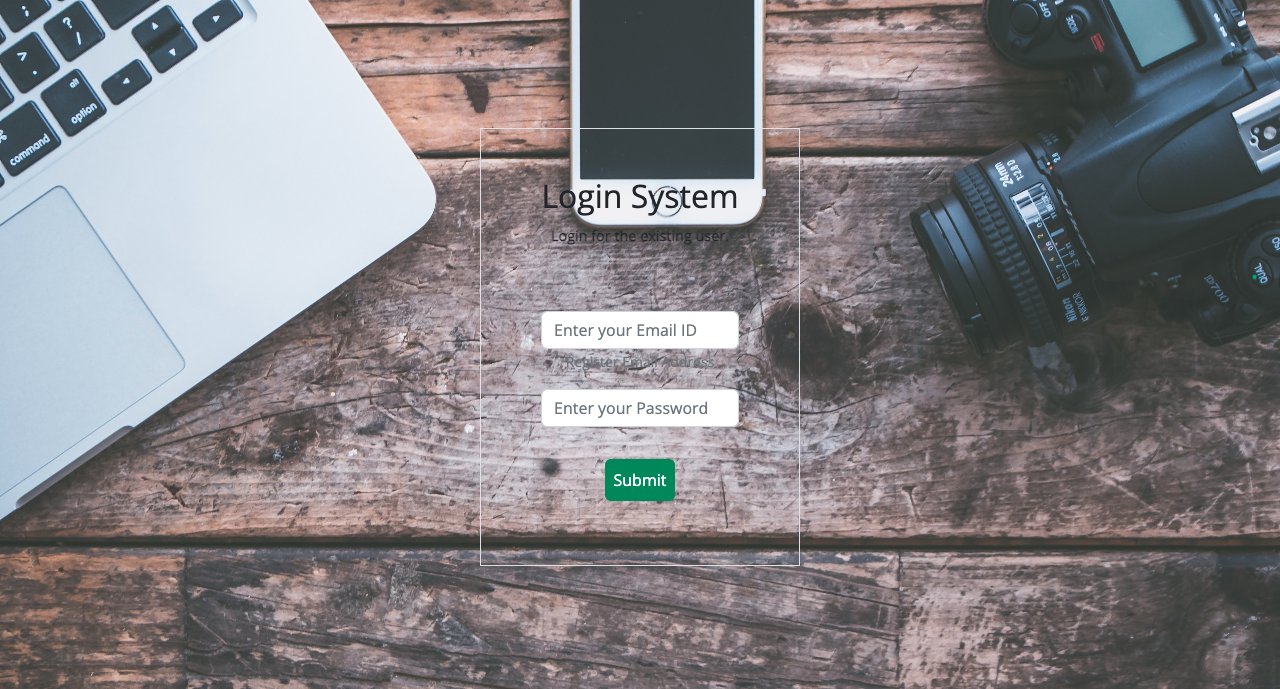
In this Project, I've built a WebApp which can be used by Developers to integrate a User Login Page in their Applications. It has a simple and attractive design and can be used by anybody.
Use the `README.md` to get started.
# Built With
The Tech Stacks use are:

# Getting Started
To get started, create a file called server.js and import all the required modules in it. After that create a folder called views and place header.ejs, base.ejs, footer.ejs and dashboard.ejs files in it. All of these are the ejs files and are used for connectivity. We'll also create another folder called public wherein we'll add all the essentials required for the front-end of the WebApp. Also, creating another folder called src is immportant for placing the database file.
* modules
```sh
const express = require('express');
const path = require('path');
const bodyParser = require('body-parser');
const session = require('express-session');
const {v4 : uuidv4} = require('uuid');
const router = require('./router');
```
* ejs connectivity
```sh
app.set("view engine","ejs")
```
* Body Parser module
```sh
app.use(bodyParser.json())
app.use(bodyParser.urlencoded({extended: true}))
```
## Prerequisites
To begin with our Project, we'll need to install some npm packages like node, express, body-parser, ejs, mongo, mongoose, uuid using the command given below.
* npm
```sh
npm install node express body-parser ejs mongo mongoose uuid
```
* To ease the process of development, we'll install nodemon (Make sure you already have nodemon installed in your system, if not then [visit here](https://nodemon.io/)).
```sh
npm i nodemon
```
# Contact
Your Name - Shivank Kapur - shivankkapur2004@gmail.com
Project Link: