https://github.com/shramkoweb/tiny_house
TinyHouse is a home-sharing app built for a full-stack React Masterclass
https://github.com/shramkoweb/tiny_house
antd apollo apollo-server codegeneration create-react-app crud express frontend graphql graphql-generation mongodb node nodejs ts typescript
Last synced: 6 months ago
JSON representation
TinyHouse is a home-sharing app built for a full-stack React Masterclass
- Host: GitHub
- URL: https://github.com/shramkoweb/tiny_house
- Owner: Shramkoweb
- Created: 2022-06-12T10:39:46.000Z (about 4 years ago)
- Default Branch: develop
- Last Pushed: 2024-11-21T01:27:11.000Z (over 1 year ago)
- Last Synced: 2025-02-02T07:27:47.189Z (over 1 year ago)
- Topics: antd, apollo, apollo-server, codegeneration, create-react-app, crud, express, frontend, graphql, graphql-generation, mongodb, node, nodejs, ts, typescript
- Language: TypeScript
- Homepage:
- Size: 593 KB
- Stars: 0
- Watchers: 2
- Forks: 1
- Open Issues: 0
-
Metadata Files:
- Readme: README.md
Awesome Lists containing this project
README


# Tiny House
TinyHouse is a home-sharing app built for a full-stack React Masterclass
## Features
- Sign-in with their Google account information.
- Search for listings in various different locations in the world.
- See specific details about listings.
- Book listings for a period of time.
- Connect their Stripe account to be allowed to create listings (i.e. be a host in TinyHouse) and receive payments from
other users.
- Create (i.e. host) listings of their own.
- See a history of the listings they've created, the bookings they've made, and the bookings made to their own listings.
- See a history of listings created by other users
### Sign-in with Google
Users will be able to sign-in to the TinyHouse application through Google Sign-In by providing their Google account
information.
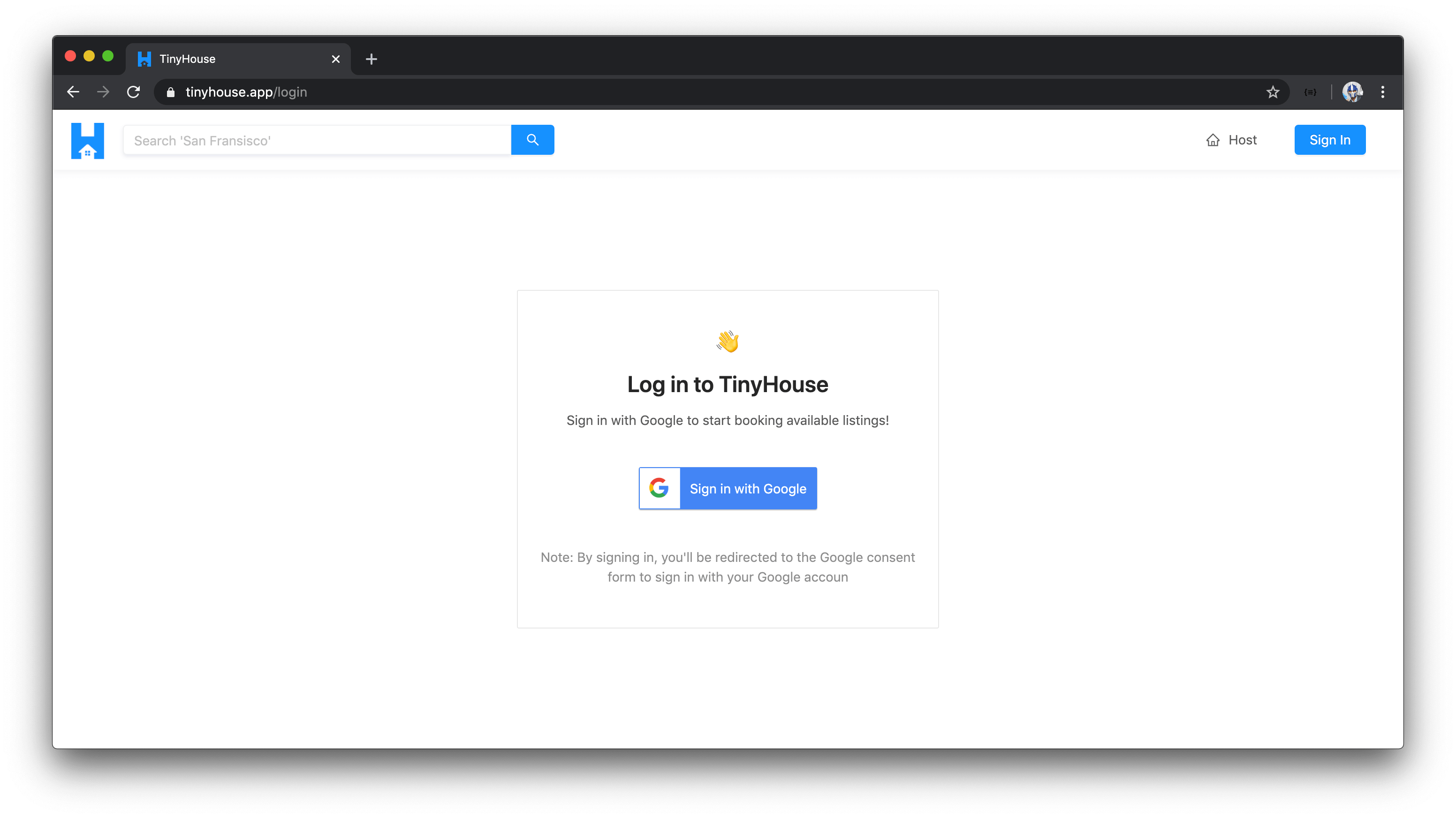
When a user attempts to sign in with Google Sign-In, they'll be prompted to provide their Google account information and
when successful, will be directed to the TinyHouse application in the logged-in state.
When logged-in, users are able to book listings in the TinyHouse application.
### Search for listings in various different locations in the world
Users are to be able to search for listings in practically any part of the world. To search for listings, users can use
the search input available in the homepage or in the app header menu.
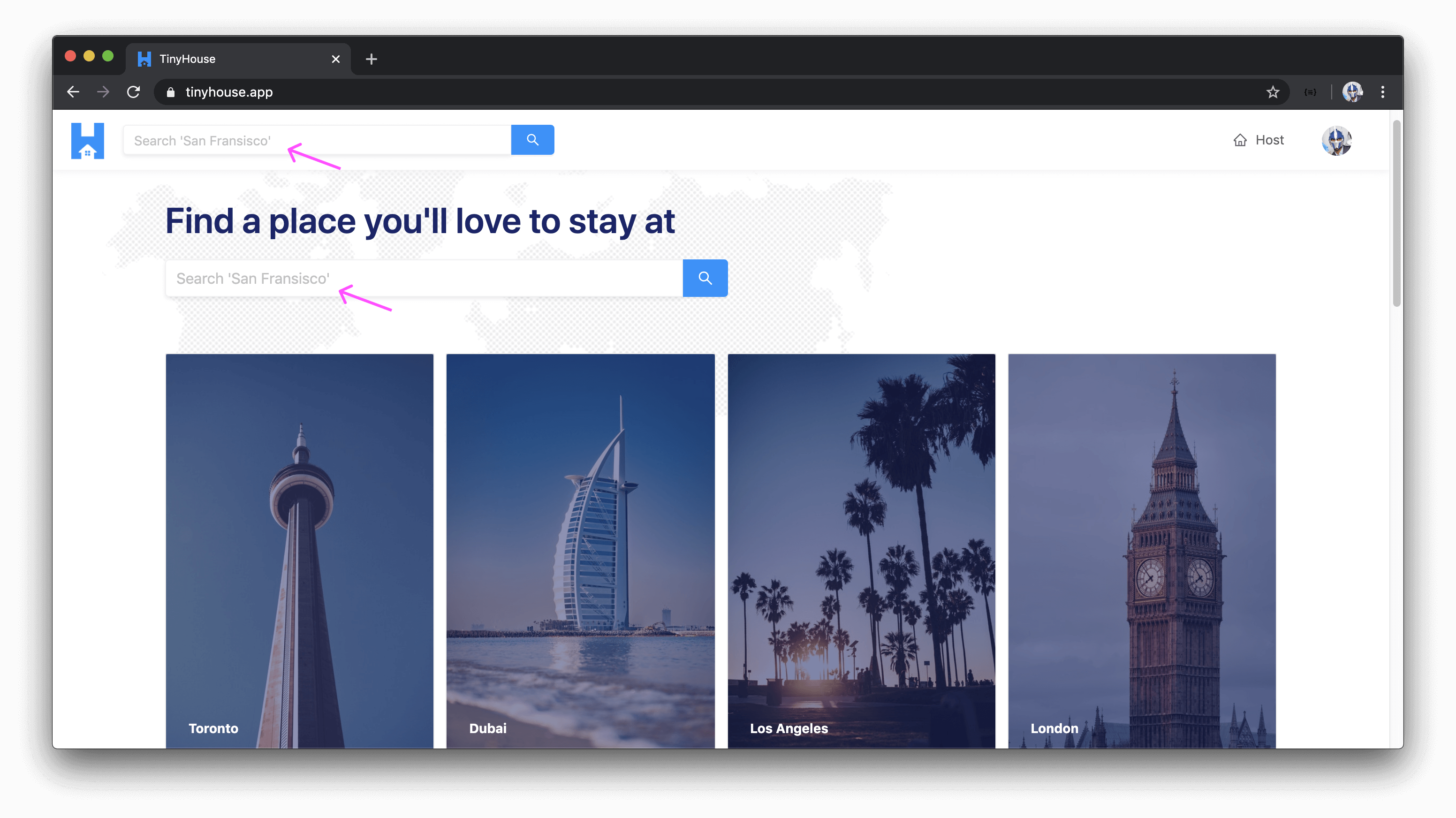
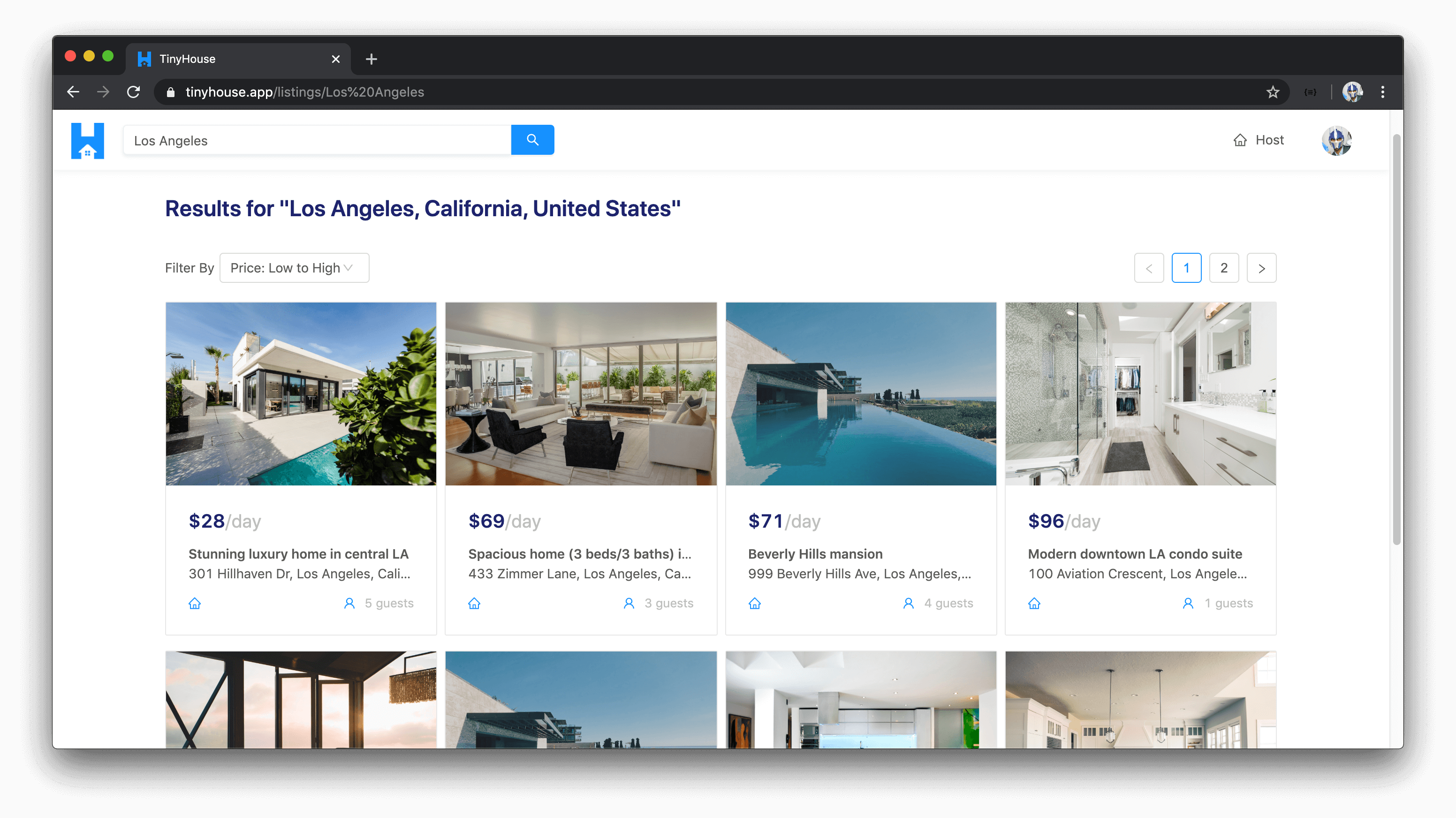
When a search is made, users are then directed to a listings page where they're able to survey all the listings that
have been created for a certain location.
### See listing details
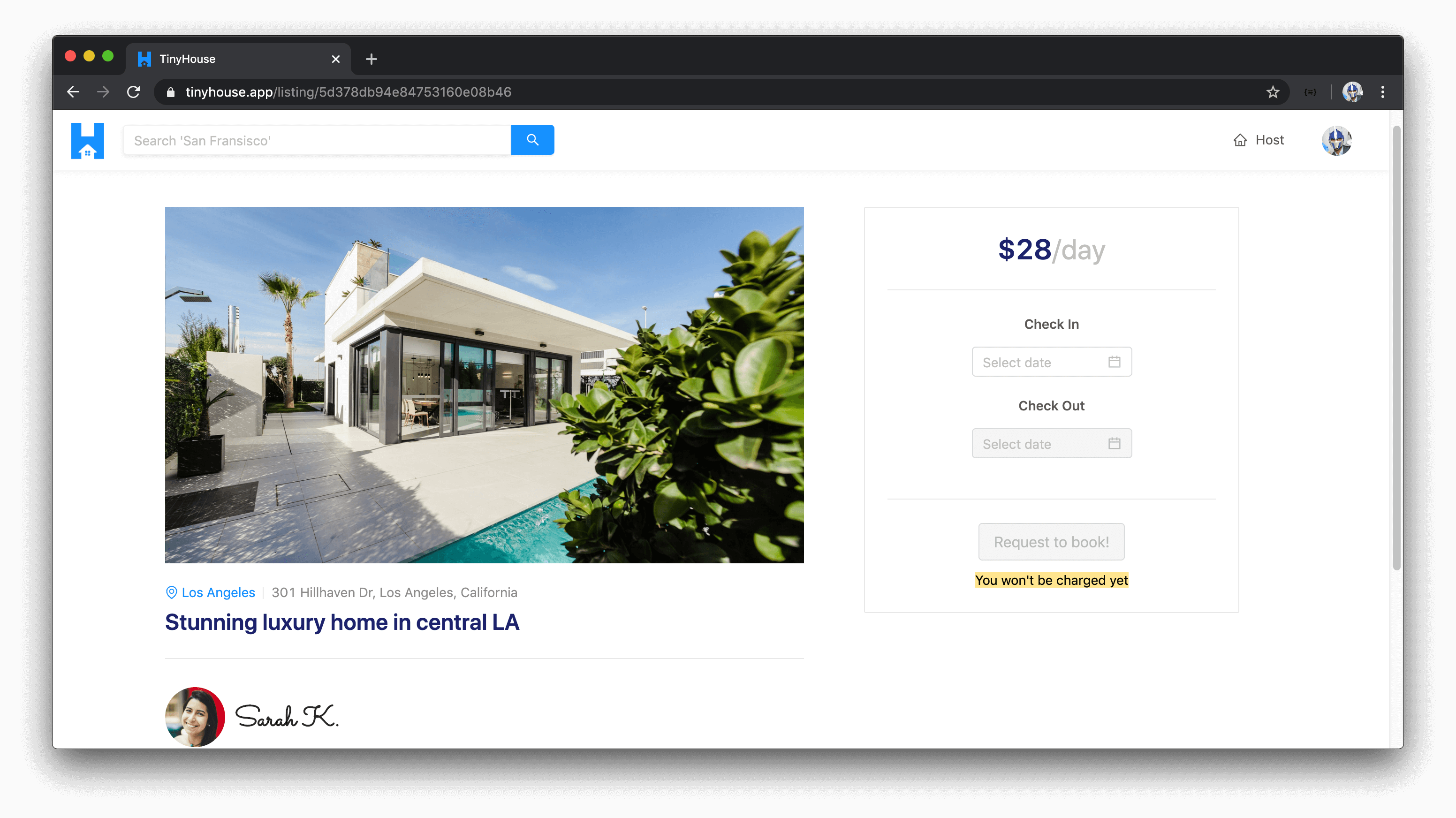
When a user is to select a listing from a list of listings presented to them, specific details about the listing is to
be shown to the user consisting of but not limited to the listing's description, title, image, address, and the host of
the listing.
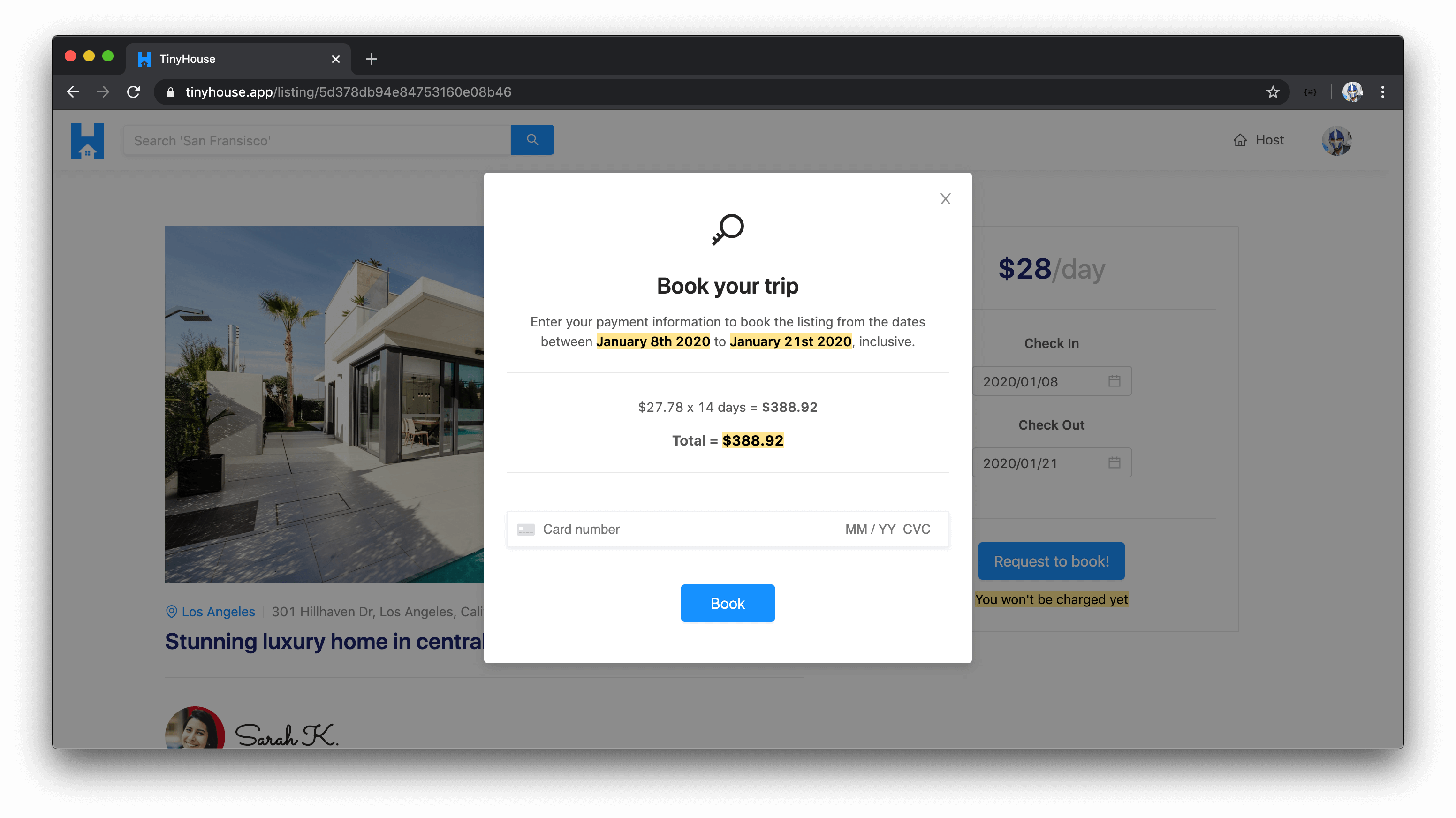
### Book listings for a period of time
In the overview for a specific listing, users are able to request a listing is to be booked for a certain period of
time.
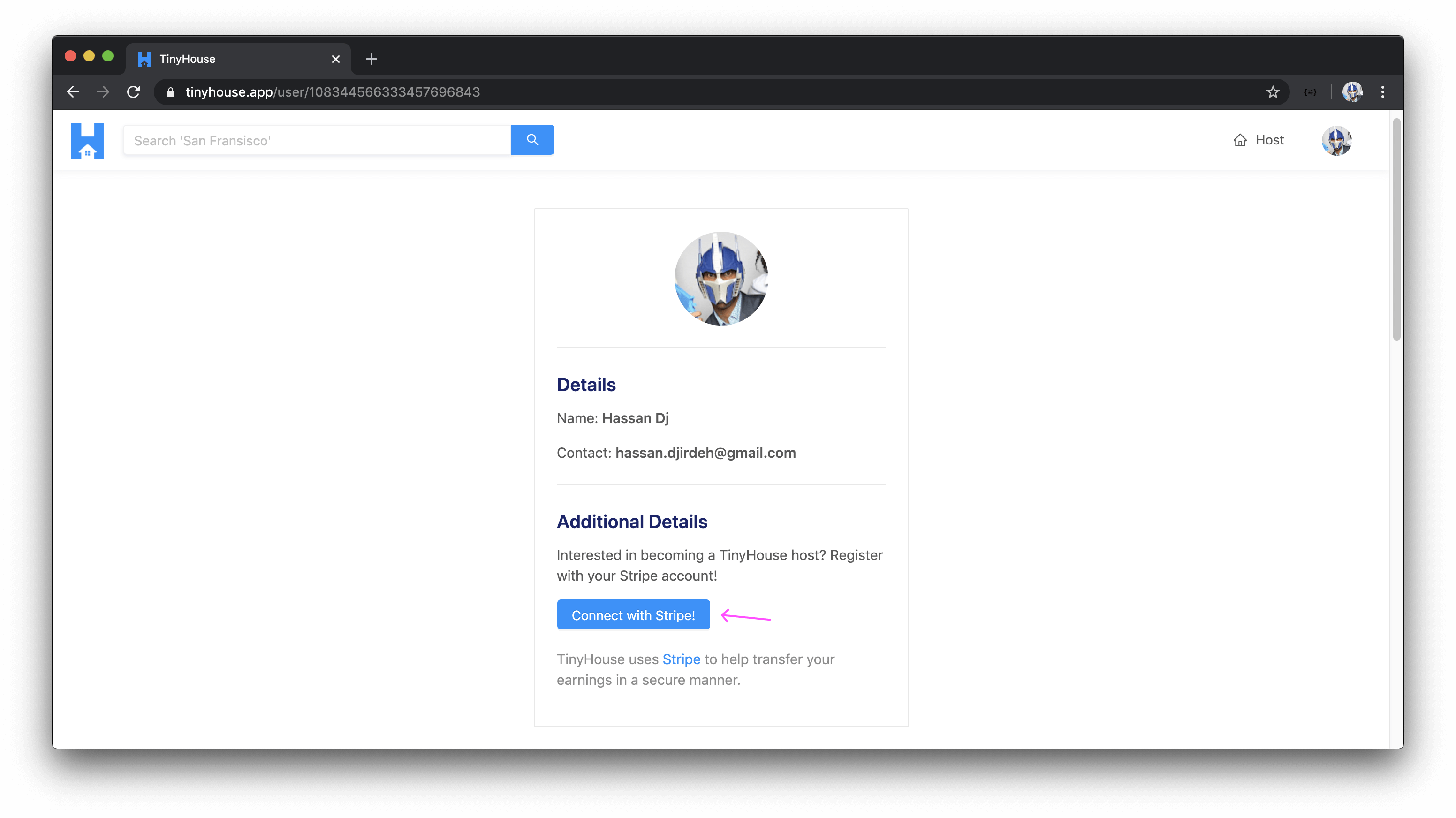
### Connect with Stripe
If a user is interested in hosting and/or creating listings within TinyHouse, they'll first need to connect their Stripe
account which will allow them to receive payments from other users. A user will be to connect their Stripe account from
their user profile section in the user page.
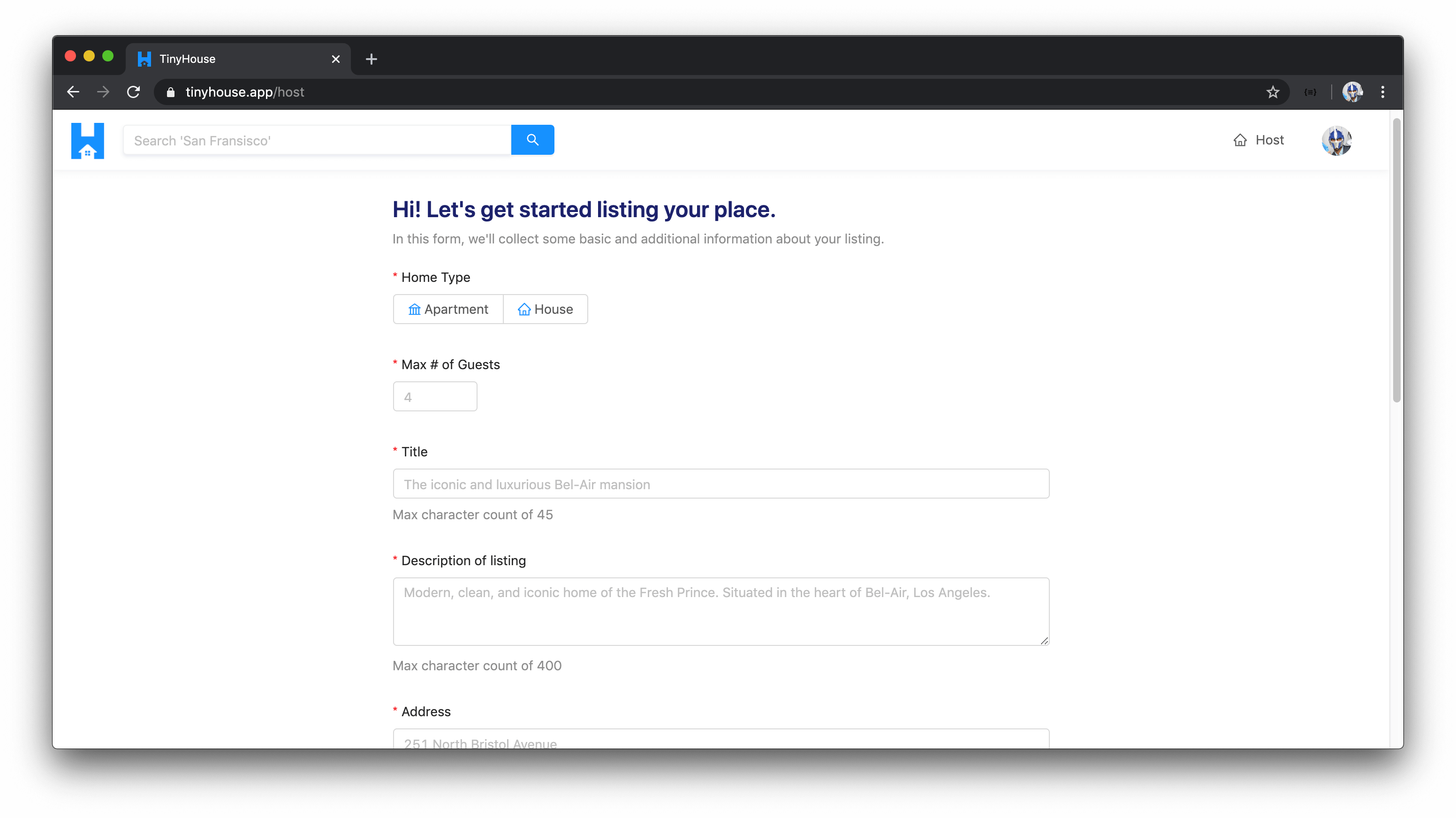
### Create (i.e. host) listings
When signed-in to the application and connected with Stripe, users will be able to create new listings. This is to be
done in the host page where users are required to provide all valid information for new listings such as but not limited
to the listing title, image, address, and price.
### See history of listings created and bookings made
When signed in and located within the user page of one's own account, the user will be able to see a history of all the
listings they've created and the bookings they've made for other listings.
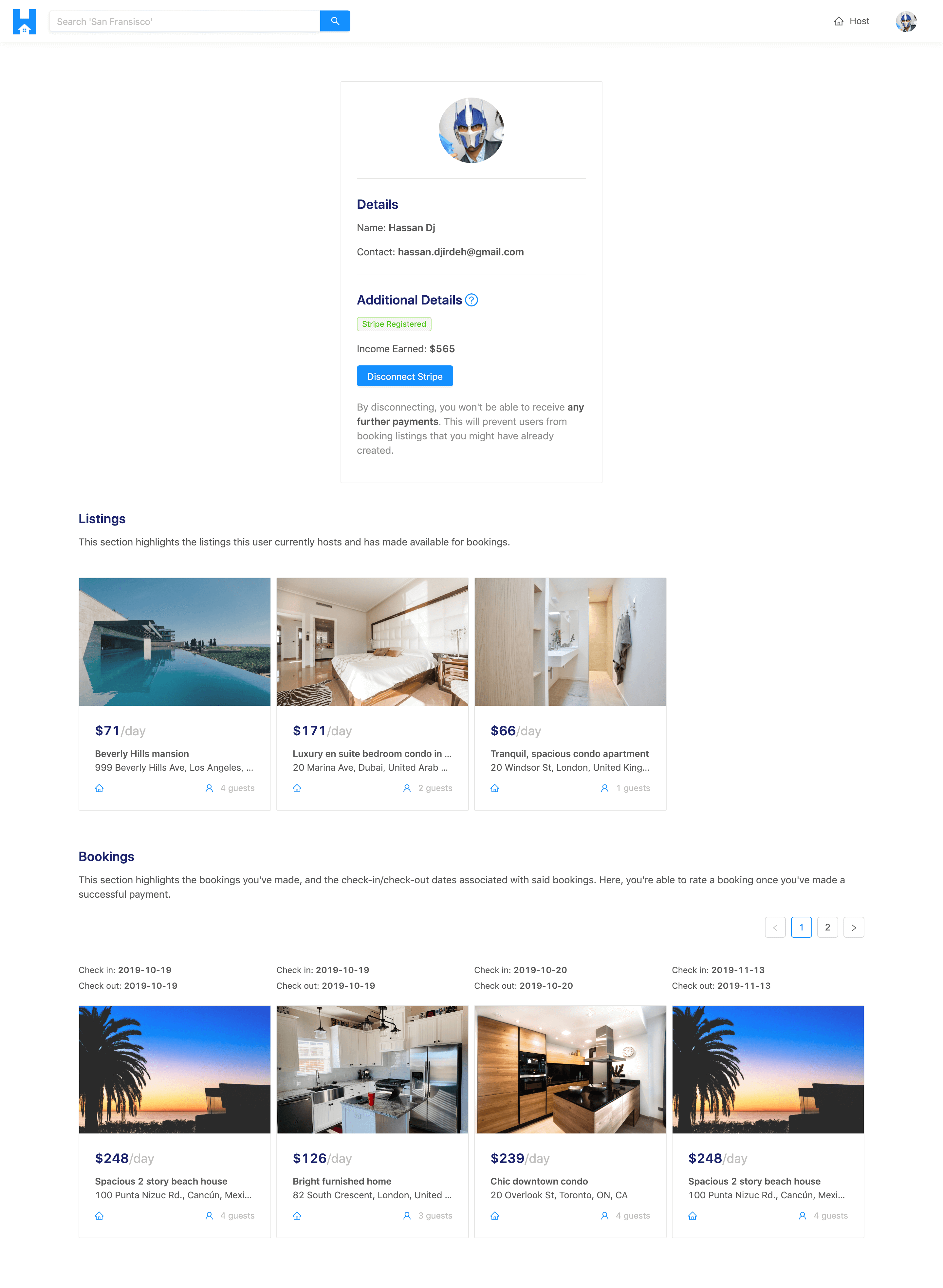
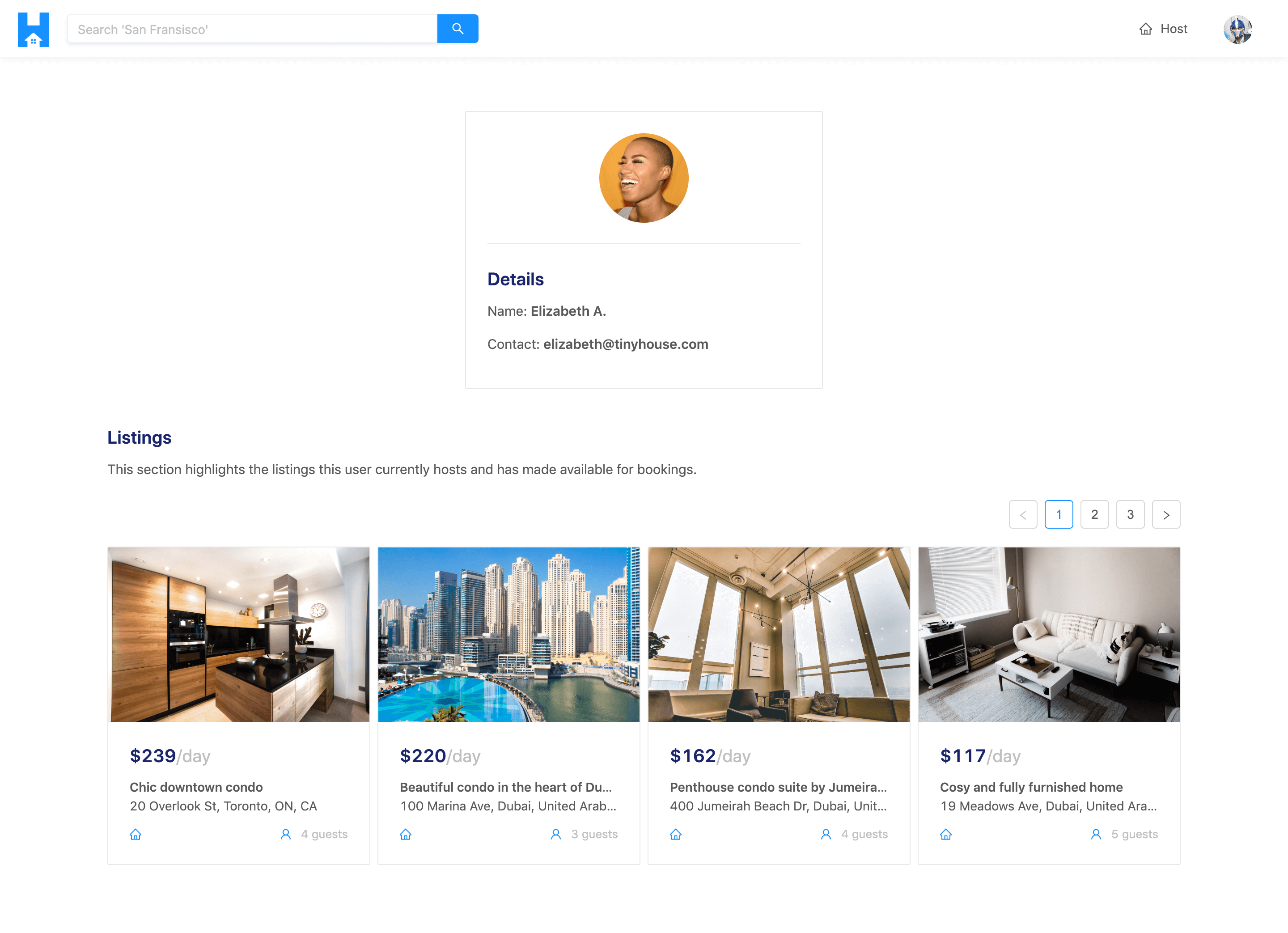
### See history of listings created by other users
When visiting the user page of other users in the TinyHouse application, a user is able to see the listings created by
other users.
Created by [Serhii Shramko](https://shramko.dev/). This is my personal website and blog.