https://github.com/simonsobs/mapsims_tutorials
Notebooks on how to use mapsims and Simons Observatory's map based simulations
https://github.com/simonsobs/mapsims_tutorials
Last synced: 10 months ago
JSON representation
Notebooks on how to use mapsims and Simons Observatory's map based simulations
- Host: GitHub
- URL: https://github.com/simonsobs/mapsims_tutorials
- Owner: simonsobs
- License: other
- Created: 2020-06-22T18:29:25.000Z (about 6 years ago)
- Default Branch: master
- Last Pushed: 2020-11-06T07:08:18.000Z (over 5 years ago)
- Last Synced: 2025-05-17T04:34:33.429Z (about 1 year ago)
- Language: Jupyter Notebook
- Homepage:
- Size: 6.03 MB
- Stars: 0
- Watchers: 3
- Forks: 2
- Open Issues: 0
-
Metadata Files:
- Readme: README.md
- License: LICENSE
Awesome Lists containing this project
README

`mapsims` tutorials
===================
Notebooks on how to use [`mapsims`](https://github.com/simonsobs/mapsims) and [Simons Observatory's map based simulations](https://github.com/simonsobs/map_based_simulations).
For any errors or feedback, open an issue on this repository.
## Recording of the 1-hour tutorial (June 2020)
[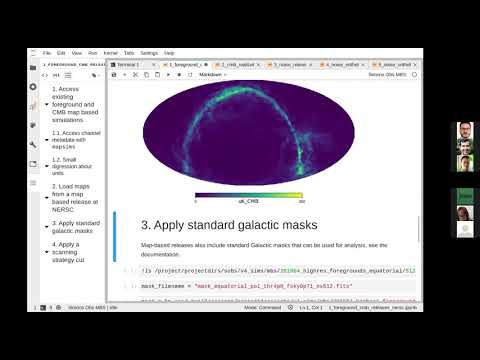](https://www.youtube.com/watch?v=kzERT42qyZs&start=148)
Or download the video in MP4 format from the [Simons Observatory wiki (needs credentials)](http://simonsobservatory.wikidot.com/ff2f-recordings)
## Review notebooks without executing them
See the [already executed notebooks](https://nbviewer.jupyter.org/github/zonca/mapsims_tutorials/tree/executed/)
## Setup at NERSC
* Login to [Jupyter@NERSC](https://jupyter.nersc.gov)
* Open a terminal
* Clone this repository:
git clone https://github.com/simonsobs/mapsims_tutorials
* Run the kernel installation script:
bash install_mbs_kernel_nersc.sh
* Refresh the browser page
* You should have now the "Simons Obs MBS" kernel
## Local setup
The only tricky dependencies of `mapsims` are `healpy` and `pysm3`.
It is easier to install them with Conda, but pip should work as well:
conda create -c conda-forge -n mbs python=3.7 astropy healpy pysm3 numba h5py libsharp=*=*openmpi* mpi4py ipykernel
The tutorial requires `mapsims`, `so_noise_models` and `pixell`, they can be installed with:
pip install -r requirements.txt