https://github.com/simpleboilerplates/simpleboilerplates.github.io
https://github.com/simpleboilerplates/simpleboilerplates.github.io
Last synced: about 1 year ago
JSON representation
- Host: GitHub
- URL: https://github.com/simpleboilerplates/simpleboilerplates.github.io
- Owner: SimpleBoilerplates
- License: mit
- Created: 2019-06-13T21:55:00.000Z (about 7 years ago)
- Default Branch: master
- Last Pushed: 2019-06-13T22:21:22.000Z (about 7 years ago)
- Last Synced: 2025-01-21T18:49:14.363Z (over 1 year ago)
- Language: CSS
- Size: 372 KB
- Stars: 1
- Watchers: 3
- Forks: 0
- Open Issues: 0
-
Metadata Files:
- Readme: README.md
- License: LICENSE
Awesome Lists containing this project
README
# Pineapple
Pineapple is a minimalistic [Jekyll](https://jekyllrb.com) portfolio theme that focuses on putting your projects in the spotlight.
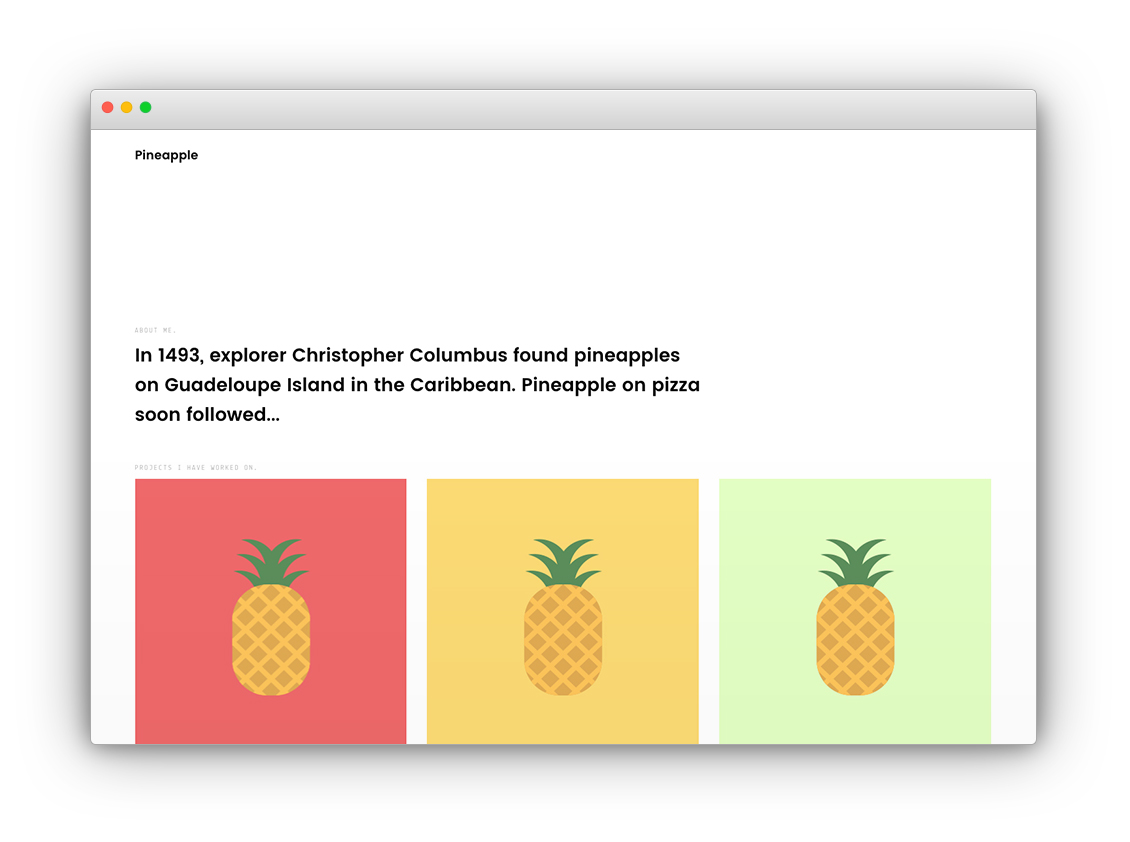
See Pineapple in action on the [demo site](https://arnolds.io/pineapple/).
## Contents
- [Setup](#setup)
- [Deploy to Github Pages](#deploy-to-github-pages)
- [Creating projects](#creating-projects)
- [Resources](#resources)
- [License](#license)
## Setup
Install dependencies:
```
$ gem install jekyll bundler
```
Pulldown the project:
```
$ git clone git@github.com:arnolds/pineapple.git
$ cd pineapple
```
Start Jekyll:
```
$ jekyll serve
```
Browse to http://127.0.0.1:4000/pineapple/ for some Pineapple goodness.
## Deploy to Github Pages
1. Fork this repository, then rename the repository to yourgithubusername.github.io.
2. Update user configuration values in `_config.yml`, and also set `baseurl: ""`.
## Creating projects
Projects are created as `.md` documents within the `_posts/projects` directory. They follow the same naming conventions as regular [Jekyll posts](https://jekyllrb.com/docs/posts/). Pineapple comes with four example projects, which you should use as a guide for creating your own e.g. [Red Pineapple](_posts/projects/2017-04-01-redpineapple.md).
## Resources
- [Apple Devices PSD Mockup Templates](https://www.graphicsfuel.com/2016/04/apple-devices-psd-mockup-templates/)
## License
Open sourced under the [MIT license](LICENSE.md).