https://github.com/simplyhexagonal/typescript-jupyter-kernel
Typescript kernel for Jupyter Notebook and Labs
https://github.com/simplyhexagonal/typescript-jupyter-kernel
Last synced: about 1 year ago
JSON representation
Typescript kernel for Jupyter Notebook and Labs
- Host: GitHub
- URL: https://github.com/simplyhexagonal/typescript-jupyter-kernel
- Owner: simplyhexagonal
- Created: 2022-02-13T11:13:58.000Z (over 4 years ago)
- Default Branch: main
- Last Pushed: 2022-08-29T05:33:05.000Z (almost 4 years ago)
- Last Synced: 2025-05-06T20:26:14.107Z (about 1 year ago)
- Language: HTML
- Size: 1.92 MB
- Stars: 6
- Watchers: 0
- Forks: 0
- Open Issues: 1
-
Metadata Files:
- Readme: README.md
Awesome Lists containing this project
README
## Install
Make sure you have Jupyter Notebook or Jupyter Lab installed.
Then, install the package with:
```sh
npm install -g typescript-jupyter-kernel
```
Once npm has finished, run the following command:
```
ts-kernel install
```
You can now check if the installation succeeded:
```sh
jupyter kernelspec list
# Available kernels:
# typescript ~/.local/share/jupyter/kernels/typescript
```
## Features
**Code completion:** using the `TAB` key, driven by the official [Typescript LSP Server](https://github.com/typescript-language-server/typescript-language-server) (same used by VSCode)
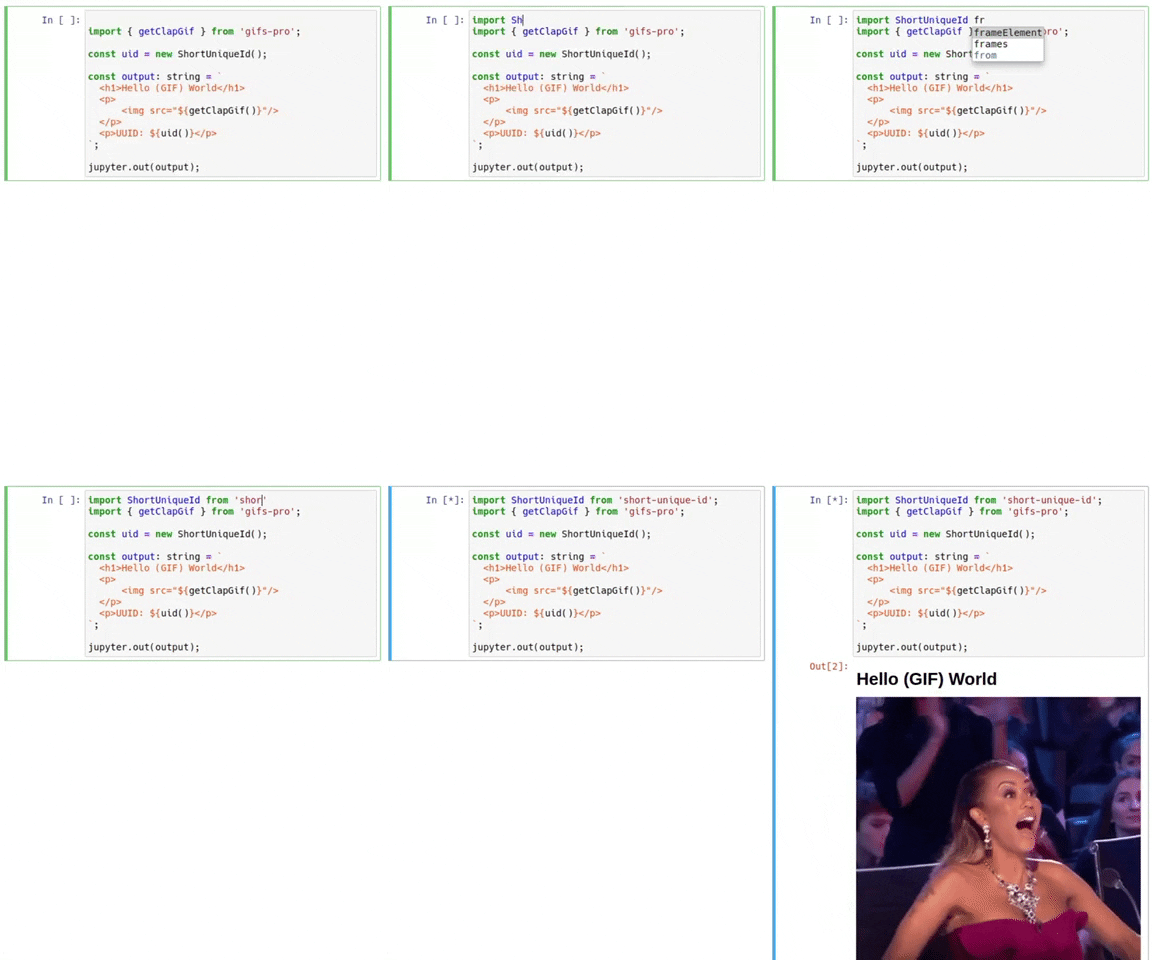
**Use NPM dependencies:** simply navigate to your notebook's directory and add a `package.json` file
```sh
cd /path/to/notebook
npm init
npm install --save short-unique-id
```
**Fully written in Typescript:** the kernel is written entirely in Typescript 🦾
**SWC Optimized:** the kernel compiles your code with [SWC](https://github.com/swc-project/swc), making it blazing fast!
**Able to render HTML:** the kernel can render HTML in the notebook
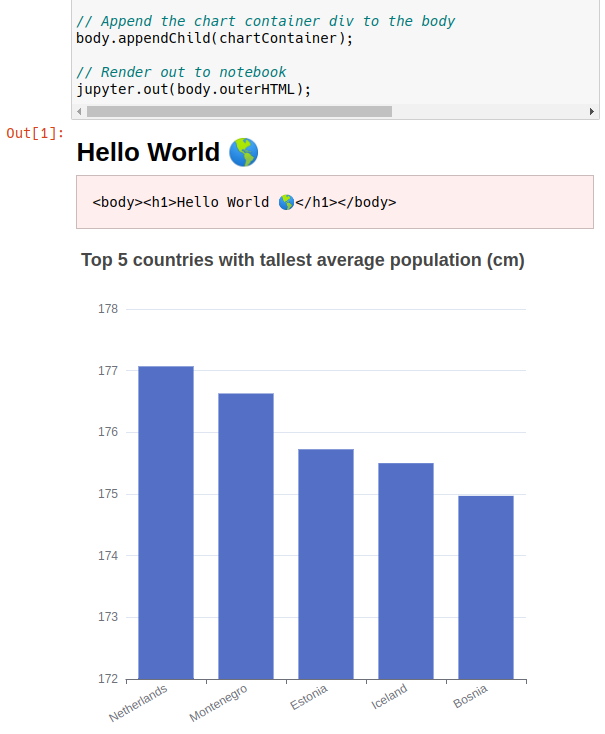
**Custom output command:** the kernel includes a handy `jupyter.out` function so your notebooks
aren't riddled with unsightly `console.log` calls
**Fully compatible:** works both in JupyterLab and Jupyter Notebook
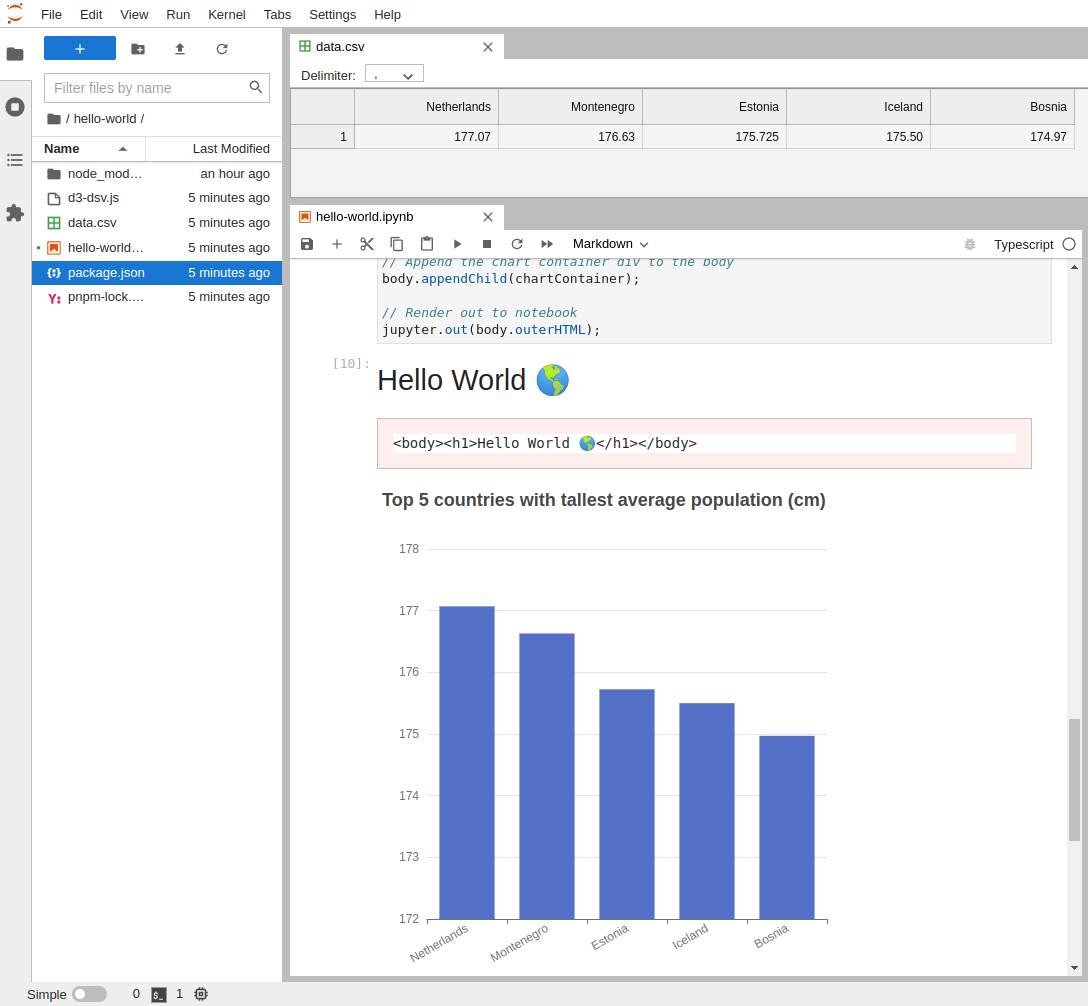
## Convenience `jupyter` functionalities
We have implemented a handy `jupyter` object containing several useful functions:
- `dom`
This is a virtual dom (JSDOM) which allows you to build html in the notebook.
```ts
```
- `html`
This is an alias for the included D3 Selection library which allows powerful HTML manipulation.
- `render`
This is a function that renders the html in the notebook.
- `out`
This is a function that prints a given string to the notebook between `
` tags, useful for printing the raw output of a function or process.
- `escape`
This is a function that escapes the given string so it can be safely printed in the notebook.
- `data`
This is an alias for the included D3 DSV library which allows to read data from/to CSV, TSV or JSON files/strings.
- `table`
This is a function that renders a table in the notebook from data using one of the `data` functions.
- `load`
You can use the `load` helper to load either a `js` or `css` file into the notebook.