https://github.com/sirravirathore/socketchat
Real TIme Messanger Application
https://github.com/sirravirathore/socketchat
full-stack javascript mern-stack socket-io
Last synced: 3 months ago
JSON representation
Real TIme Messanger Application
- Host: GitHub
- URL: https://github.com/sirravirathore/socketchat
- Owner: sirravirathore
- License: mit
- Created: 2025-01-24T13:15:46.000Z (over 1 year ago)
- Default Branch: main
- Last Pushed: 2025-01-24T13:15:50.000Z (over 1 year ago)
- Last Synced: 2025-01-24T13:39:34.448Z (over 1 year ago)
- Topics: full-stack, javascript, mern-stack, socket-io
- Language: JavaScript
- Homepage: https://messanger-beryl.vercel.app/login
- Size: 0 Bytes
- Stars: 0
- Watchers: 1
- Forks: 0
- Open Issues: 0
-
Metadata Files:
- Readme: README.md
- License: License.md
Awesome Lists containing this project
README
# Messanger
A Chatting app build on React and Redux with socket.io for real time chatting as MERN project you can make a gruop chat as well Login and sigup authenicate with bcrypt and json web token live socket single chat group chat sending notification , profile upload and awesome UI/UX storing the chat on mongoDB complete schema using Mongoose
And to make unidirectional i used Redux for making any api call and state management as well
# Registration Page
## User can add their profile picture and all the state and fetching is handle by redux

## If user want to login they can click on Already have on accound

# Homepage
## user can serch any member in input box

# Search feature with regex

# Chatting Page
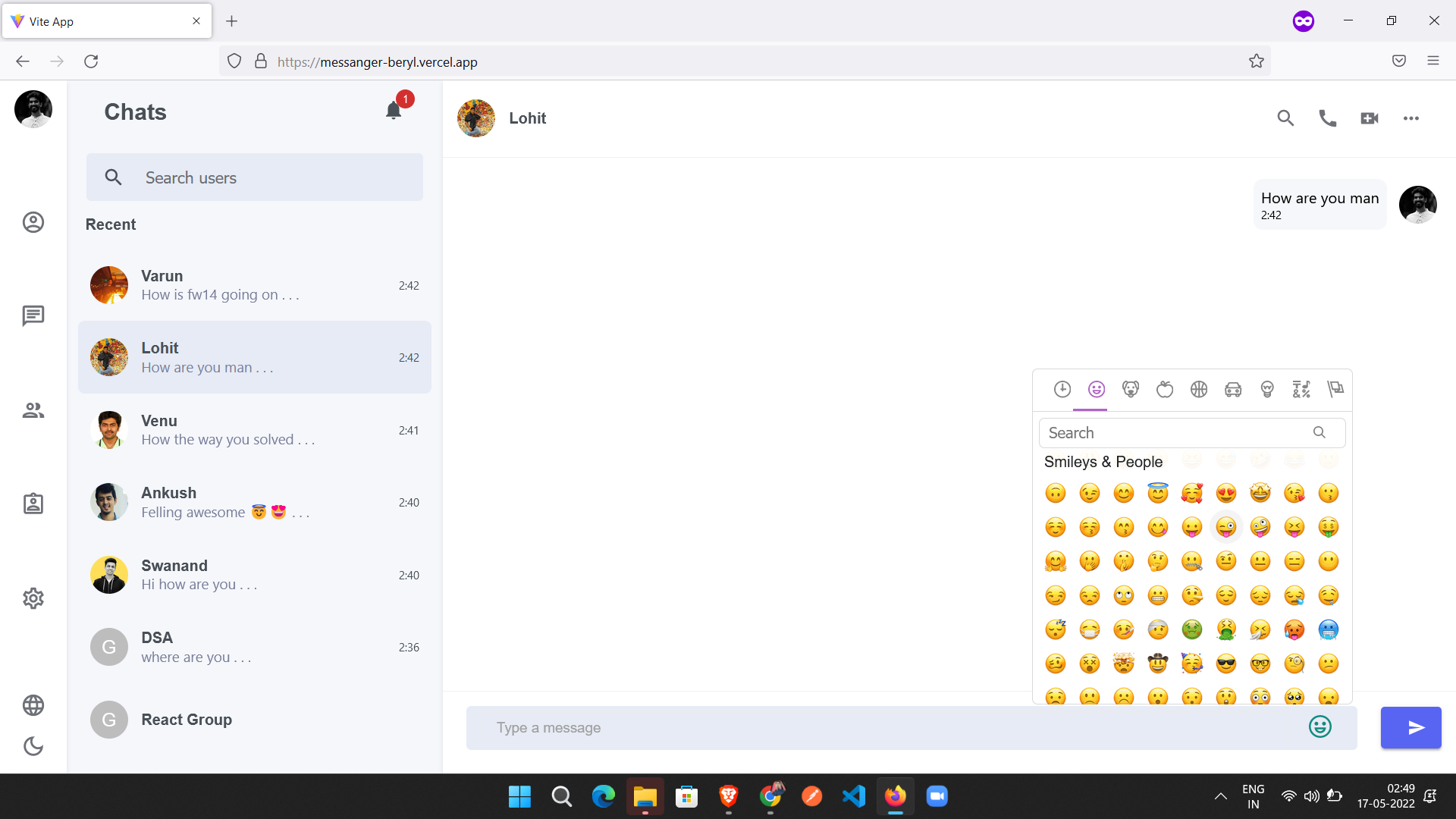
## user can send emoji as well by hitting enter or a send button

# Emojy box
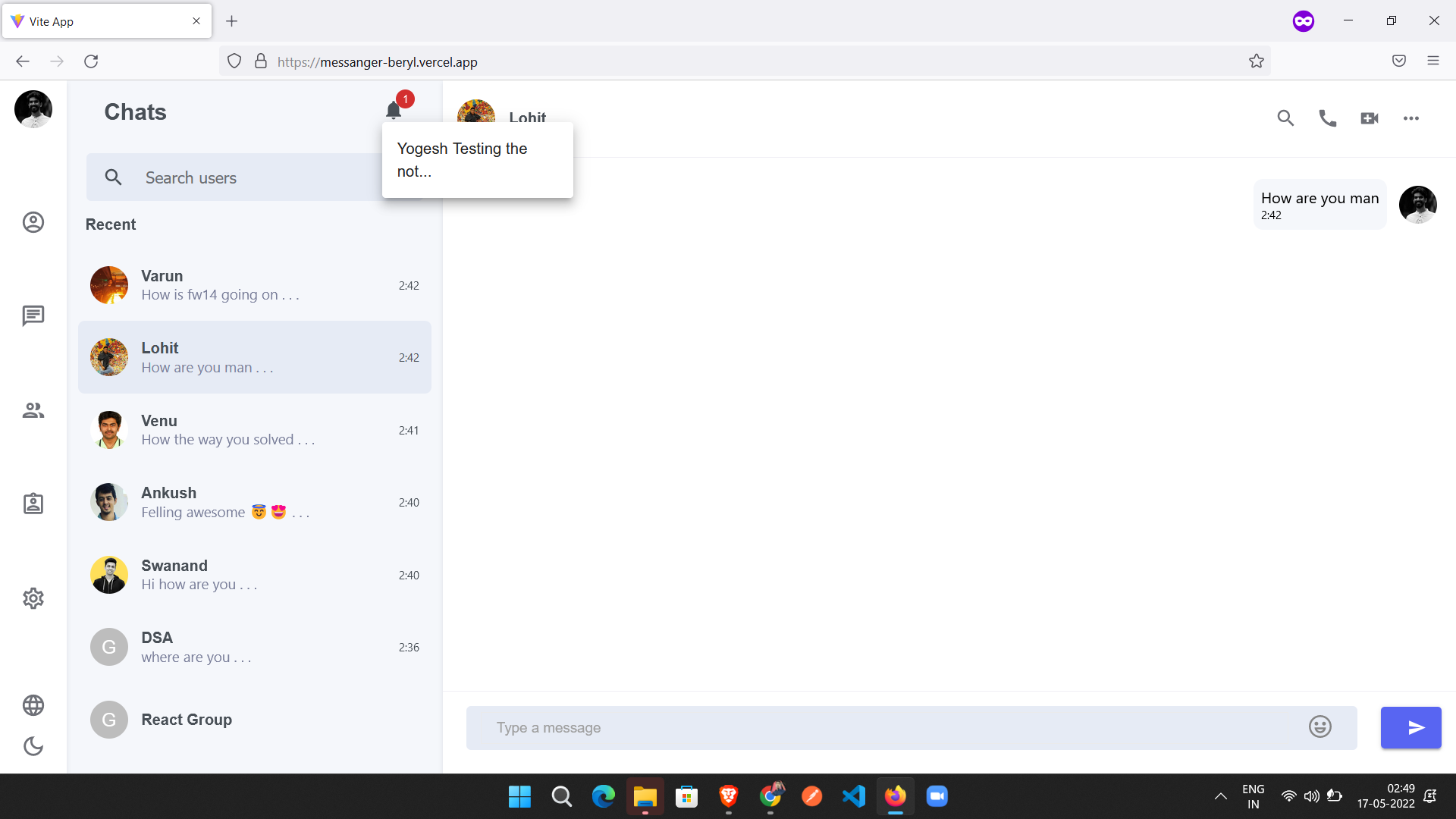
## When user chatting with different user then I am sending a notification
# Group Chat

# Create Group
## User can make a group by just clicking on a option of new group in left side navbar

# User can search member in this box as well

## If user wan't to add he have to click or wan't to remove they can by clicking on cross sign
