https://github.com/siruscodes/mobile_web_view
To showcase your mobile app on web pub link: https://pub.dev/packages/mobile_web_view
https://github.com/siruscodes/mobile_web_view
dart flutter flutter-package hacktoberfest package pub
Last synced: 5 months ago
JSON representation
To showcase your mobile app on web pub link: https://pub.dev/packages/mobile_web_view
- Host: GitHub
- URL: https://github.com/siruscodes/mobile_web_view
- Owner: SirusCodes
- License: mit
- Created: 2020-05-20T09:25:53.000Z (about 6 years ago)
- Default Branch: master
- Last Pushed: 2023-01-25T05:14:37.000Z (over 3 years ago)
- Last Synced: 2025-04-13T13:47:39.656Z (over 1 year ago)
- Topics: dart, flutter, flutter-package, hacktoberfest, package, pub
- Language: Dart
- Homepage:
- Size: 1.85 MB
- Stars: 5
- Watchers: 1
- Forks: 3
- Open Issues: 2
-
Metadata Files:
- Readme: README.md
- Changelog: CHANGELOG.md
- Contributing: CONTRIBUTING.md
- License: LICENSE
Awesome Lists containing this project
README
|Desktop View| Mobile View |
|--|--|
| 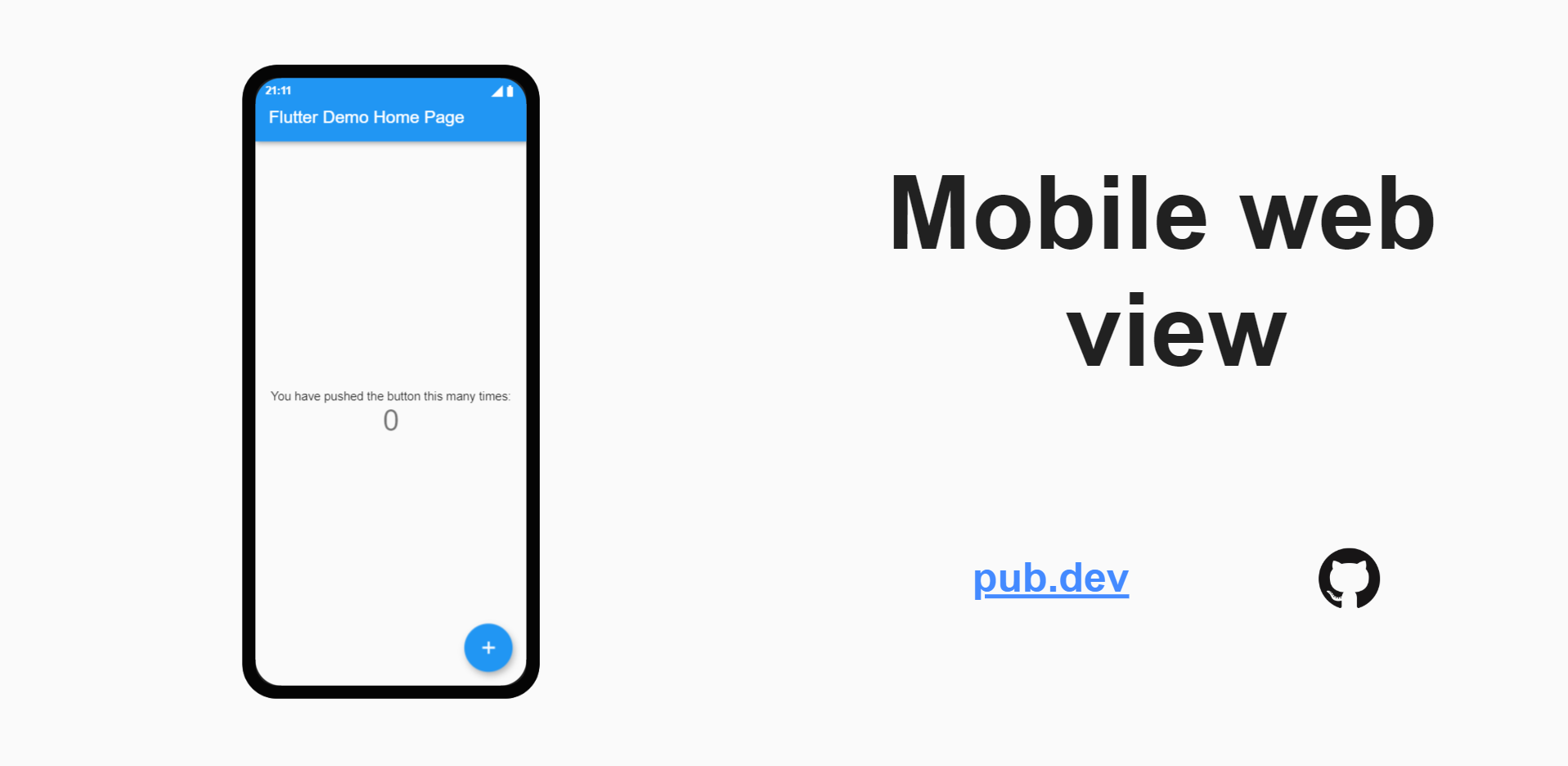 | 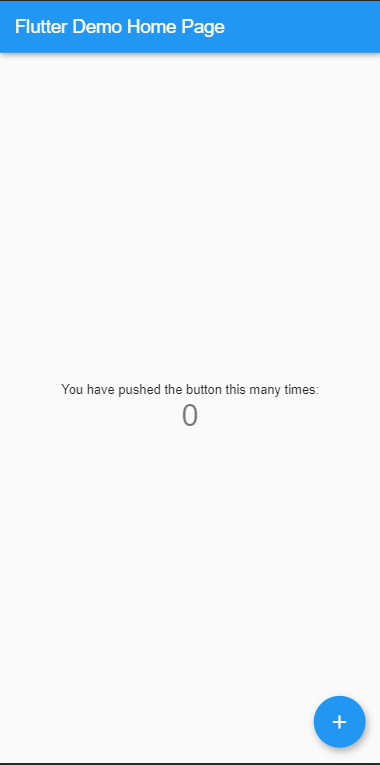 |
# Mobile web view
 
Wanted to show your awesome mobile app to other without letting them into the hassle of installing it? Thanks to flutter web (currently in beta) we have covered you.
## Installation
**Make sure that you are on beta and web is enabled if not then, [here](https://flutter.dev/docs/get-started/web)**
Add in your pubspec.yaml
dependencies:
mobile_web_view: ^0.1.2
Then import it in your main
import 'package: mobile_web_view/mobile_web_view.dart';
Warp MobileWebView to your initial route
home: MobileWebView(
statusBarIconColor: Colors.white,
content: Text("MobileWebView")
child: MyHomePage(title: 'Flutter Demo Home Page'),
),
|Prams| Description |
|--|--|
| statusBarIconColor | As it says it defines the color of status bar icons and clock in desktop view (default is black) |
| content | It is to define which widgets to show on the right side of the screen in desktop view (default is SizedBox.expand()) |
| backgroundColor | It sets background color for desktop webview (default is color of Material.canvas) |
## Want to contribute?
A help is always welcomed, check our [CONTRIBUTING.md](https://github.com/SirusCodes/mobile_web_view/blob/master/CONTRIBUTING.md) and don't forget to add yourself to [CONTRIBUTORS.md](https://github.com/SirusCodes/mobile_web_view/blob/master/CONTRIBUTORS.md)