https://github.com/sk5s/countdateapp
Date Countdown: Know How Many Days Left To a Specific Date. For Android/iOS/Web.
https://github.com/sk5s/countdateapp
android app calendar countdown ionic react
Last synced: 5 months ago
JSON representation
Date Countdown: Know How Many Days Left To a Specific Date. For Android/iOS/Web.
- Host: GitHub
- URL: https://github.com/sk5s/countdateapp
- Owner: sk5s
- License: mit
- Created: 2022-04-17T03:43:40.000Z (about 4 years ago)
- Default Branch: main
- Last Pushed: 2025-11-22T15:08:31.000Z (7 months ago)
- Last Synced: 2026-01-14T19:29:03.093Z (6 months ago)
- Topics: android, app, calendar, countdown, ionic, react
- Language: TypeScript
- Homepage: https://countdate.sk5s.com
- Size: 4.07 MB
- Stars: 71
- Watchers: 3
- Forks: 7
- Open Issues: 8
-
Metadata Files:
- Readme: README.md
- Funding: .github/FUNDING.yml
- License: LICENSE
- Code of conduct: CODE_OF_CONDUCT.md
Awesome Lists containing this project
README
[![Releases Version][releases-version-shield]][releases-version-url]
[![Last Commit][last-commit-shield]][last-commit-url]
![Top Lang][top-languages-shield]
[![Uptime][uptime-shield]][uptime-url]
[![Response Time][response-time-shield]][response-time-url]
[![License][license-shield]][license-url]

Countdate
Date Countdown: Know How Many Days Left To a Specific Date.
Explore the docs »
Download
·
Report Bug
·
Request Feature
[](https://sk5s.cyou/)
Table of Contents
## About The Project



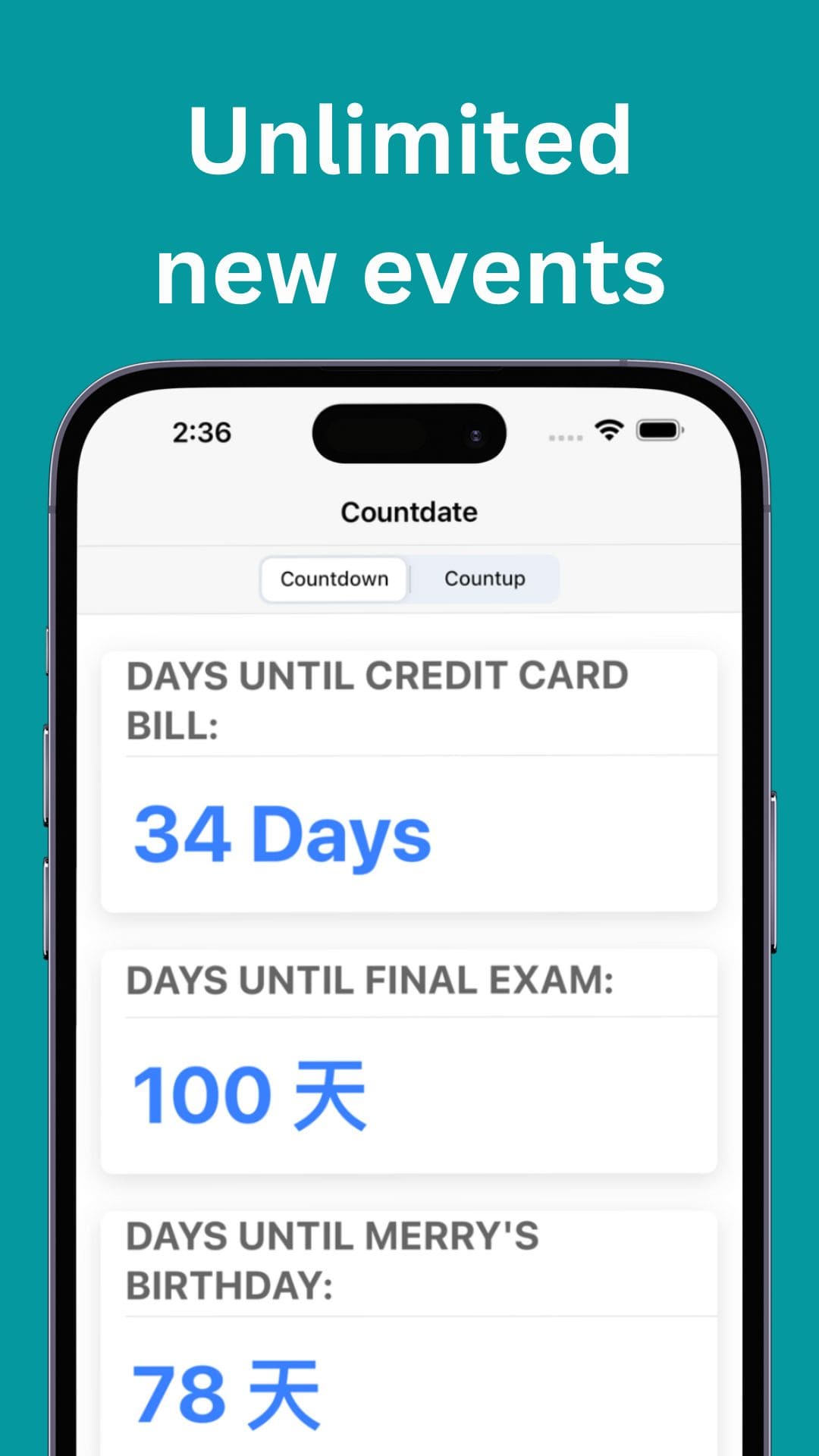
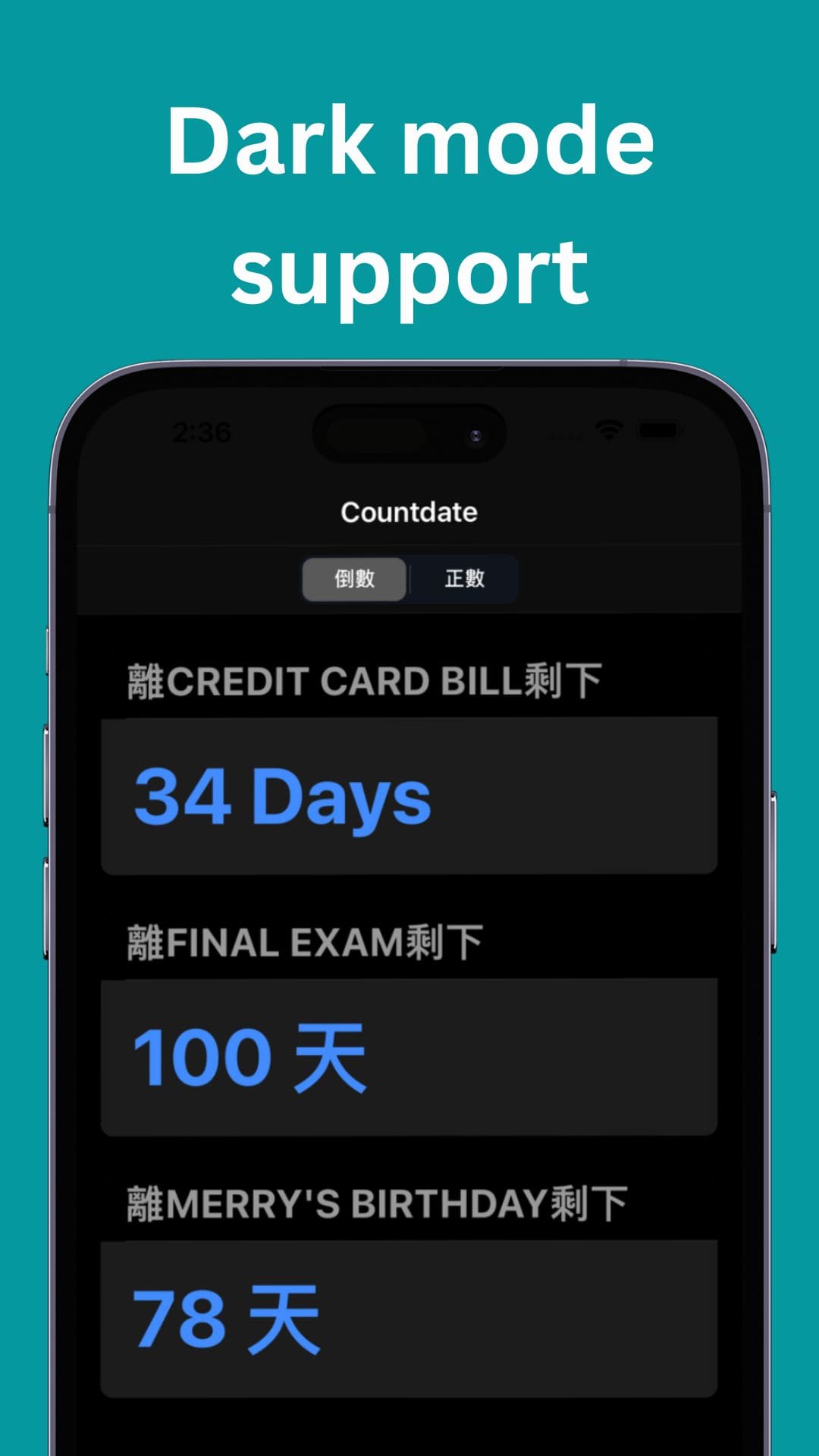
Date Countdown: Know How Many Days Left To a Specific Date.
**Android、iOS**
Ready to use native app.
**Web**
Web version of countdate app is also available.
**Free to Use**
As always, this app is free to download and use!
**Open Source**
Since this app is MIT licensed, you can modify it!
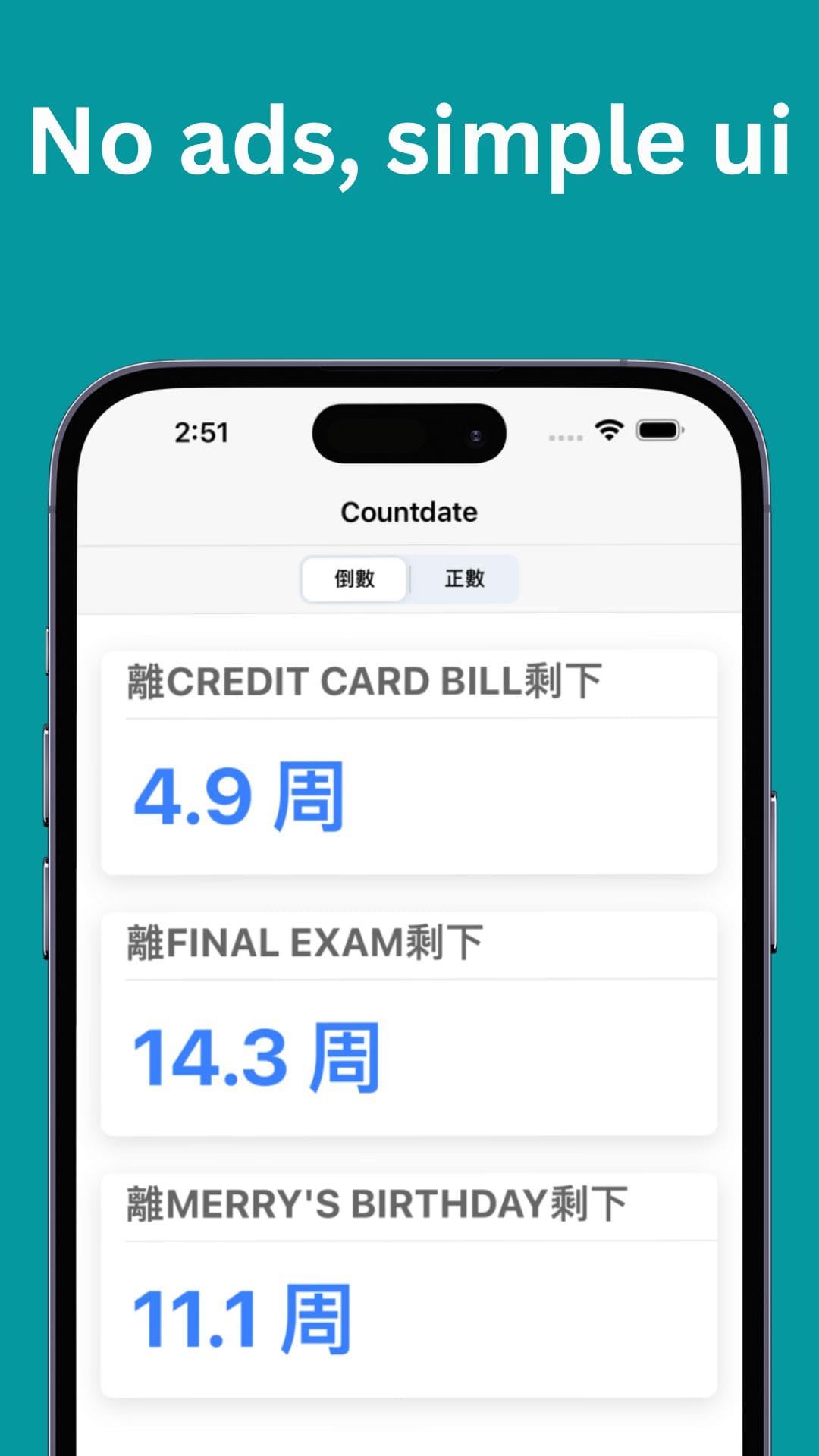
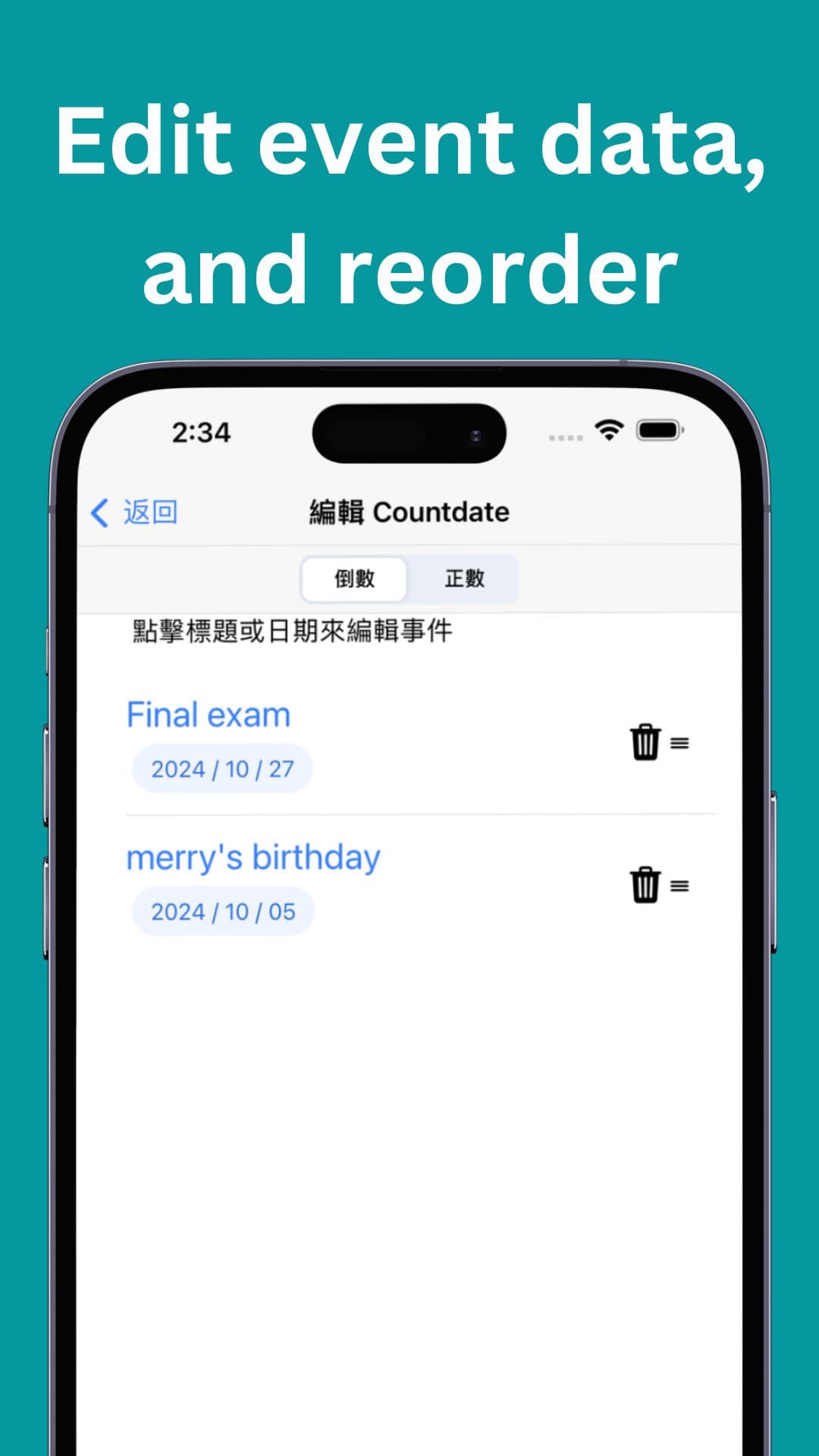
> Countdate is an open source app that helps you keep track of important dates. With Countdate, you can enter a date and the app will tell you exactly how many days are left until that date. It's a great tool for counting down to special occasions, deadlines, or anything else you need to remember. Countdate is easy to use and can be customized to meet your needs, making it a great choice for anyone who wants to keep track of upcoming events.
|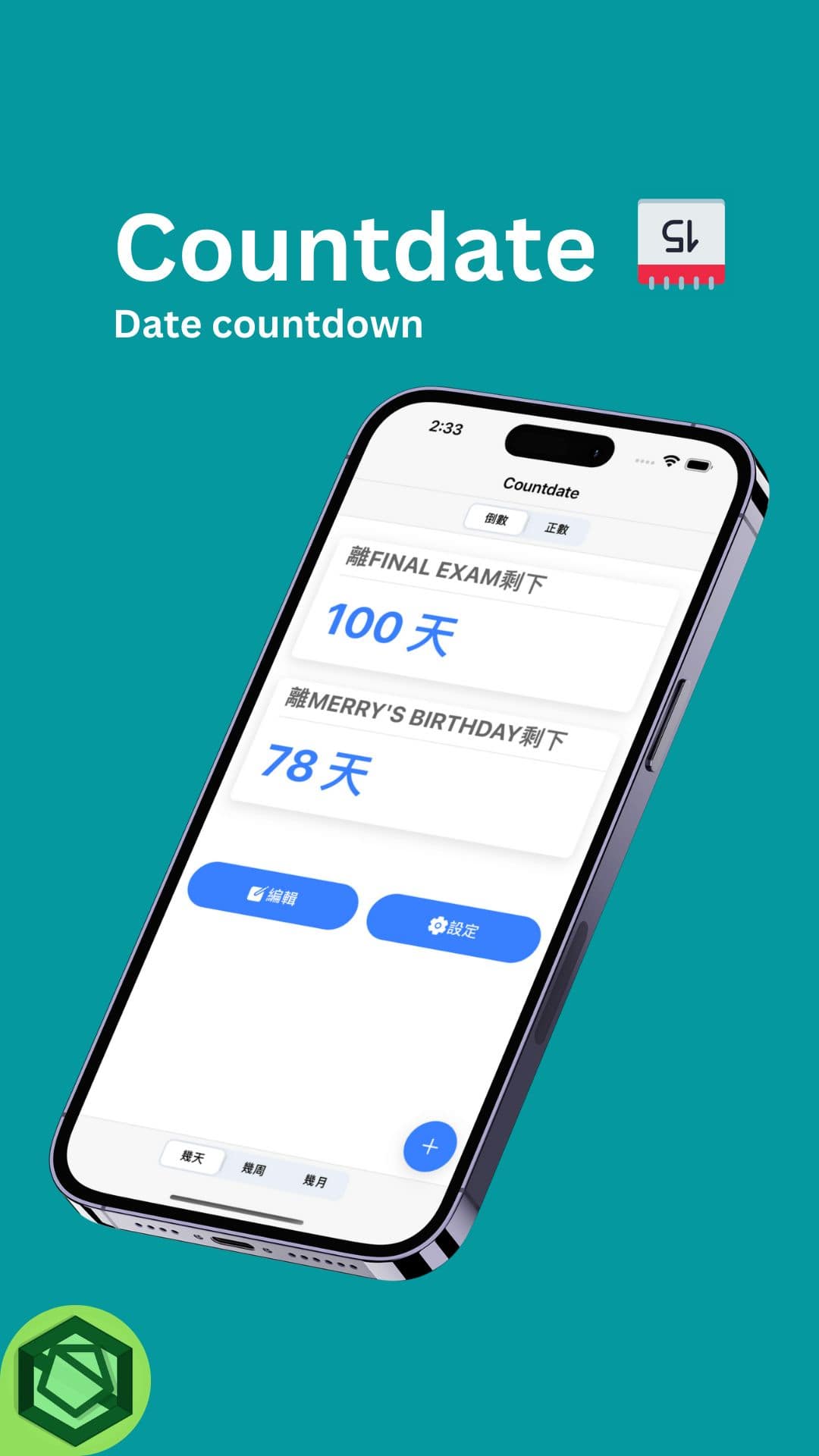|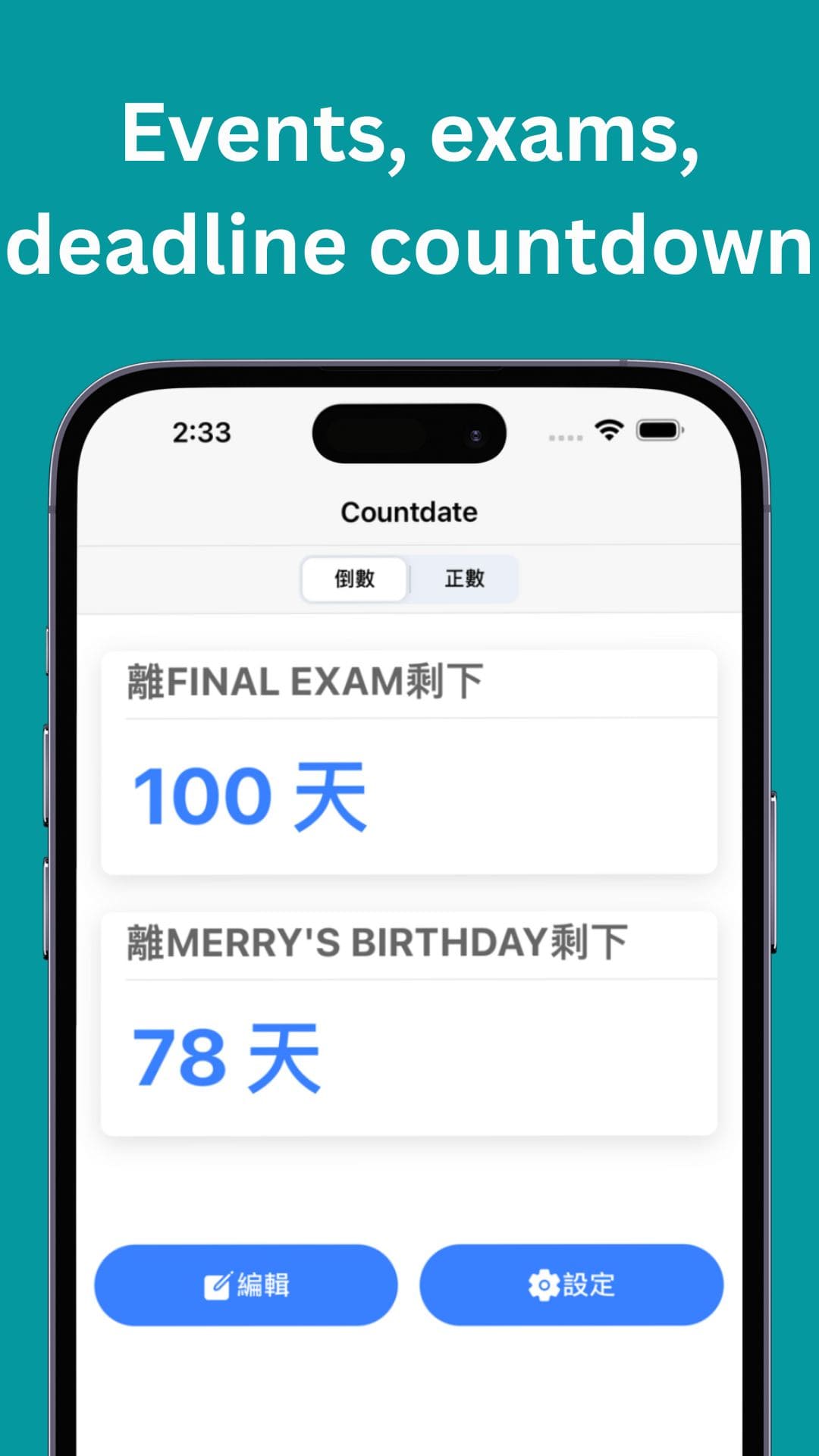|
| ----------- | ----------- |
|||
|||
### Built With
- [Ionic (Ionic React)](https://ionicframework.com/)
## Getting Started
Download apk file on releases page and install to use the app. [https://countdate.sk5s.com](https://countdate.sk5s.com)
### Prerequisites
Have an Android/iOS phone or web browser.
### Installation
Android: Open apk file and install.
iOS: Install the app from the App Store.
## Usage
Click the "+" button to add a Countdate.
## Roadmap
- [x] Instruction
- [x] New splash screen api
- [ ] Sync
- [ ] Local notification
- [x] Count week
- [ ] Count weekday
- [x] Custom accent color (color picker)
- [x] Qrcode share event
- [x] Native desktop widget
- [x] Count Month
- [ ] Extend day selection
- [x] Export/Import countdate
See the [open issues](https://github.com/sk5s/countdateapp/issues) for a full list of proposed features (and known issues).
## Contributing
[](CODE_OF_CONDUCT.md)
Contributions are what make the open source community such an amazing place to learn, inspire, and create. Any contributions you make are **greatly appreciated**.
If you have a suggestion that would make this better, please fork the repo and create a pull request. You can also simply open an issue with the tag "enhancement".
Don't forget to give the project a star! Thanks again!
1. Fork the Project
2. Create your Feature Branch (`git checkout -b feature/AmazingFeature`)
3. Commit your Changes (`git commit -m 'Add some AmazingFeature'`)
4. Push to the Branch (`git push origin feature/AmazingFeature`)
5. Open a Pull Request
## License
[![License][license-shield]][license-url]
Distributed under the MIT License. See `LICENSE` for more information.
## Contact
sk5s - samko5sam@tutanota.com
Project Link: [https://github.com/sk5s/countdateapp](https://github.com/sk5s/countdateapp)
## Acknowledgments
- [ionic](https://ionicframework.com)
[](https://sk5s.cyou/)
```
_ ____ _ _
___| | __ ___| ___ _ __ _ __ ___ (_) ___ ___| |_
/ __| |/ /___ \/ __| | '_ \| '__/ _ \| |/ _ \/ __| __|
\__ \ < ___) \__ \ | |_) | | | (_) | | __/ (__| |_
|___/_|\_\____/|___/ | .__/|_| \___// |\___|\___|\__|
|_| |__/
```
🔗 [https://bit.ly/countdateapp][git-repo-short-url]
[releases-version-shield]: https://img.shields.io/github/v/release/sk5s/countdateapp?style=for-the-badge
[releases-version-url]: https://github.com/sk5s/countdateapp/releases
[last-commit-shield]: https://img.shields.io/github/last-commit/sk5s/countdateapp?style=for-the-badge
[last-commit-url]: https://github.com/sk5s/countdateapp/commits
[top-languages-shield]: https://img.shields.io/github/languages/top/sk5s/countdateapp?style=for-the-badge
[uptime-shield]: https://img.shields.io/endpoint?url=https://raw.githubusercontent.com/sk5s/uptime/master/api/countdate-website/uptime.json&style=for-the-badge
[uptime-url]: https://uptime.sk5s.cyou/history/countdate-website
[response-time-shield]: https://img.shields.io/endpoint?url=https://raw.githubusercontent.com/sk5s/uptime/master/api/countdate-website/response-time.json&style=for-the-badge
[response-time-url]: https://uptime.sk5s.cyou/history/countdate-website
[license-shield]: https://img.shields.io/github/license/sk5s/countdateapp.svg?style=for-the-badge
[license-url]: https://github.com/sk5s/countdateapp/blob/main/LICENSE
[product-screenshot]: fastlane/metadata/android/en-US/images/phoneScreenshots/1.jpg
[git-repo-short-url]: https://bit.ly/countdateapp