https://github.com/smerth/star-wars-api-client-with-angular-and-foundation
An Angular API client for the Star Wars API (SWAPI)
https://github.com/smerth/star-wars-api-client-with-angular-and-foundation
angular foundation json
Last synced: about 2 months ago
JSON representation
An Angular API client for the Star Wars API (SWAPI)
- Host: GitHub
- URL: https://github.com/smerth/star-wars-api-client-with-angular-and-foundation
- Owner: smerth
- Created: 2016-12-30T21:33:30.000Z (over 9 years ago)
- Default Branch: master
- Last Pushed: 2019-01-07T22:55:51.000Z (over 7 years ago)
- Last Synced: 2025-01-15T07:58:44.123Z (over 1 year ago)
- Topics: angular, foundation, json
- Language: CSS
- Homepage:
- Size: 797 KB
- Stars: 0
- Watchers: 3
- Forks: 0
- Open Issues: 0
-
Metadata Files:
- Readme: README.md
Awesome Lists containing this project
README
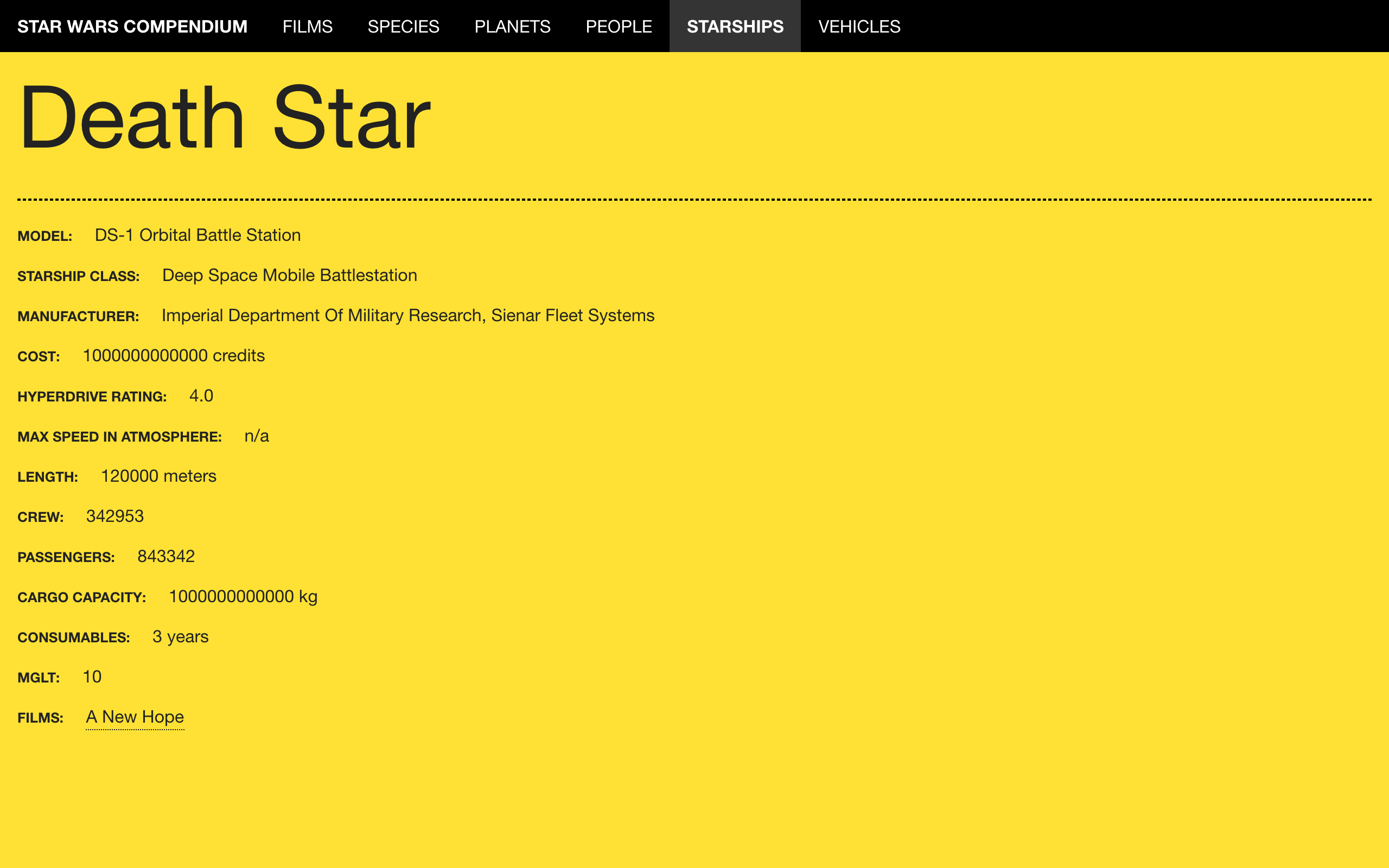
# Angular 1 Foundation For Apps SWAPI Viewer
This Angular 1 app is built on Foundation for Apps ( [docs](http://foundation.zurb.com/apps/docs/#!/), [code](https://github.com/zurb/foundation-apps).)
The app consumes the [SWAPI](https://swapi.co) feed for Star Wars data.
The original code is pieced together from [Smashing Magazine](https://www.smashingmagazine.com/2015/04/creating-web-app-in-foundation-for-apps/) and [xyz-angular-swapi](https://github.com/unshift-devs/xyz-angular-swapi) and [SWAPI-Wrapper](https://github.com/cfjedimaster/SWAPI-Wrapper)
## Installation
Clone this repository (and give it a new name if needed)
```bash
git clone https://github.com/smerth/angular-1-foundation-for-apps-swapi.git
```
Change into the directory.
```bash
cd
```
Install the dependencies. If you're running Mac OS or Linux, you may need to run `sudo npm install` instead, depending on how your machine is configured.
```bash
npm install && bower install
```
To run the compiling process once, without watching any files, use the `build` command.
```bash
npm run build
```
To serve the site and watch for changes during development
```bash
npm start
```
## Deploy to gh-pages
To deploy to gh-pages uncomment the line
```html
```
then run
```bash
gulp deloy
```
To develop locally comment the line out again.
## Caveats
Currently the app only works in Chrome, due to a CORS issue on Safari and Firefox. See [this issue](http://stackoverflow.com/questions/25727306/request-header-field-access-control-allow-headers-is-not-allowed-by-access-contr) to investigate a fix.
Everything works on localhost but doesn't work on gh-pages...