https://github.com/snakehacker/tweb
https://github.com/snakehacker/tweb
golang protobuf react typescript
Last synced: 3 months ago
JSON representation
- Host: GitHub
- URL: https://github.com/snakehacker/tweb
- Owner: SnakeHacker
- License: mit
- Created: 2020-03-11T03:04:17.000Z (over 6 years ago)
- Default Branch: master
- Last Pushed: 2023-02-25T05:26:32.000Z (over 3 years ago)
- Last Synced: 2024-06-19T23:15:27.334Z (about 2 years ago)
- Topics: golang, protobuf, react, typescript
- Language: JavaScript
- Size: 1.06 MB
- Stars: 4
- Watchers: 3
- Forks: 0
- Open Issues: 8
-
Metadata Files:
- Readme: README.md
- License: LICENSE
Awesome Lists containing this project
README
# tweb
程序化A股交易 WebUI
本项目迁移至[tradingAI/tweb](https://github.com/tradingAI/tweb),此repo不再维护。
This project migrated to [tradingAI/tweb](https://github.com/tradingAI/tweb), the repo is no longer maintained.
# 环境
- Golang 1.13.8
- Yarn 1.22.4
- Docker 18.09.2
- Docker-compose 1.23.2
# 快速开始
Tweb支持3种启动方式
* ### 1. Docker启动
请先确保PostgreSQL已部署
熟读[`conf-docker.yaml`](conf-docker.yaml)配置,修改DB配置
修改
```
cd tweb
make run_docker_prod
```
在浏览器中输入 [`http://localhost:8888`](http://localhost:8888) 访问
* ### 2. 开发模式,通过Docker 编译代码
请先熟读[`conf-docker.yaml`](conf-docker.yaml)配置
修改[`docker-compose-prod.yaml](docker-compose-prod.yaml) 配置`${TUSHARE_TOKEN}`为申请的token值([Tushare Token注册申请](https://tushare.pro/register?reg=238705))
```
cd tweb
make run_docker
```
在浏览器中输入 [`http://localhost:8888`](http://localhost:8888) 访问
* ### 3. 开发模式,本地启动
请先熟读[`conf.yaml`](conf.yaml)配置
```
cd tweb
# 启动数据库
make up
# 下载golang 第三方包
go mod download
# 启动后端
make run
# 启动前端
cd frontend
# 首次执行运行以下命令:
make install
# 启动前端
make run
```
在浏览器中输入 [`http://localhost:3030`](http://localhost:3030) 访问
[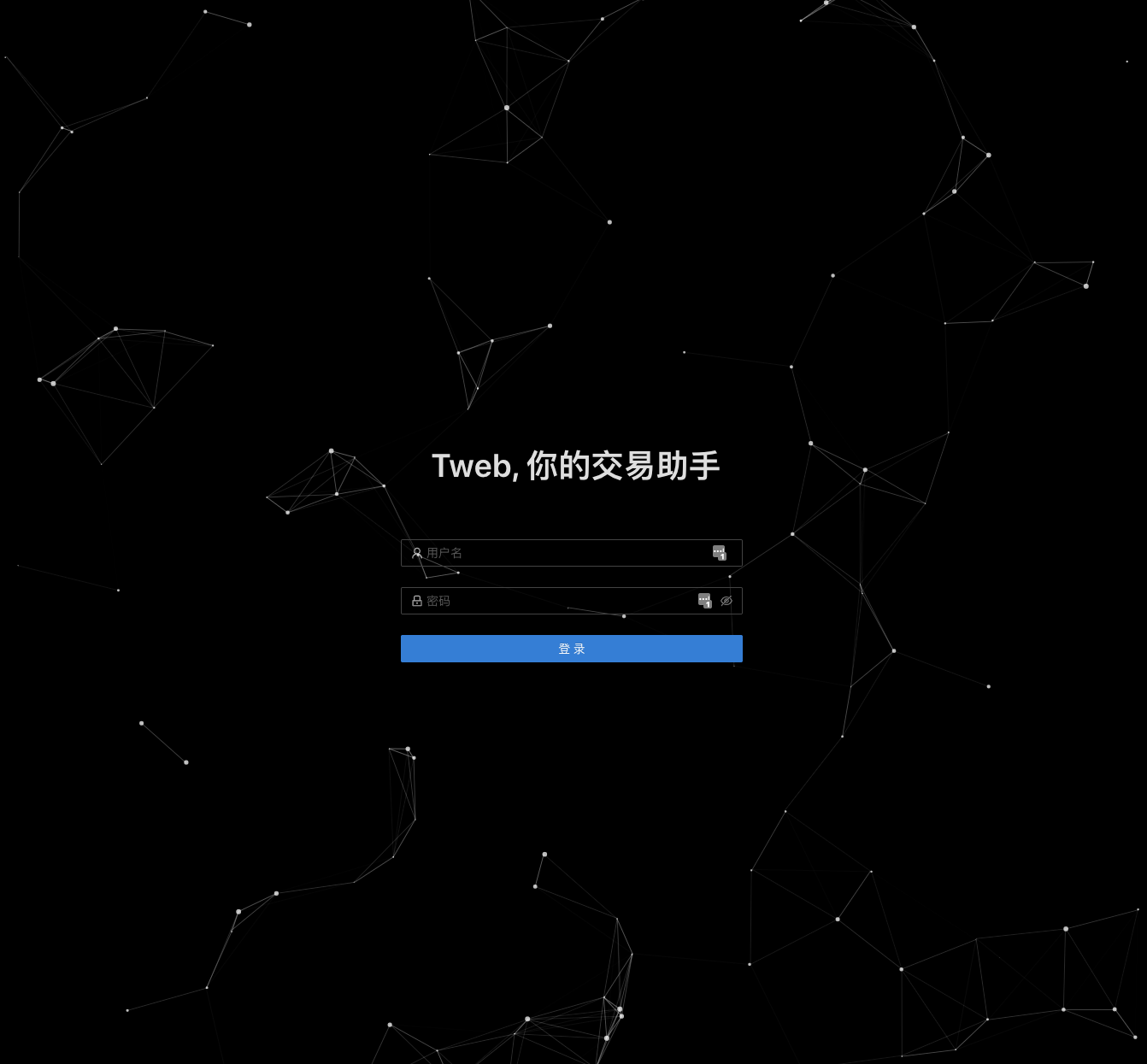](https://imgchr.com/i/8mY5GD)
# 相关项目
- [tbase](https://github.com/iminders/tbase)
- [tgym](https://github.com/iminders/tgym)