https://github.com/snapscript/snap-develop
Snap IDE
https://github.com/snapscript/snap-develop
android cef development-environment programming-language repl
Last synced: 5 months ago
JSON representation
Snap IDE
- Host: GitHub
- URL: https://github.com/snapscript/snap-develop
- Owner: snapscript
- Created: 2016-08-08T18:51:39.000Z (almost 10 years ago)
- Default Branch: master
- Last Pushed: 2019-02-09T15:17:57.000Z (over 7 years ago)
- Last Synced: 2023-07-07T10:12:20.526Z (almost 3 years ago)
- Topics: android, cef, development-environment, programming-language, repl
- Language: JavaScript
- Homepage:
- Size: 147 MB
- Stars: 2
- Watchers: 3
- Forks: 1
- Open Issues: 2
-
Metadata Files:
- Readme: README.md
Awesome Lists containing this project
README

Snap is an open source, optionally typed, object oriented scripting language for the Java platform. The learning curve is small for anyone with experience of Java, JavaScript, TypeScript, or Scala, amongst others. It has excellent integration with the host platform, and can do whatever can be done with Java and much more.
The language is ideal for embedding in to an existing application, and is a fraction of the size of similar languages for the Java platform. In addition to embedding it can be run as a standalone interpreter and has an development environment which allows scripts to be debugged and profiled.
[http://www.snapscript.org/](http://www.snapscript.org/)
#### Development Environment
Snap comes with a development environment that is available over HTTP on any web browser that supports Web Sockets. To develop and debug scripts the devlopment environment can be started with the command shown below. All that is required is a web browser and Java 1.5 or greater. The development environment is a single JAR file that can be downloaded from [here](http://www.snapscript.org/download.html). In addition an embeddable version is available which can be integrated in to any Java application.
*java -jar snapd.jar --directory=work --port=4457*
The development environment can use hot stand-by agents to improve responsiveness, the agent pool can be configured on the command line. In addition an agent can connect through the HTTP port using the HTTP CONNECT request and begin a debug session. An example configuration is shown below.
*java -jar snapd.jar --directory=work --port=4457 --agent-pool=4 --server-only=true*
Videos can be viewed here
#### Debug Android Game
[](https://www.youtube.com/watch?v=w-baBQbZ5dI)
#### Debug Desktop Game
[](https://www.youtube.com/watch?v=6vo2y83unG0)
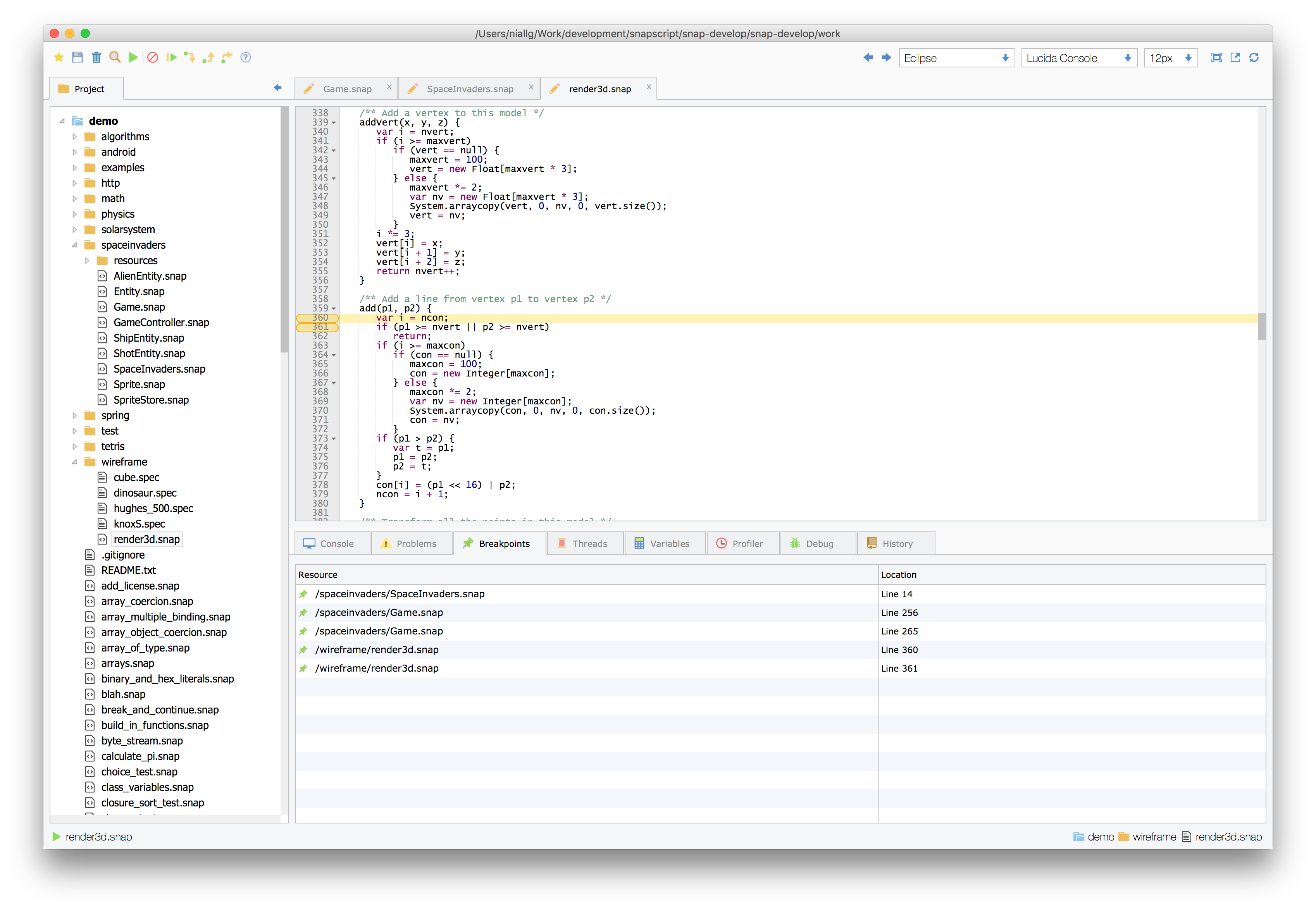
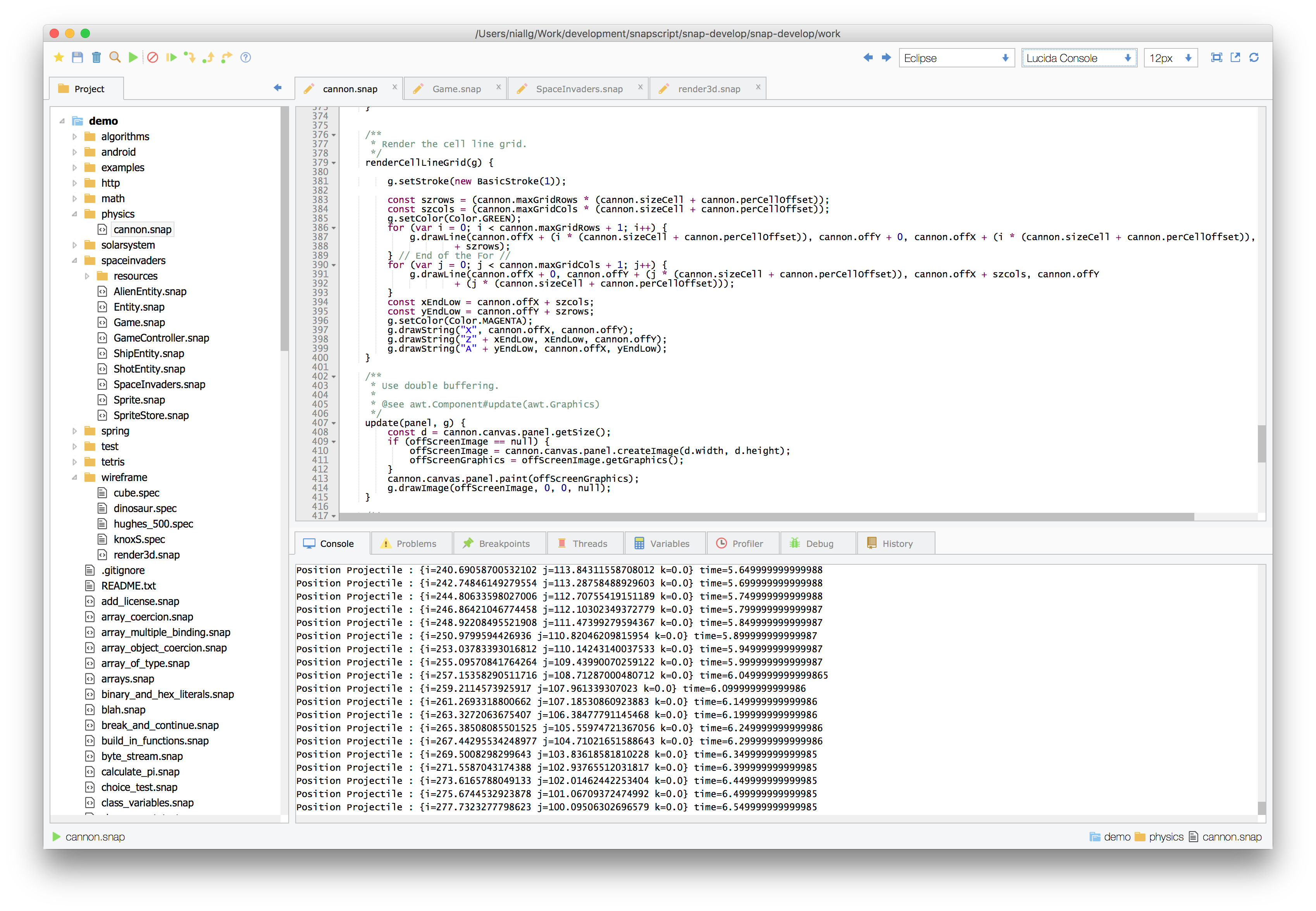
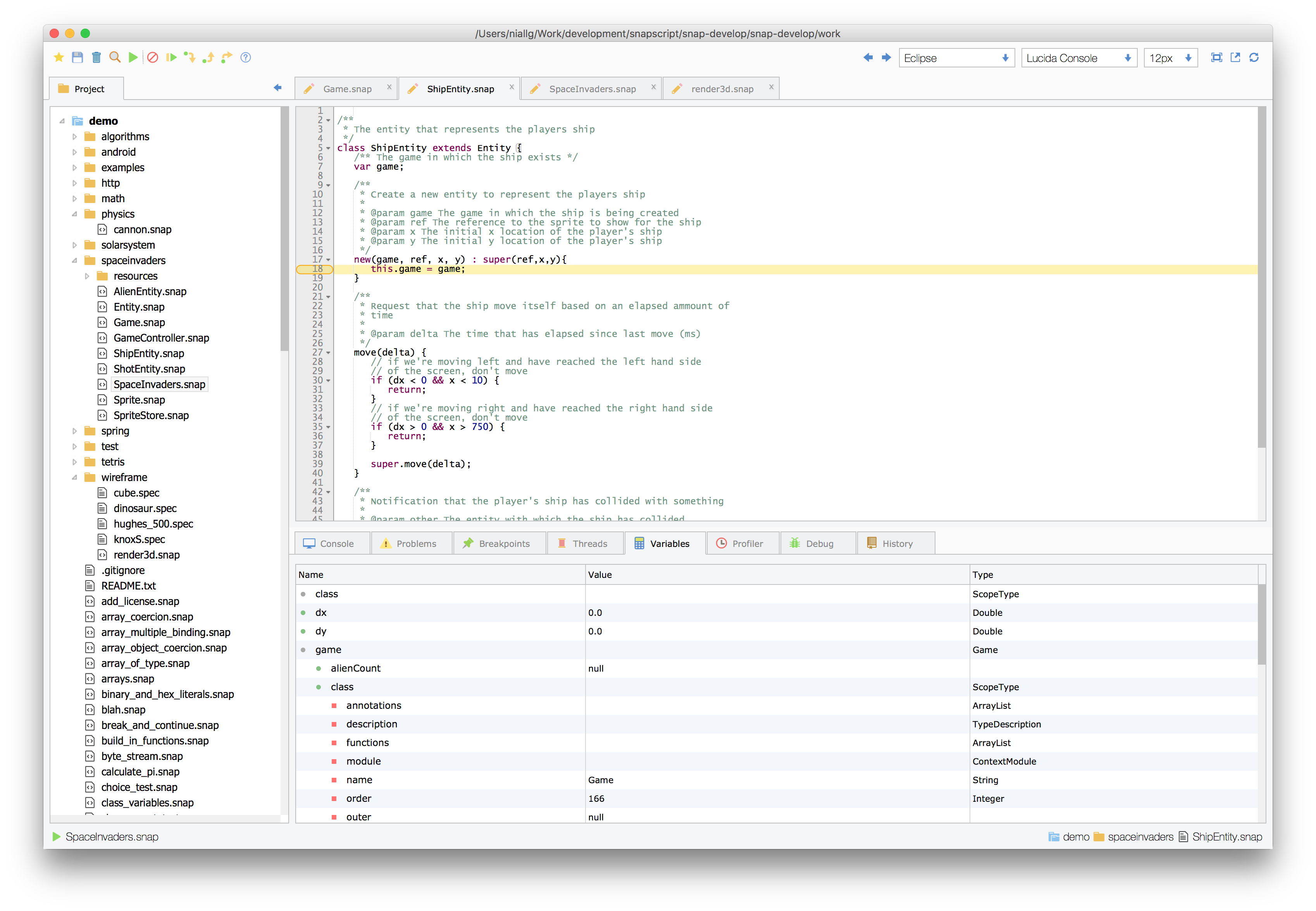
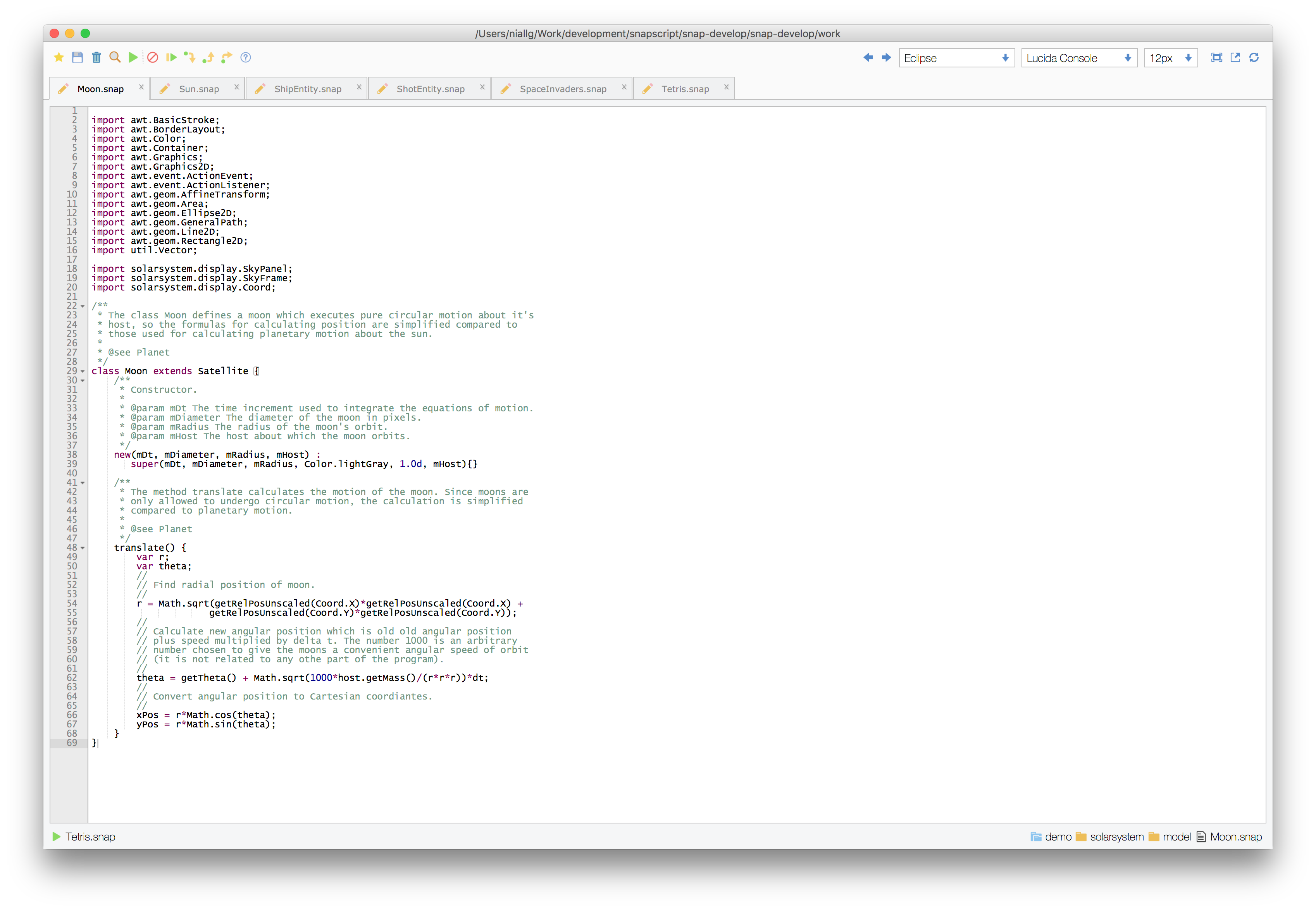
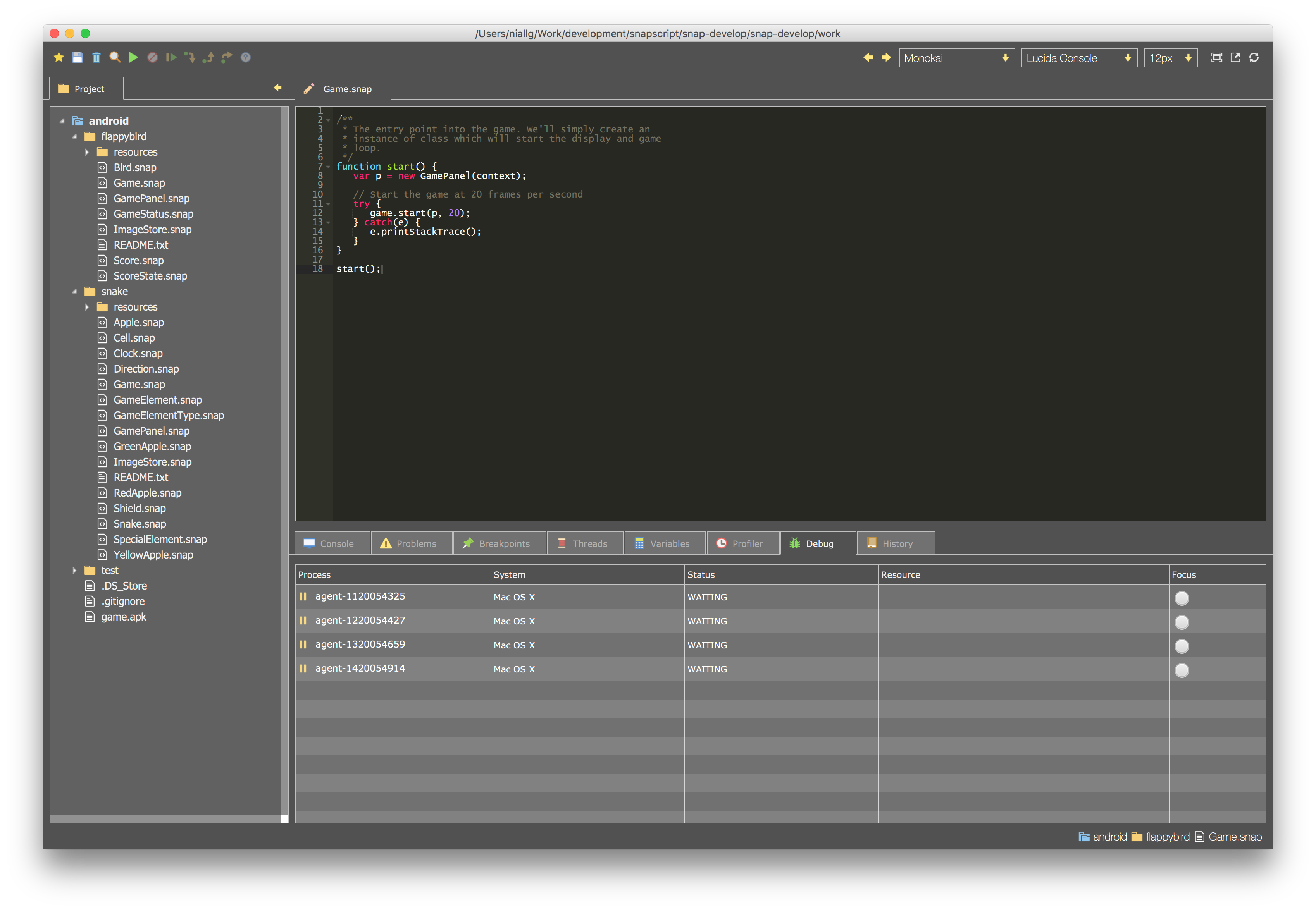
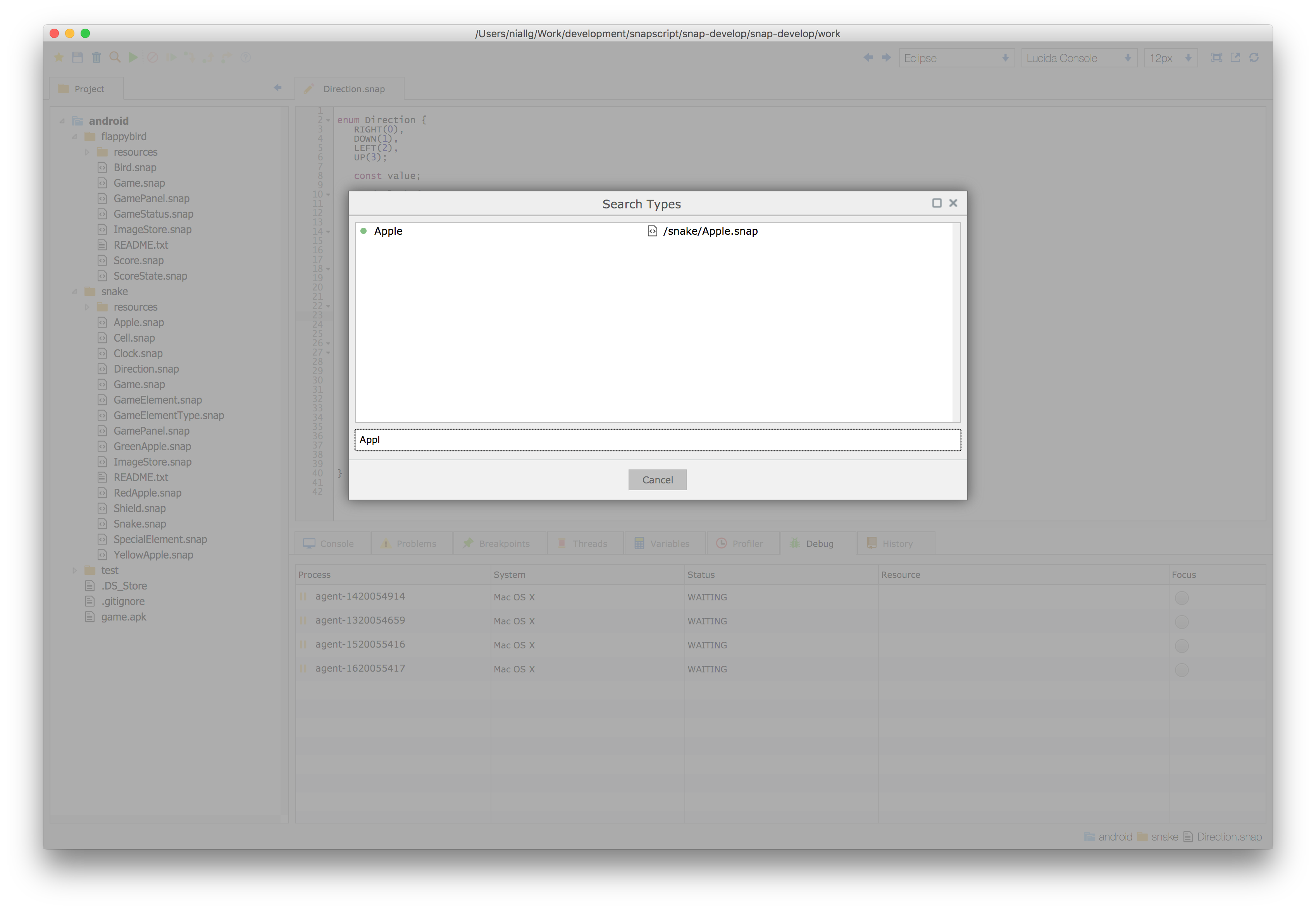
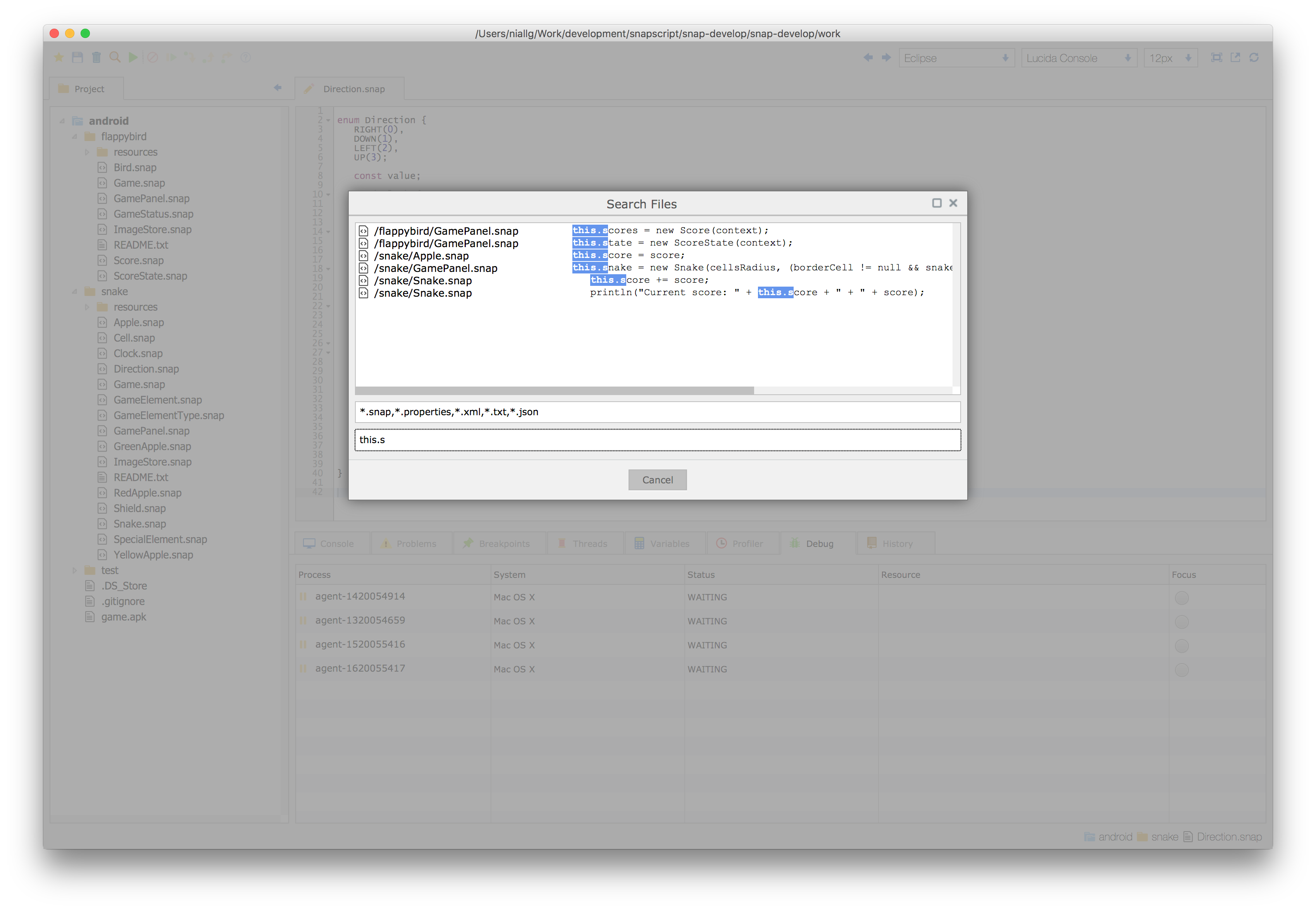
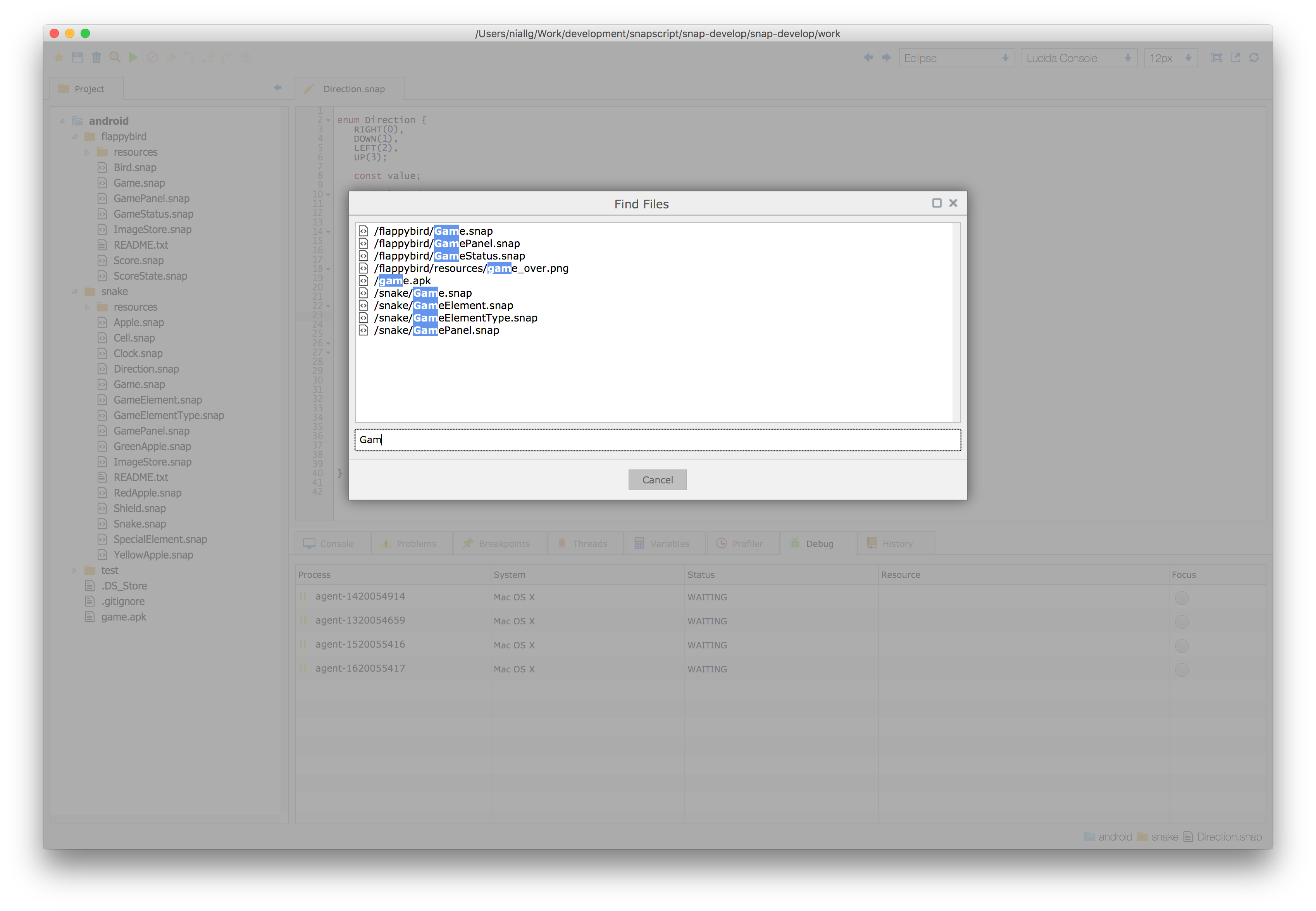
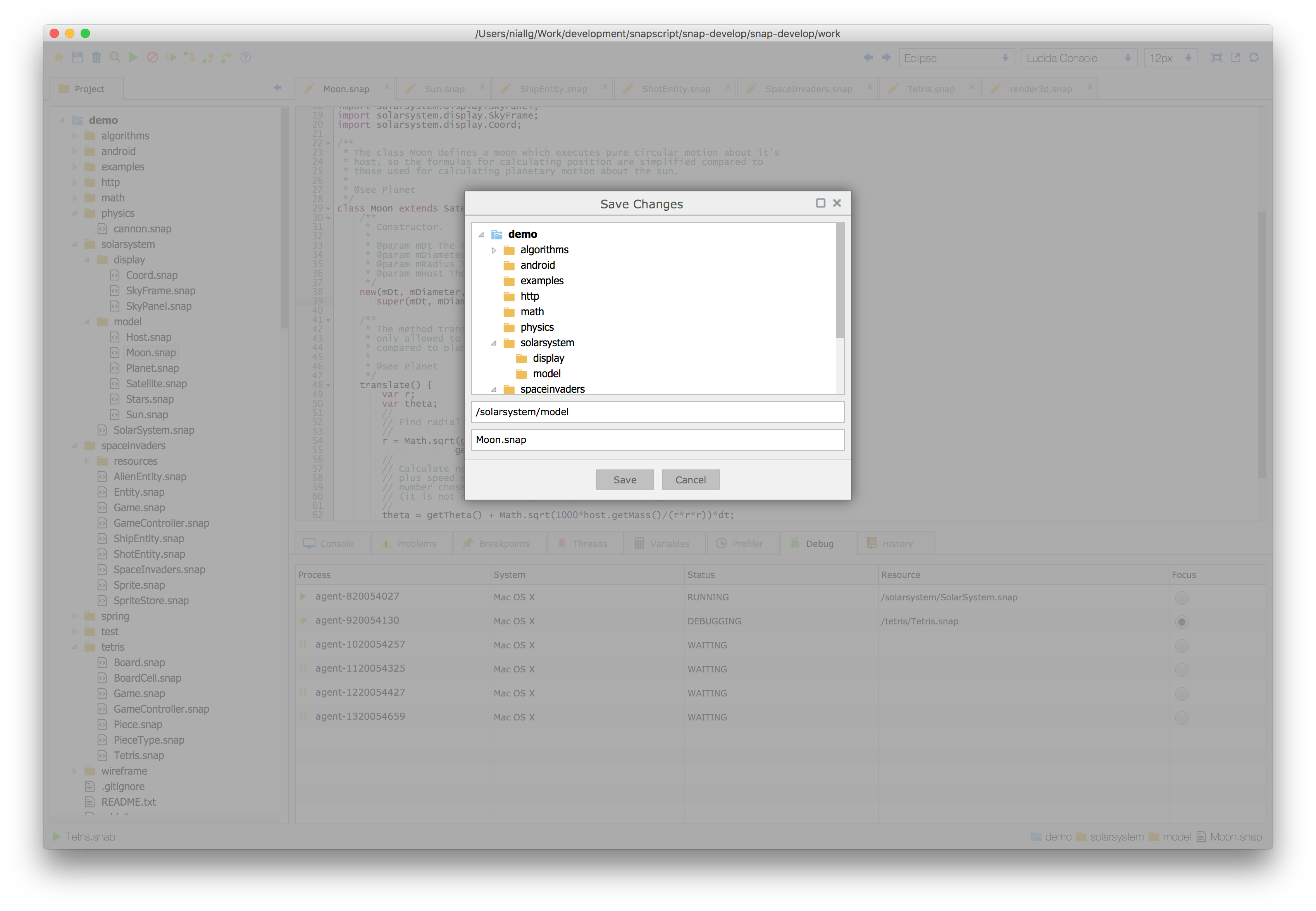
Below are some screenshots of the development environment.
##### Breakpoints
##### Console
##### Variables
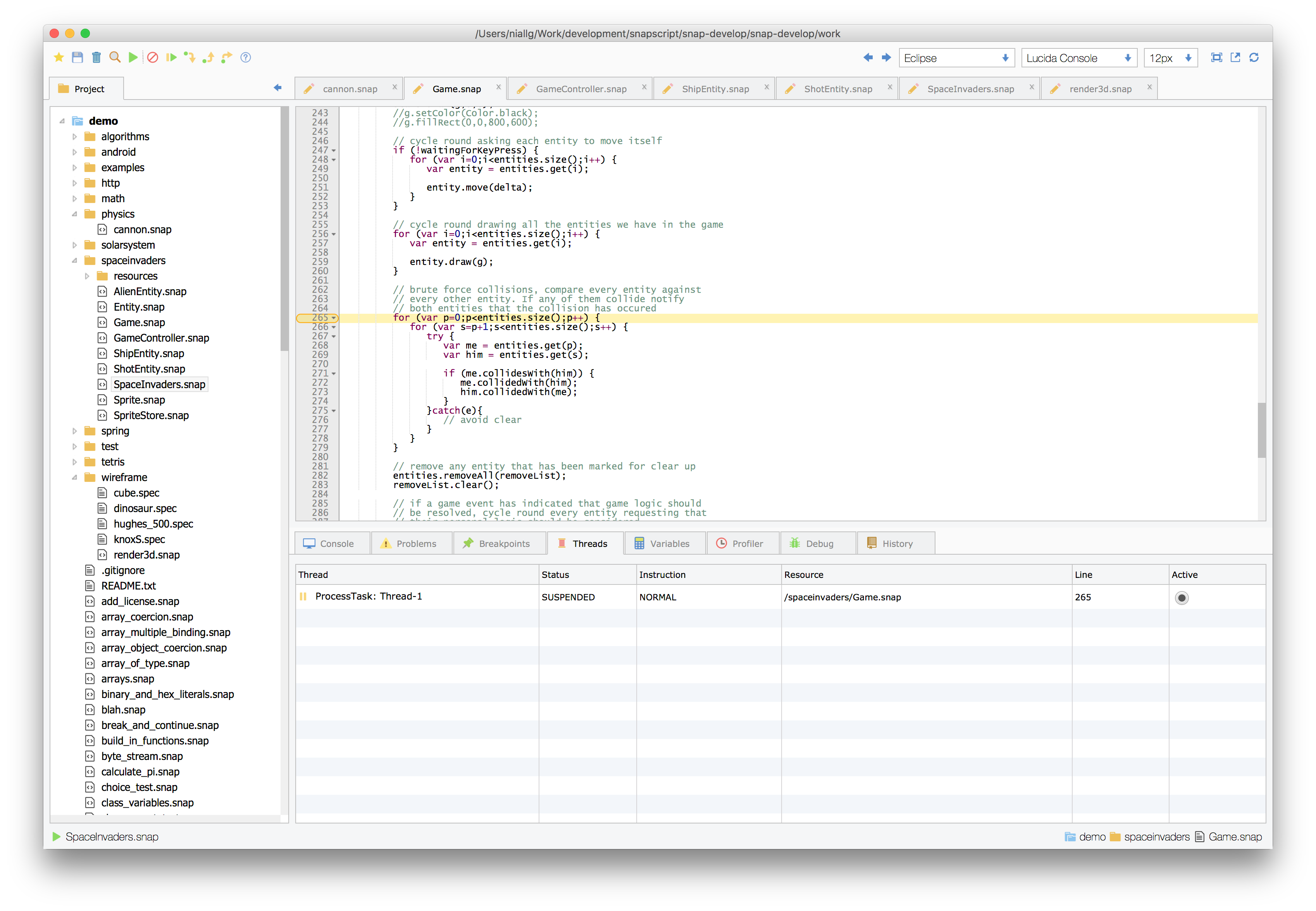
##### Threads
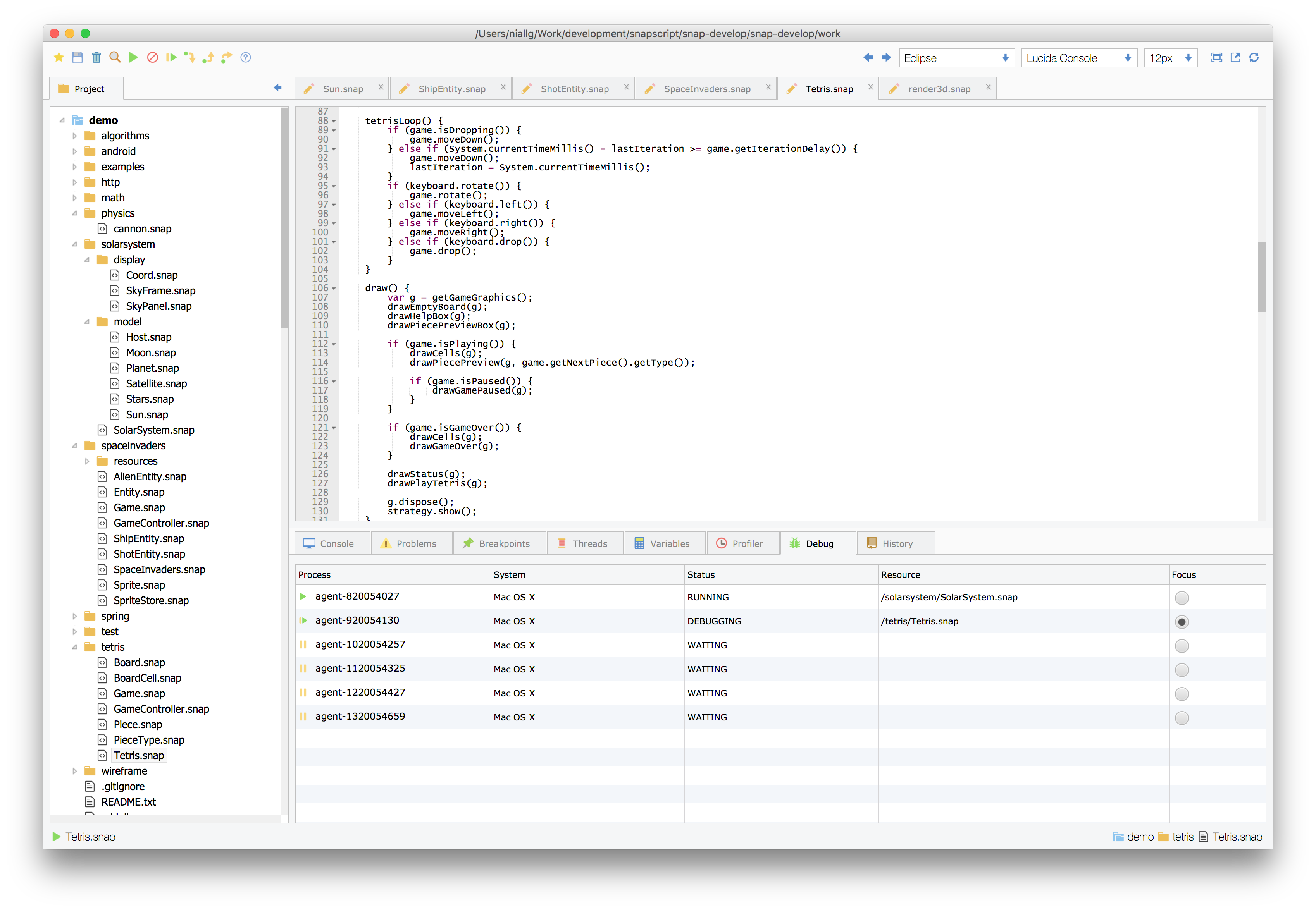
##### Process View
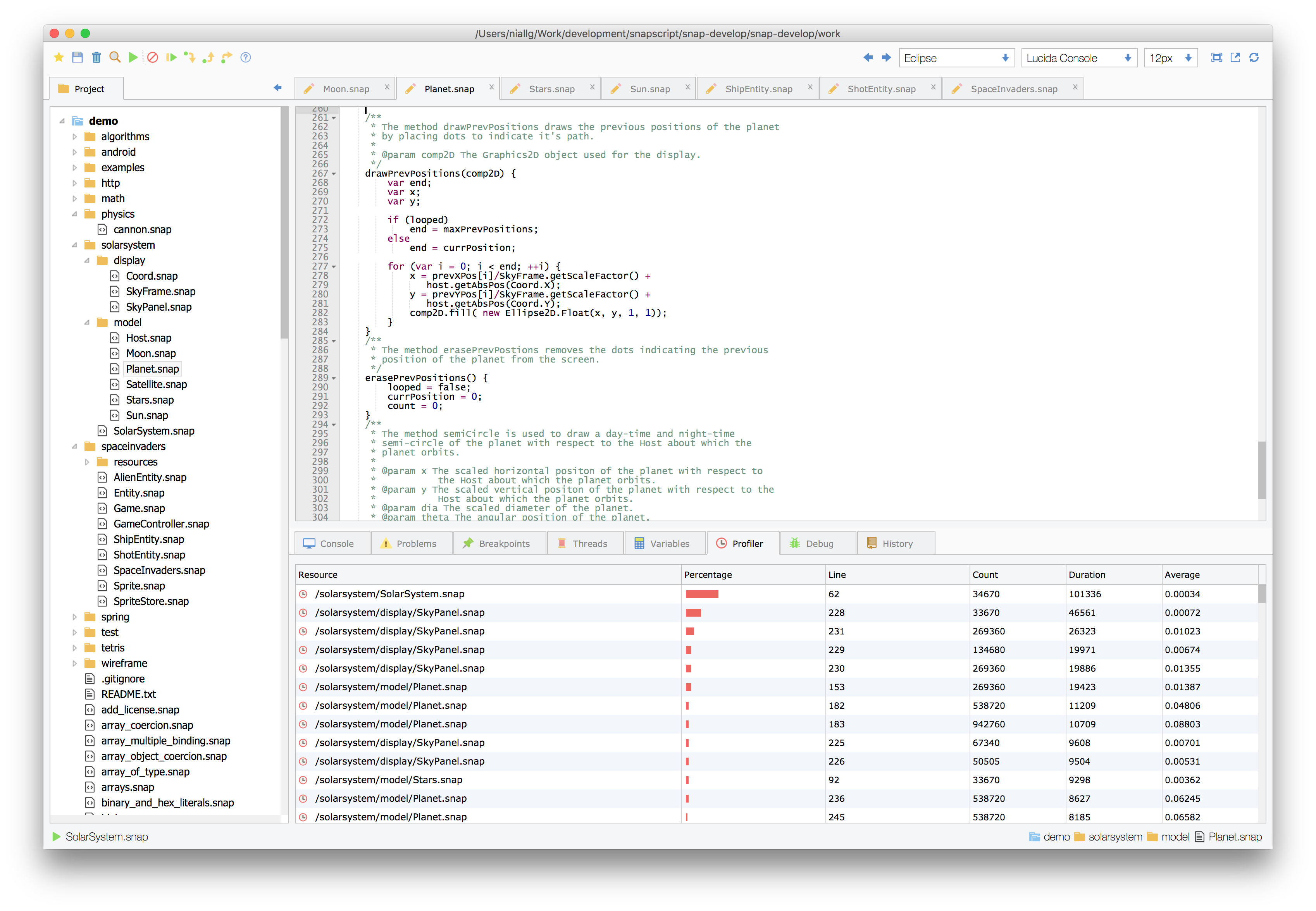
##### Profiler
##### Debug Perspective
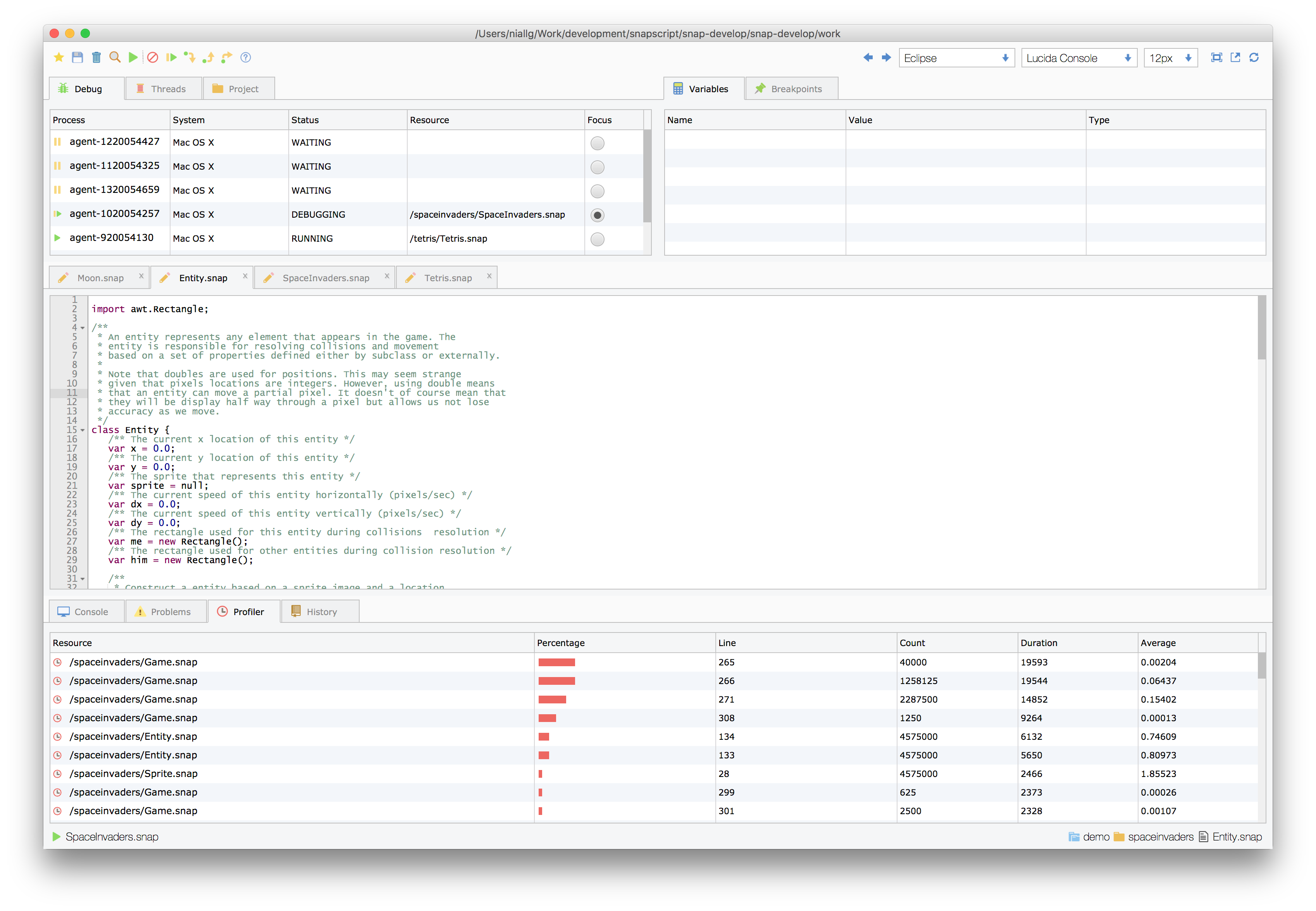
##### Full Screen
##### Dark Theme
##### Search Types
##### Search Files
##### File Files
##### Save Resources
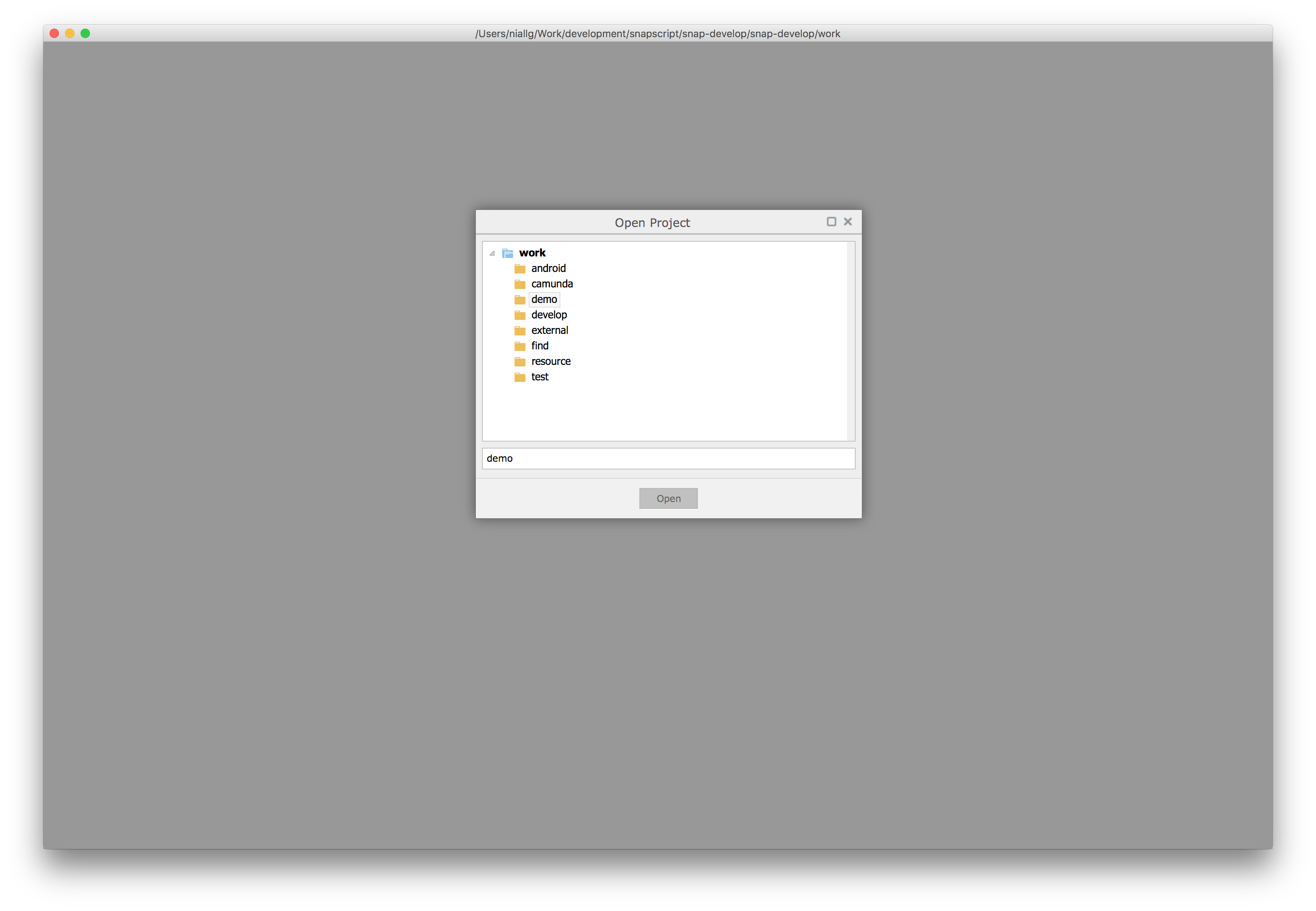
##### Open Projects