https://github.com/solrex/caffe-mobile
Optimized (for size and speed) Caffe lib for iOS and Android with out-of-the-box demo APP.
https://github.com/solrex/caffe-mobile
android app caffe cnn deep-learning dnn ios mobile-app
Last synced: over 1 year ago
JSON representation
Optimized (for size and speed) Caffe lib for iOS and Android with out-of-the-box demo APP.
- Host: GitHub
- URL: https://github.com/solrex/caffe-mobile
- Owner: solrex
- License: other
- Created: 2017-02-03T08:07:33.000Z (over 9 years ago)
- Default Branch: master
- Last Pushed: 2018-08-07T07:01:16.000Z (almost 8 years ago)
- Last Synced: 2024-07-31T22:45:22.747Z (almost 2 years ago)
- Topics: android, app, caffe, cnn, deep-learning, dnn, ios, mobile-app
- Language: C++
- Homepage:
- Size: 685 KB
- Stars: 317
- Watchers: 26
- Forks: 122
- Open Issues: 11
-
Metadata Files:
- Readme: README.md
- License: LICENSE
Awesome Lists containing this project
README
Caffe on Mobile Devices
==================
Optimized (for size and speed) Caffe lib for iOS and Android with demo APP. (CPU_ONLY, NO_BACKWARD, NO_BOOST, NO_HDF5, NO_LEVELDB)
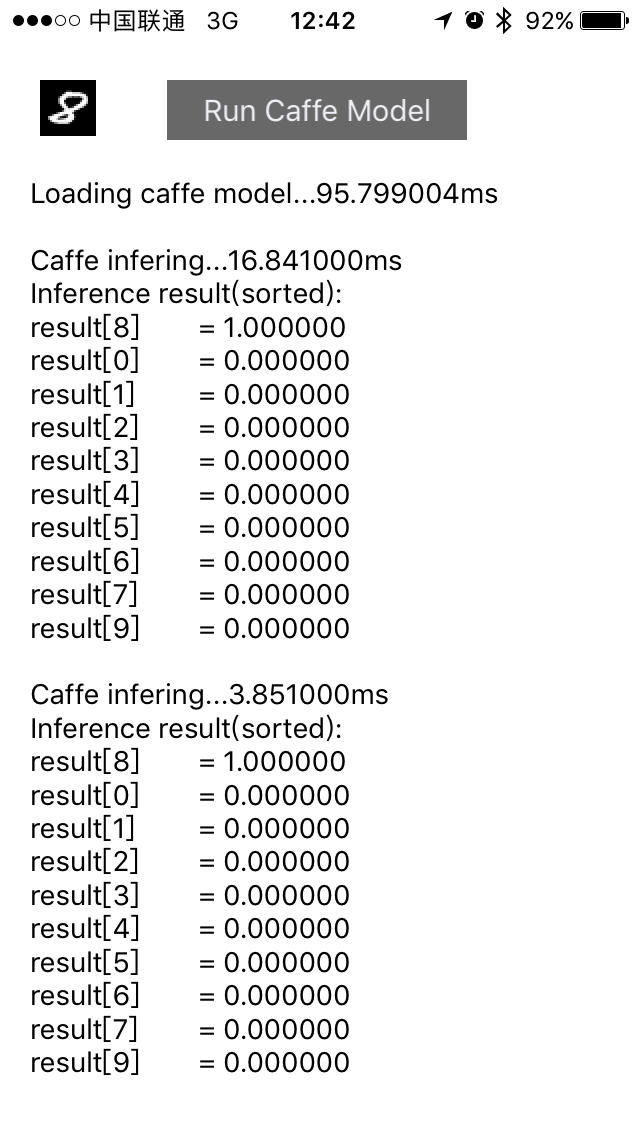
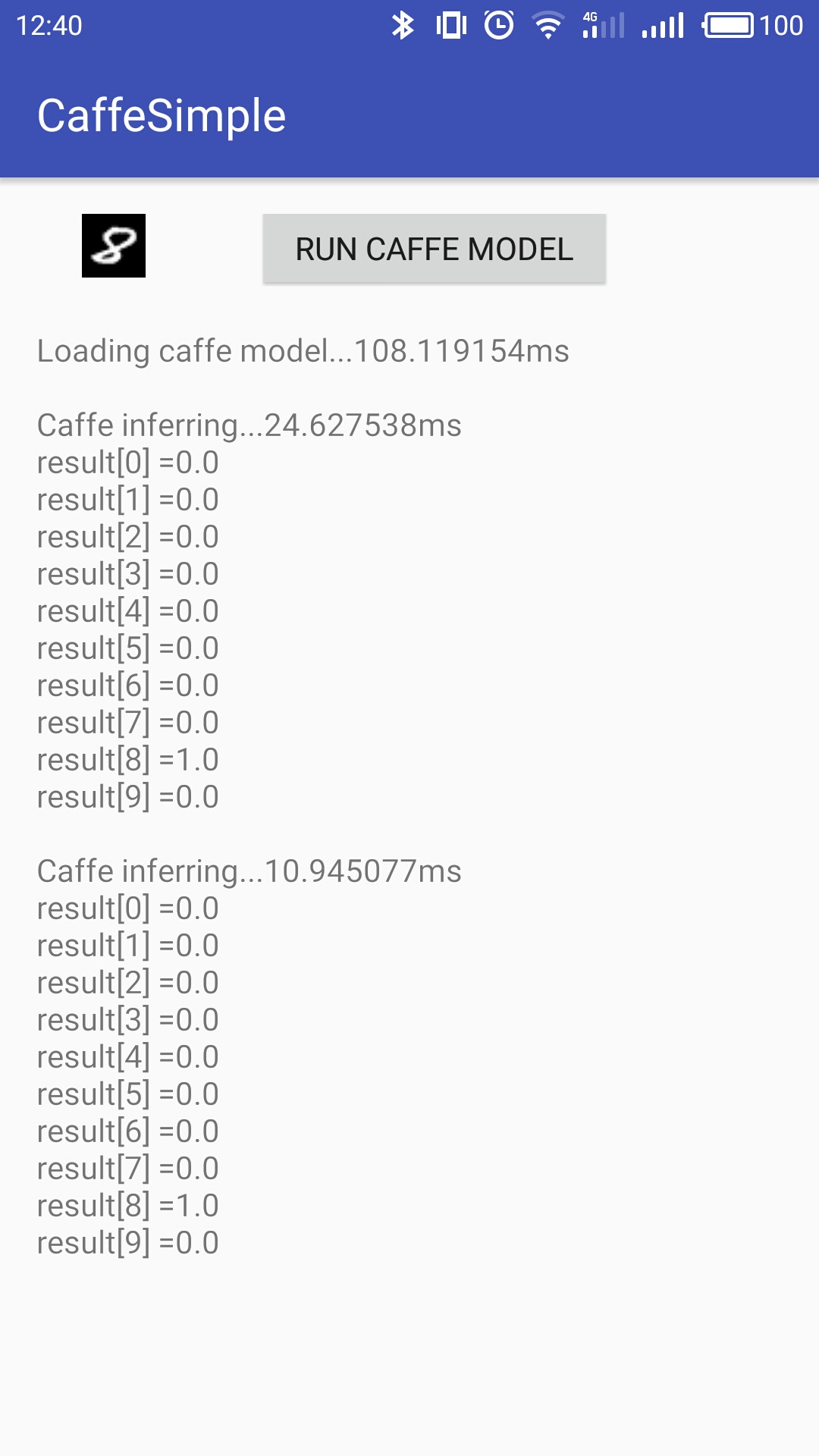
# Screenshots
iPhone5s | Meizu M3 note
:---------:| :-------------:
 |
| 
> NOTE: Cmake version 3.7.2 builds faster lib than version 3.5.1 (verified on Ubuntu 16.10/Android NDK r14). Don't know why. So please use a newer cmake if you can.
> NOTE: NDK version r16+ is not supported. NDK r16 moves all standalone headers to [unified headers](https://android.googlesource.com/platform/ndk/+/ndk-release-r16/CHANGELOG.md). It causes a lot of cross compile problems which I cannot resolve. See issue [#52](https://github.com/solrex/caffe-mobile/issues/52).
# For iPhone or iPhone Simulator
## Step 1: Build Caffe-Mobile Lib with cmake
```
$ git clone --recursive https://github.com/solrex/caffe-mobile.git
$ ./tools/build_ios.sh
```
## Step 2: Build iOS App: CaffeSimple with Xcode
- For CaffeSimple to run, you need a pre-trained LeNet on MNIST caffe model and the weight file.
Follow the instructions in [Training LeNet on MNIST with Caffe](http://caffe.berkeleyvision.org/gathered/examples/mnist.html) to train your LeNet Model on MNIST. Then copy the the trained weight file `caffe/examples/mnist/lenet_iter_10000.caffemodel` to CaffeSimple app directory. Note: Check the batch size setting in net.prototxt, set it to `1` if needed.
```
$ cp $CAFFE/examples/mnist/lenet_iter_10000.caffemodel \
$CAFFE_MOBILE/examples/ios/simple/CaffeSimple/data/weight.caffemodel
```
- If you want to use your self-defined caffe network, use `tools/prototxt2bin.py net.prototxt` to convert your prototxt to protobin. Then place `net.protobin` in `$CAFFE_MOBILE/examples/ios/simple/CaffeSimple/data/`.
- Load the Xcode project inside the `$CAFFE_MOBILE/examples/ios/simple/` folder, connect your iPhone to Mac, change target to "Your Name's iPhone", and press Command-R to build and run it on your connected device.
# For Android
## Step 1: Build Caffe-Mobile Lib with cmake
Test passed ANDROID_ABI:
- [x] arm64-v8a
- [x] armeabi
- [x] armeabi-v7a with NEON (not stable)
```bash
$ git clone --recursive https://github.com/solrex/caffe-mobile.git
$ export NDK_HOME=/path/to/your/ndk # C:/path/to/your/ndk on MinGW64 (/c/path/to/your/ndk not work for OpenBLAS)
$ ./tools/build_android.sh
```
> For Windows Users:
>
> Install the following softwares before you start:
>
> 1. [Git for Windows](https://github.com/git-for-windows/git/releases/download/v2.13.2.windows.1/Git-2.13.2-64-bit.exe): A shell environment(MinGW64) to run the build.
> 1. [tdm64-gcc-5.1.0-2.exe](http://sourceforge.net/projects/tdm-gcc/files/TDM-GCC%20Installer/tdm64-gcc-5.1.0-2.exe/download): The GNU toolchain, remember to copy `/path/to/TDM-GCC-64/bin/mingw32-make.exe` to `/path/to/TDM-GCC-64/bin/make.exe`.
> 1. [cmake-3.8.2-win64-x64.msi](https://cmake.org/files/v3.8/cmake-3.8.2-win64-x64.msi): Cmake
>
> Then start `Git Bash` application to run the build script.
## Step 2: Build Android App: CaffeSimple with Android Studio
- For CaffeSimple to run, you need a pre-trained LeNet on MNIST caffe model and the weight file.
Follow the instructions in [Training LeNet on MNIST with Caffe](http://caffe.berkeleyvision.org/gathered/examples/mnist.html) to train your LeNet Model on MNIST. Then copy the model file `caffe/examples/mnist/lenet.prototxt` and the trained weight file `caffe/examples/mnist/lenet_iter_10000.caffemodel` to the SD card root of your Android mobile phone. Check the batch size setting in net.prototxt, set it to `1` if needed.
```
$ adb push $CAFFE/examples/mnist/lenet_iter_10000.caffemodel \
/sdcard/weight.caffemodel
$ adb push $CAFFE_MOBILE/examples/ios/simple/CaffeSimple/data/net.protobin \
/sdcard/net.protobin
$ adb push $CAFFE_MOBILE/examples/ios/simple/CaffeSimple/data/test_image.jpg \
/sdcard/test_image.jpg
```
- If you want to use your self-defined caffe network, use `tools/prototxt2bin.py net.prototxt` to convert your prototxt to protobin. Then push `net.protobin` to your sdcard root directory.
- Load the Android studio project inside the `$CAFFE_MOBILE/examples/android/CaffeSimple/` folder, and press Command-R to build and run it on your connected device.
# For MacOSX & Ubuntu
## Step 1: Install dependency
```
$ brew install protobuf # MacOSX
$ sudo apt install libprotobuf-dev protobuf-compiler libatlas-dev # Ubuntu
```
## Step 2: Build Caffe-Mobile Lib with cmake
```
$ git clone --recursive https://github.com/solrex/caffe-mobile.git
$ mkdir build
$ cd ../build
$ cmake ..
$ make -j 4
```
## Step 3: Build Caffe-bin with cmake
```
$ brew install gflags
$ cmake .. -DTOOLS
$ make -j 4
```
# Thanks
- Based on https://github.com/BVLC/caffe
- Inspired by https://github.com/chyh1990/caffe-compact
- Android JNI code based on https://github.com/sh1r0/caffe
- Use https://github.com/Yangqing/ios-cmake
- Use https://github.com/taka-no-me/android-cmake
- Windows build script inspired by https://github.com/luoyetx/mini-caffe/tree/master/android