https://github.com/sonalys/quantum-ui
https://github.com/sonalys/quantum-ui
Last synced: 4 days ago
JSON representation
- Host: GitHub
- URL: https://github.com/sonalys/quantum-ui
- Owner: sonalys
- Created: 2022-10-12T15:20:11.000Z (over 3 years ago)
- Default Branch: master
- Last Pushed: 2024-06-26T18:21:20.000Z (almost 2 years ago)
- Last Synced: 2025-02-21T11:50:21.405Z (over 1 year ago)
- Language: TypeScript
- Size: 948 KB
- Stars: 0
- Watchers: 1
- Forks: 0
- Open Issues: 0
-
Metadata Files:
- Readme: README.md
Awesome Lists containing this project
README
# QBittorrent Quantum UI
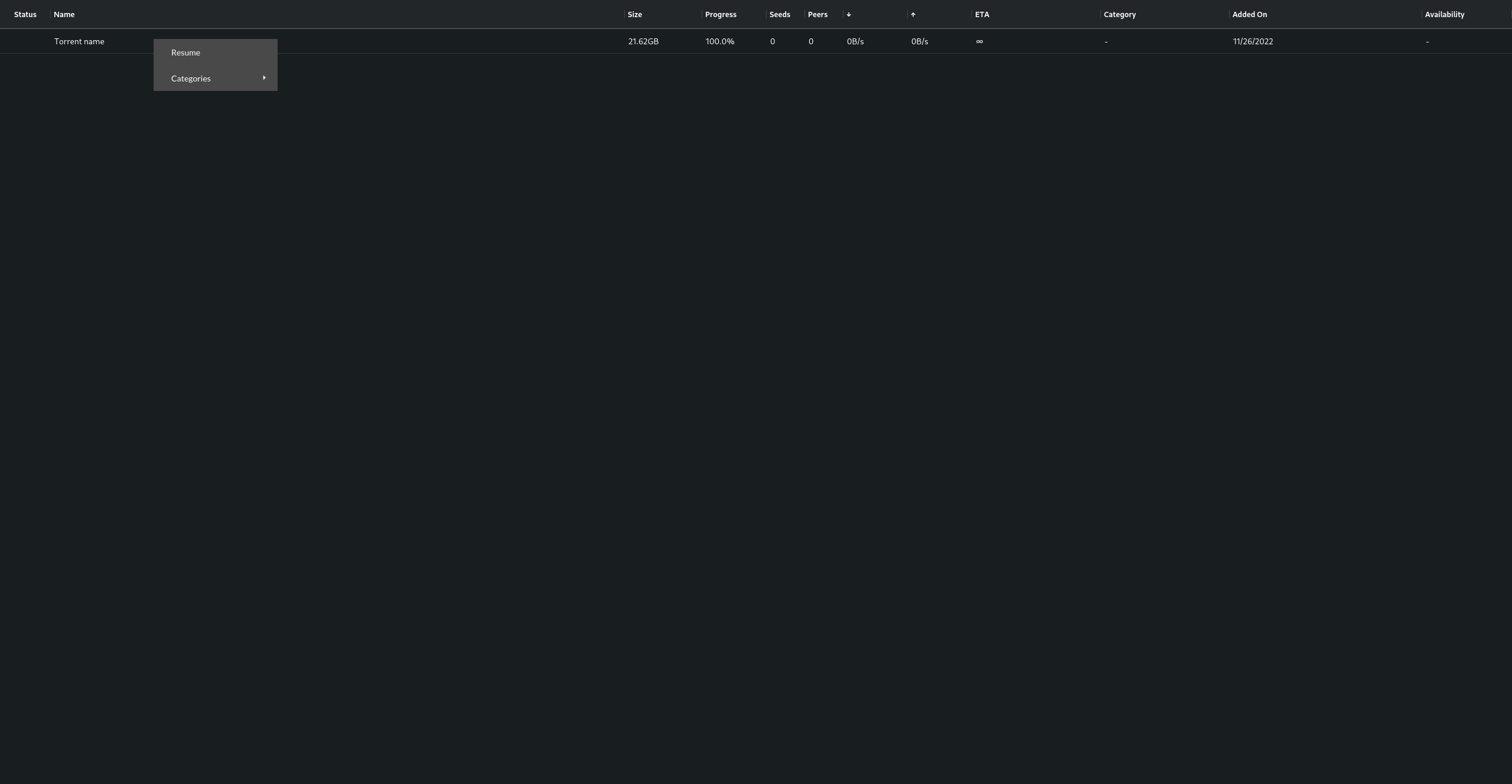
This project is created with the objective of being a mobile friendly UI for qBittorrent.
It provides an interface with [Ag-grid](www.ag-grid.com), allowing a highly customizable, scalable grid to control
your torrents from any device.
## Motivations
The motivation of this project is duo to the original qBitTorrent front-end being very outdated and not compatible with
touch devices. Other front-ends also did not satisfy my quality standards.
This front-end also implements quality of life features over the qBitTorrent api, like better filtering and regex search.
## Guidelines
Before merging any PR's on this repository, make sure the UI works properly on mobile devices using chrome and firefox. \
All components should work with both mouse and touch devices.
## Roadmap
### Done
- Sync torrents
- Separate column renderers for desktop/mobile
- Resume/Pause torrents
### WIP
- Filter torrent names ( remove tags, dots, slashes, extensions )
### To do
- Allow to choose visible columns, rename column
- Allow to choose UI color palette and store in local storage
- Add new torrents / magnetic links
- Filter table by category / tags
- Automatically generate tags by name regex ( 720p, 1080p, MKV, [Provider Tag], etc. )
- RSS feed view
- RSS rules manager
- Torrent detailed view
- Context Menu
## Run
Configure your qBitTorrent api url inside `./src/api/env.ts:1`
Execute `yarn run start` from terminal.\
Open [http://localhost:3000](http://localhost:3000) to view it in the browser.
The page will reload if you make edits.\
You will also see any lint errors in the console.
Be sure to add CORS headers on your qBittorrent so you can run the front-end from another url.
```
Access-Control-Allow-Headers: x-requested-with
Access-Control-Allow-Methods: GET, POST, PUT, DELETE, OPTIONS
Access-Control-Allow-Credentials: true
Access-Control-Allow-Origin: http://localhost:3000
```
### Build
Execute `yarn run build` from terminal.\
Builds the app for production to the `build` folder.\
It correctly bundles React in production mode and optimizes the build for the best performance.
The build is minified and the filenames include the hashes.\
Your app is ready to be deployed!
See the section about [deployment](https://facebook.github.io/create-react-app/docs/deployment) for more information.