https://github.com/soundux/soundux-snap
🐊 Snap package for Soundux: A cross-platform soundboard
https://github.com/soundux/soundux-snap
cross-platform-soundboard snap snap-store snapcraft snapcraft-forum soundux
Last synced: 4 months ago
JSON representation
🐊 Snap package for Soundux: A cross-platform soundboard
- Host: GitHub
- URL: https://github.com/soundux/soundux-snap
- Owner: Soundux
- License: mit
- Created: 2021-03-07T00:39:36.000Z (over 5 years ago)
- Default Branch: master
- Last Pushed: 2021-06-04T19:20:11.000Z (about 5 years ago)
- Last Synced: 2025-03-01T10:16:46.724Z (over 1 year ago)
- Topics: cross-platform-soundboard, snap, snap-store, snapcraft, snapcraft-forum, soundux
- Homepage:
- Size: 37.1 KB
- Stars: 1
- Watchers: 3
- Forks: 0
- Open Issues: 0
-
Metadata Files:
- Readme: README.md
- License: LICENSE
Awesome Lists containing this project
README

Soundux
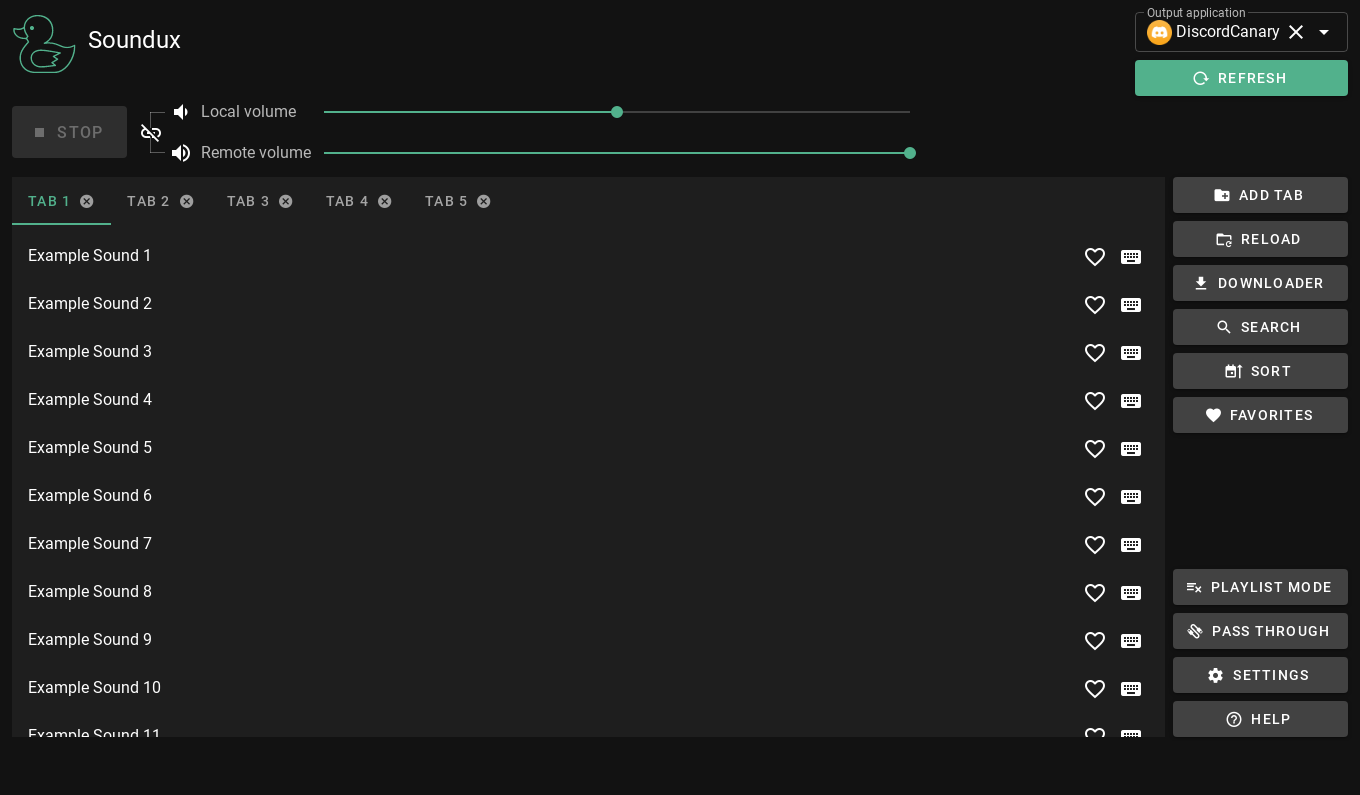
This is the snap for Soundux, “A cross-platform soundboard”. It works on Ubuntu, Fedora, Debian, and other major Linux
distributions.
## Install
sudo snap install soundux --beta --classic
([Don't have snapd installed?](https://snapcraft.io/docs/core/install))
Published for  with 💝 by Snapcrafters
## Remaining tasks
Snapcrafters ([join us](https://forum.snapcraft.io/t/join-snapcrafters/1325))
are working to land snap install documentation and
the [snapcraft.yaml](https://github.com/snapcrafters/fork-and-rename-me/blob/master/snap/snapcraft.yaml)
upstream so Soundux can authoritatively publish future releases.
- [x] Click the green "Use this template" button above to create a new repository based on this template
- [x] Give the newly created repository a sensible name, like `godzilla-snap` if you're snapping the Godzilla software
- [x] Update the description of the repository
- [x] Update logos and references to `[Project]` and `[my-snap-name]`
- [x] Create a snap that runs in `devmode`
- [x] Register the snap in the store, **using the preferred upstream name**
- [x] Add a screenshot to this `README.md`
- [x] Publish the `devmode` snap in the Snap store edge channel
- [x] Add install instructions to this `README.md`
- [x] Update snap store metadata, icons and screenshots
- [x] Convert the snap to `strict` confinement, or `classic` confinement if it qualifies
- [x] Publish the confined snap in the Snap store beta channel
- [x] Update the install instructions in this `README.md`
- [ ] Post a call for testing on the [Snapcraft Forum](https://forum.snapcraft.io) - [link]()
- [ ] Make a post in the [Snapcraft Forum](https://forum.snapcraft.io) asking for a transfer of the snap name from you to snapcrafters - [link]()
- [ ] Ask a [Snapcrafters admin](https://github.com/orgs/snapcrafters/people?query=%20role%3Aowner) to fork your repo into github.com/snapcrafters, and configure the repo for automatic publishing into edge on commit
- [ ] Add the provided Snapcraft build badge to this `README.md`
- [ ] Publish the snap in the Snap store stable channel
- [ ] Update the install instructions in this `README.md`
- [ ] Post an announcement in the [Snapcraft Forum](https://forum.snapcraft.io) - [link]()
- [ ] Submit a pull request or patch upstream that adds snap install documentation - [link]()
- [ ] Submit a pull request or patch upstream that adds the `snapcraft.yaml` and any required assets/launchers - [link]()
- [ ] Add upstream contact information to the `README.md`
- If upstream accept the PR:
- [ ] Request upstream create a Snap store account
- [ ] Contact the Snap Advocacy team to request the snap be transferred to upstream
- [ ] Ask the Snap Advocacy team to celebrate the snap - [link]()
If you have any questions, [post in the Snapcraft forum](https://forum.snapcraft.io).